

Table of Contents
- Floor Function
- Title Function
- Lookup Function
- Common Functions Overview
- Splitting a Colon-Separated String for IAM Users
- Querying a Resource by Index
- Finding the Index of a List Element
- Uploading Files to S3 with
for_each - Conditional Expressions in an EC2 Resource
- Links and References
1. Floor Function
Use thefloor function to round a number down to the nearest integer. What does floor(10.9) return?
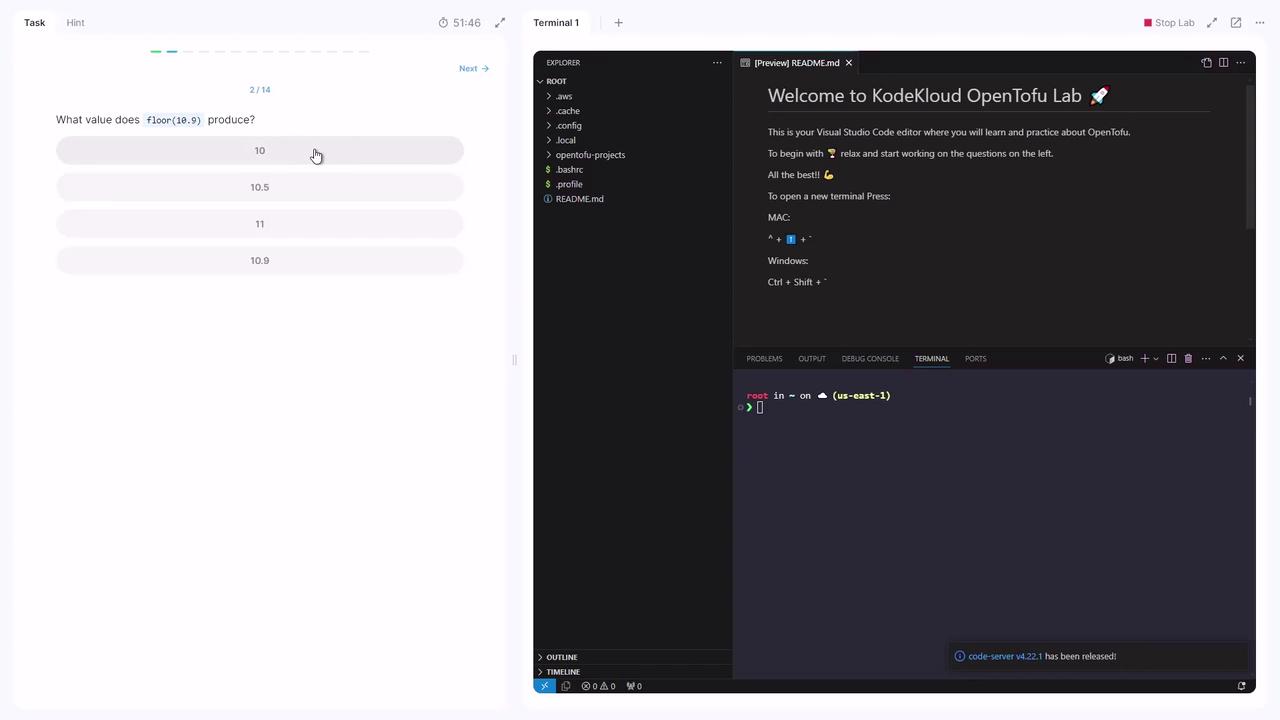
The
floor function always returns an integer by discarding any fractional part.2. Title Function
Thetitle function capitalizes the first letter of each word in a string:
3. Lookup Function
Retrieve a value from a map by key, with a fallback default:lookup returns the provided default.
4. Common Functions Overview
5. Splitting a Colon-Separated String for IAM Users
In your project directory:variables.tf contains:
variables.tf, split cloud_users into a list and create an IAM user for each name. Add this to main.tf:
6. Querying a Resource by Index
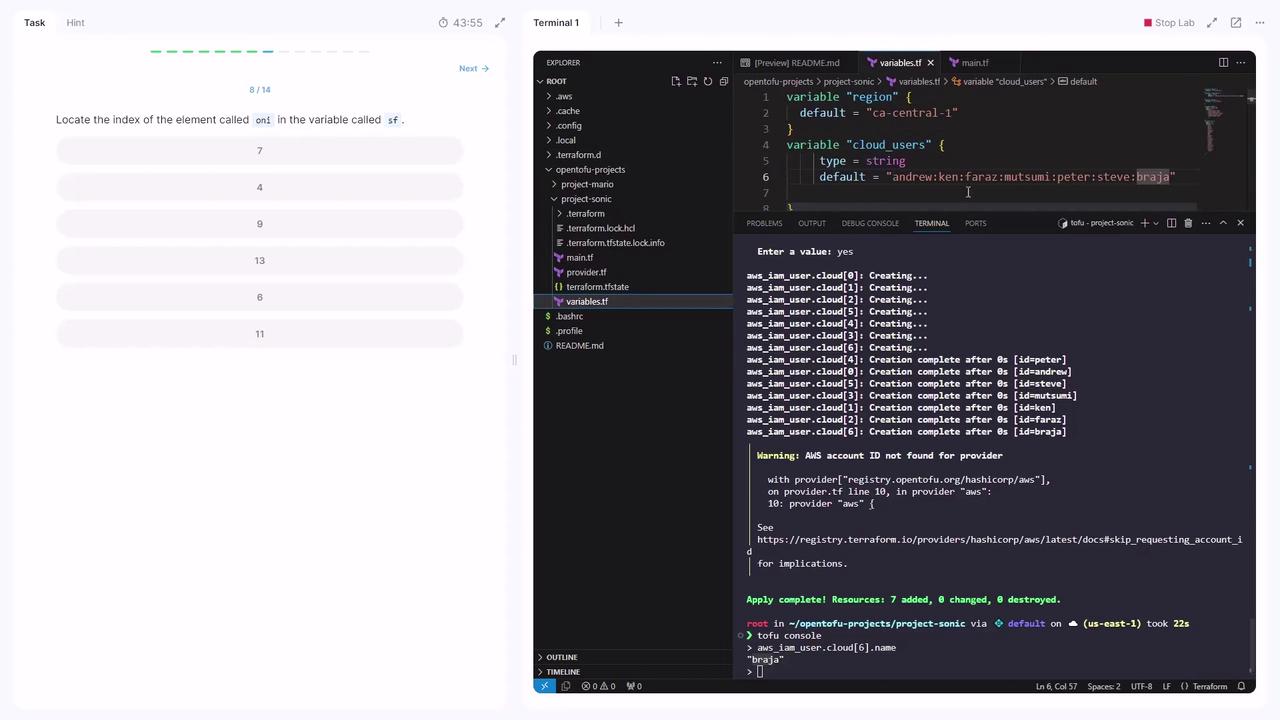
To inspect a specific IAM user, launch the console:7. Finding the Index of a List Element
Given this variable invariables.tf:
"rashid":
8. Uploading Files to S3 with for_each
Your set of media paths is defined in var.media. An S3 bucket is declared in main.tf:
for_each = var.mediaiterates over each path.keyremoves the leading/media/(offset 7).sourcepoints to the original file.
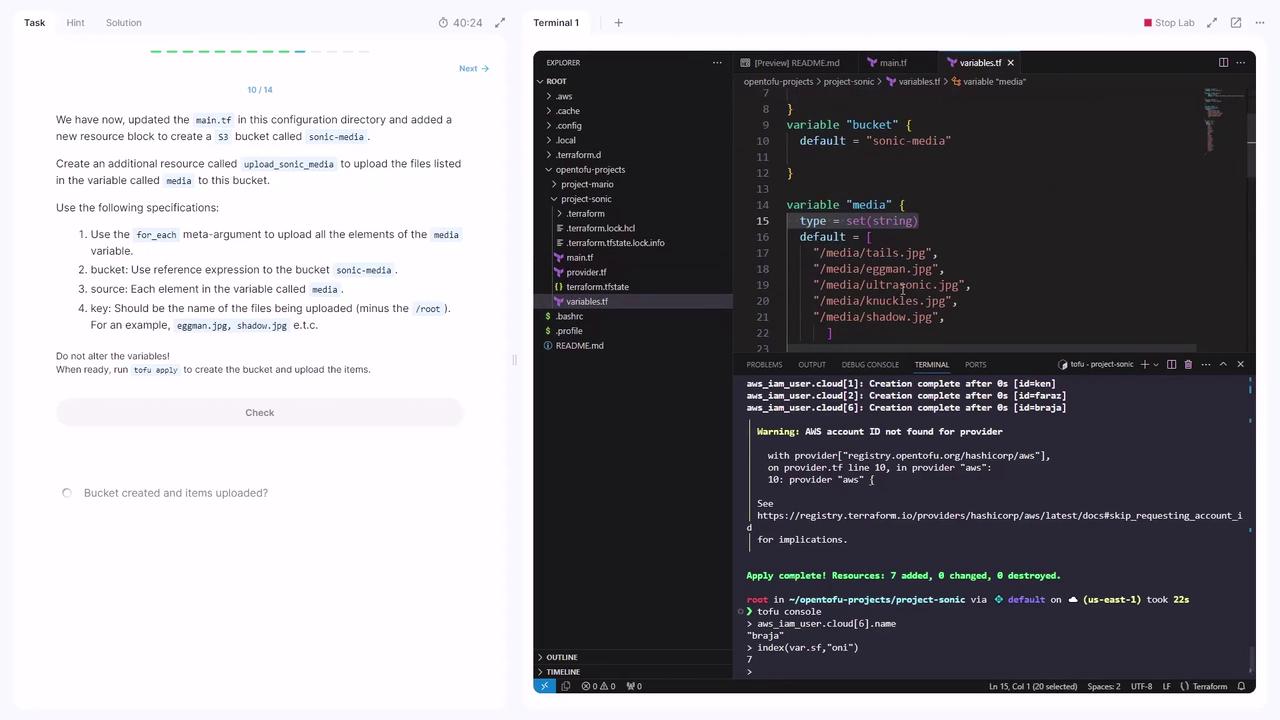
You can verify uploads by checking the S3 console or using
aws s3 ls s3://<bucket-name>/.9. Conditional Expressions in an EC2 Resource
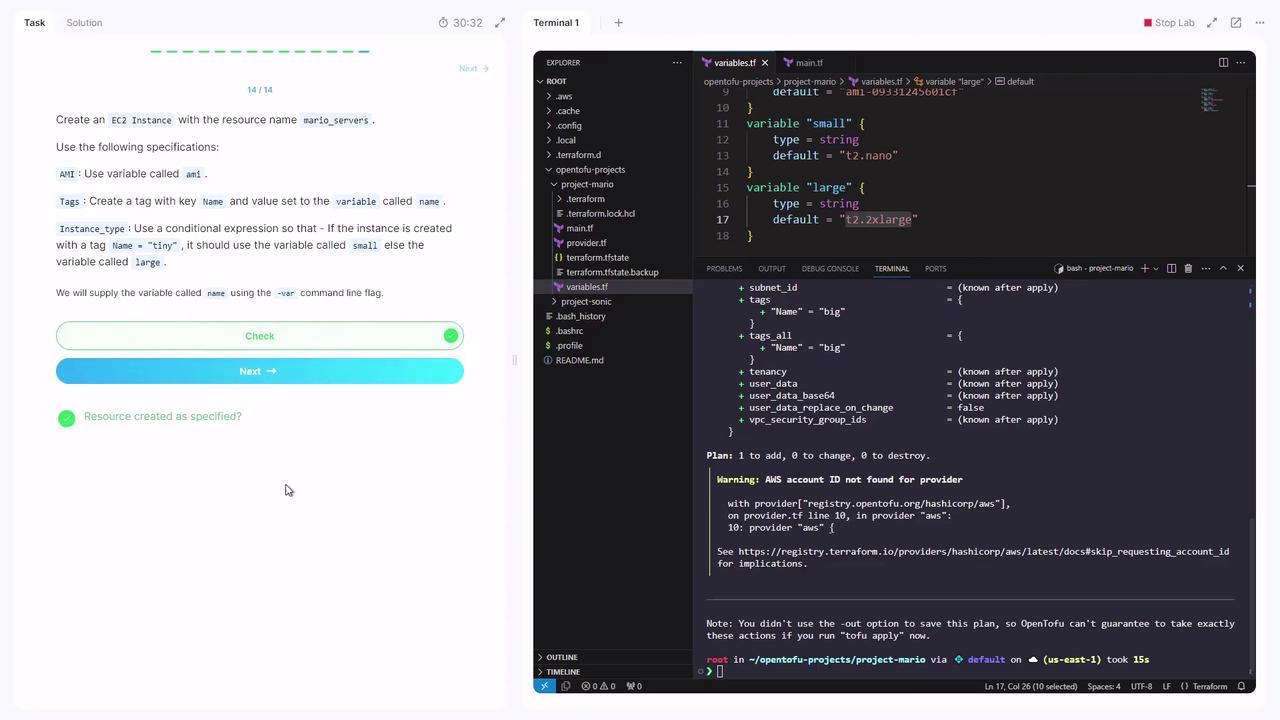
Switch to theproject-mario directory:
variables.tf includes:
var.name:
-var:
Links and References
- OpenTofu Documentation
- Terraform Language - Expressions
- AWS IAM User Resource
- AWS S3 Bucket & Object
- AWS EC2 Instance