

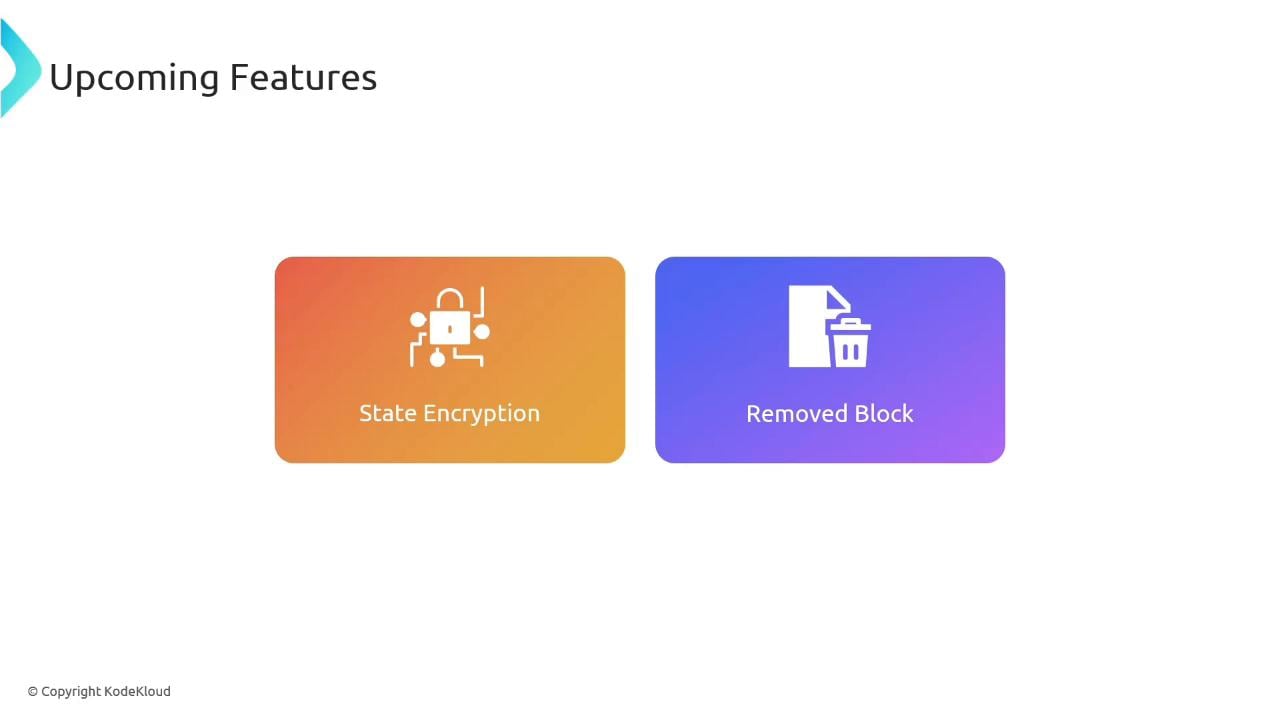
- State encryption for protecting state and plan files at rest (local and backend).
- The
removedblock to forget resources from state without destroying the underlying infrastructure.
Overview
- State encryption ensures
tfstateand plan artifacts are stored encrypted at rest, both for local storage and when using a backend. It also works with the OpenTofu remote state data source. - The
removedblock provides a safe method to stop OpenTofu from managing a resource while leaving the resource intact in the provider.
State encryption
State encryption protects sensitive data that may be present in state or plan files. Before you enable encryption on an existing state, make a full backup of your current state file (for example,terraform.tfstate or any backend snapshot). Enabling encryption without retaining the key will make existing and future encrypted state and plan files unrecoverable.
Encryption makes your state and plan files unreadable without the corresponding key. Always back up your state and ensure you securely store the encryption key before enabling encryption.
Example: AES-GCM with PBKDF2 key provider
This HCL example configures OpenTofu to use a PBKDF2-derived key provider and AES-GCM encryption. Important: when migrating an existing unencrypted state, include an emptyfallback {} block so OpenTofu can read the prior unencrypted data during the migration step. Remove fallback {} after the migration is complete.
- Store your passphrase (or derived key) in a secure secret manager or key vault. If you lose it, encrypted state and plan files cannot be decrypted.
- After validating the migration to encrypted state, remove the
fallback {}block to stop accepting the legacy unencrypted format. - Test the full workflow (plan/apply and remote state reads) in a non-production environment before rolling out to production.
Migrating back to an unencrypted state
Reverting to an unencrypted state is supported but requires explicit configuration: set the target unencrypted method and include the prior encryption method infallback during migration. As with enabling encryption, back up state, validate changes, and verify recoverability after migration.
The removed block
Theremoved block is for cases when you want to stop managing a resource with OpenTofu but keep the actual resource running with the provider.
Typical workflow:
- Create and apply a managed resource as usual.
- Remove the resource block from your configuration when you no longer want OpenTofu to manage it.
- Add a
removedblock that points to the resource address via thefromattribute. - Run
tofu planandtofu apply— OpenTofu will remove the resource from state without issuing a destroy to the provider.
Use
removed when you need to hand off management of a resource to another tool or manage it manually. Always test the removal in a safe environment and keep state backups.Example: create then stop managing a local file resource
- Define a managed resource:
- Create the resource:
- Stop managing the resource but retain the file:
- Remove the
local_file.testresource block from your configuration. - Add the
removedblock that refers to the resource address.
- Run a plan to confirm the state change:
tofu apply, the resource is removed from the state file but the physical file test.txt remains on disk.
Quick reference table
Summary and recommendations
- OpenTofu v1.7.0 brings state encryption (AES-GCM example shown) and the
removedblock for safer operational control. - Always back up state files and securely store encryption keys before enabling encryption.
- Test encryption and removal workflows in a non-production environment, verify remote state reads, and remove
fallback {}only after successful migration verification. - Refer to the OpenTofu docs for more details and provider-specific considerations: OpenTofu Documentation.