

1. Review mock exams
- Complete the mock exams at least once — ideally twice. Use the second run to focus on the toughest exam version you can handle.
- Mock exams emulate the style, pacing, and difficulty of the real AWS exam (they are not copies). Use them to build stamina, sharpen time management, and identify weak domains to review.
- First pass: complete the exam under timed conditions to simulate test day.
- Second pass: review flagged items and re-take harder sections or practice with targeted questions.
2. Set your testing space
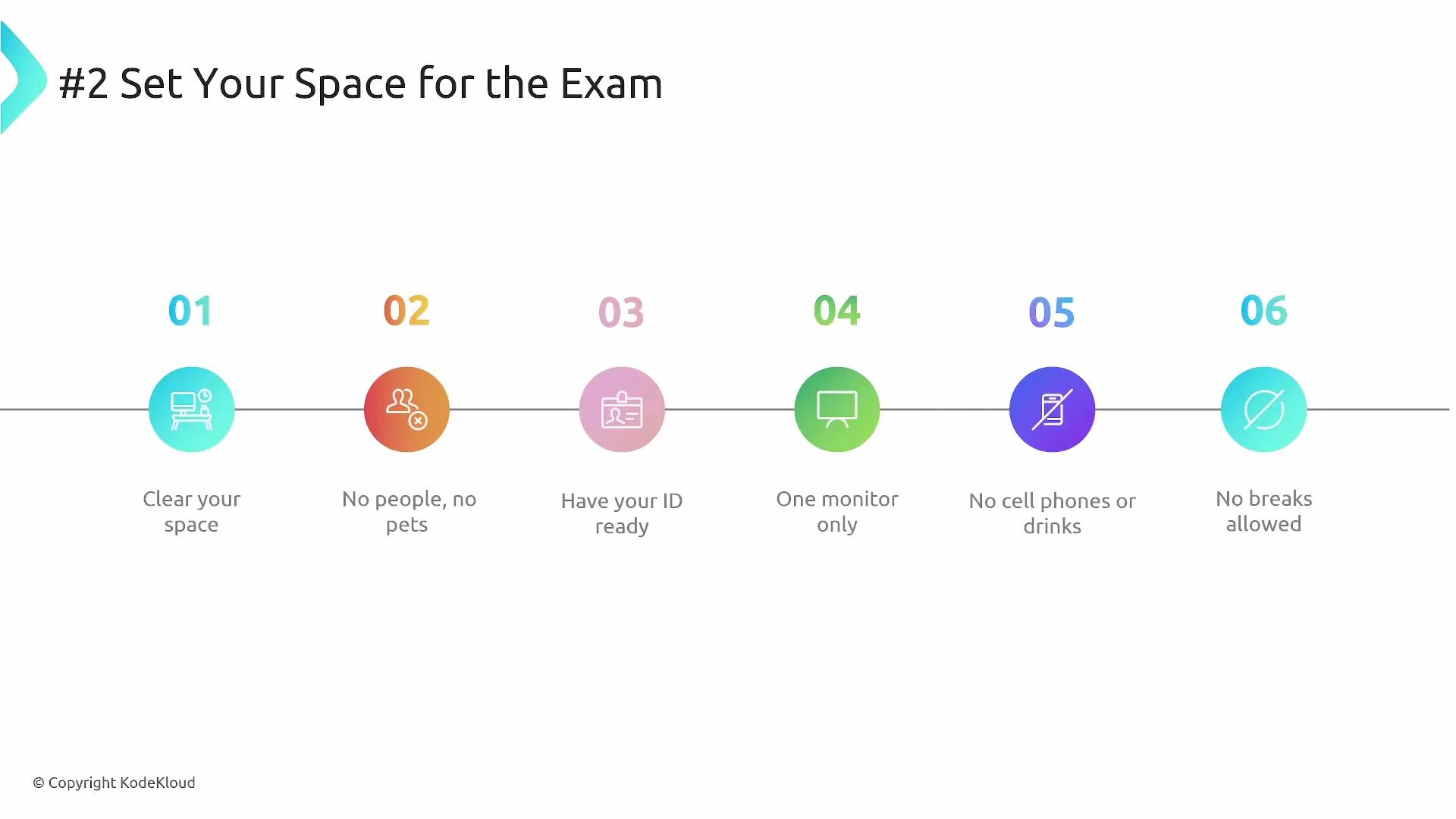
Prepare a clean, distraction-free testing environment before the exam starts.- Clear the room of other people and pets.
- Use only one monitor (a laptop is preferred). Multiple monitors are not permitted.
- Keep your valid photo ID accessible.
- Remove cell phones, food, and drinks from the testing area.
- For online-proctored exams, breaks are not permitted — plan hydration and caffeine ahead of time.
For online-proctored exams, breaks are not permitted. Avoid consuming excessive liquids or diuretics (e.g., large amounts of caffeine) immediately before testing.
3. Log in and complete the proctoring setup
- Log into the AWS Training and Certification site or AWS Skill Builder and begin your proctoring setup. Sign in to the testing vendor (for example, Alpine Testing Solutions) using the account tied to your AWS Certification or Skill Builder profile.
- Select your registered exam, follow the ID submission instructions, and run the vendor’s system test executable to verify camera, microphone, and environment.
- Arrive early: about 30 minutes before your appointment if this is your first time; 15 minutes if you have done it before. As a practical rule, arriving ~20 minutes early is a good compromise.
Run the vendor’s system test well before your scheduled time. This avoids last-minute technical issues and gives you time to contact support if needed.
4. Exam-taking strategy
Adopt a methodical approach to improve accuracy and pacing.- Read each question fully before looking at the answer choices.
- Eliminate clearly incorrect options, then choose the best answer that matches all details in the question.
- Time management: If a question takes longer than ~2 minutes, flag it for review and move on. With 130 minutes for 65 questions, aim for approximately 2 minutes per question, leaving time to revisit flagged items.
- Start with easy questions to build confidence and save time for more complex scenarios.
- Use flags and the review feature liberally — it’s common to revise answers after answering related questions later in the exam.
5. After you submit — be patient
- Results can take up to three business days to arrive.
- The result email will be sent to the email address associated with your AWS Certification account. After you receive the notification, log back into AWS Training and Certification to view your score report under Exam History.
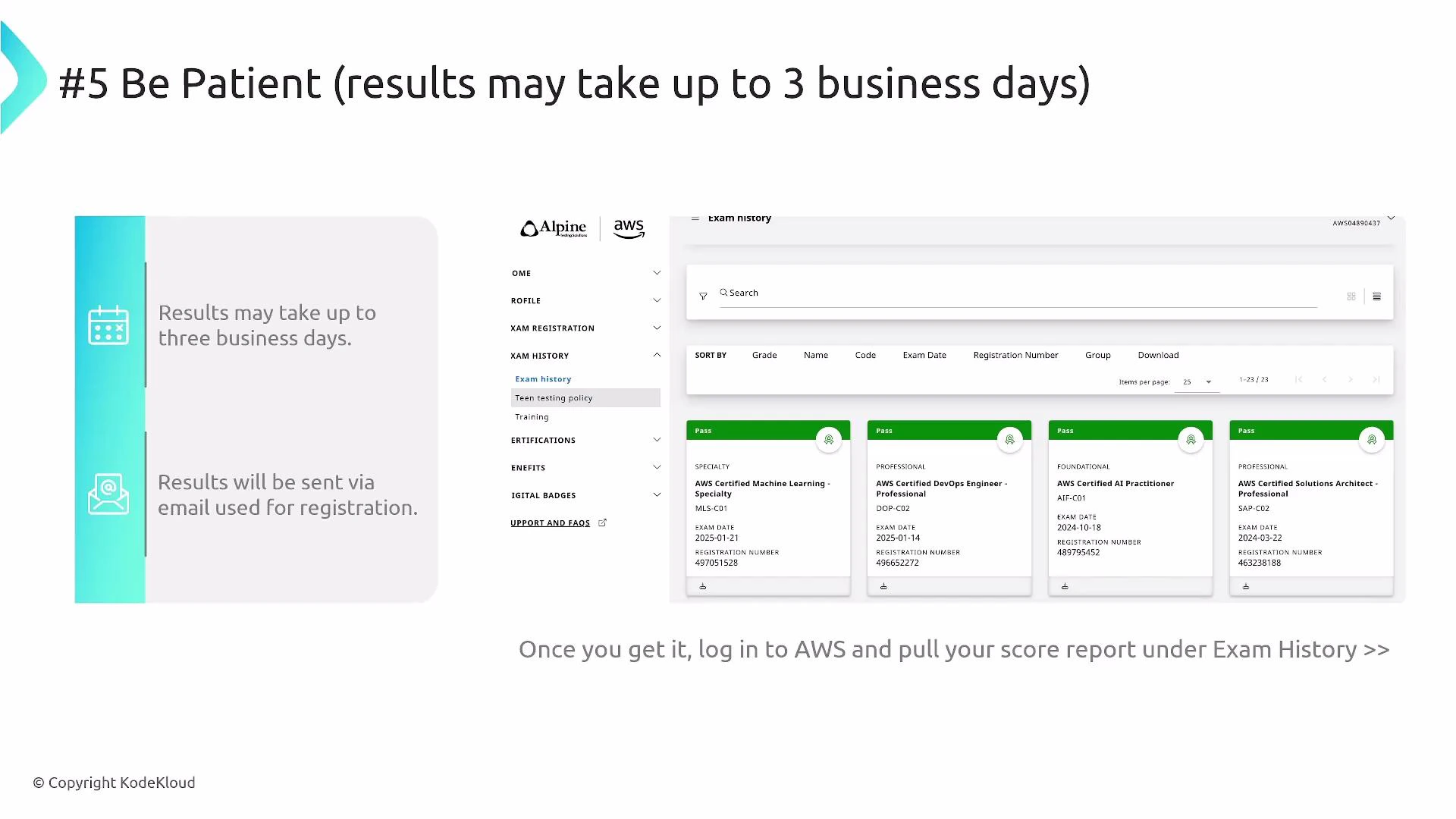
- Look for the score report button (usually a small link/button within the Exam History page). The score report shows your overall scaled score and a relative performance breakdown across domains (it does not show numeric domain scores).
- Passing scores vary by exam; many AWS certification exams publish passing thresholds around the 720–750 range on the scaled score, but the exact passing score depends on the specific test and vendor.
Final reminders
- Sleep well the night before and eat a balanced meal beforehand.
- Double-check your ID and the vendor’s testing environment requirements ahead of time.
- If you completed the course materials and used timed mock exams to practice, you should be well prepared.
Links and references
- AWS Training and Certification
- AWS Skill Builder
- AWS Certification overview
- Alpine Testing Solutions