

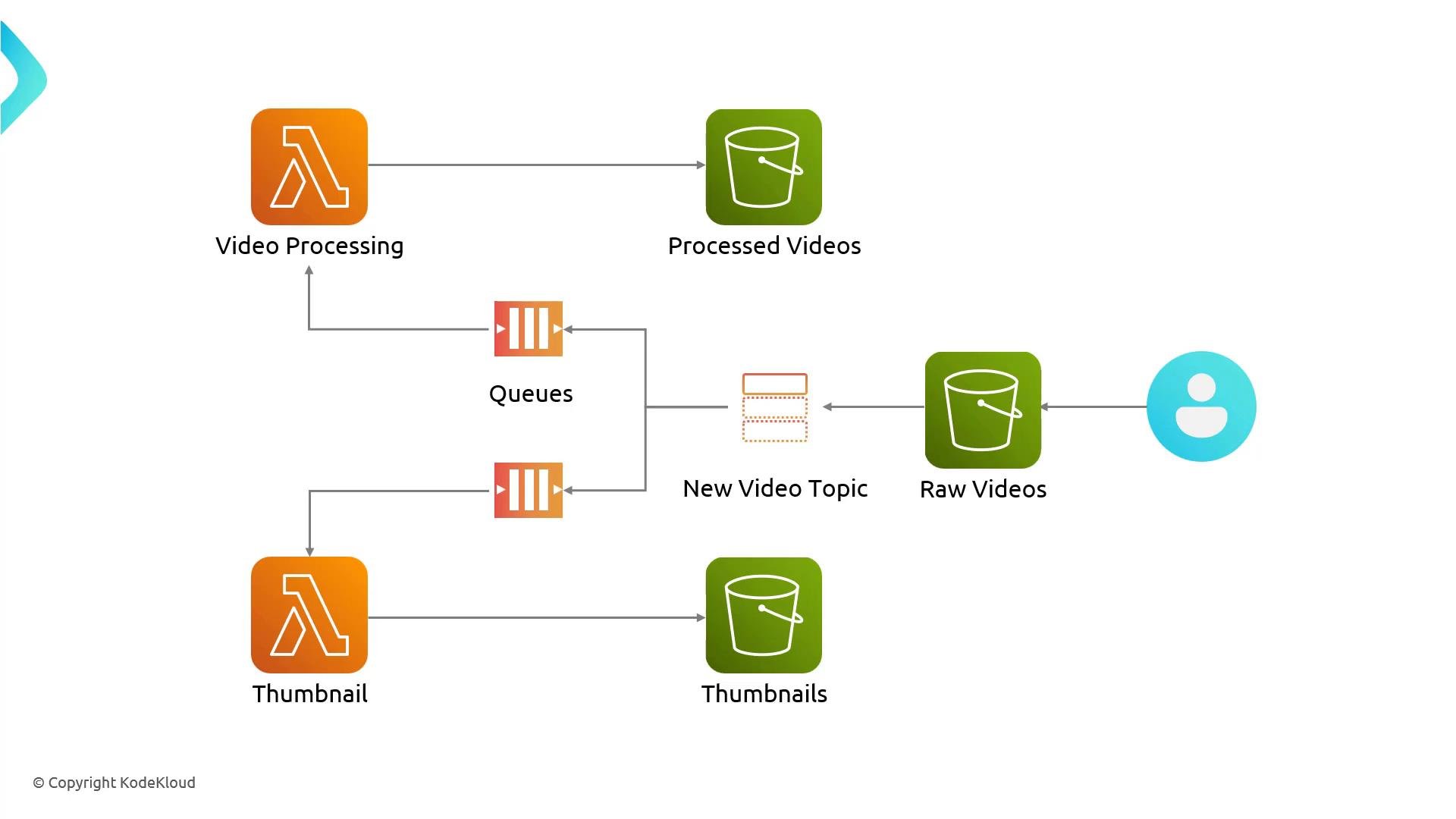
- A user uploads a raw video to an S3 bucket (e.g., MP4).
- S3 publishes an event to an SNS topic (for example,
video-uploaded). - SNS fans out the notification to two SQS queues:
video-processingqueue — for transcoding to a streaming format (HLS) and storing output in the processed-videos bucket.thumbnail-processingqueue — for extracting still frames and storing them in the thumbnails bucket.
- Two Lambda functions poll the queues, read the original object from S3, perform work, then write results back to their respective S3 buckets.
Prerequisites
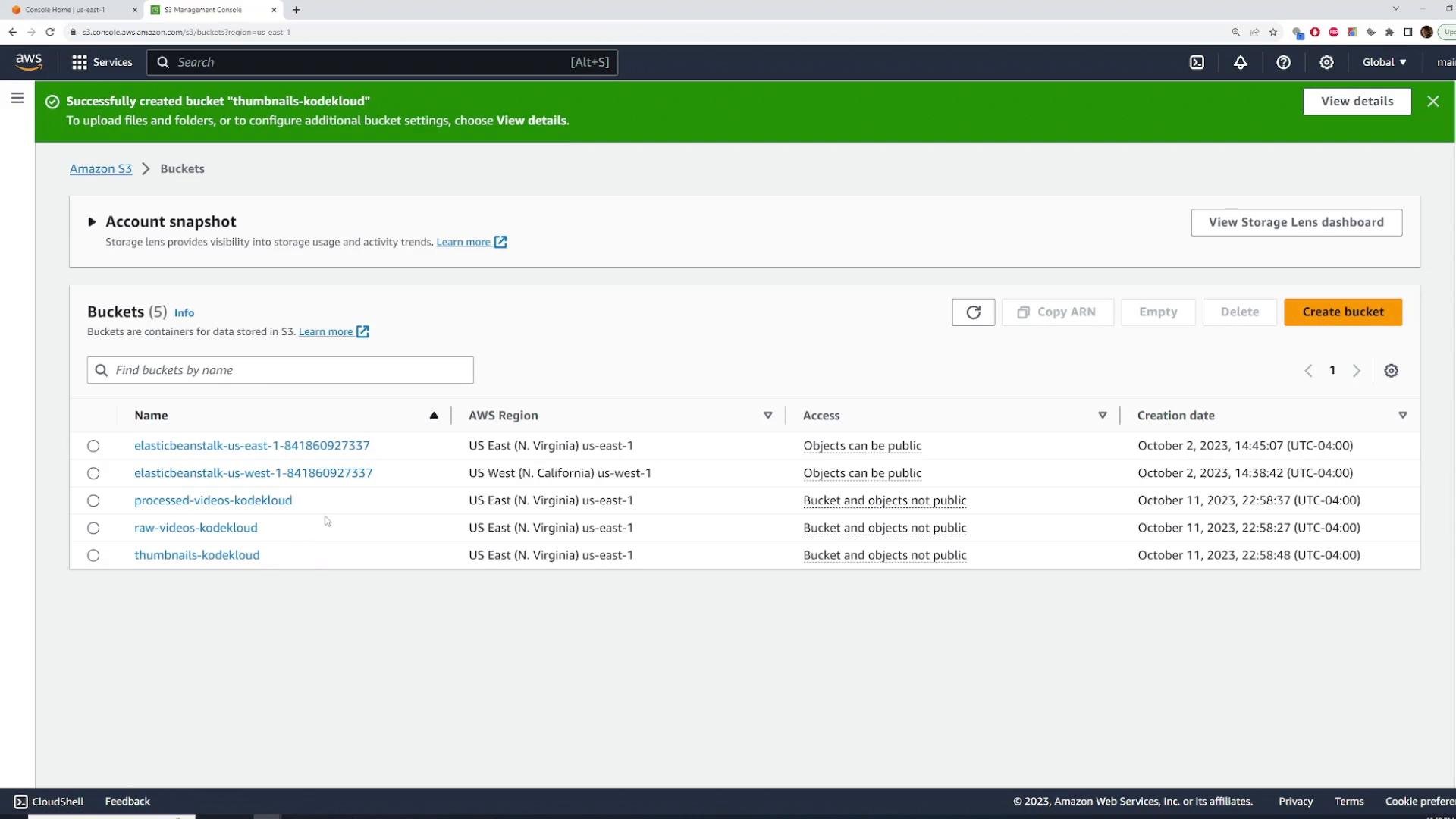
You should create three S3 buckets in advance (names below are examples; use your preferred naming):
These buckets are standard; we will add the event notification and permissions as part of the setup.
S3 buckets in the console (example):
Mapping: service responsibilities
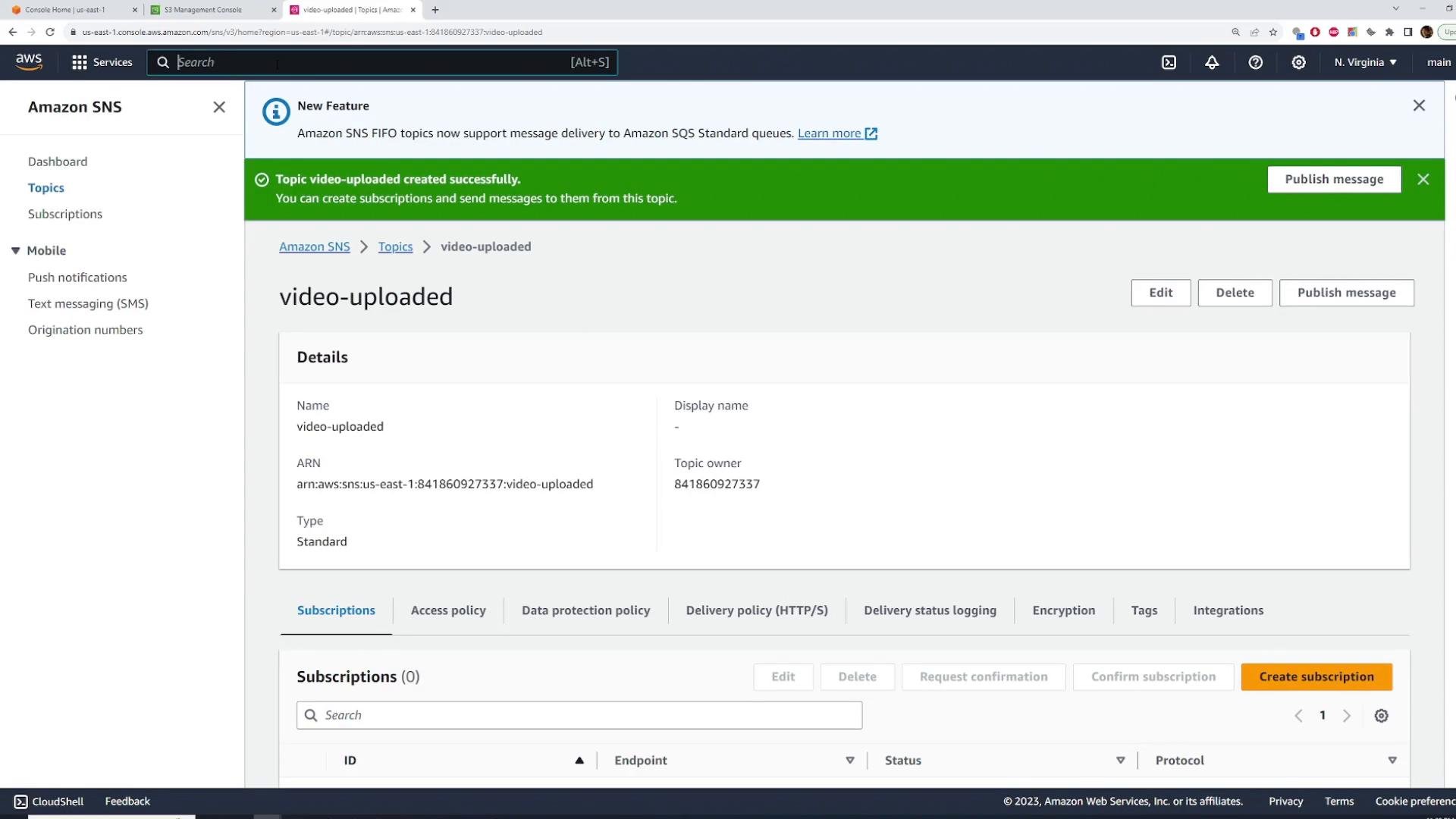
1) Create an SNS topic
In the AWS Console: Amazon SNS → Topics → Create topic.- Name:
video-uploaded(or your preferred name) - Type: Standard — ordering is not required for this demo
- Leave encryption and other settings at defaults for the demo
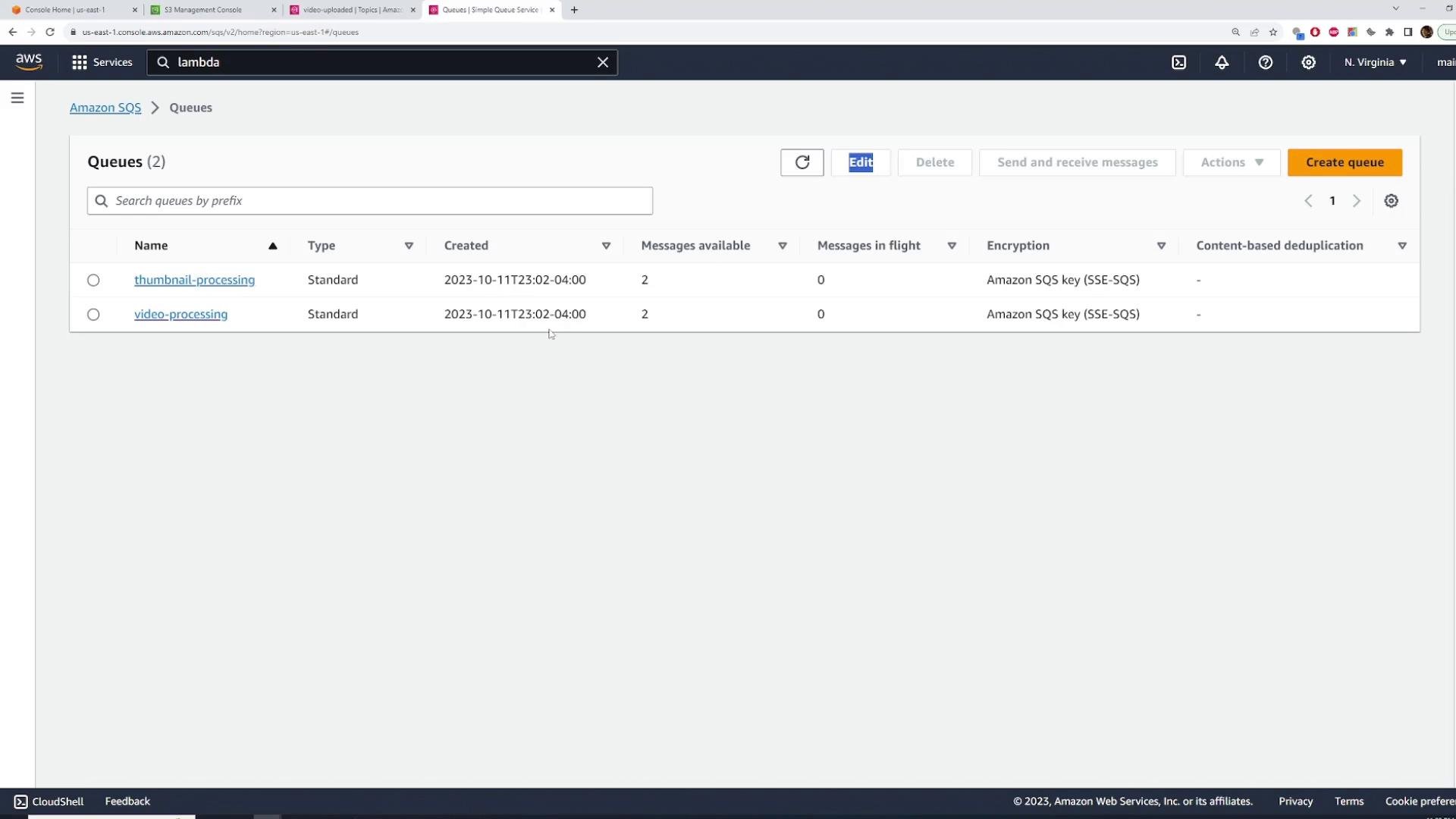
2) Create two SQS queues and subscribe them to SNS
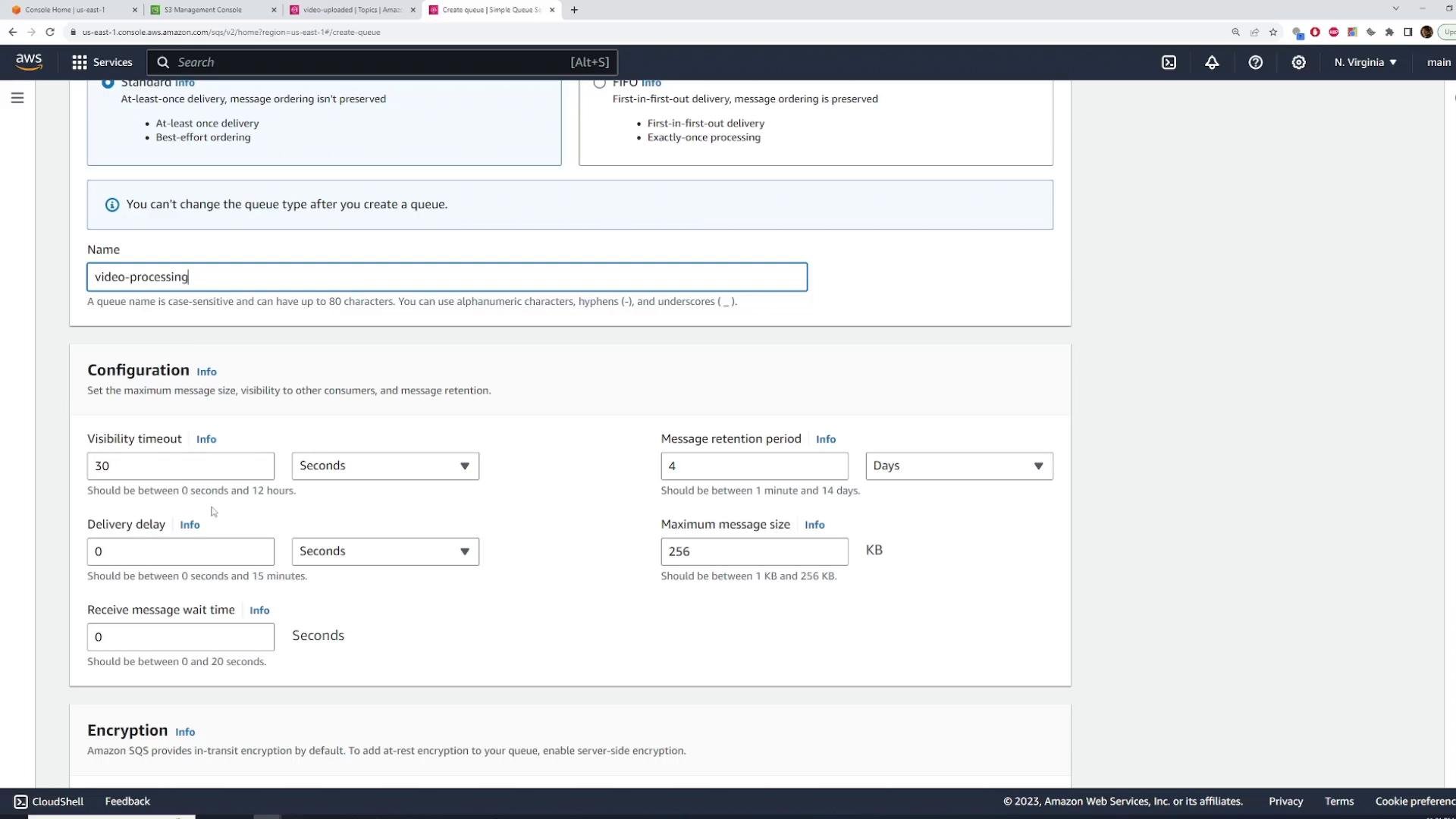
Create two SQS Standard queues:video-processingthumbnail-processing
- Subscription protocol: Amazon SQS
- Select the
video-uploadedSNS topic
3) Create Lambda functions that process SQS messages
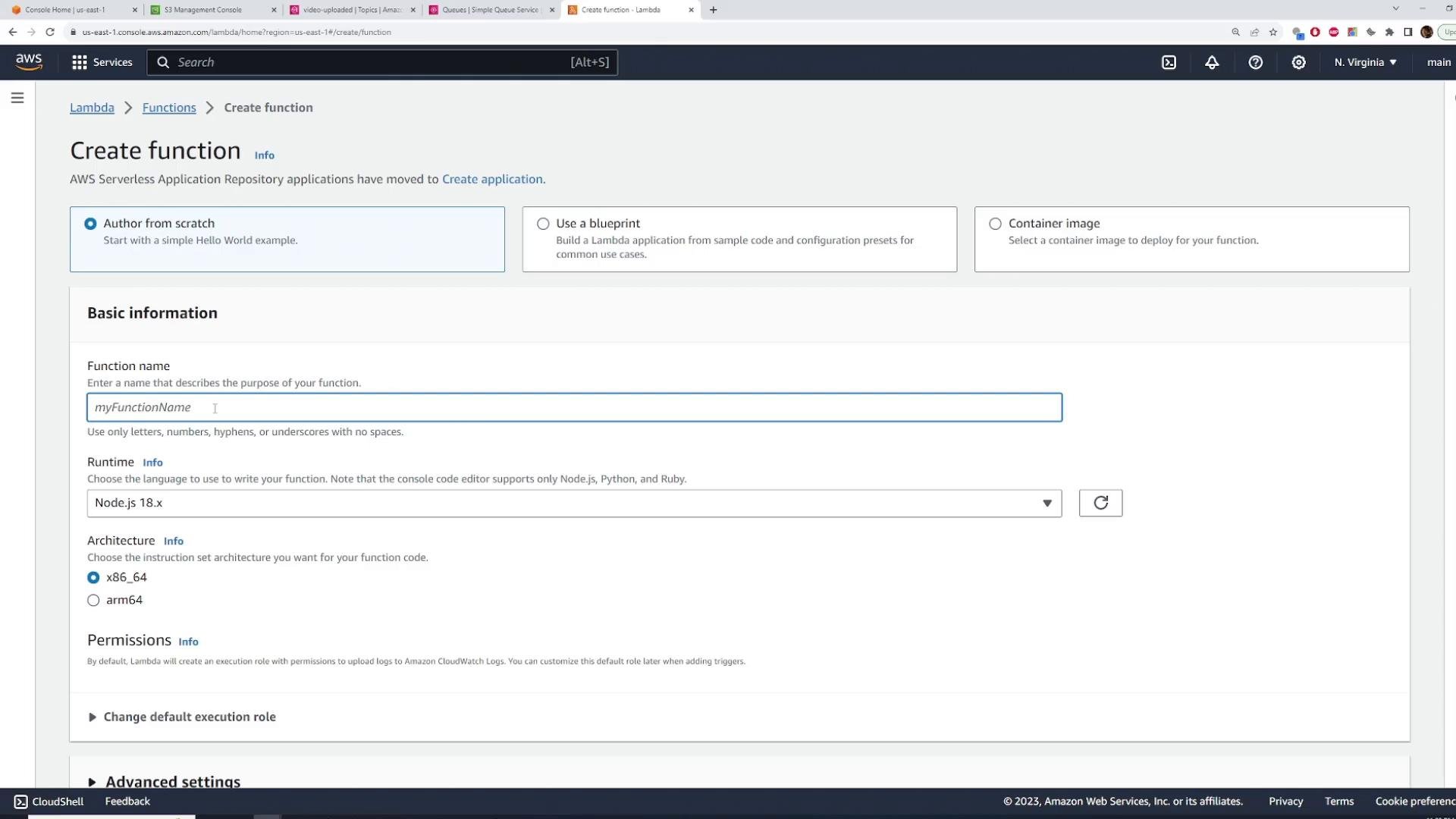
We will create two Lambda functions:video-processing— downloads the original object from S3, transcodes to HLS (e.g., with ffmpeg), uploads the HLS outputs toprocessed-videos-kodekloud.thumbnail-processing— downloads the original object, extracts thumbnails, and uploads them tothumbnails-kodekloud.
Example runtime: Node.js 18.x Create an IAM role for the functions (e.g.,
LambdaSQS-S3) with the following permissions for the demo:
- S3 read/write as required (for demo you can use
AmazonS3FullAccess, but scope down to least privilege in production) - CloudWatch Logs (Lambda managed policy handles logging)
- Choose the appropriate queue per function (
video-processing↔ queue,thumbnail-processing↔ queue) - Batch size: how many messages delivered per invocation (demo uses 1; production may batch)
- Batch window: how long to wait to collect messages for a batch (0s for immediate invocation)
event.Records— array of SQS messages (length equals number of messages in batch)event.Records[n].body— contains the SNS notification as a JSON string- Parse this string to get the SNS envelope, then parse
Messageto get the original payload (often JSON)
- Parse this string to get the SNS envelope, then parse
SQS delivers the SNS notification as the record body. That means your Lambda typically does two parses: first parse the SQS record
body to get the SNS envelope, then parse Message to get your original payload.video-processing Lambda will:
- Parse the message to obtain the bucket and key
- GetObject from S3
- Run ffmpeg (or use a media processing service) to convert to HLS
- Upload M3U8 and TS segment files back to the processed bucket
For production workloads, watch Lambda /tmp disk limits, execution timeout, and memory. Consider using a media service (Elastic Transcoder, MediaConvert, or ECS/Fargate) for large or long-running transcodes. Also scope IAM permissions to least privilege.
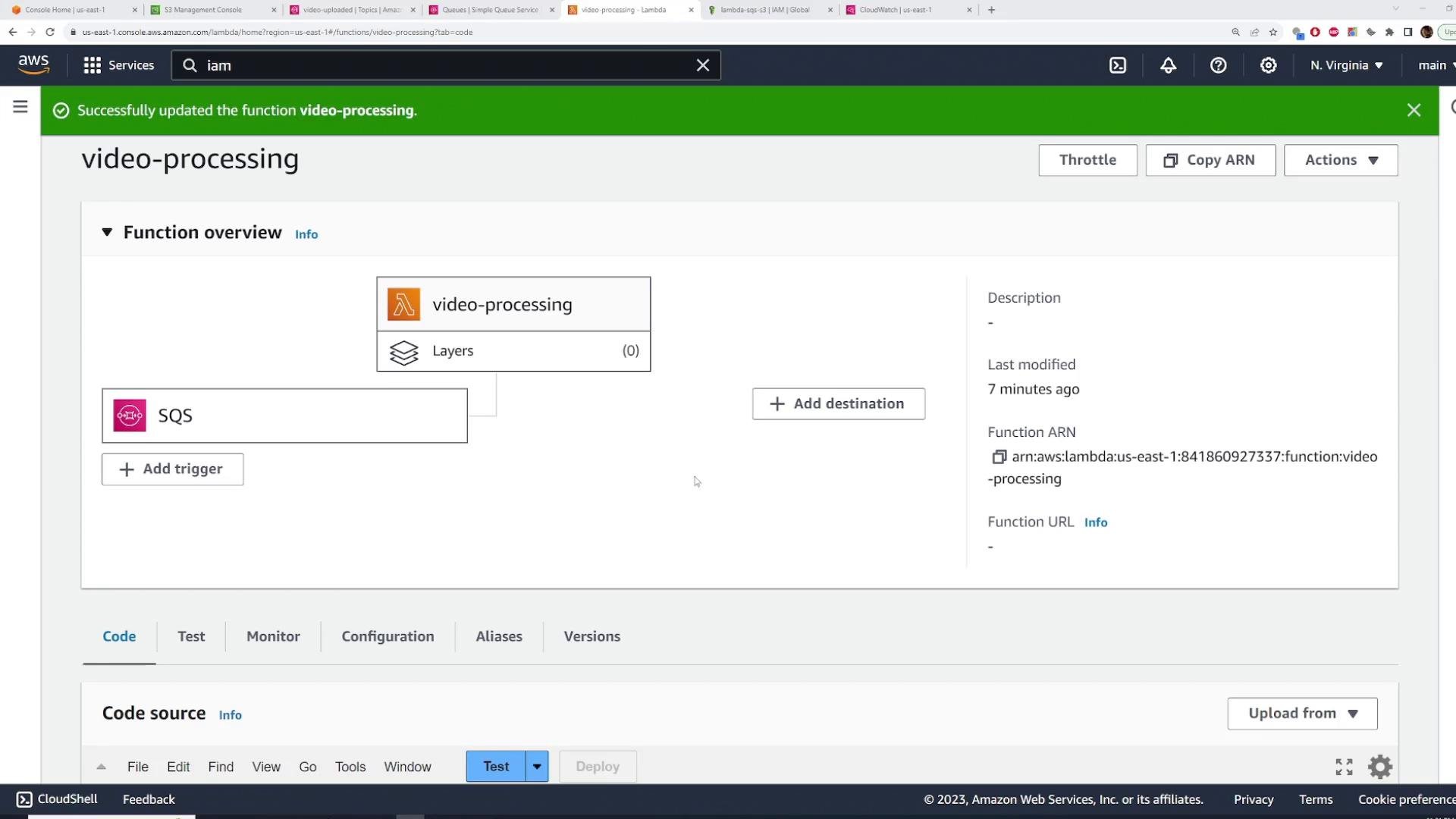
video-processing, you should see the function updated successfully:
thumbnail-processing using a similar approach (you can reuse the same IAM role if permissions match). The thumbnail function should extract frames (e.g., with ffmpeg) and upload them to thumbnails-kodekloud.
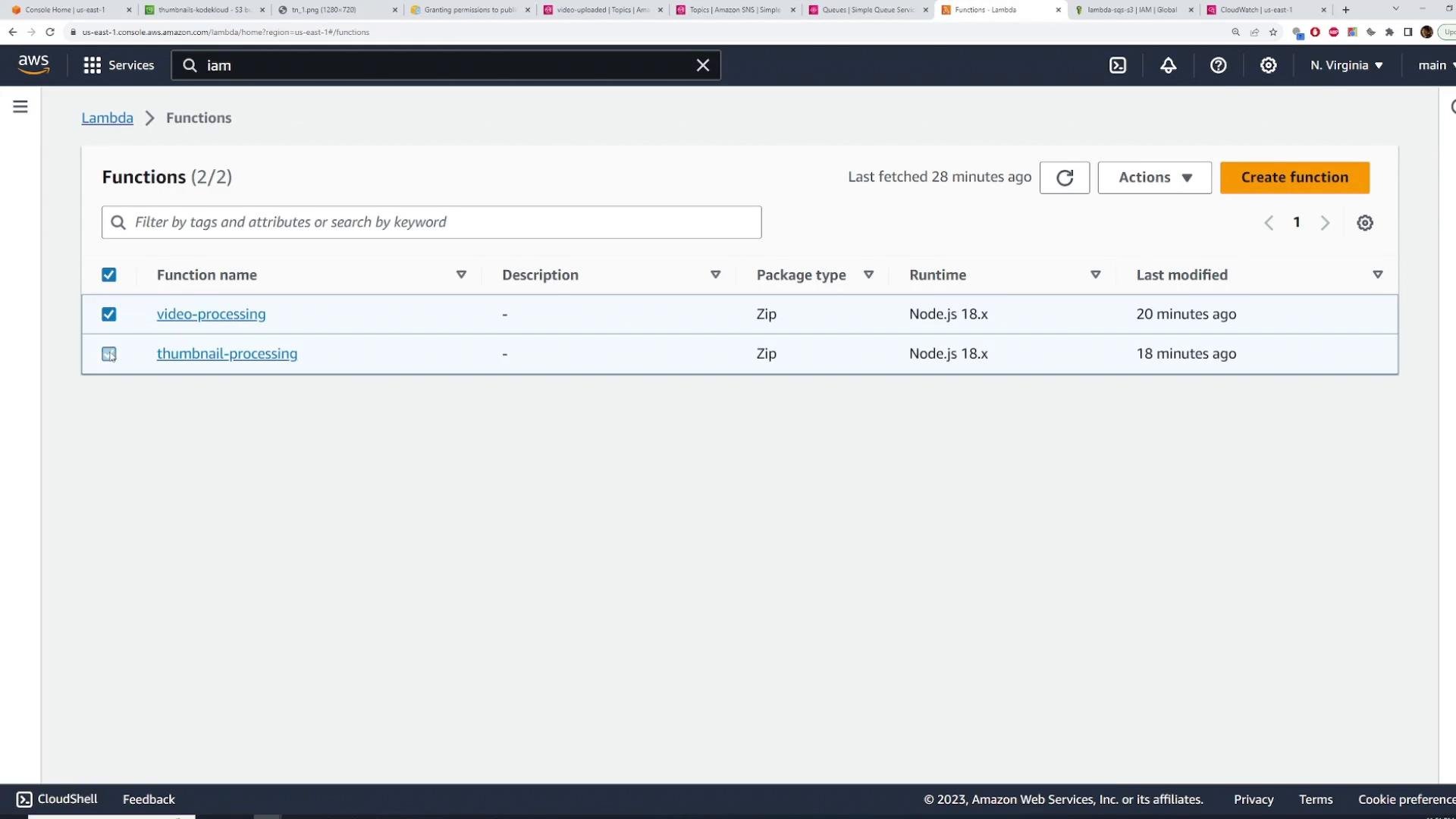
Lambda functions list example:
4) Configure S3 to publish events to the SNS topic
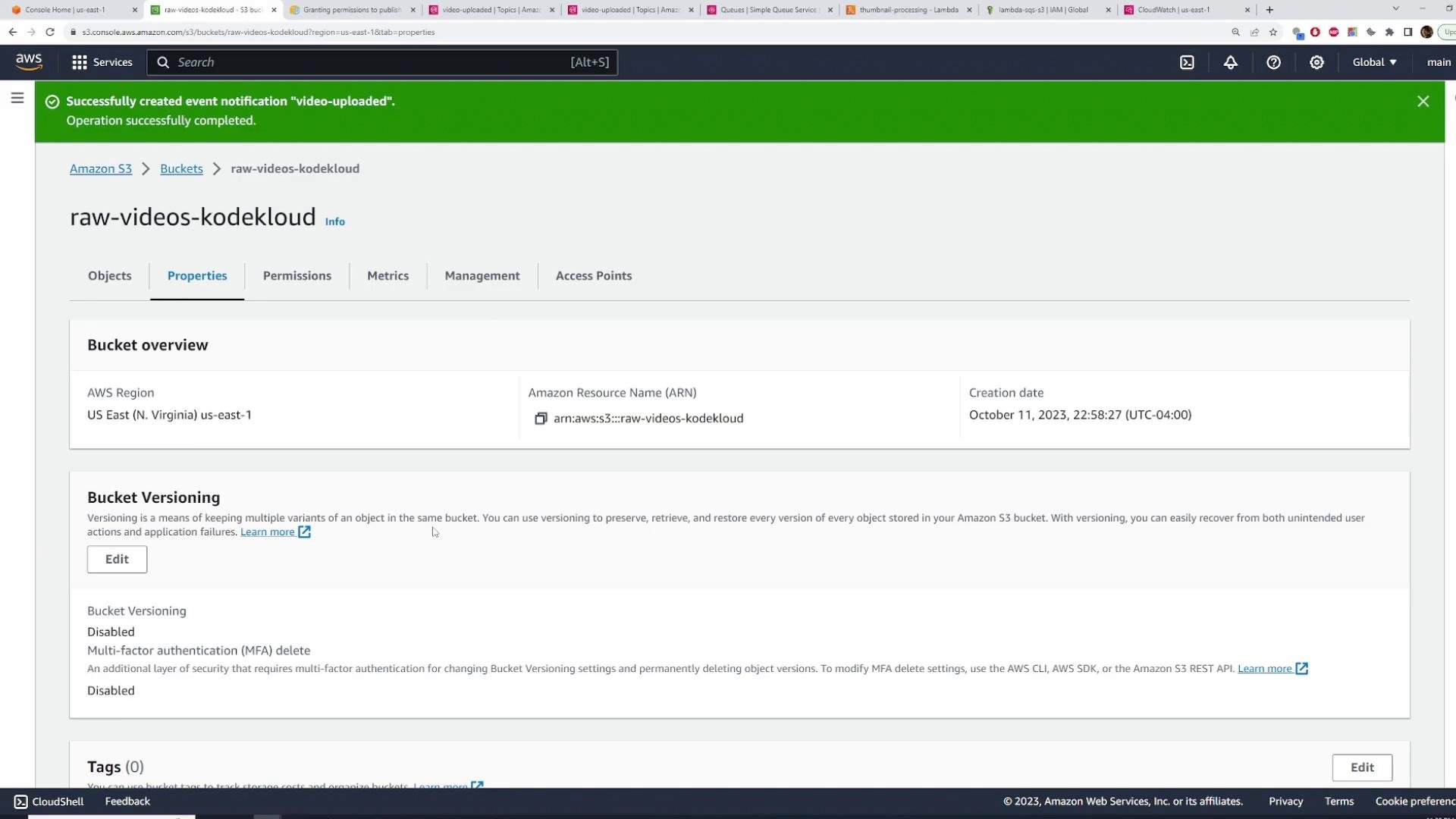
Configure theraw-videos-kodekloud bucket to send object-created events to the SNS topic:
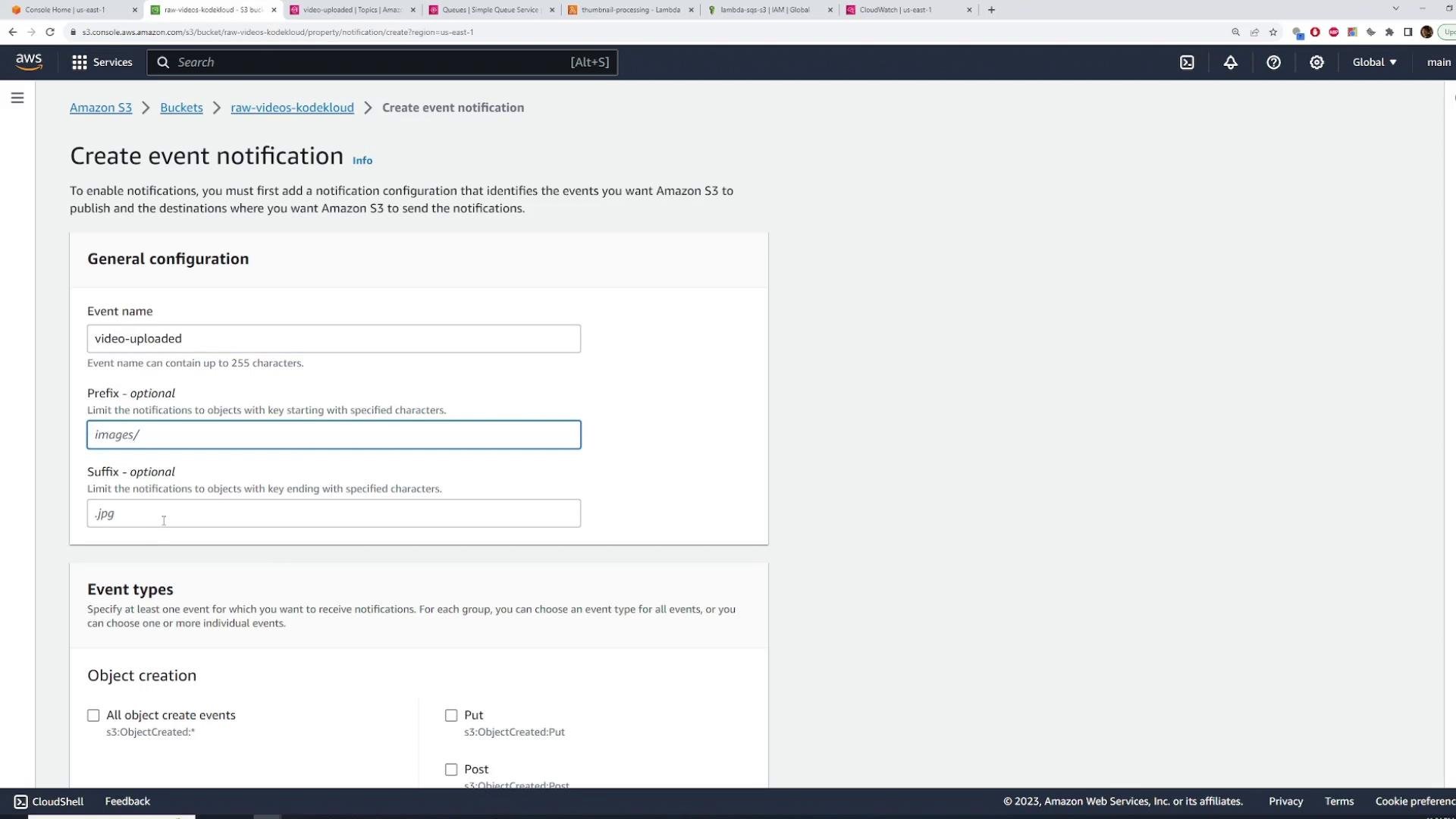
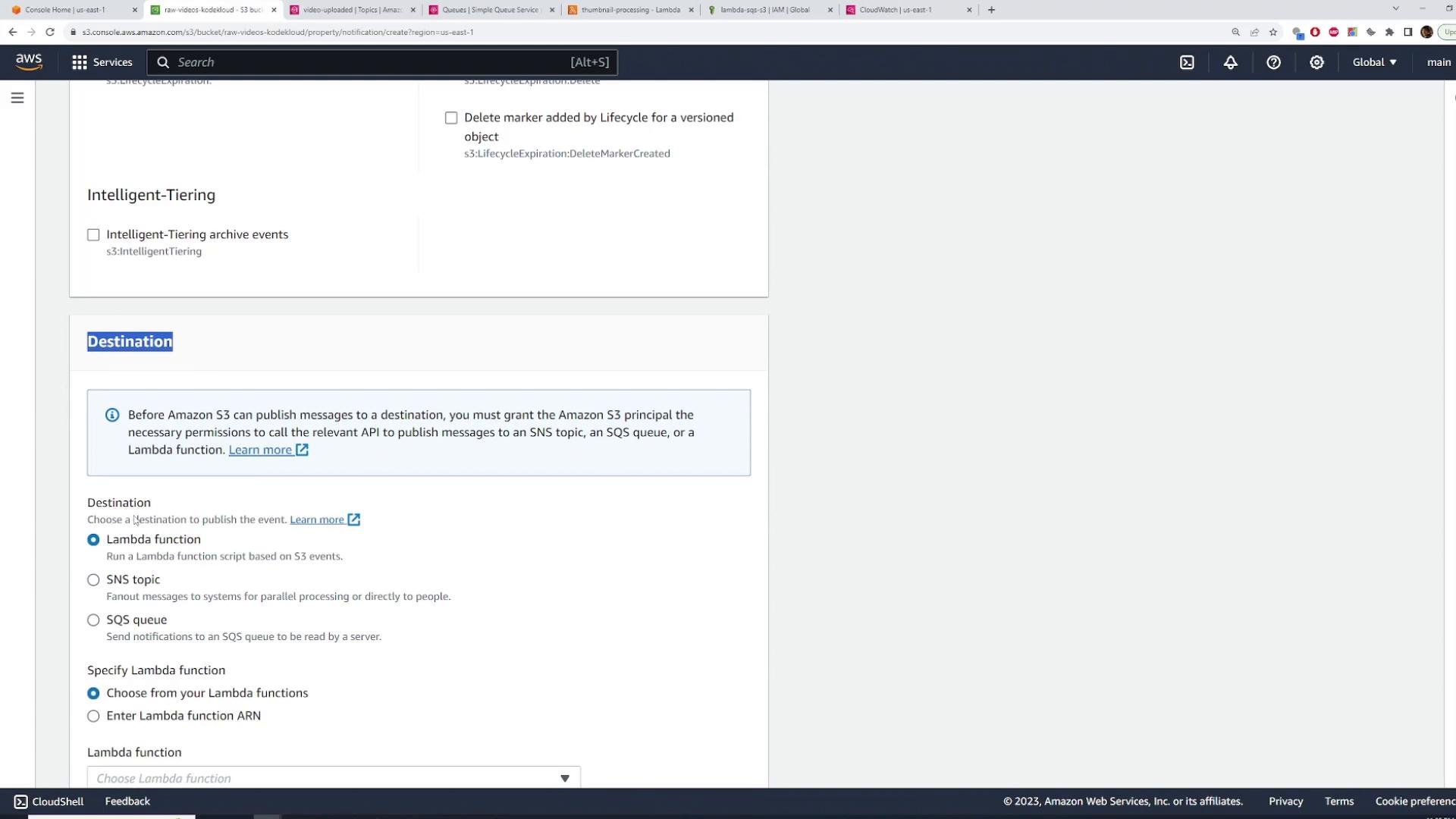
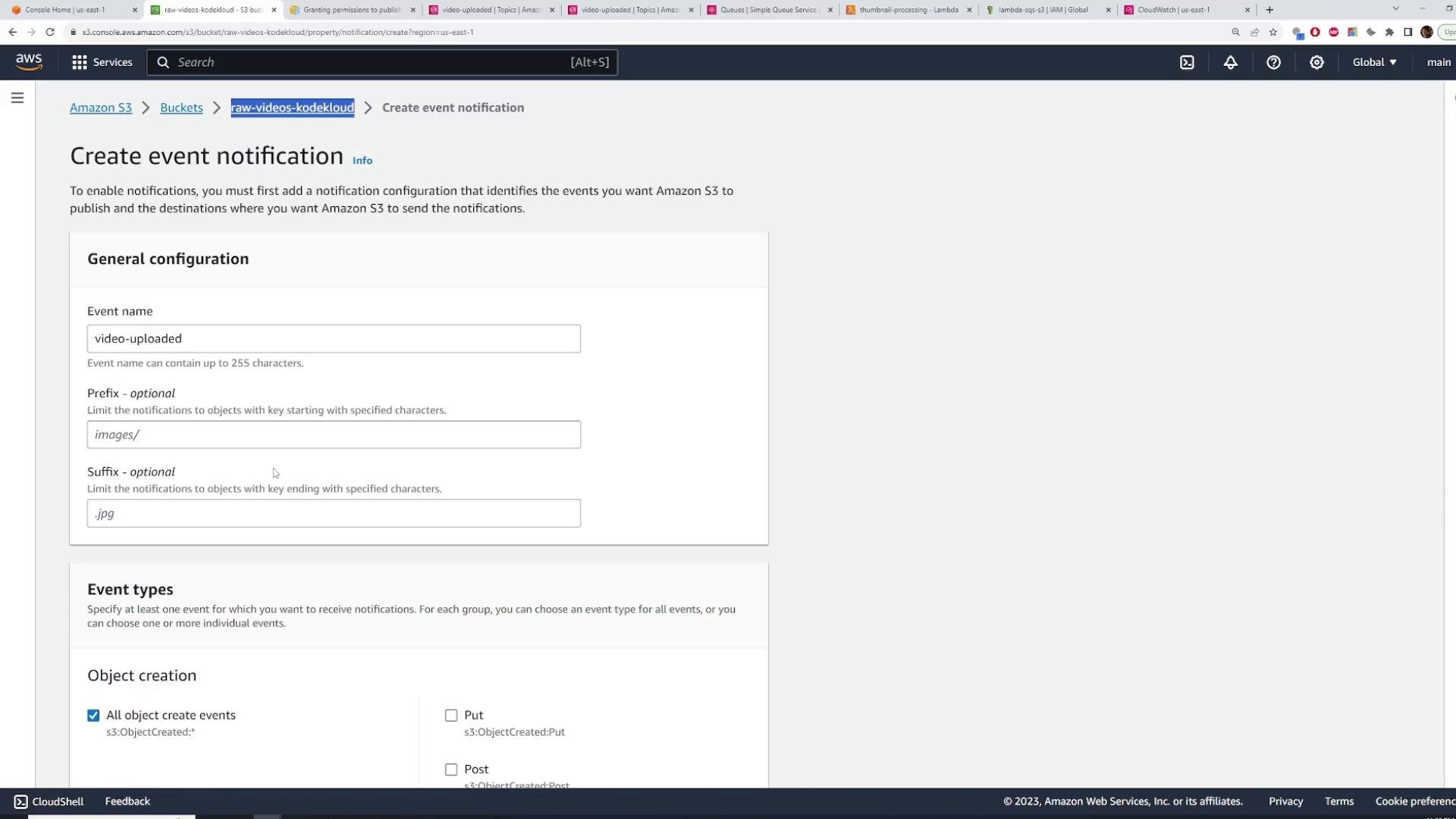
S3 → Buckets → open raw-videos-kodekloud → Properties → Event notifications → Create event notification:
- Name:
video-uploaded - Event types: All object create events (
s3:ObjectCreated:*) - Destination: SNS topic → select
video-uploaded
s3.amazonaws.com principal to call SNS:Publish when requests originate from your bucket.
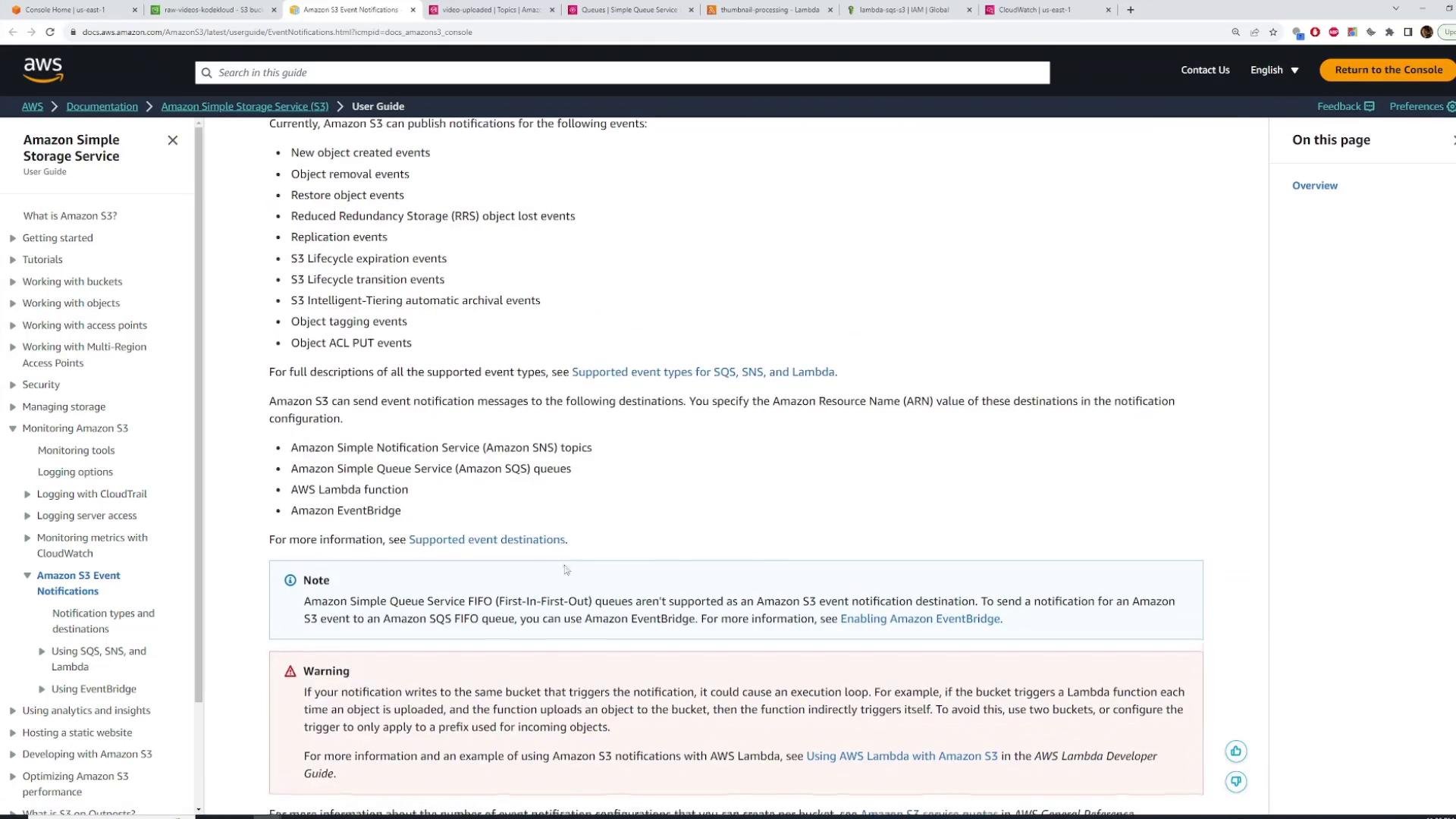
See the Amazon S3 event notifications documentation for details:
- Amazon S3 Event Notifications: https://docs.aws.amazon.com/AmazonS3/latest/userguide/NotificationHowTo.html
- Open the SNS topic → Edit → Access policy → add the statement to the policy’s Statement array and save.
- Return to the S3 event notification and save it. If saving fails, check the topic policy for invalid JSON, wrong ARNs, or account IDs.
5) Test the end-to-end flow
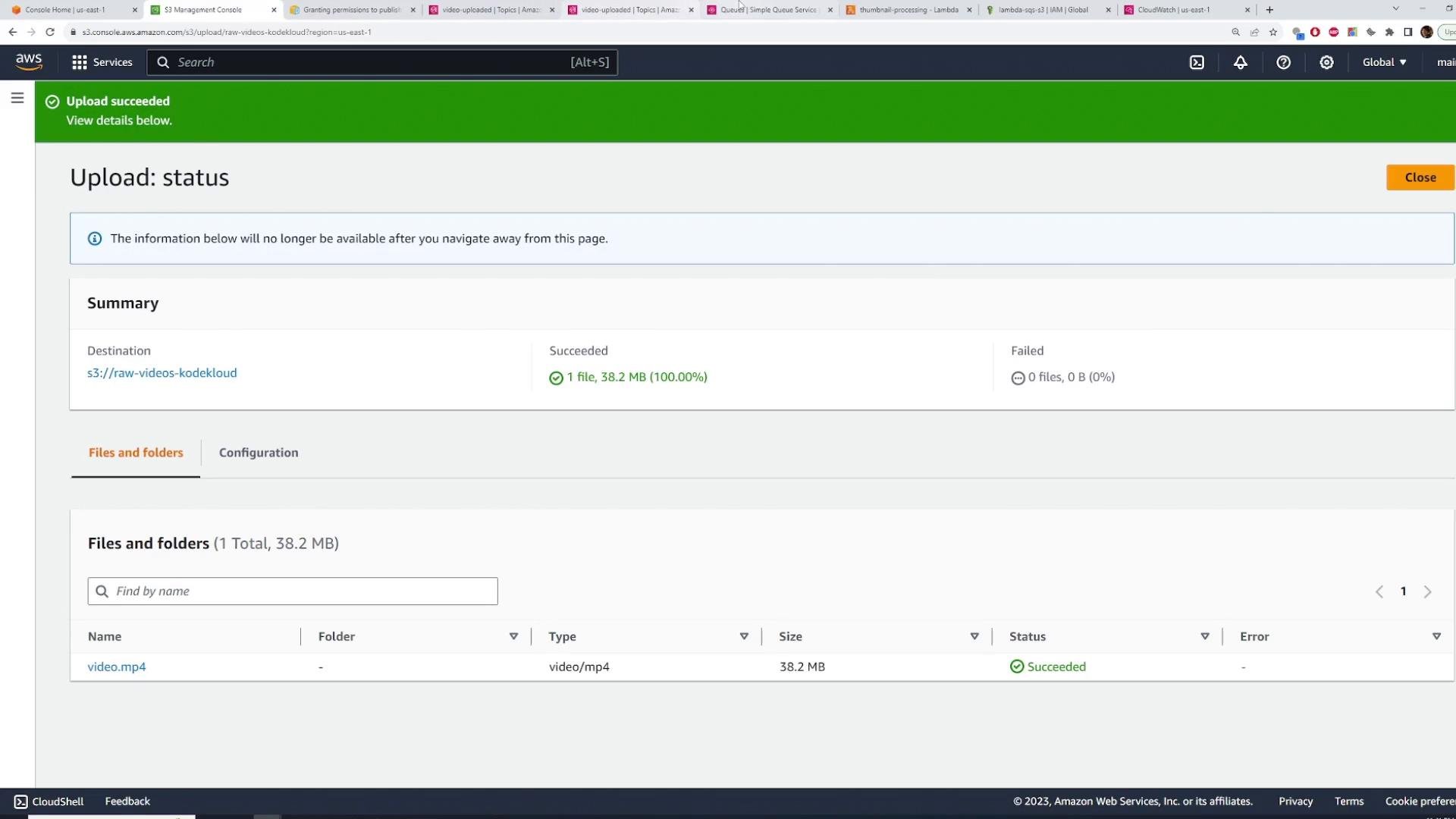
Steps to test:- Upload a short video to
raw-videos-kodekloud(Console, API, or CLI). - S3 emits an object-created event → SNS receives it → SNS fans out to both SQS queues.
- Lambda functions subscribed to the queues pick up messages, process, and upload results.
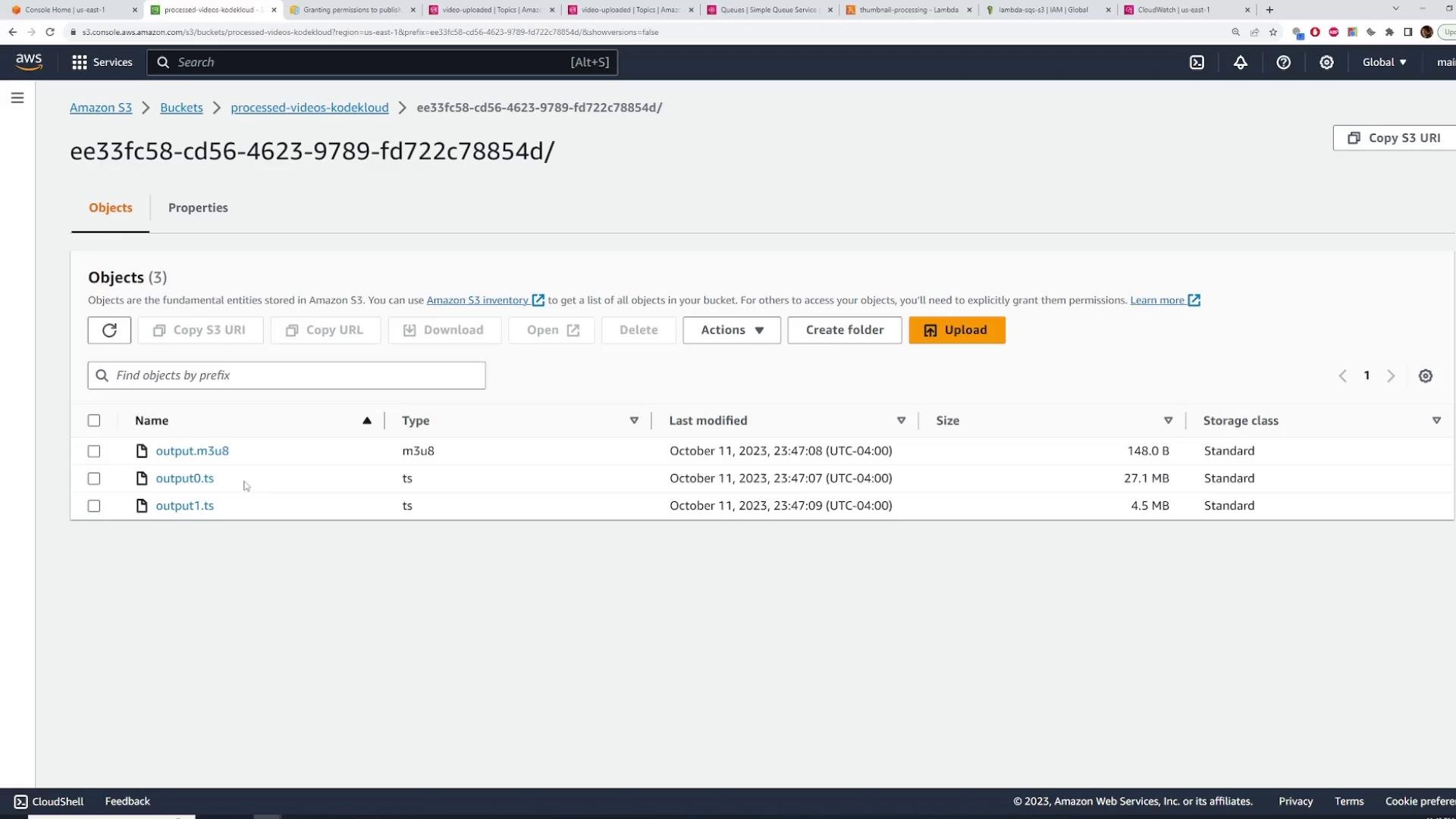
video-processingshould create HLS outputs (M3U8 + TS segments) inprocessed-videos-kodekloud:
thumbnail-processingshould create thumbnails inthumbnails-kodekloud:

- If you don’t see outputs, check CloudWatch Logs for both Lambda functions to verify message receipt and errors.
- Verify SNS topic policy and S3 event notifications if S3 cannot publish to SNS.
- Confirm SQS queue policies allow SNS to deliver messages.
Cleanup
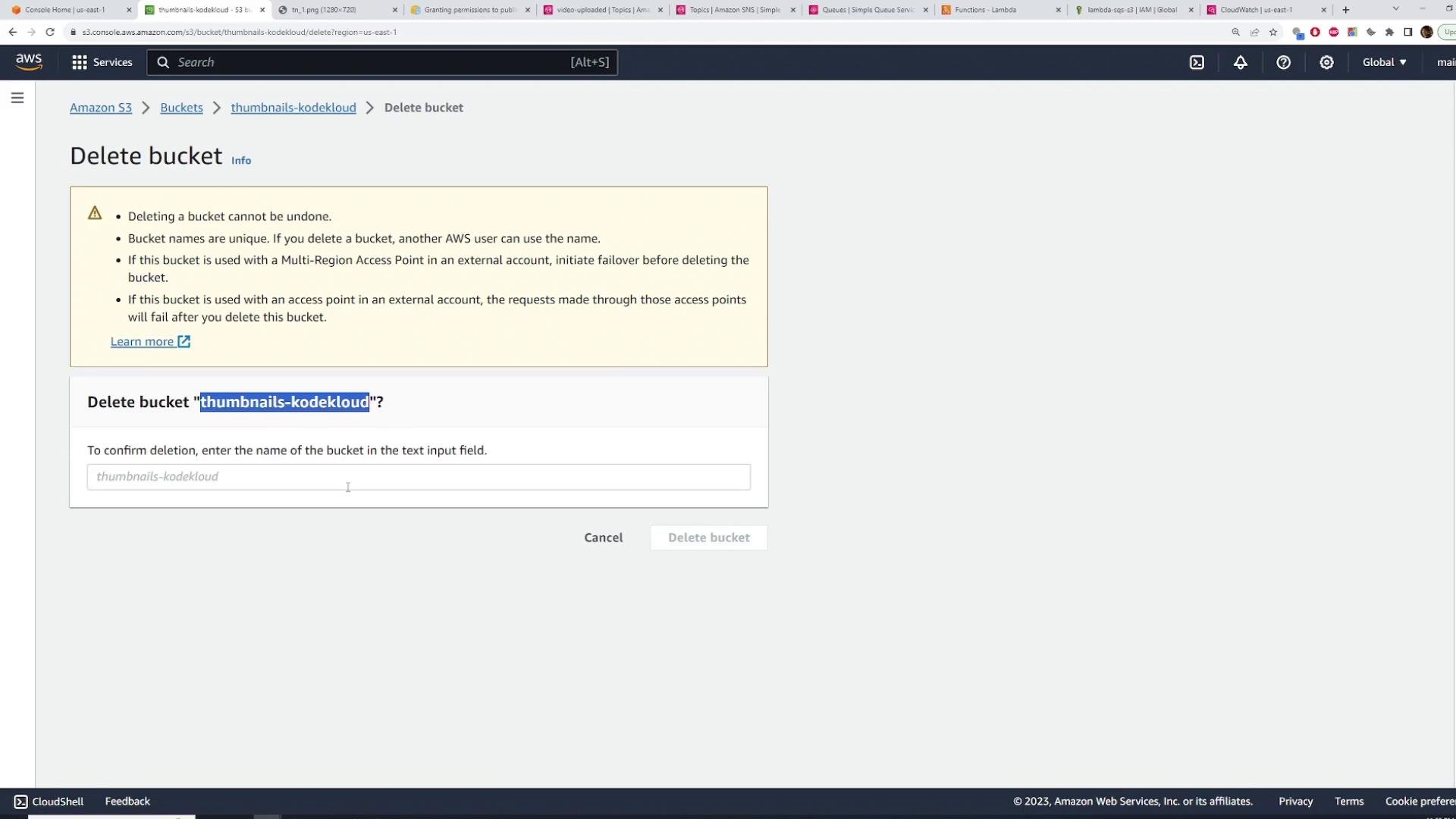
To avoid ongoing charges, delete resources you created for the demo:- Delete SQS queues
- Delete SNS topic
- Delete Lambda functions
- Empty & delete S3 buckets
Links and references
- Amazon S3 Event Notifications — https://docs.aws.amazon.com/AmazonS3/latest/userguide/NotificationHowTo.html
- Amazon SNS documentation — https://docs.aws.amazon.com/sns/
- Amazon SQS documentation — https://docs.aws.amazon.com/sqs/
- AWS Lambda documentation — https://docs.aws.amazon.com/lambda/