

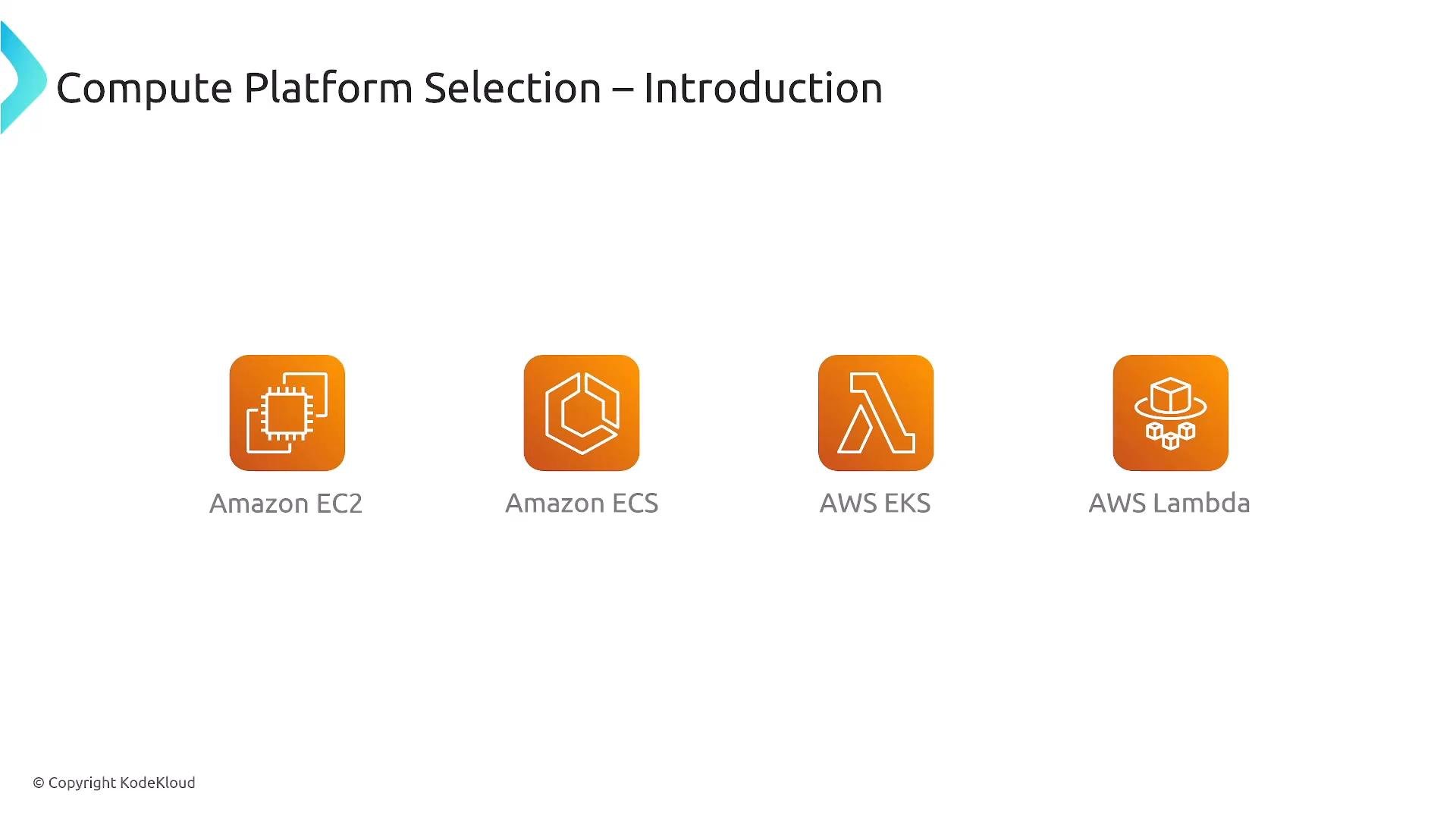
- Amazon EC2 (virtual machines)
- Amazon ECS (container orchestration)
- AWS EKS (Kubernetes-based container orchestration)
- AWS Lambda (serverless)
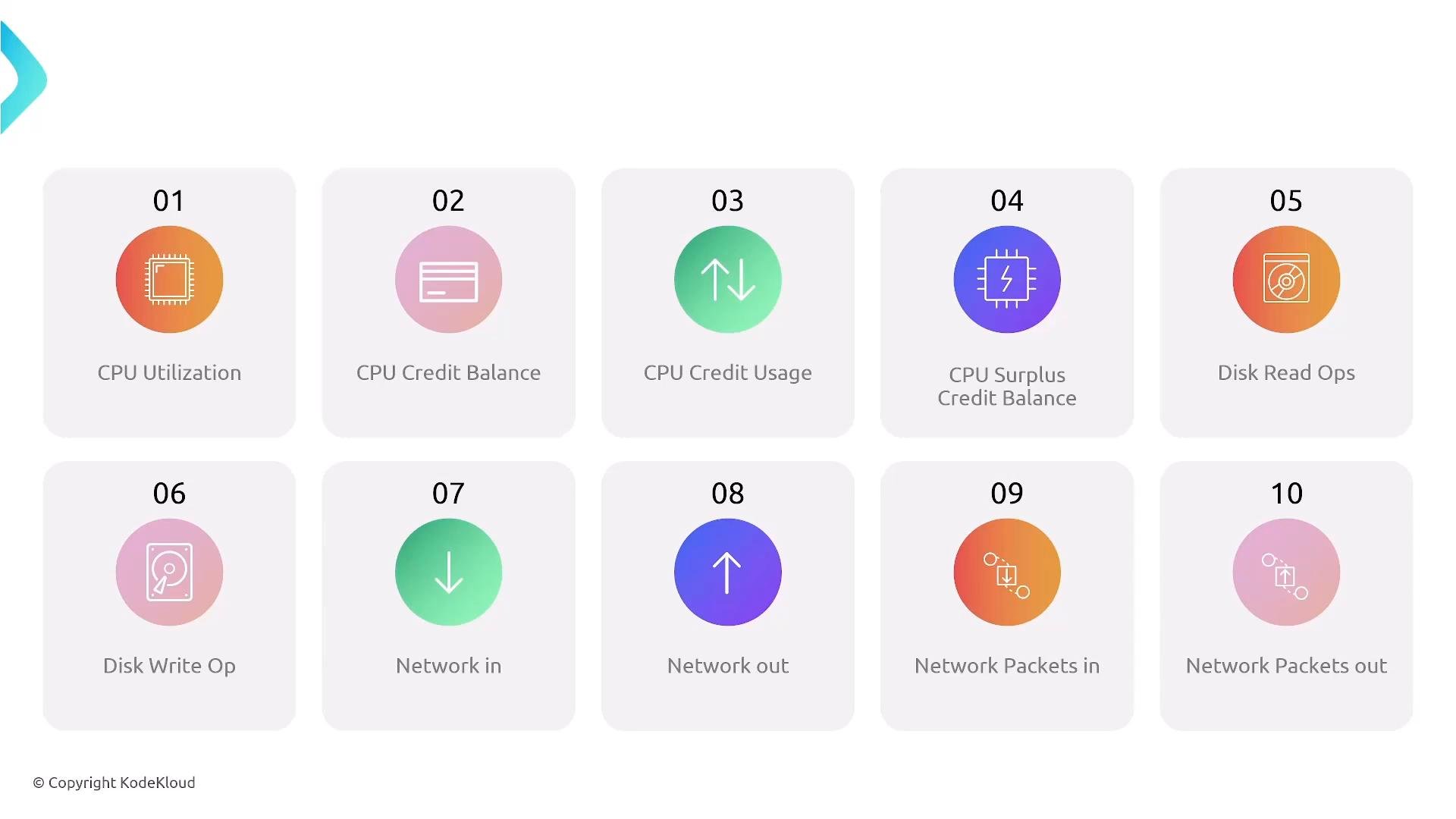
- Burstable T-series (T2/T3/T3a/T4g) use a CPU credit model — monitor
CPUCreditBalanceandCPUCreditUsagein CloudWatch. Other families (M, C, R, etc.) are not credit-based and are better for sustained CPU. - Containers running on EC2 inherit the instance’s CPU characteristics (including credit behavior on T-series). If you use Fargate or Lambda, those serverless options have fixed vCPU profiles and different limits.
- For sustained high CPU, choose EC2-backed deployments (EC2, ECS/EKS on EC2). For small, bursty compute and reduced ops, Fargate or Lambda may be acceptable.
Burstable instances (T-series) are cost-effective for variable CPU workloads but will throttle when CPU credits are exhausted. Do not use them for sustained high-CPU tasks.
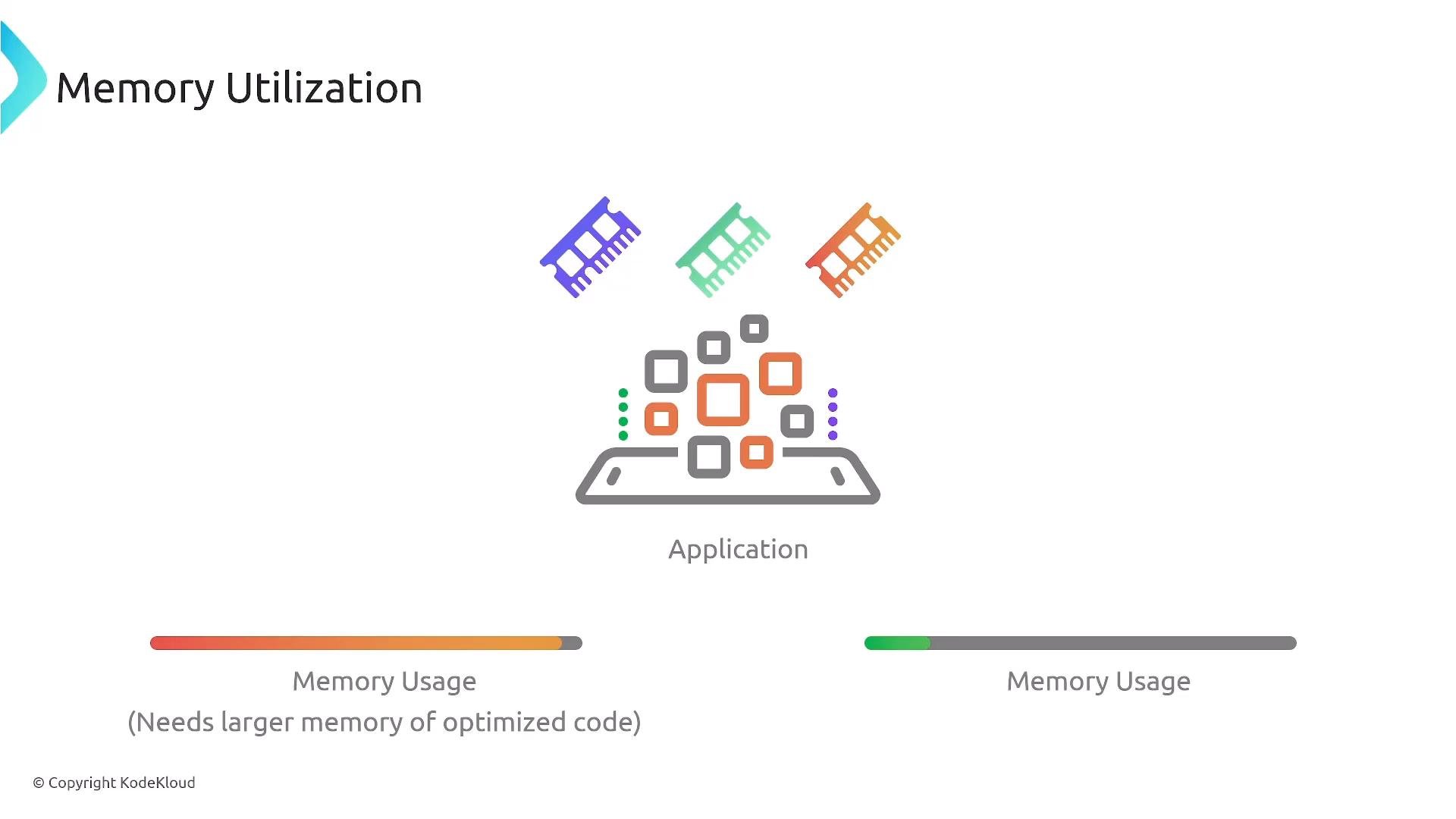
- AWS Lambda currently supports up to
10 GBof memory per function. - Fargate tasks and other serverless container options impose task-level memory limits that may not match large EC2 instance memory sizes.
- For sustained workloads needing more than serverless memory limits, choose EC2 or ECS/EKS on EC2 so you can select instances with adequate RAM.
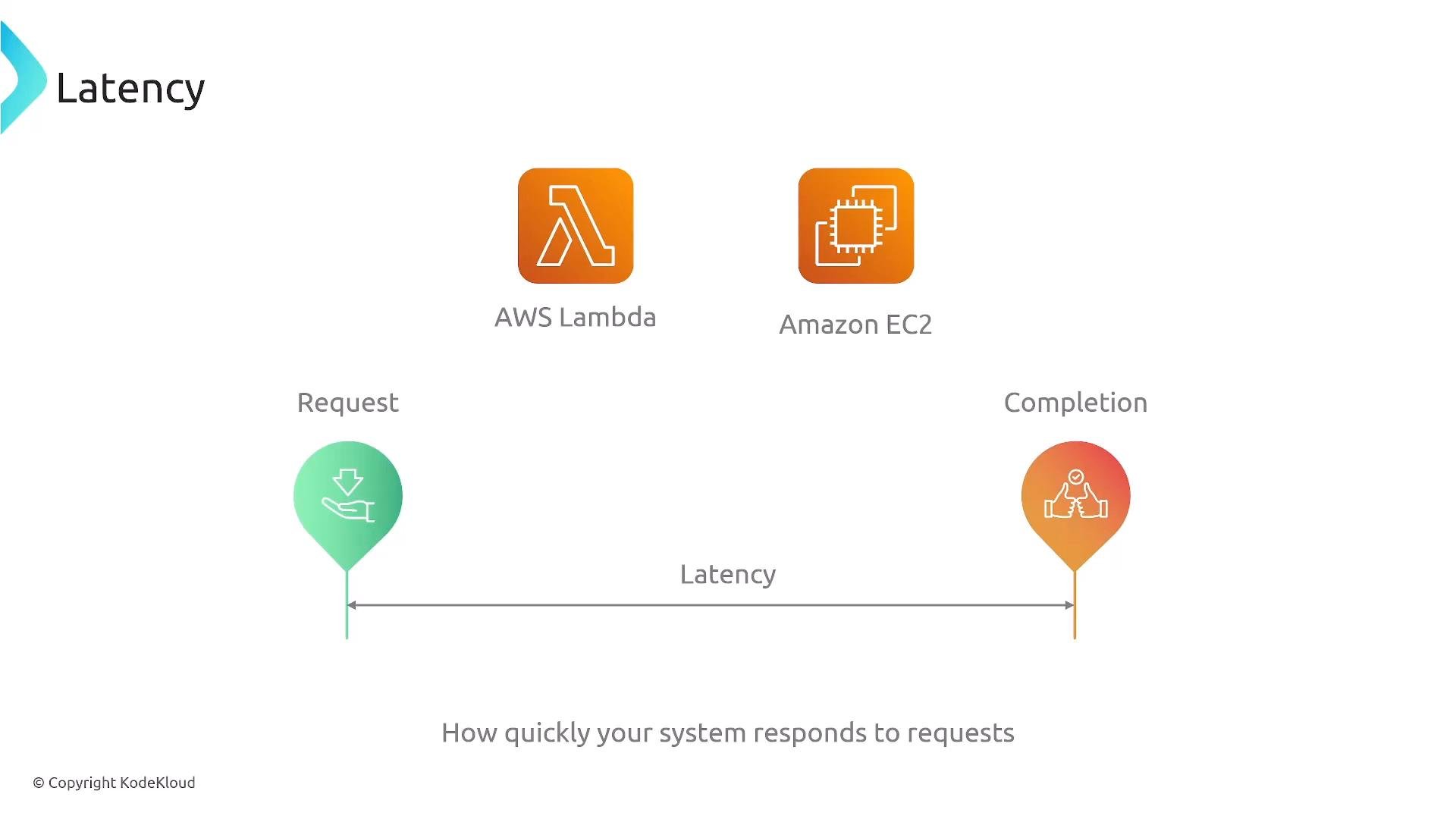
- EC2 provides the most predictable, low-latency behavior since you provision capacity directly.
- Fargate can be low latency when containers are warm; cold starts are possible but generally smaller than Lambda cold starts.
- Lambda has cold-start latency risk. Mitigate with provisioned concurrency or by keeping functions warm if latency is critical.
- For consistent low-latency under heavy load, EC2-backed deployments are usually the safest option.
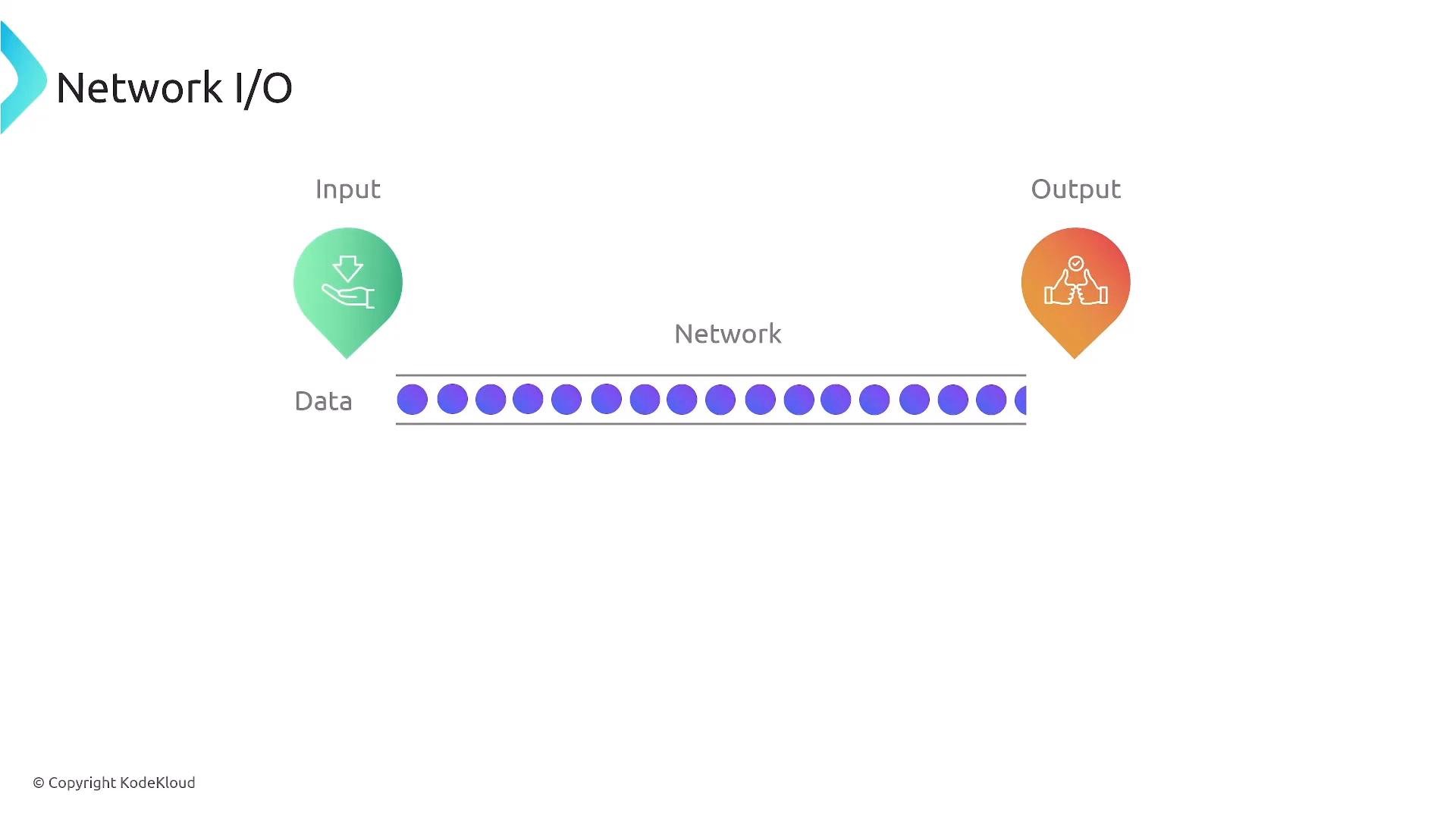
- EC2 instances can be sized for network capacity (for example, instances that advertise “High”, “10 Gbps”, or more). Use instances with enhanced networking (ENA) for lower latency and higher throughput.
- For long-lived, high-throughput connections and heavy egress/ingress, EC2 is generally preferred.
- Serverless options (Lambda, Fargate) work well for bursty or lower-throughput networking patterns but may not match the sustained network throughput of large EC2 instances.
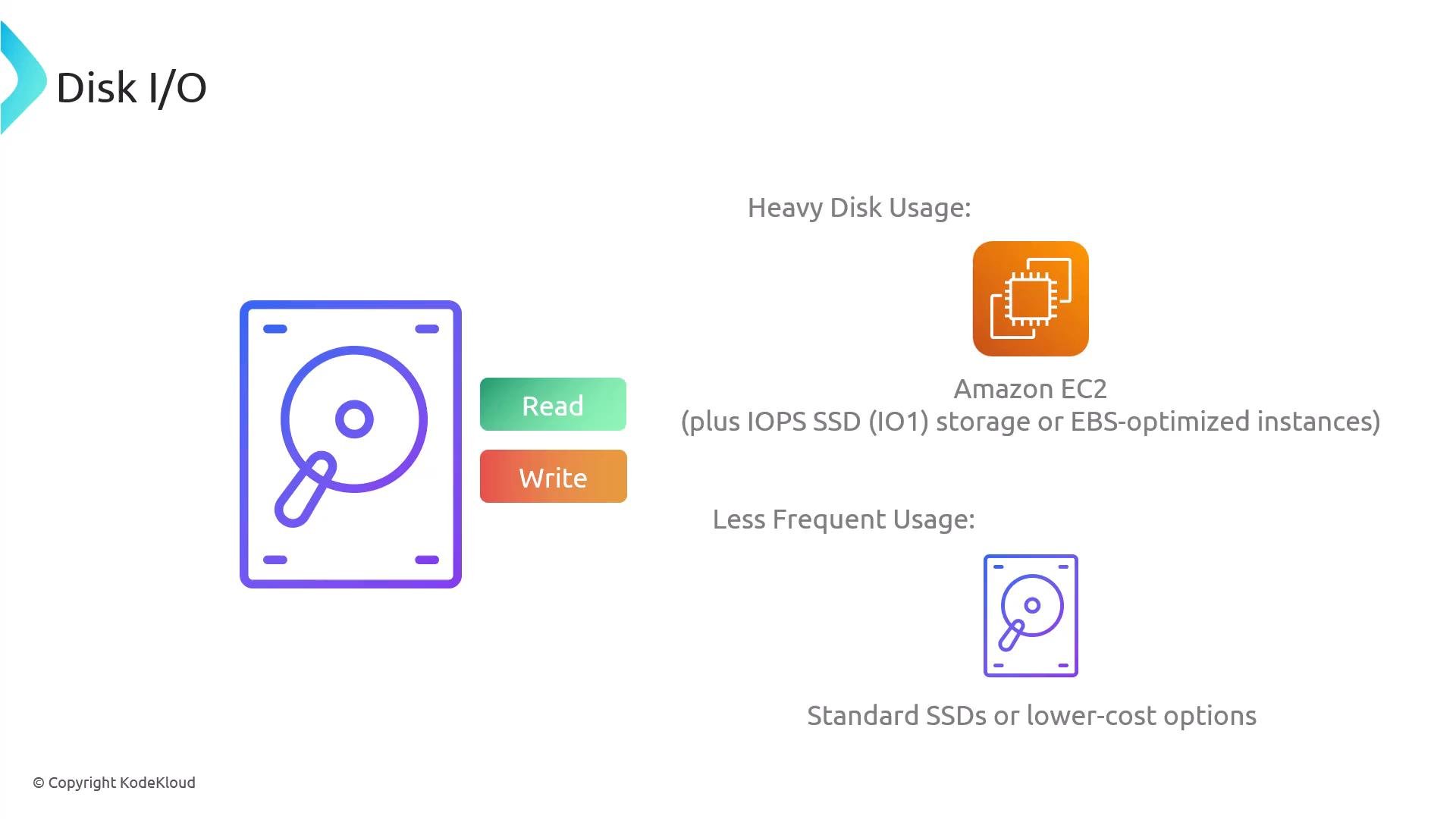
- EBS volumes (
gp3,io2,io2 Block Express) with provisioned IOPS and high throughput. - Instance store local NVMe on certain instance families for extremely low-latency, high-throughput ephemeral storage.
- Lambda can access Amazon EFS for shared file storage, but this adds latency and cost, and Lambda has a maximum execution time of 15 minutes.
- For sustained high IOPS and throughput, EC2 (or ECS/EKS backed by EC2) typically offers better performance-per-dollar.
Recommended reading:
Summary and recommendations
- Choose EC2 or ECS/EKS with EC2 launch type when you need:
- Sustained high CPU
- Large memory beyond serverless limits
- Sustained high network throughput
- Heavy disk I/O with provisioned IOPS or local NVMe
- Choose Fargate or Lambda when you prioritize operational simplicity and your workload fits within serverless resource limits (bursty or lower steady-state usage).
- For latency-sensitive services with strict response-time SLAs, prefer EC2 or carefully provisioned Fargate/EKS tasks; for Lambda, mitigate cold starts with provisioned concurrency or keep warmers.
- If your application requires more than Lambda’s memory limit (
10 GB) or sustained heavy I/O, use EC2-based deployments.
These distinctions appear on exams and in architecture decisions. For performance-driven requirements (high CPU, memory, disk, or sustained network), default to EC2 or container orchestration backed by EC2. When operational simplicity and pay-per-use are more important and resource needs fit serverless limits, consider Fargate or Lambda.