

Placement groups let you control EC2 instance placement across racks and hosts. Choose between cluster, partition, and spread placement groups based on whether you need maximum network performance, rack-level fault isolation, or strict hardware separation.
- Optimize network performance for tightly-coupled, high-throughput workloads (cluster).
- Limit blast radius by isolating groups of instances on separate racks or partitions (partition).
- Ensure critical or singleton instances do not share underlying hardware (spread).
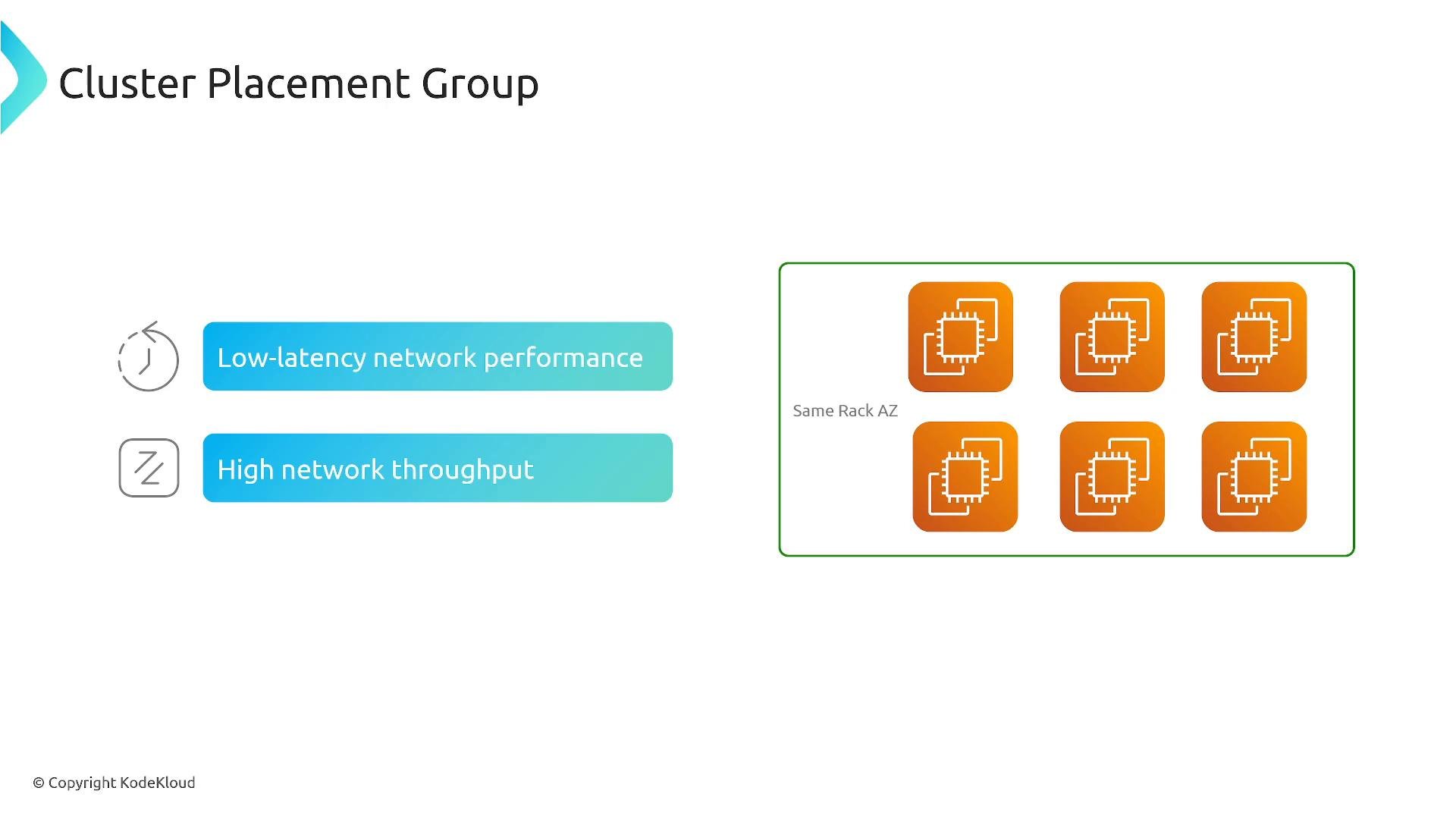
- Cluster — packs instances close together (single AZ) to maximize inter-instance network throughput and minimize latency.
- Partition — divides a group into partitions with rack-level isolation for fault-tolerant distributed clusters spanning one or more AZs.
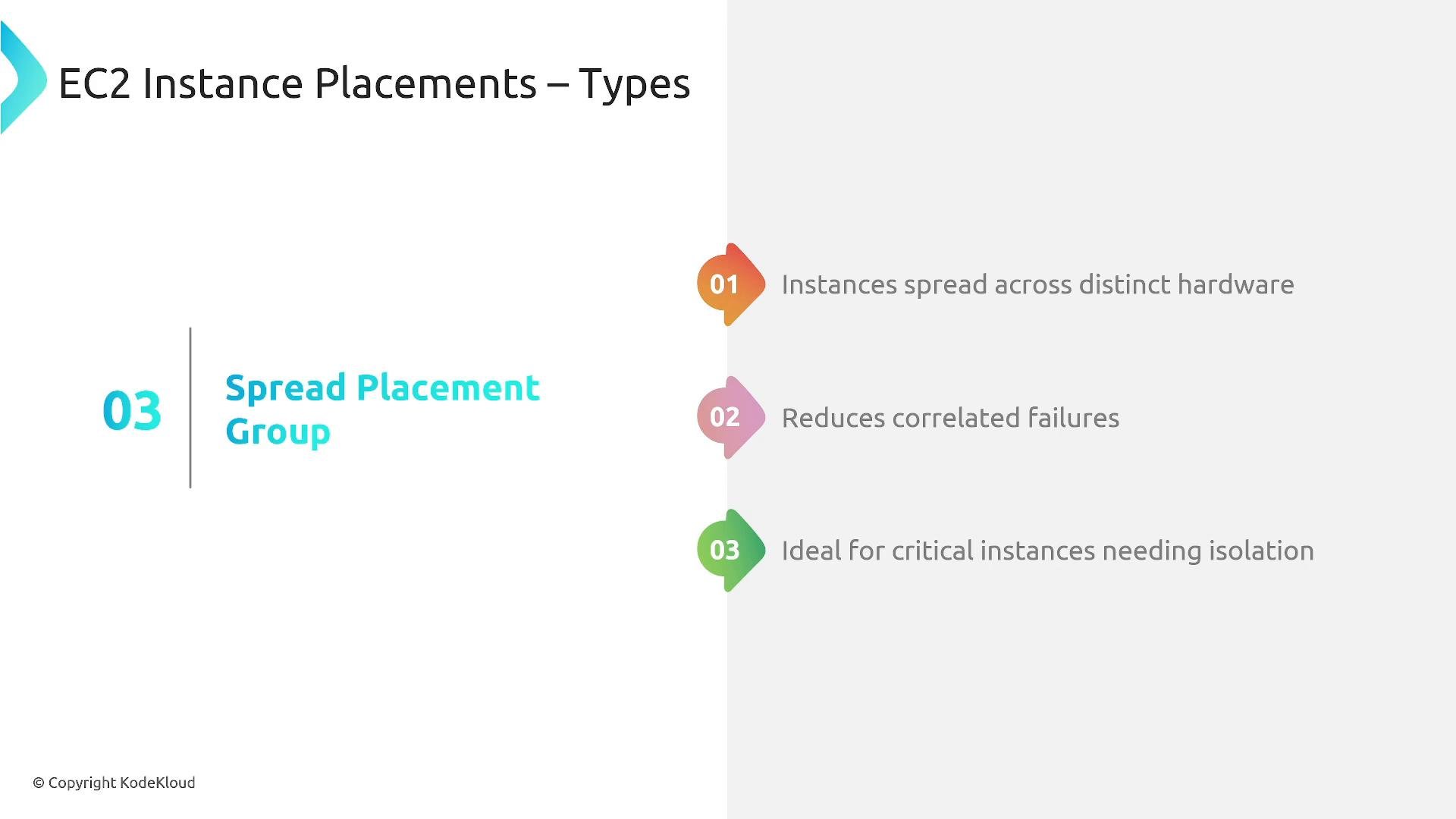
- Spread — places each instance on distinct hardware to minimize correlated failures for critical instances.
- Purpose: Place instances in very close physical proximity within a single Availability Zone to achieve low-latency, high-throughput networking between instances.
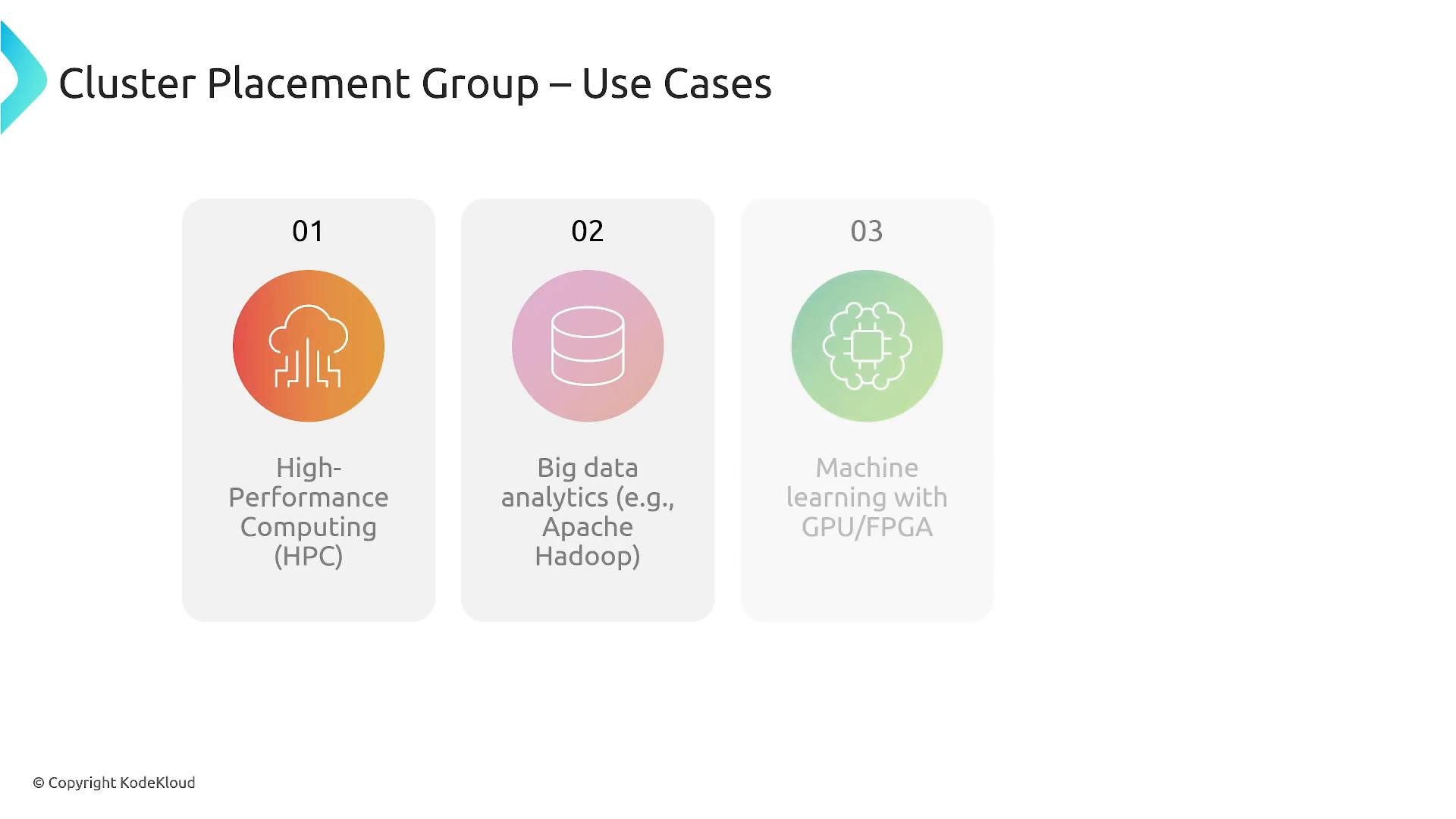
- Ideal for: High-performance computing (HPC), big data frameworks (e.g., Hadoop), and distributed machine learning workloads using GPUs/FPUs that require high inter-node bandwidth.
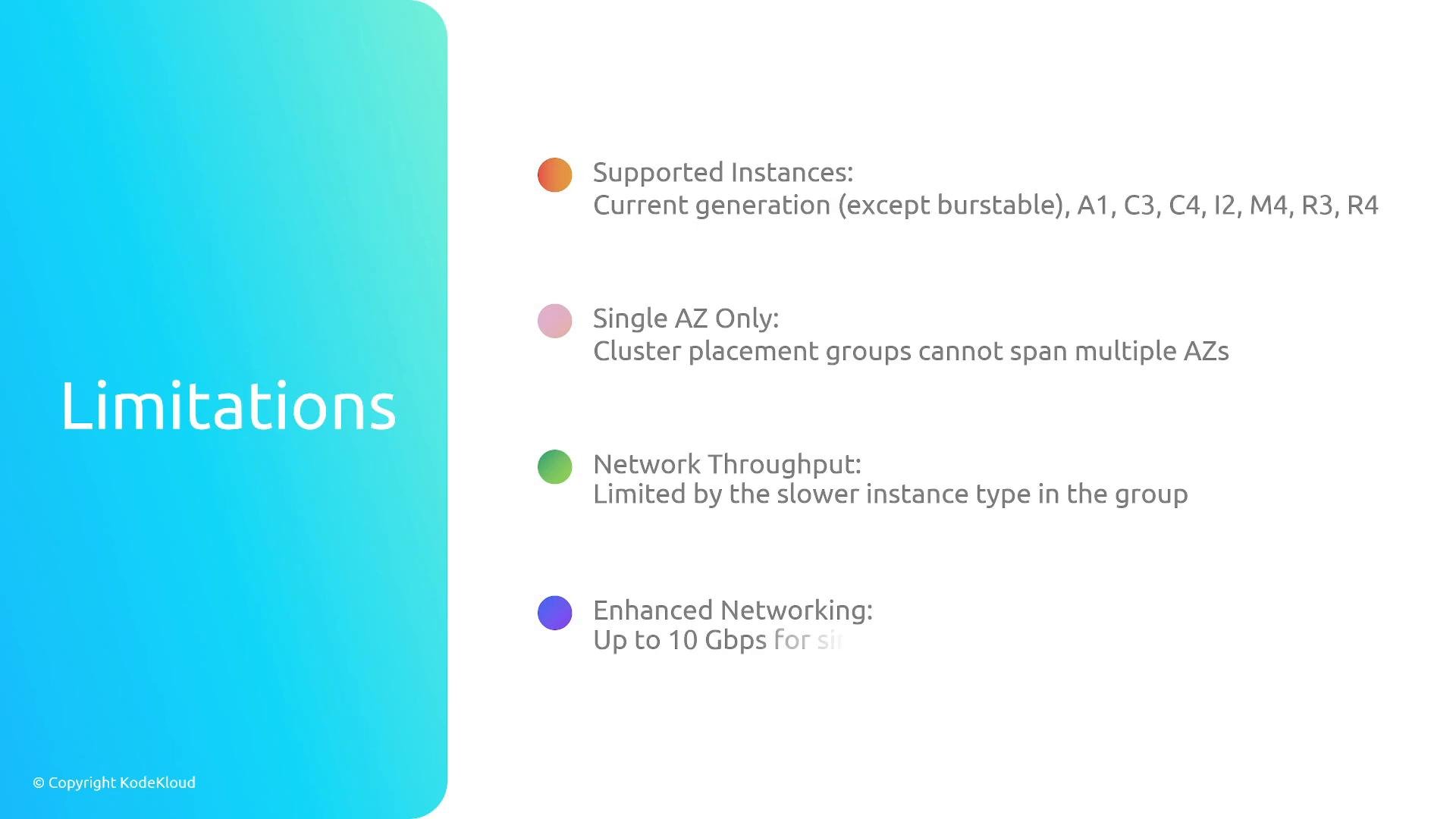
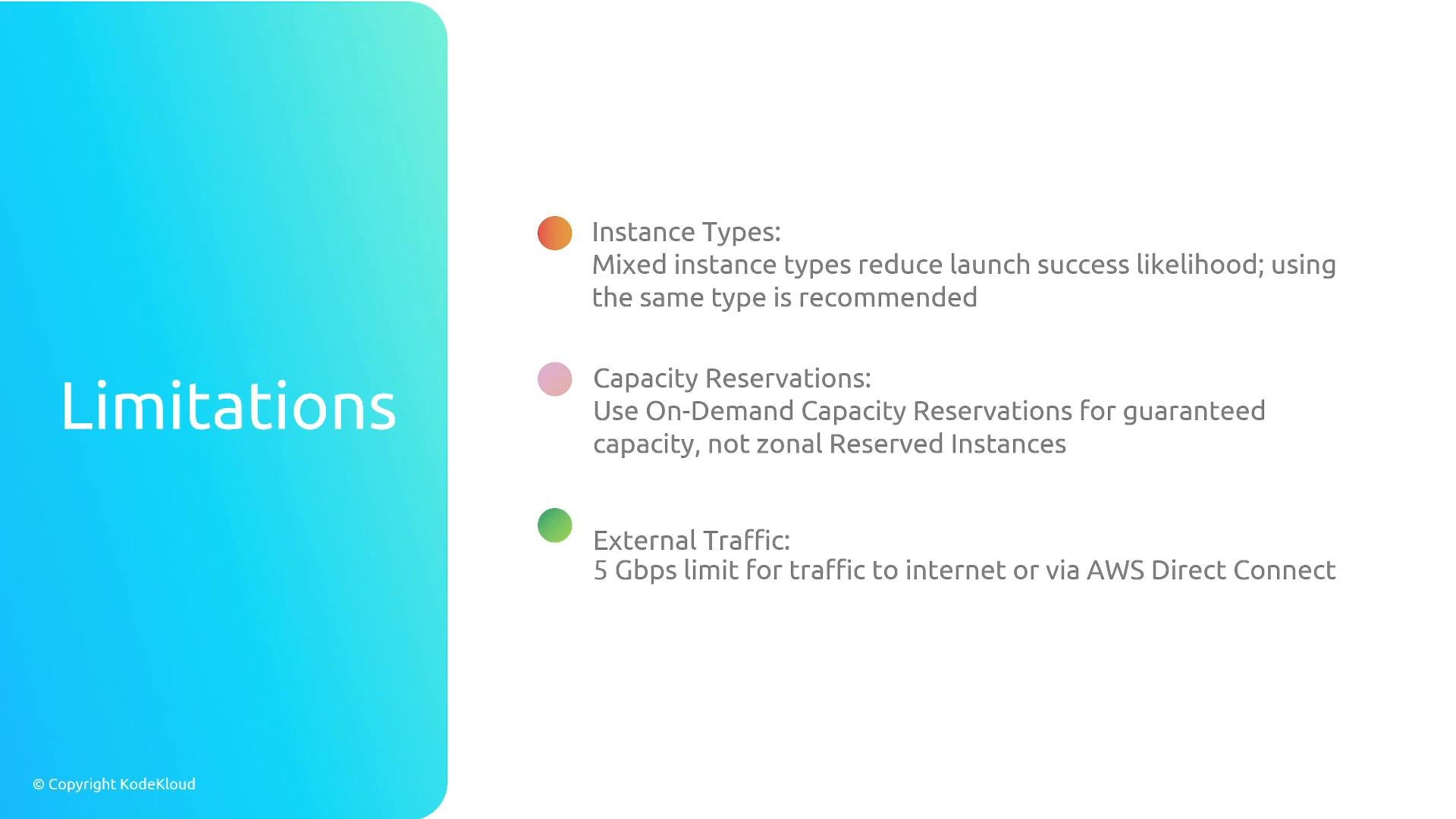
- Single-AZ only — cannot span multiple Availability Zones.
- Some instance types are unsupported; prefer current-generation instance types that support enhanced networking/EFA.
- Network throughput is limited by the least-capable instance in the group — mix carefully or avoid mixing.
- Enhanced networking and EFA are supported on compatible instances for lowest latency and highest throughput.
- Capacity planning: On-Demand Capacity Reservations may be required to guarantee capacity; Reserved Instances only affect billing and do not reserve capacity by themselves.
- Placement groups optimize physical placement but do not increase external (Internet or cross-AZ) bandwidth beyond the instance or VPC network limits.
- EFAs are commonly used with cluster placement groups for HPC applications requiring RDMA and very low latency.
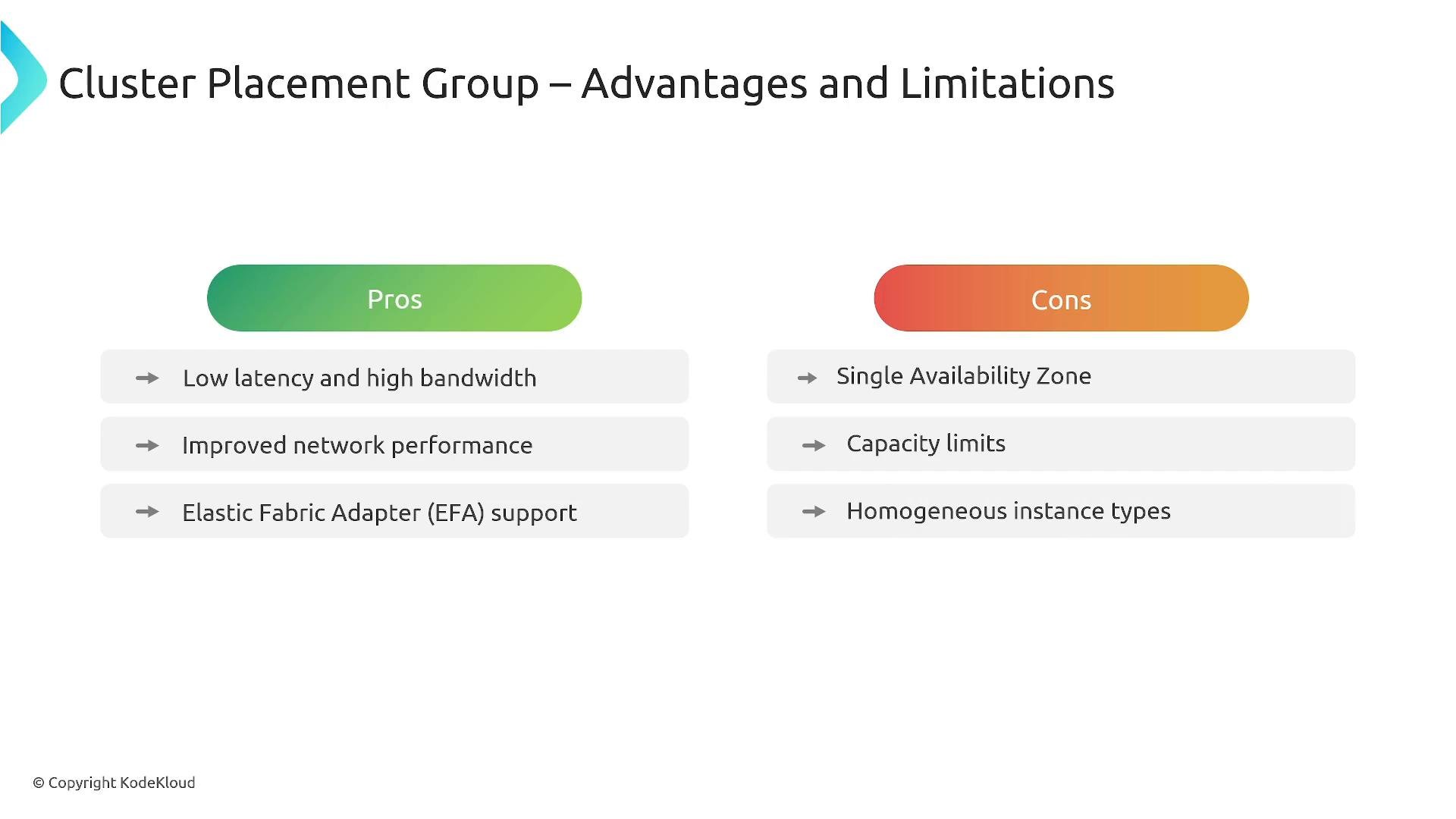
- Pros: Low latency and high bandwidth between instances, EFA support, ideal for tightly-coupled compute.
- Cons: Single AZ, capacity constraints, recommended homogeneous instance types, may require redeploying to scale beyond available capacity.
- Purpose: Provide rack-level fault isolation by dividing the placement group into partitions. Each partition maps to a distinct set of racks, network, and power so that partitions do not share racks with each other.
- Ideal for: Large distributed databases and stateful distributed systems (e.g., Cassandra, HBase) where you need to reduce correlated failures while supporting a cluster that spans many instances, potentially across multiple AZs.
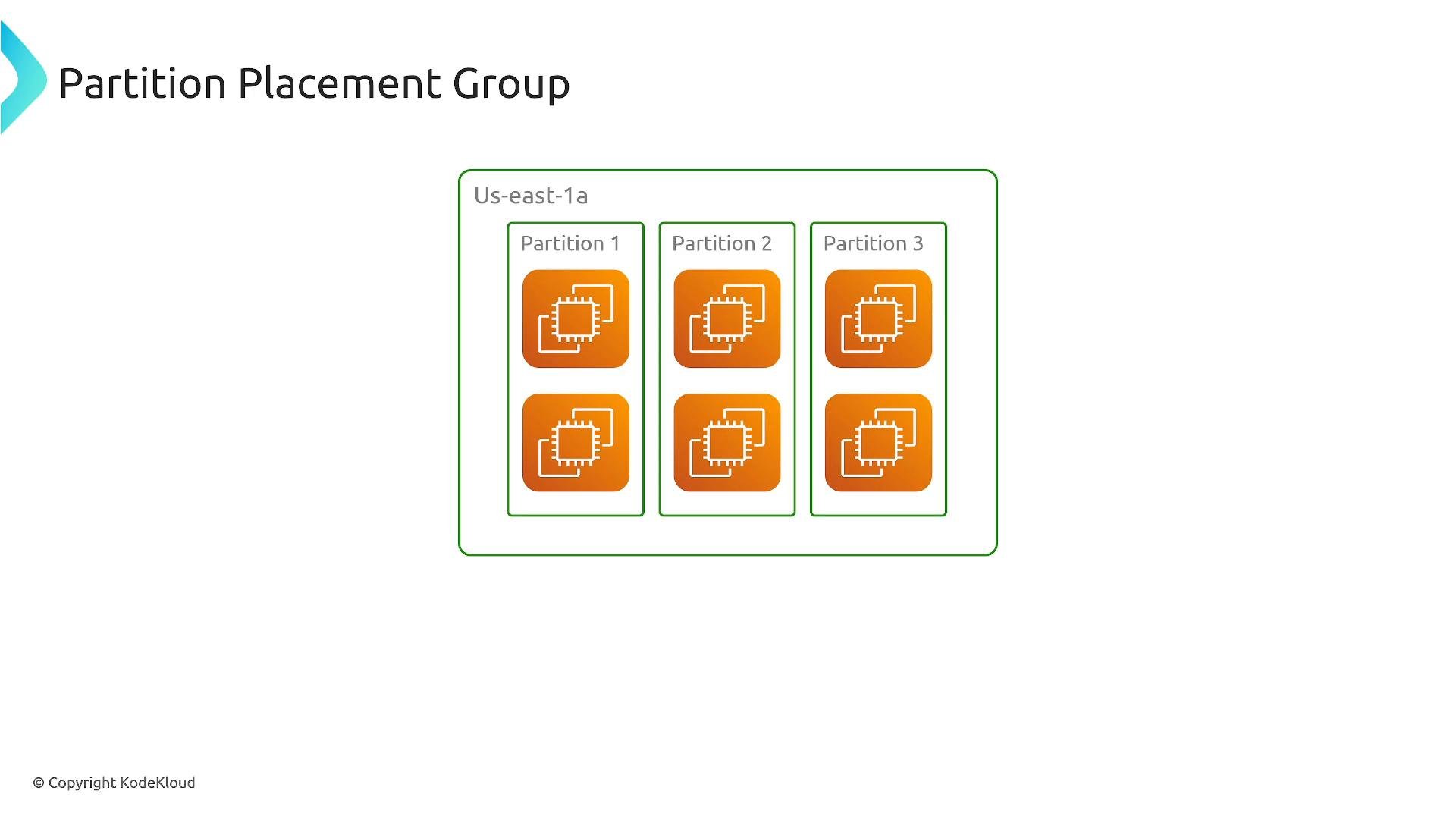
- Partitions can be distributed across multiple Availability Zones; each partition provides rack-level isolation within its AZ.
- Good for horizontally scalable, fault-tolerant distributed systems.
- Use multiple partitions (and distribute them across AZs) to achieve multi-AZ redundancy.
- Default limits typically include up to seven partitions per AZ (subject to account limits). Verify your account limits before planning.
- Capacity reservations and instance/feature limits may differ versus cluster placement groups — consult current AWS docs.
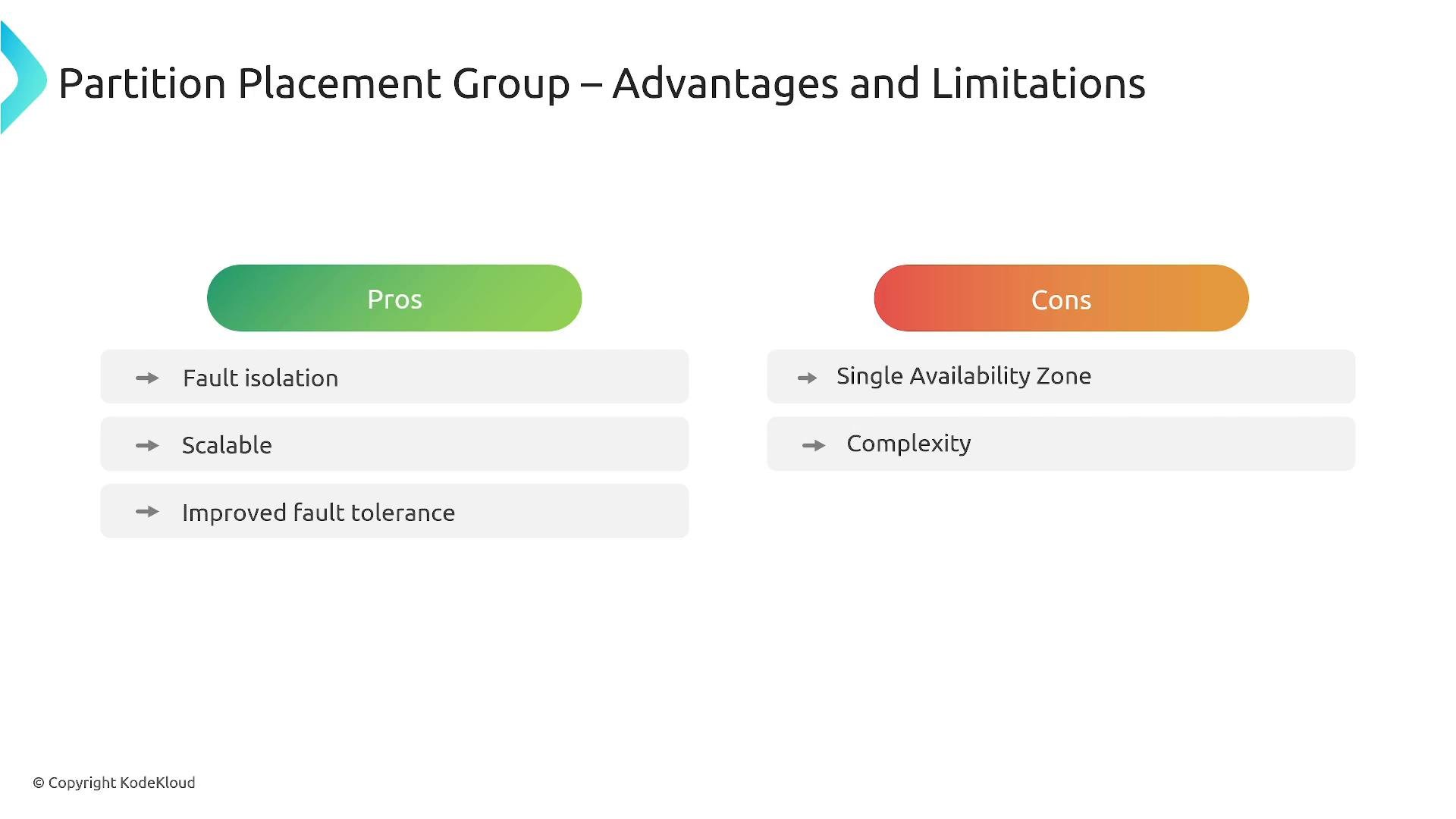
- Pros: Rack-level fault isolation, scalable for large clusters, improved tolerance to rack failures.
- Cons: More operational complexity and planning for AZ distribution, and some instance or feature limits may apply.
- Purpose: Place each instance on distinct underlying hardware (separate racks/hosts) to minimize the chance of simultaneous failures.
- Ideal for: Critical singletons or small sets of instances that must be isolated from one another (e.g., authentication servers, DNS, bastion hosts, control plane components).
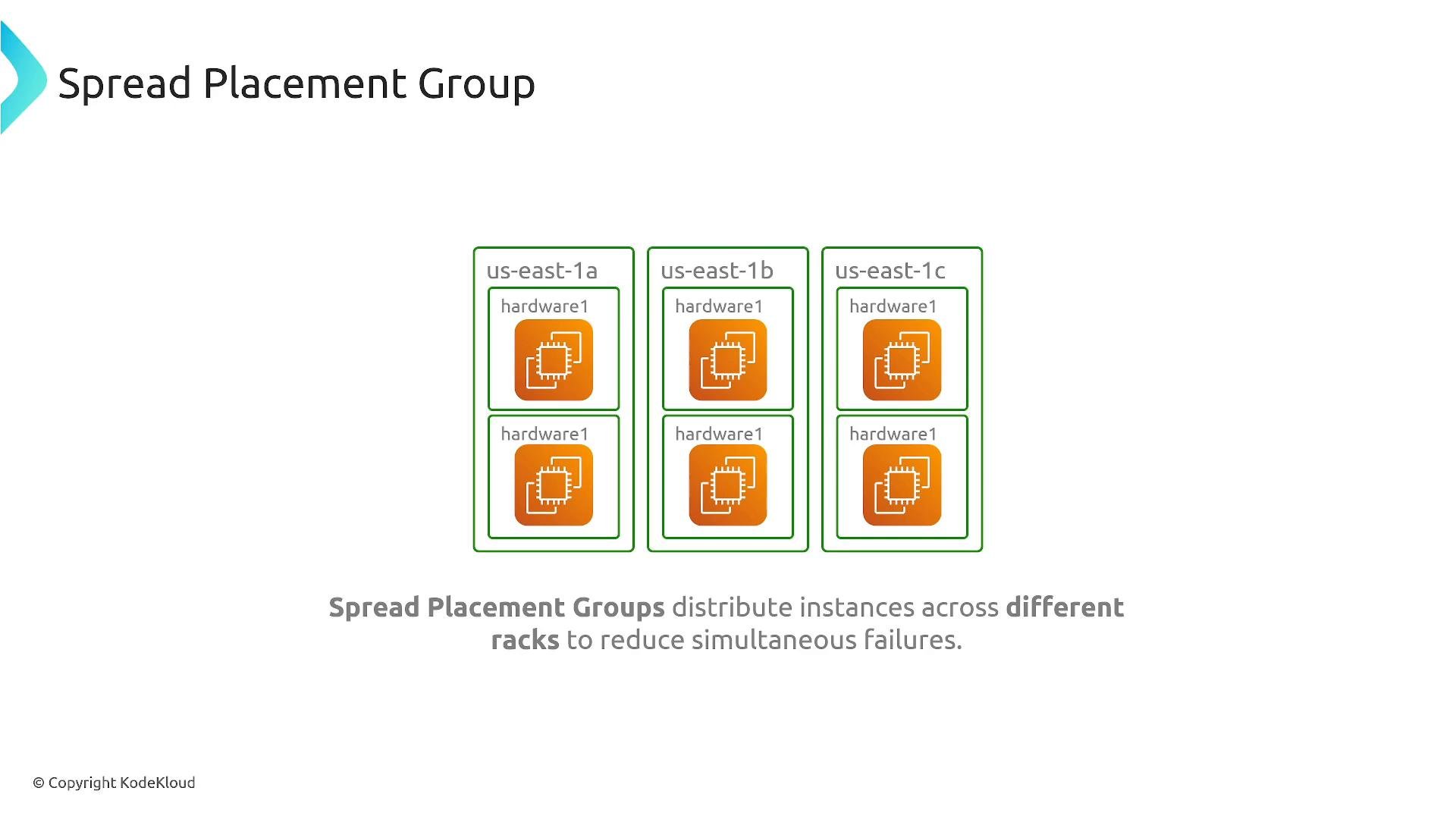
- There is a per-AZ instance limit within a single spread placement group (often small — e.g., seven instances per AZ; check current AWS limits).
- Spread placement groups prioritize hardware isolation over network performance; inter-instance latency and bandwidth are not optimized.
- Some deployment types (Dedicated Hosts, Outposts) may behave differently with placement groups — verify support for your environment.
- Capacity reservations behave differently; confirm the exact behavior in the AWS documentation for your use case.
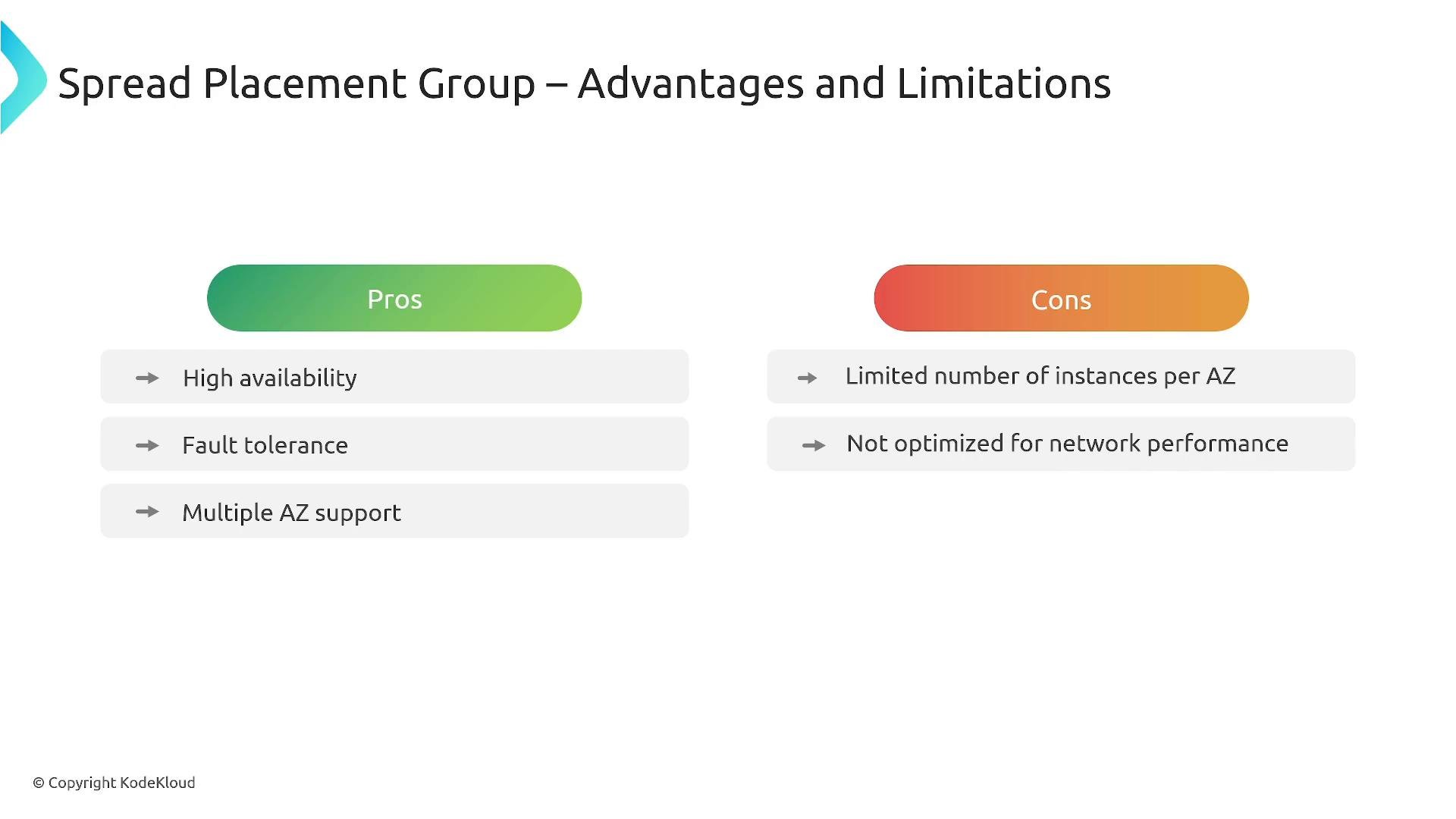
- Pros: Strong isolation and reduced correlated failure risk; suitable for critical singleton instances.
- Cons: Small instance counts per AZ per group and higher network latency vs cluster placement groups.
Decision checklist
- Need optimized inter-instance network performance? Choose cluster.
- Need rack-level isolation for large distributed systems? Choose partition.
- Need strict hardware separation for critical single instances? Choose spread.
Check current AWS documentation and your account limits before designing: supported instance types, per-AZ limits, and capacity reservation behavior can change and may differ by region and account.
- Amazon EC2 Placement Groups — AWS Documentation
- AWS Solutions Architect Associate Certification course (example)
- Elastic Fabric Adapter (EFA) — AWS Documentation