

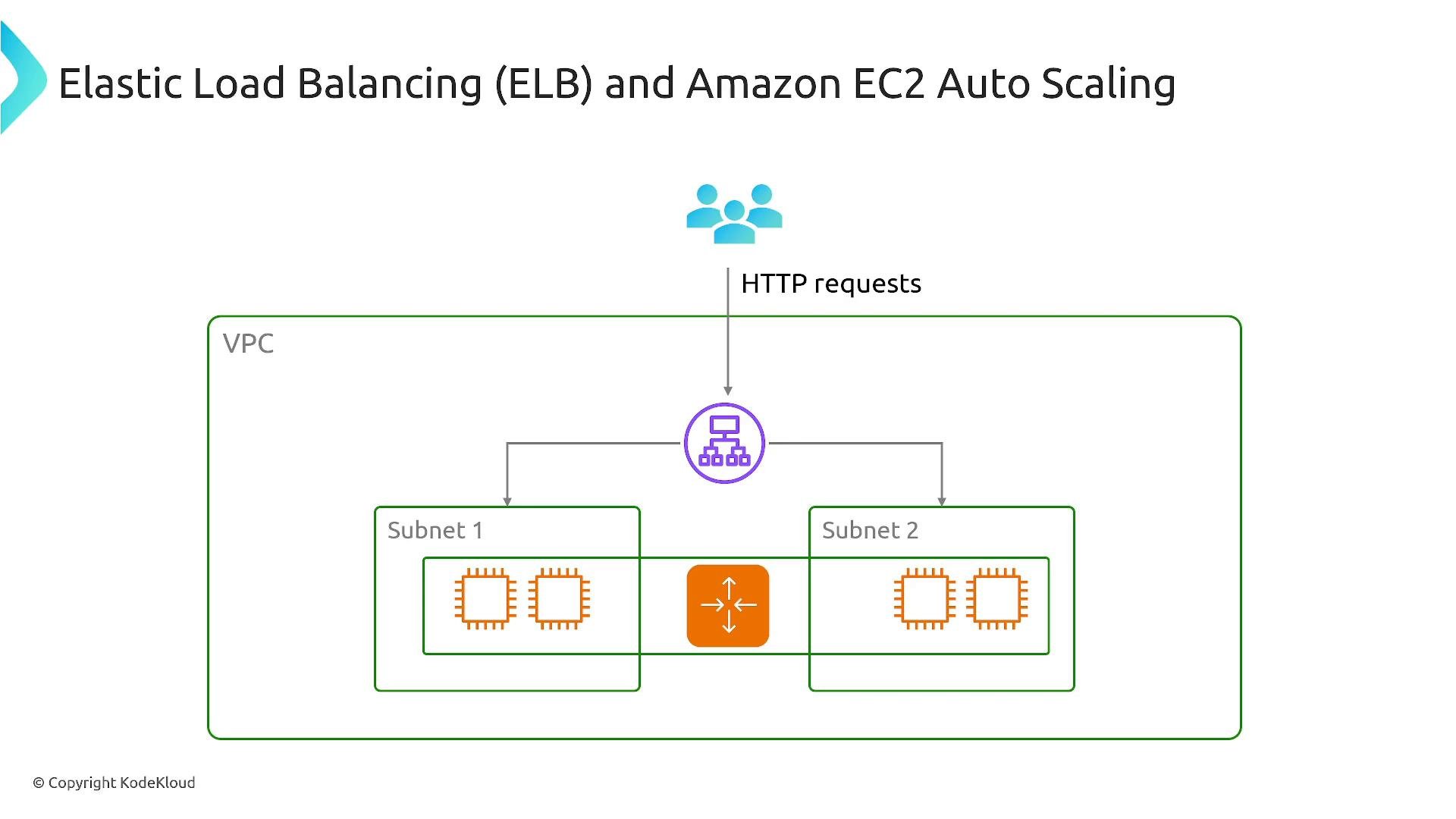
Key exam and real-world topics: ELB + Auto Scaling + EC2 is a common architecture pattern. Also study EBS volume types (gp/io/io2 Block Express), enhanced networking options (ENI/ENA/EFA/SR-IOV), and Graviton-based instance families (ARM).
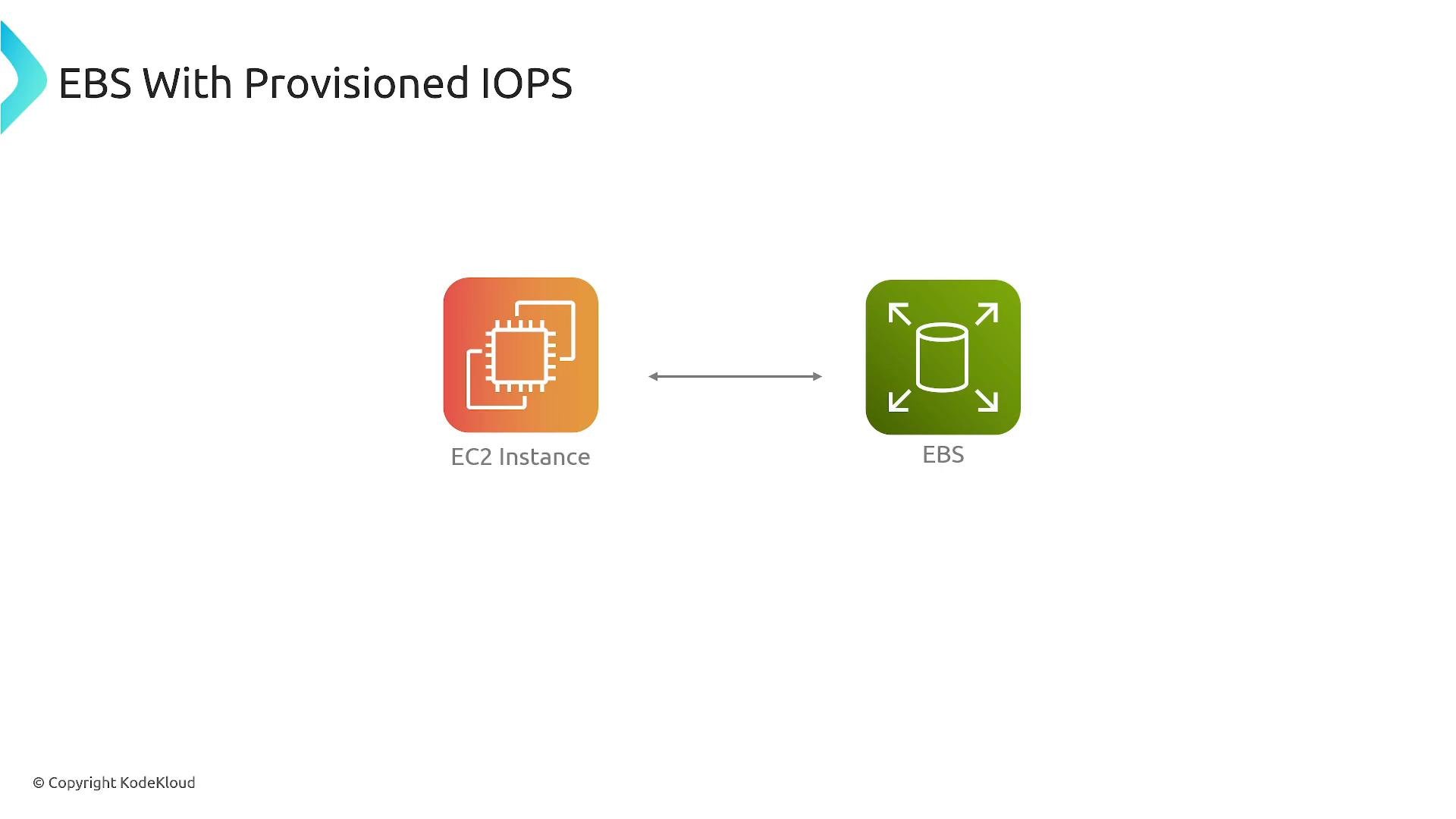
Storage: EBS and Provisioned IOPS
General-purpose volumes (gp2/gp3) fit many workloads. For consistent, high IOPS or throughput (databases, transactional workloads), use provisioned IOPS volumes (io1, io2). For the highest performance and durability, consider io2 Block Express, which supports very large IOPS and multi‑GB/s throughput for mission-critical, latency-sensitive applications.
Use this table to compare volume types at a glance:
Example AWS CLI: describe an EBS volume to check its type, IOPS, and throughput:
Networking: ENI, ENA, EFA, and SR-IOV
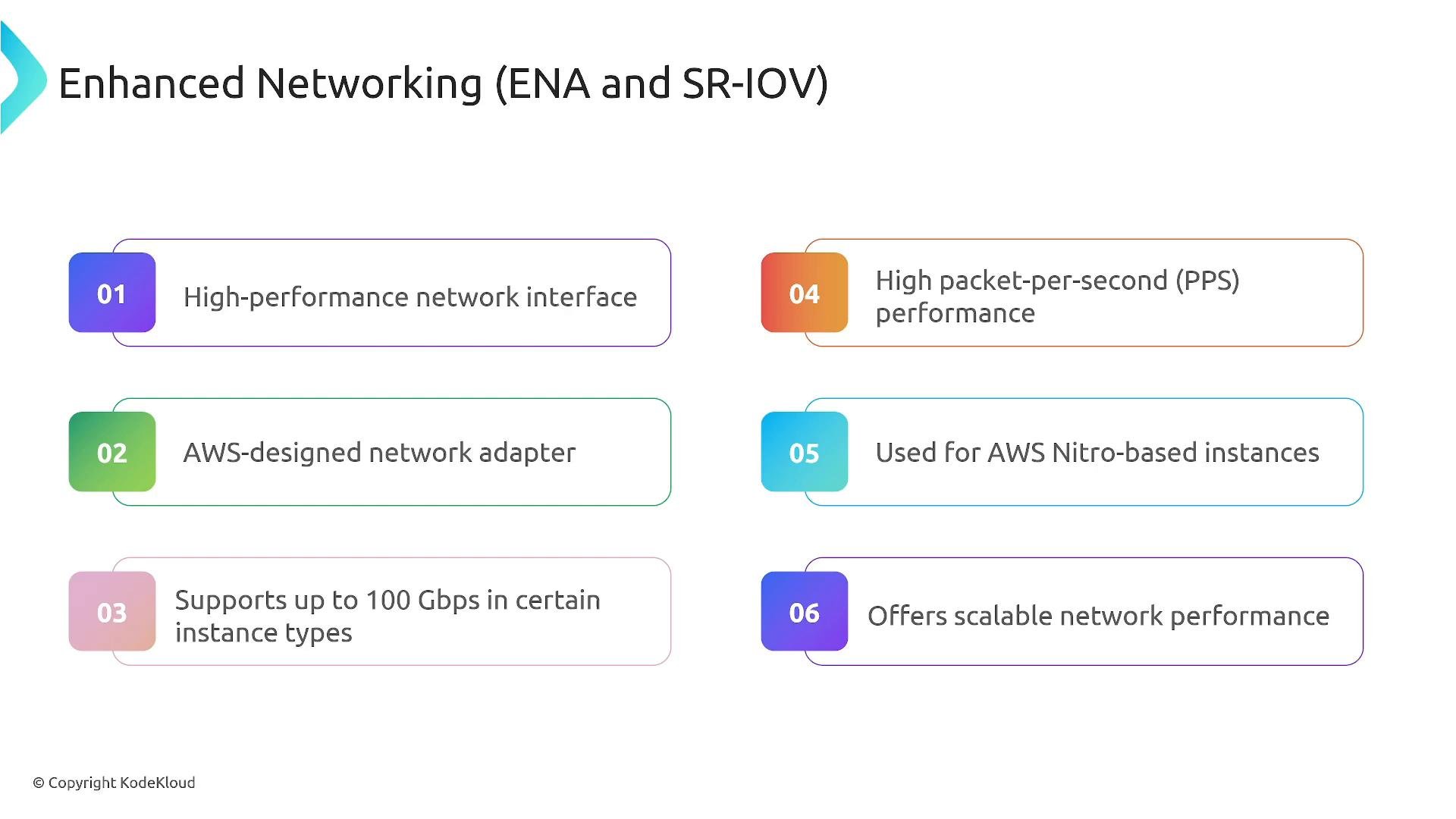
Networking performance on EC2 depends on both the virtual NIC and the adapter technology. Key items:- ENI (Elastic Network Interface): the standard virtual NIC attached to an EC2 instance. You can attach multiple ENIs to supported instance types, but ENIs on their own remain subject to virtualization overhead.
- ENA (Elastic Network Adapter): provides enhanced networking with high throughput and packets-per-second performance. ENA is common on Nitro-based instances and can support up to 100 Gbps on supported instance families.
- EFA (Elastic Fabric Adapter): specialized for low-latency, HPC and distributed ML workloads. EFA enables OS-bypass and RDMA-like communication for tightly-coupled applications.
- SR-IOV (Single Root I/O Virtualization): the virtualization mechanism that lets network devices present virtual functions directly to instances, reducing host CPU overhead and latency. Both ENA and EFA use SR-IOV under the hood.
- Not all instance types support ENA/EFA — these features are typically available on Nitro-based instances and selected families.
To check whether an instance supports ENA via AWS CLI:
iperf3 (throughput) and netperf (latency/PPS) and benchmark across instance families before committing to a change.
Graviton processors (ARM-based)
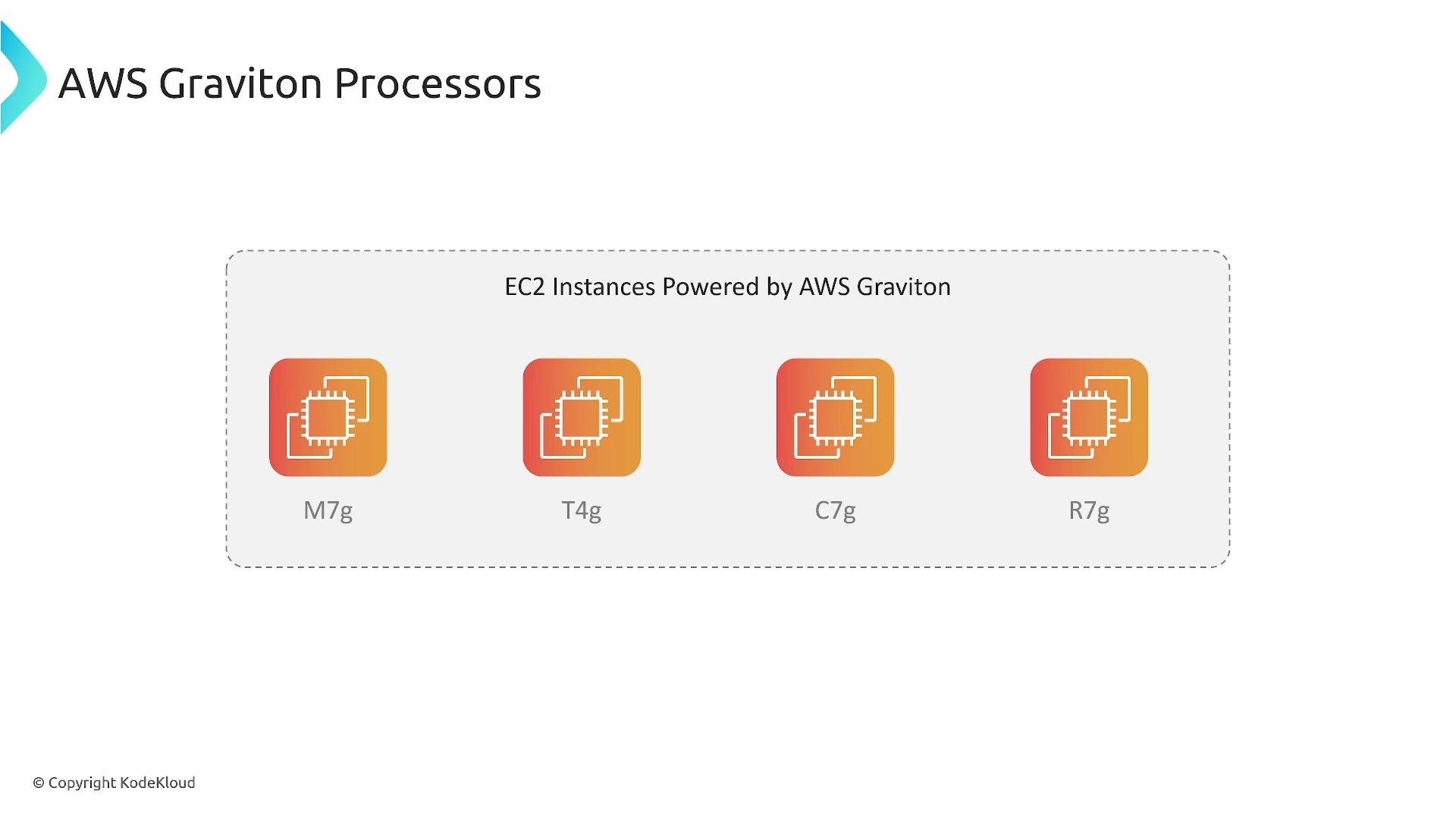
AWS Graviton processors are ARM-based CPUs designed by AWS. Instance families with a trailingg (for example, M7g, T4g, C7g, R7g) indicate Graviton-based instances.
Why consider Graviton:
- Better price-performance for many CPU-bound workloads (customers often report 20–40%+ improvements versus comparable x86 instances).
- Lower cost per vCPU and often better power efficiency.
- Verify your software and third-party dependencies support ARM (recompile native binaries or use multi-arch container images as required).
- Test thoroughly — workloads vary in sensitivity to CPU architecture.
amd64 and arm64 artifacts.
Summary and recommended checklist
- Architecture: Use ELB + Auto Scaling + EC2 for resilient, cost-efficient deployments.
- Storage: Choose
gp3for cost-effective general use; useio1/io2(orio2 Block Express) when you need guaranteed IOPS and high throughput. - Networking: Prefer ENA for high throughput; use EFA for low-latency HPC/ML workloads. These depend on SR-IOV and Nitro virtualization.
- Compute: Evaluate Graviton (
*-g) families for better price-performance when your stack supports ARM. - Measure: Always benchmark (I/O, throughput, latency) before and after optimizations to validate benefits.
Practical tip: Measure before you change. Use targeted performance tests (fio, iperf3, netperf, real application tests) so you can quantify improvements and cost impacts prior to migrating to io2 Block Express, ENA/EFA instances, or Graviton families.
Links and references
- Amazon EBS volume types and performance
- Enhanced networking (ENA) for EC2 instances
- Elastic Fabric Adapter (EFA)
- AWS Graviton processors
- [Benchmarking tools: fio, iperf3, netperf]