CloudFormation Template Overview
The CloudFormation template provisions several key resources, including the EC2 instance, the instance profile, and the necessary IAM roles. The instance is configured to run the latest Amazon Linux 2 AMI and ensures that the SSM agent is properly installed and running.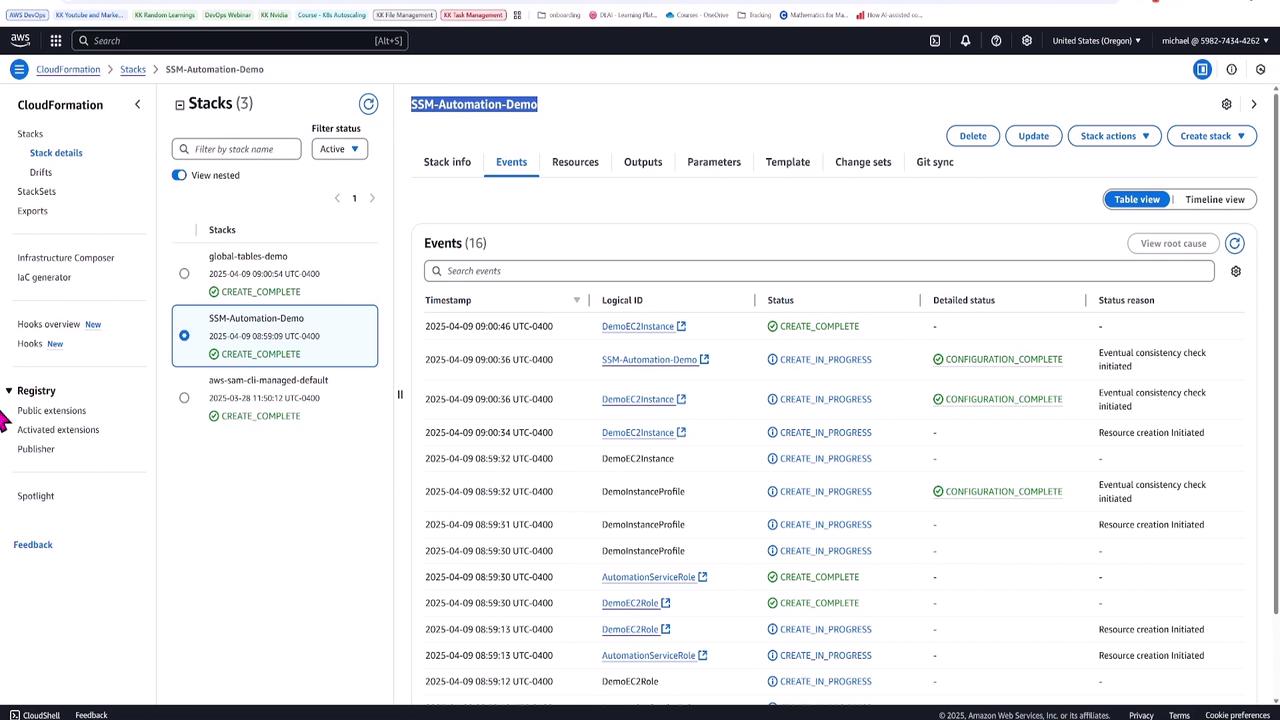
The template includes a user data script to validate that the SSM agent is running on the instance, ensuring seamless automation execution.
IAM Role Configurations
The template defines two critical IAM roles. One is for the EC2 instance (DemoEC2Role) to enable SSM managed instance functionality, and the other is the Automation Service Role, which allows the automation document to perform a series of EC2 actions.Navigating to AWS Systems Manager
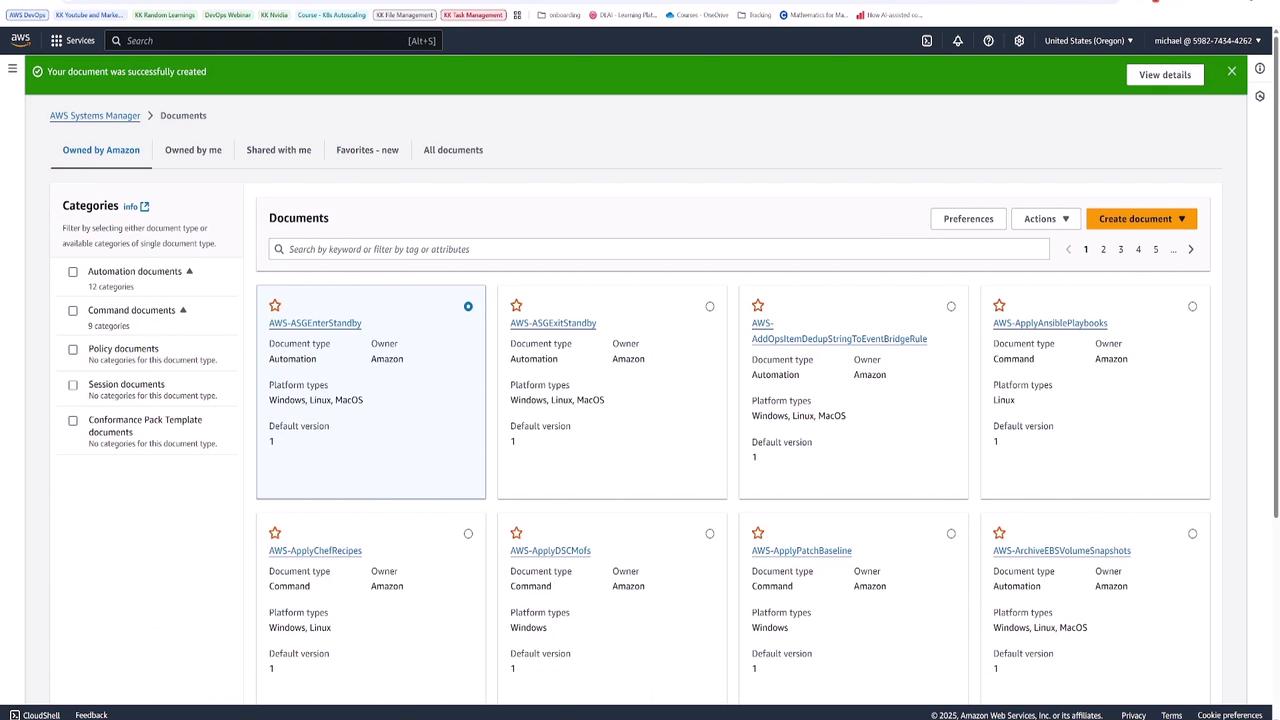
Once the instance and IAM roles are provisioned through CloudFormation, the next step is to work within AWS Systems Manager. Navigate to the Documents section under Change Management Tools to create a custom automation document.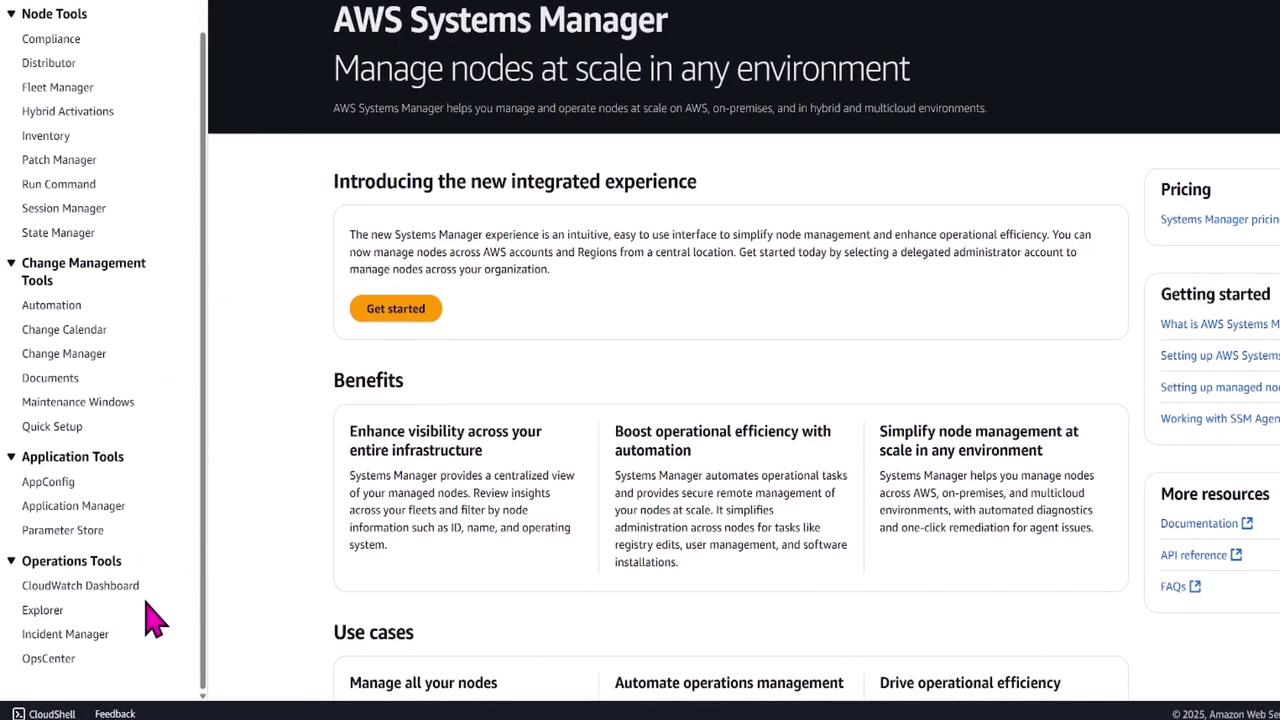
Designing the Automation Runbook
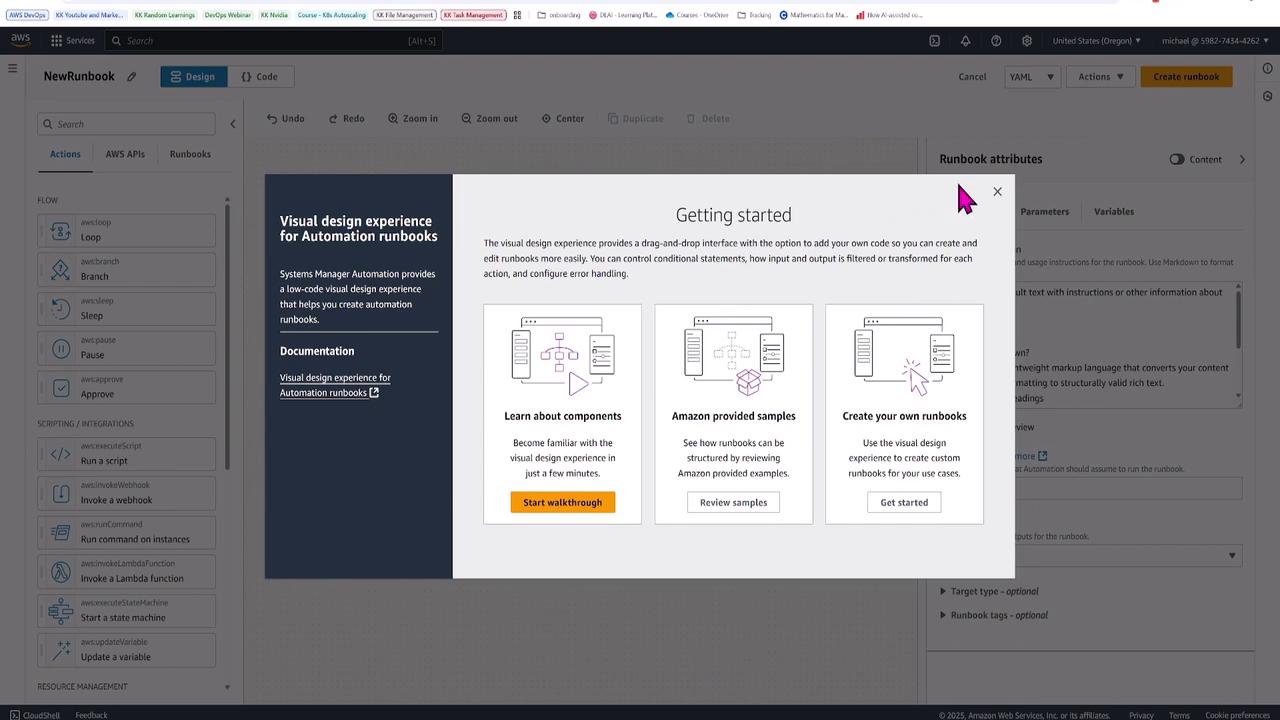
For this runbook, name it StopSnapshotStartEC2Instance. This document performs the following tasks:- Stops the EC2 instance.
- Creates a snapshot of its root volume.
- Starts the instance.
- Verifies that the instance is in a running state.

Automation Steps Overview
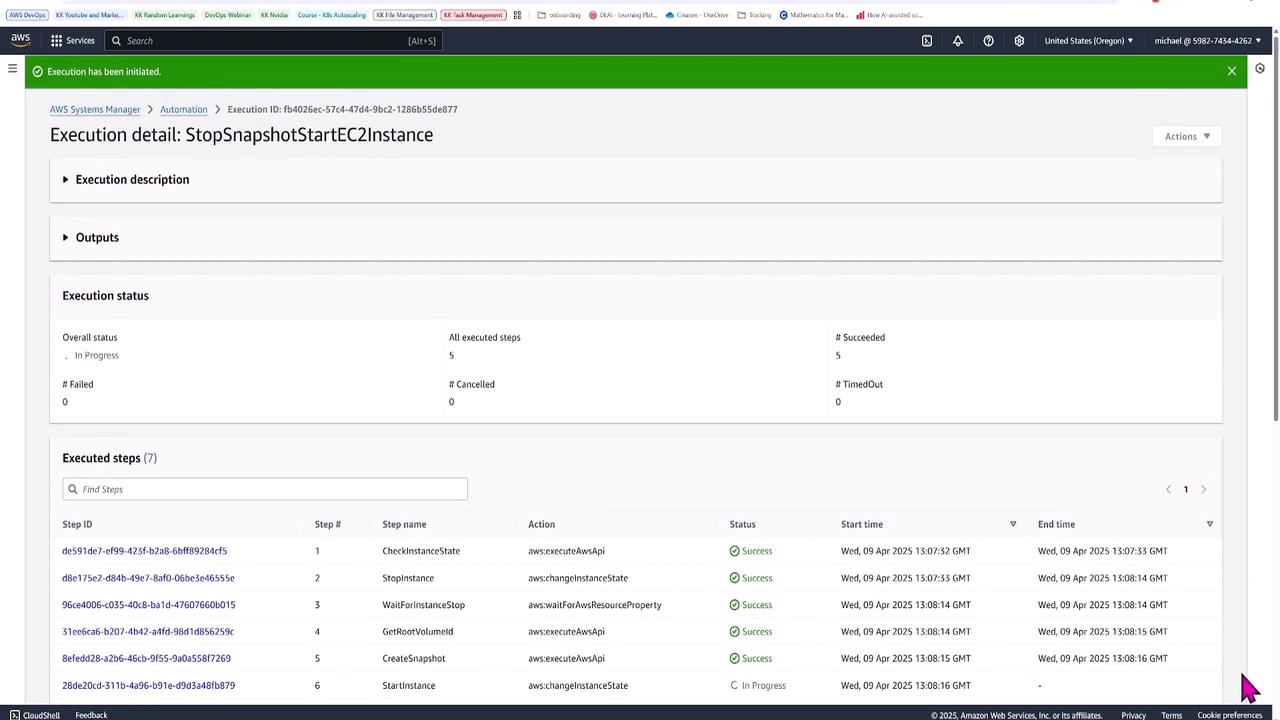
The runbook includes the following automation steps:- Check the Instance State: Pause to verify the current state.
- Stop the Instance: Initiate stopping the instance.
- Wait for Instance Stop: Ensure the instance has stopped.
- Retrieve the Root Volume ID: Identify the root volume for creating a snapshot.
- Create the Snapshot: Capture the snapshot of the root volume.
- Start the Instance: Restart the instance.
- Verify Instance Running: Confirm the instance is running post-automation.
Executing the Automation Runbook
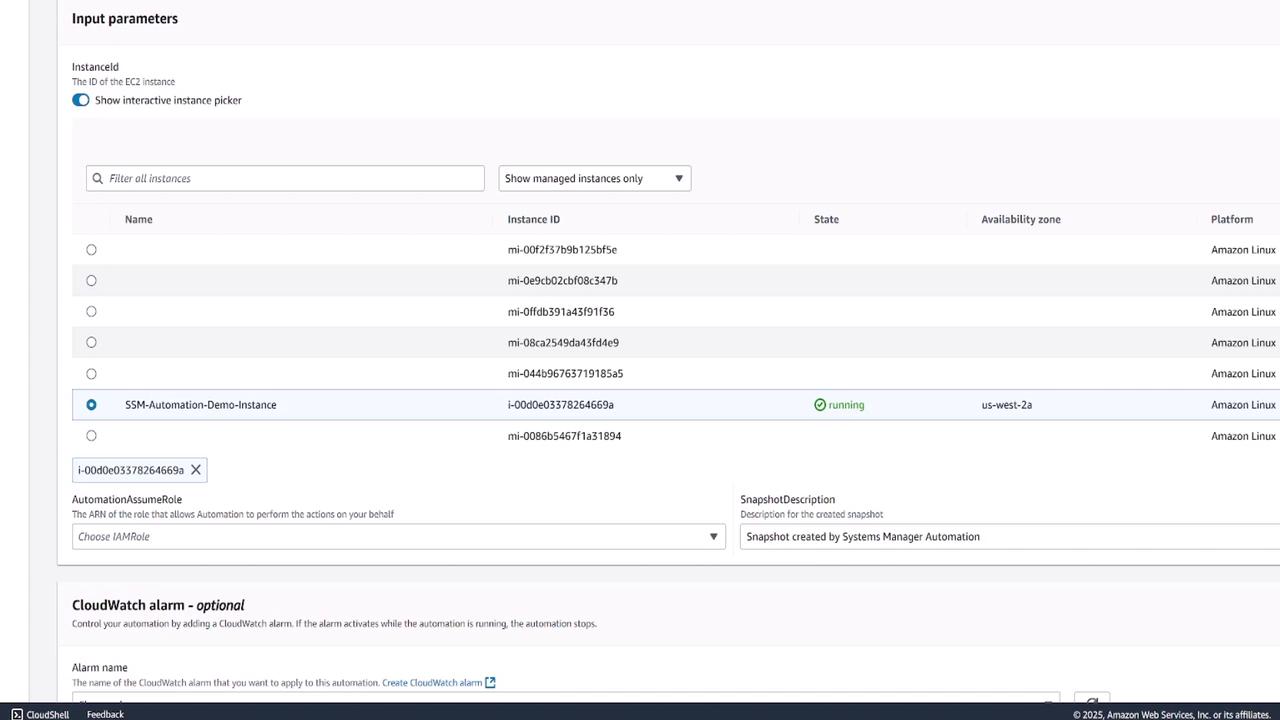
To execute the runbook, select Execute Automation. When prompted, provide the instance ID for the automation demo instance. The execution process includes:- Verifying the current instance state.
- Stopping the instance.
- Waiting for the stop confirmation.
- Retrieving the root volume ID.
- Creating the snapshot.
- Restarting and verifying the instance.
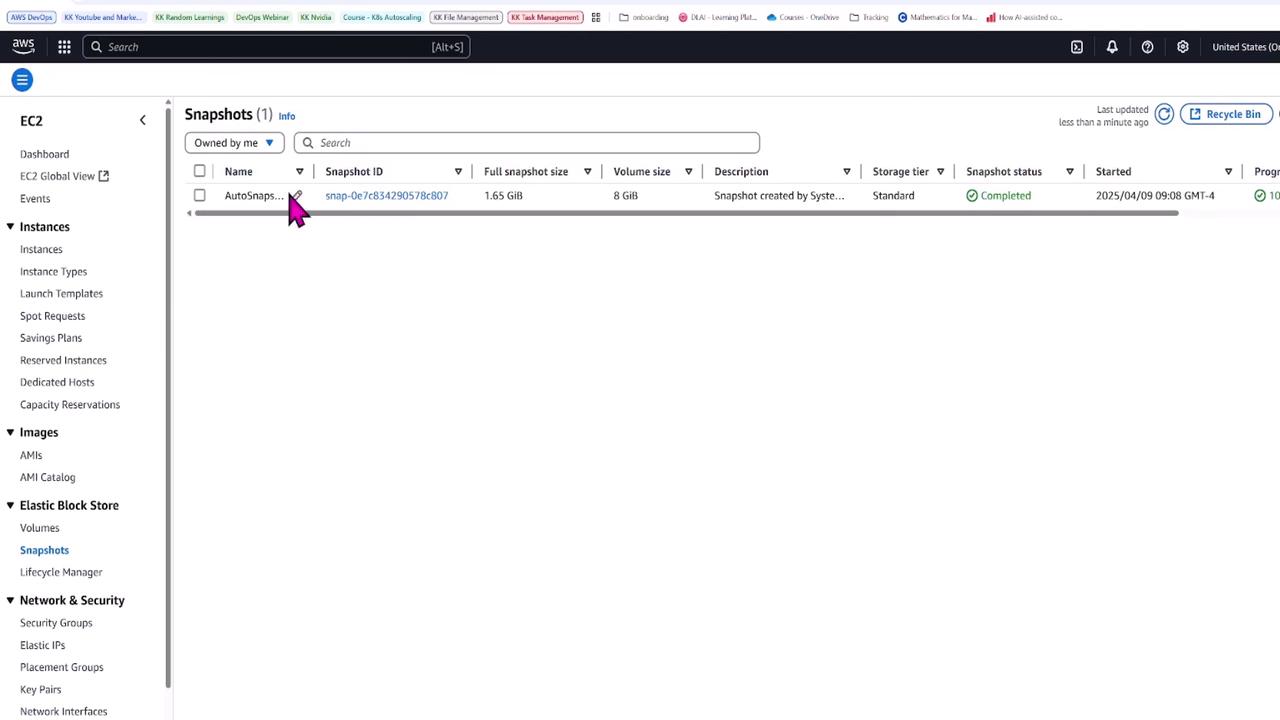
This automation document showcases how to chain multiple steps—even calling additional documents—to efficiently manage EC2 instances. For complex workflows, advanced features like concurrency control and input parameter variations are available.