

Core Configuration Settings
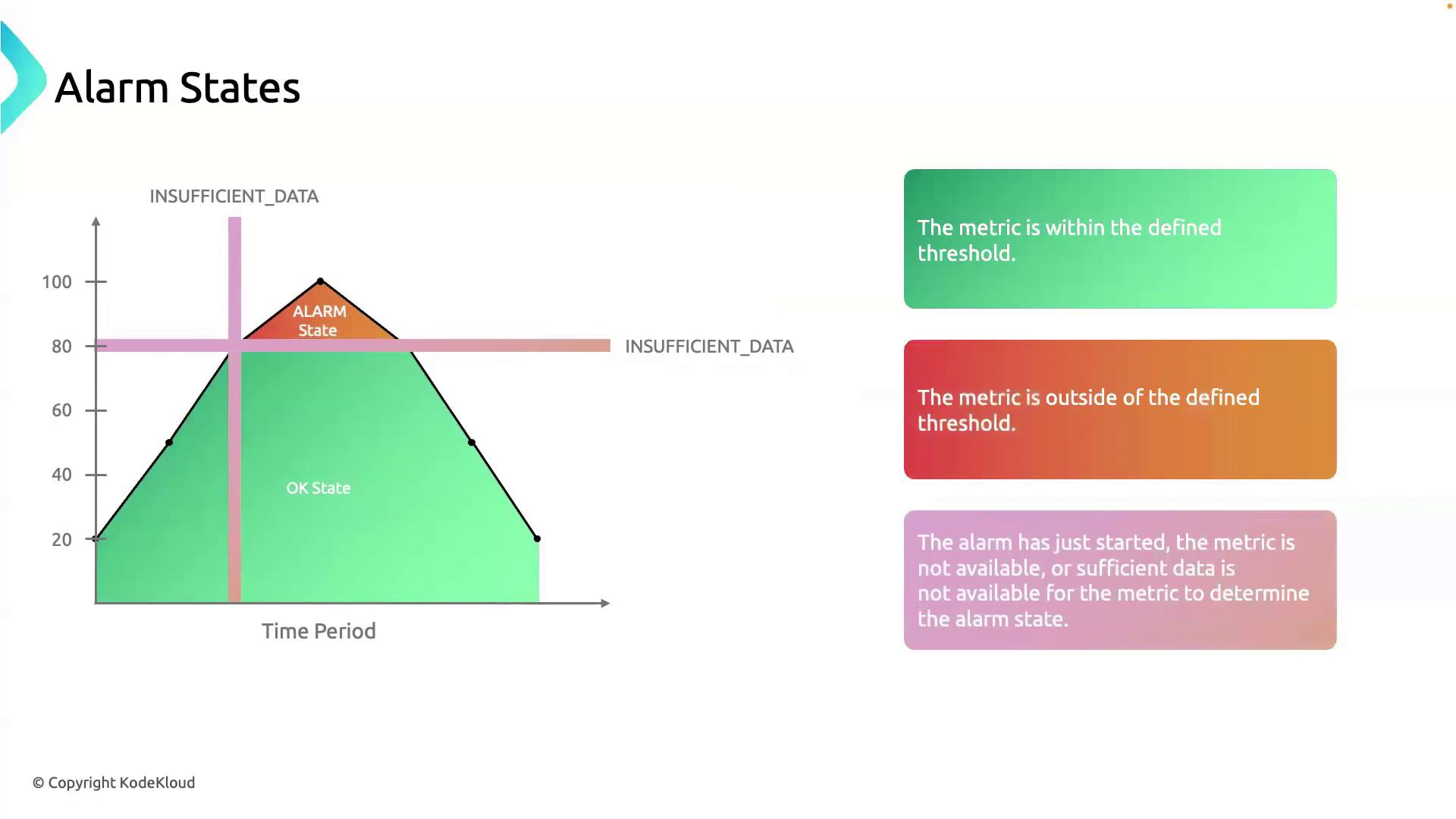
CloudWatch evaluates your metrics based on three key parameters:When an alarm has fewer datapoints than the specified evaluation periods (for example, at startup or during missing metrics), it transitions to INSUFFICIENT_DATA until it can fully evaluate the threshold.
How States Transition
Imagine you set up an alarm on an RDS instance to fire when CPU utilization exceeds 70%, with:- Period = 5 minutes
- Evaluation Periods = 3
- Period 1: CPU spikes to 80% → only one breach datapoint → state moves to INSUFFICIENT_DATA
- Period 2: CPU remains above 70% → second breach datapoint → still INSUFFICIENT_DATA
- Period 3: CPU stays above 70% → third breach datapoint → state transitions to ALARM
References
- AWS CloudWatch Alarms Documentation
- AWS CloudWatch Metrics and Dimensions
- Working with Datapoints and Statistics