

Container Insights
When running microservices in containers, you need a holistic view of CPU, memory, network, and logs—all in one dashboard. Container Insights collects, aggregates, and visualizes these metrics so you can take action before small issues become outages.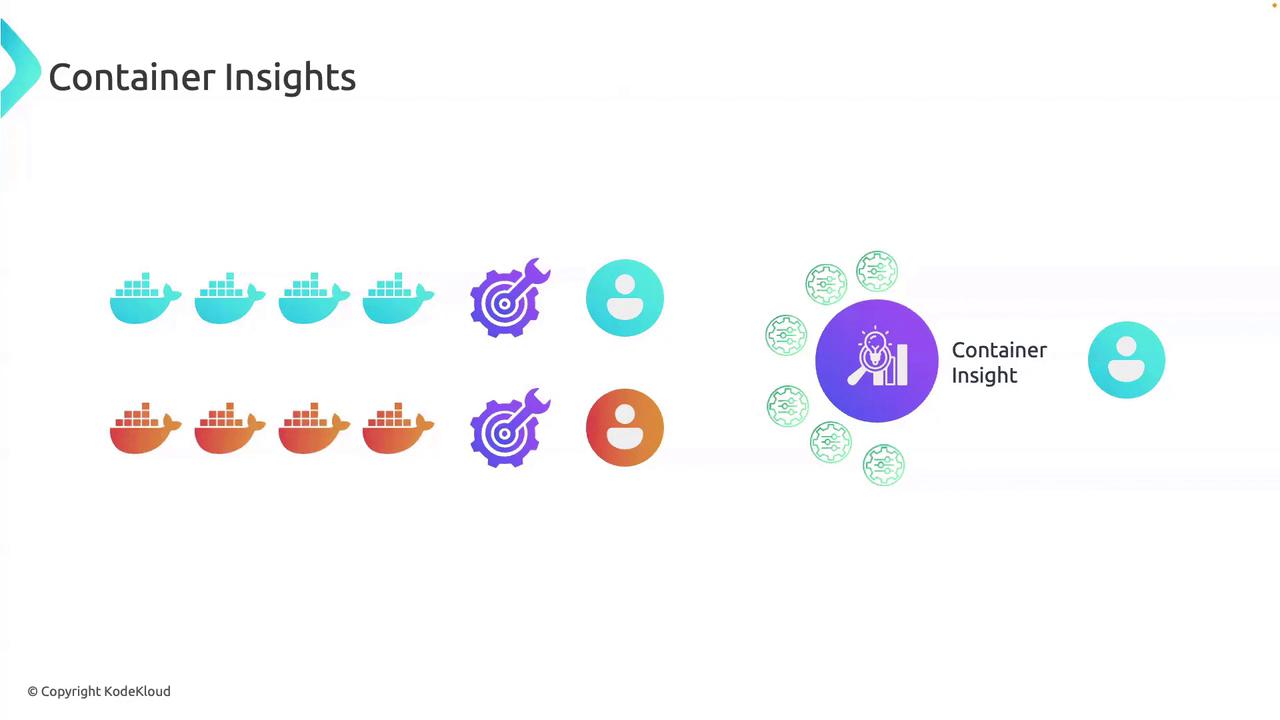
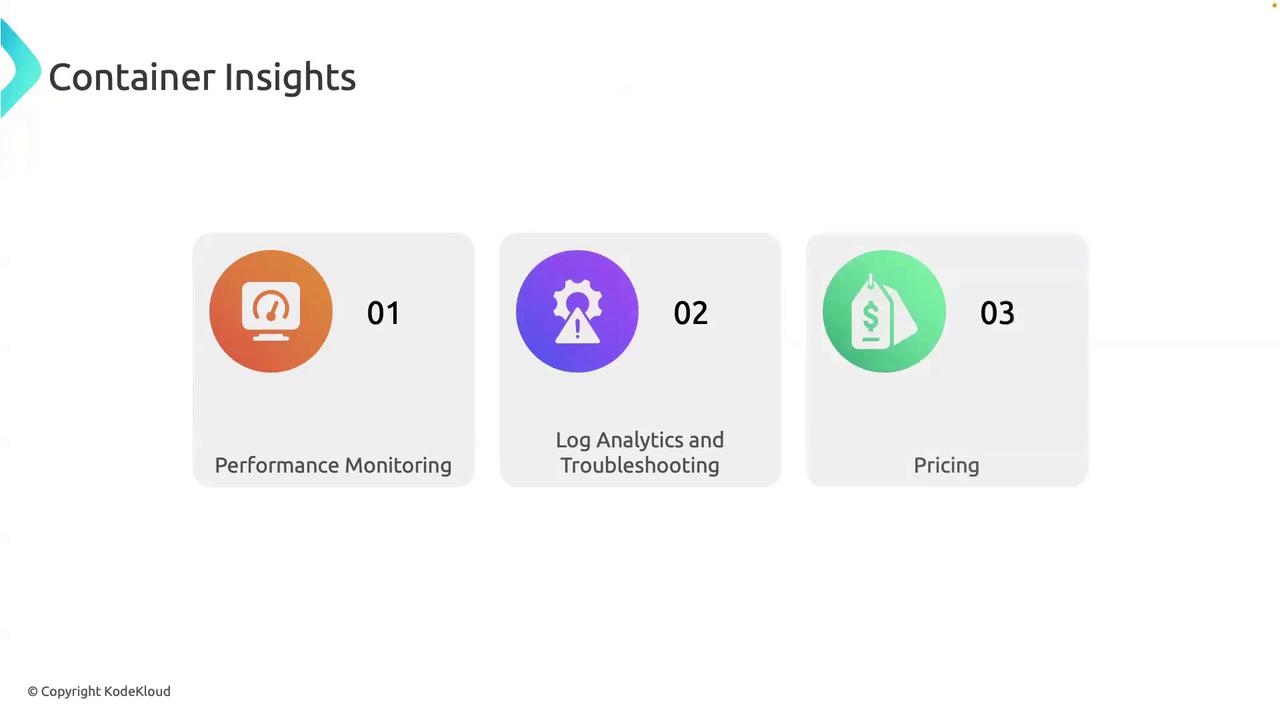
Key Features
You can enable Container Insights via the AWS Management Console, CLI, or CloudFormation in just a few clicks—no code changes required.
Lambda Insights
If your architecture relies on AWS Lambda for event-driven workloads (e.g., S3 triggers, EventBridge rules), Lambda Insights centralizes performance metrics and logs so you don’t have to investigate each function separately.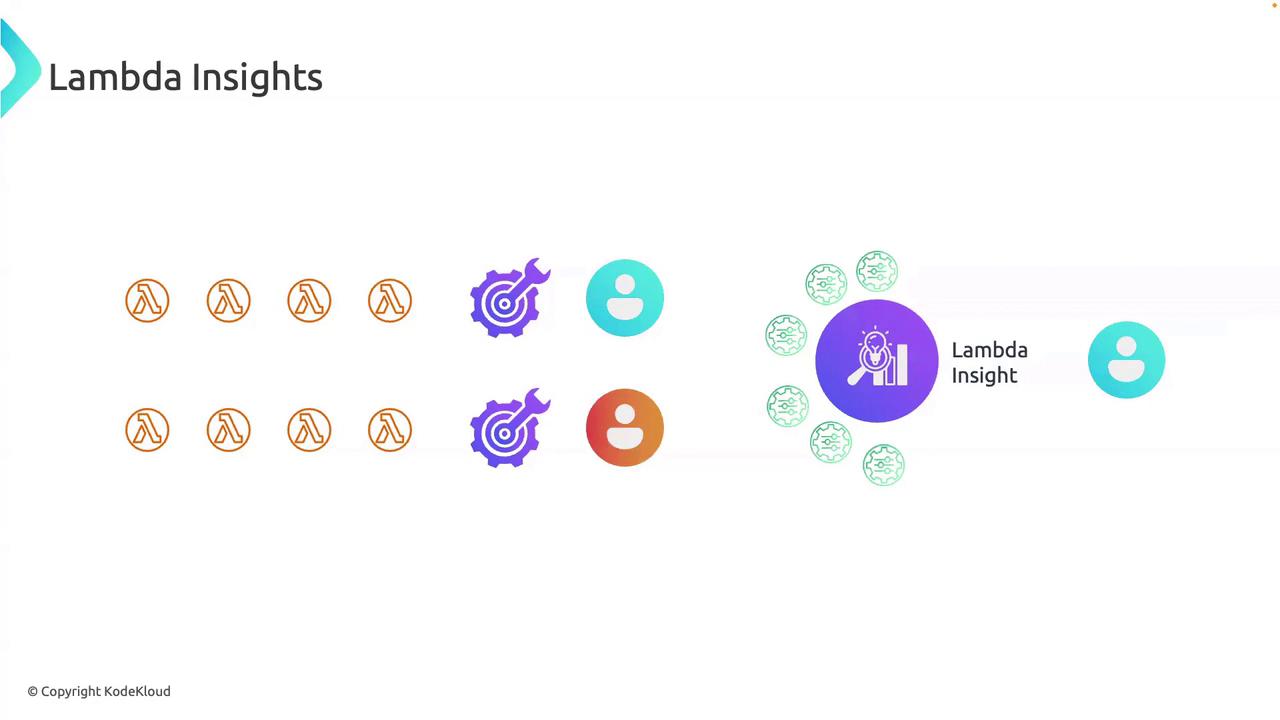
Key Features
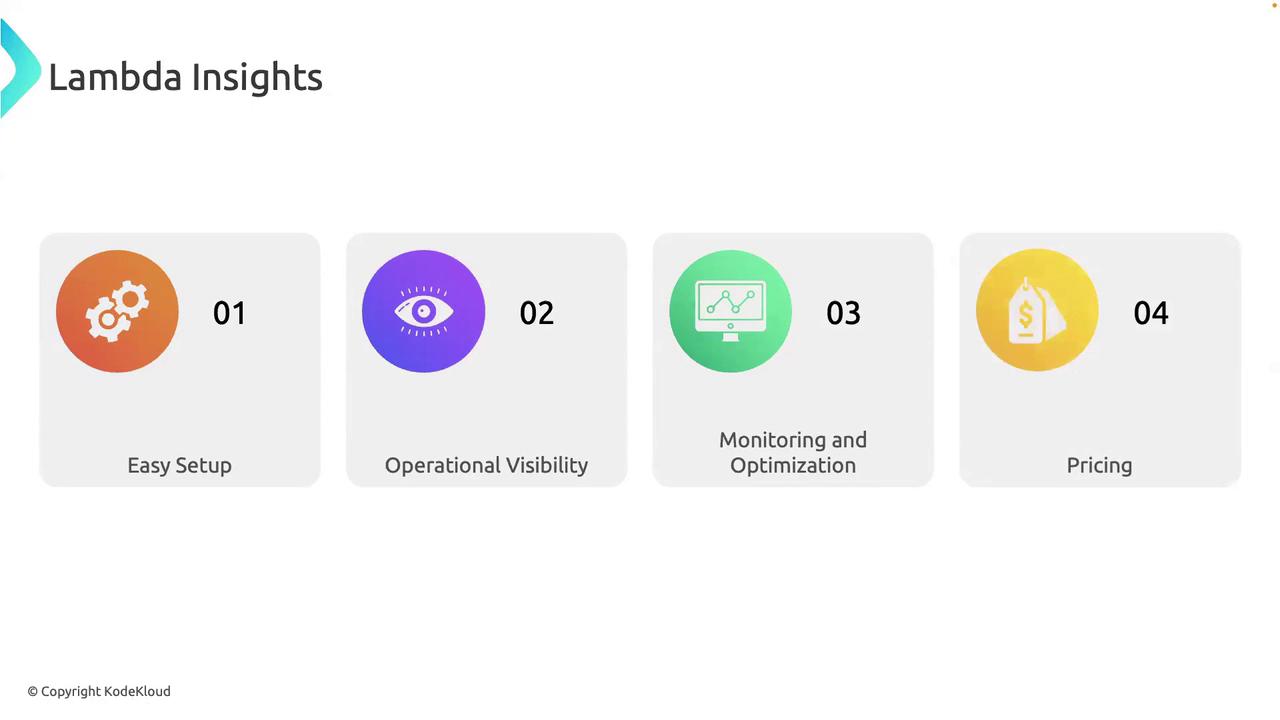
- Easy Setup: Enable instrumentation without modifying your existing code or deployment pipeline.
- Real-Time Metrics: Monitor execution duration, memory usage, cold starts, and concurrency.
- Bottleneck Detection: Quickly identify functions that exceed thresholds or show anomalous behavior.
- Cost Allocation: Break down Lambda charges by function to optimize spend.
Lambda Insights incurs a small additional cost per metric and log, but gives you actionable data to reduce overall Lambda spend.
Contributor Insights
Contributor Insights provides real-time analytics on high-cardinality data (user IDs, API endpoints, order IDs) so you can pinpoint which component in your transaction pipeline is causing issues.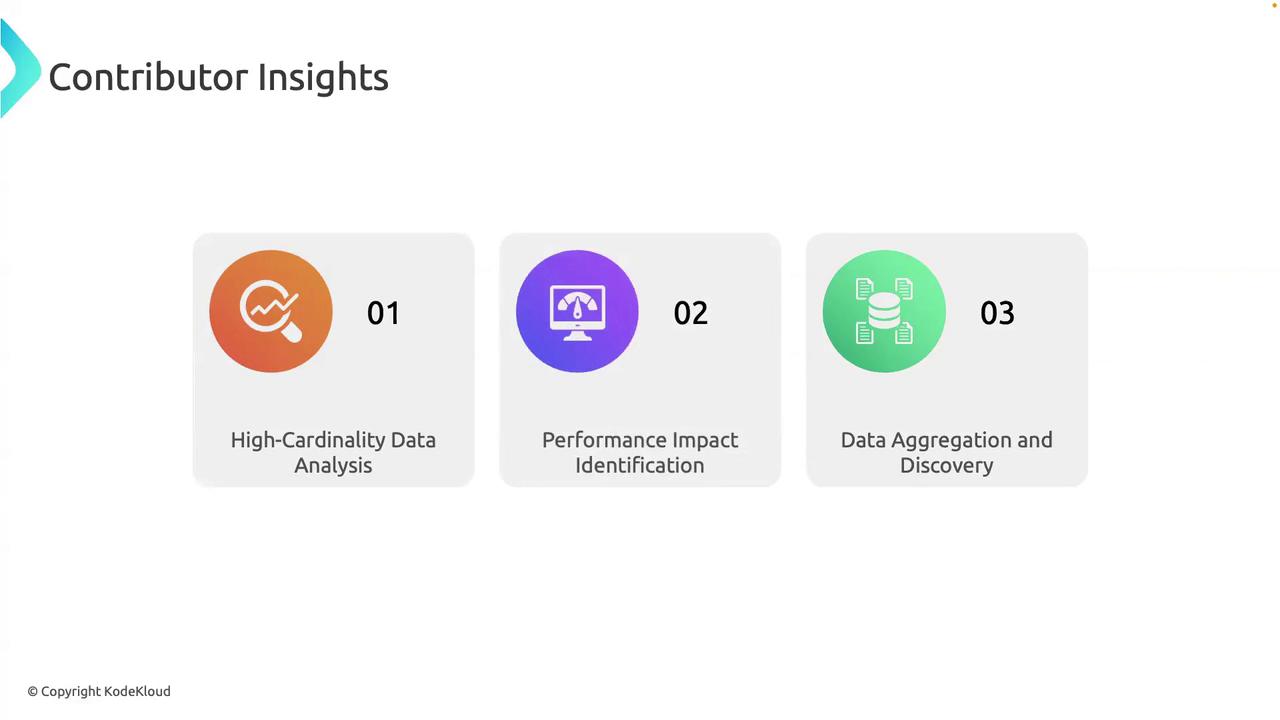
Key Features
Contributor Insights shines as your microservice count grows. Use it proactively in production to detect anomalies early.
Application Insights
For full-stack web applications—like a live video streaming site—Application Insights offers automatic error detection, performance tracing, and dependency mapping to keep end users happy.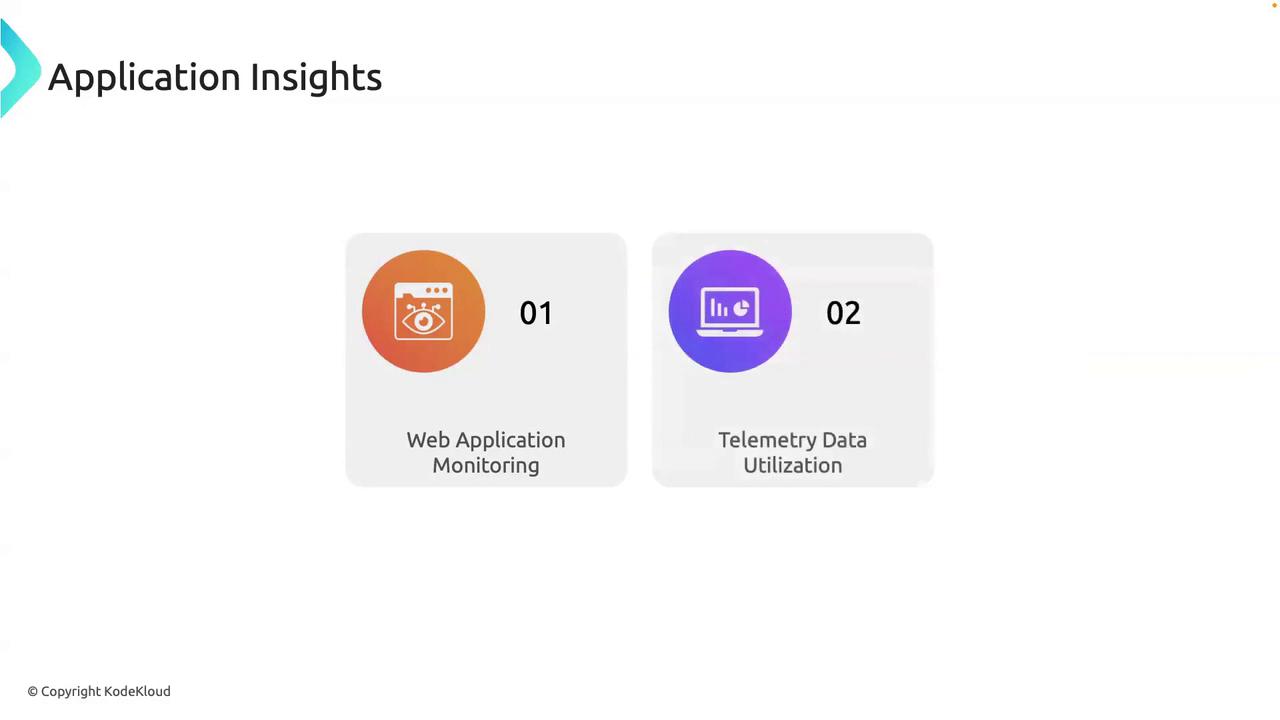
Key Features
- Web Application Monitoring: Auto-discover exceptions, HTTP 5XX errors, and latency spikes.
- Dependency Mapping: Visualize calls to databases, caches, and external APIs.
- Telemetry Dashboard: Combine user, performance, and operational data in one view.
Application Insights adds overhead—enable it for mission-critical applications where user experience metrics are essential.
Links and References
- AWS CloudWatch Container Insights
- AWS Lambda Insights
- AWS Contributor Insights
- AWS Application Insights
- AWS CloudWatch Documentation