

1. CloudWatch Insights: Operational Visibility
CloudWatch Insights provides granular visibility into your application stack. With built-in dashboards and customizable queries, you can quickly pinpoint performance bottlenecks.Use CloudWatch Logs Insights queries to filter, aggregate, and visualize log data in seconds.
For more details, see CloudWatch Logs Insights.
For more details, see CloudWatch Logs Insights.
2. AWS X-Ray: Distributed Tracing
AWS X-Ray captures detailed trace data to help you understand service interactions and latency across distributed architectures:- End-to-End Traces: Follow a request as it travels through multiple services.
- Service Map Visualization: View a graph of service dependencies and latency.
- Request Sampling: Control the volume of traces collected to balance cost and visibility.
- Storage in S3: Archive and analyze trace data using tools like Athena or EMR.
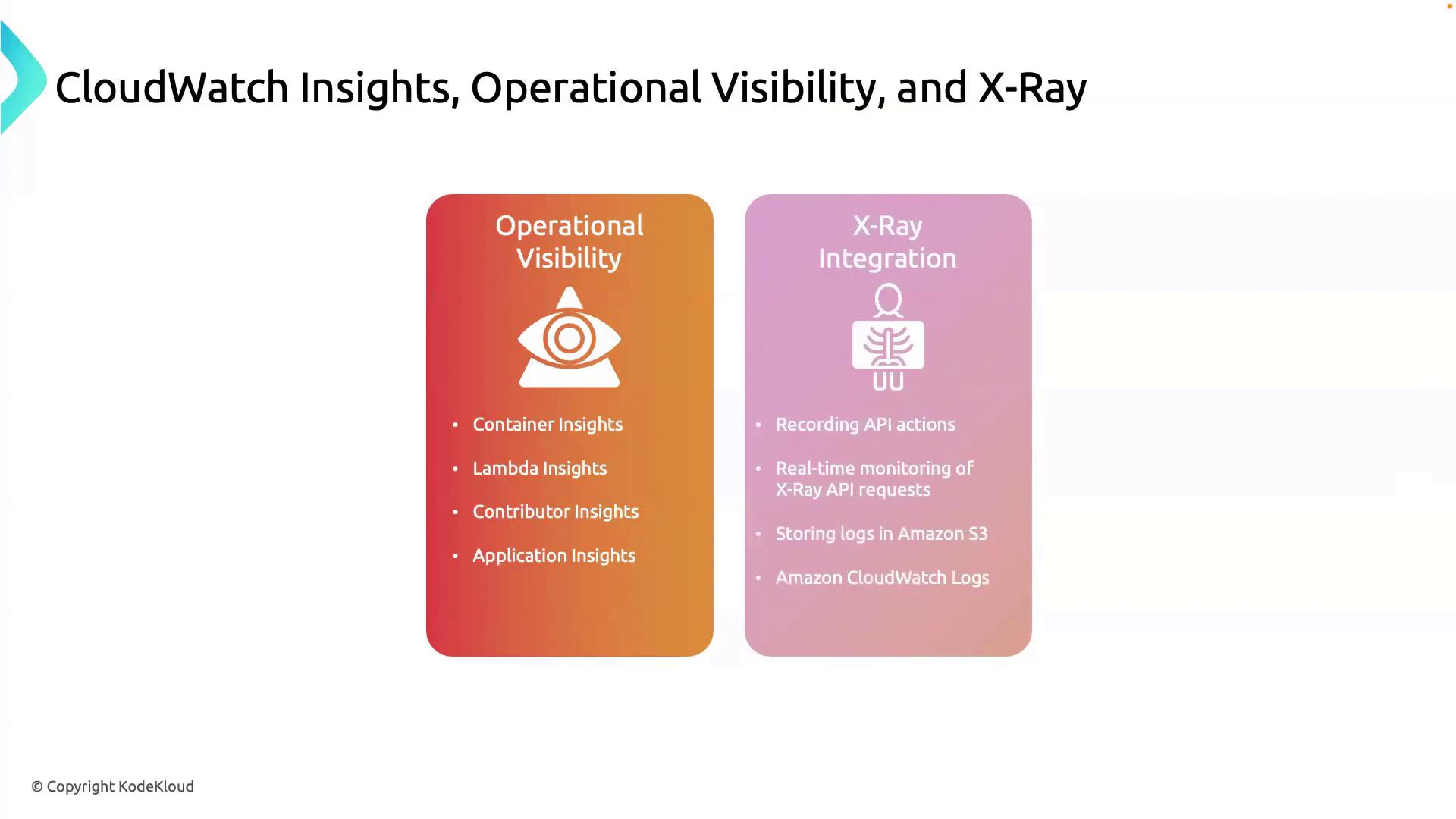
Integrate X-Ray with CloudWatch Events to trigger automated alerts or Lambda functions when anomalies are detected.
Learn more at AWS X-Ray Developer Guide.
Learn more at AWS X-Ray Developer Guide.
3. Integrating Insights & Tracing
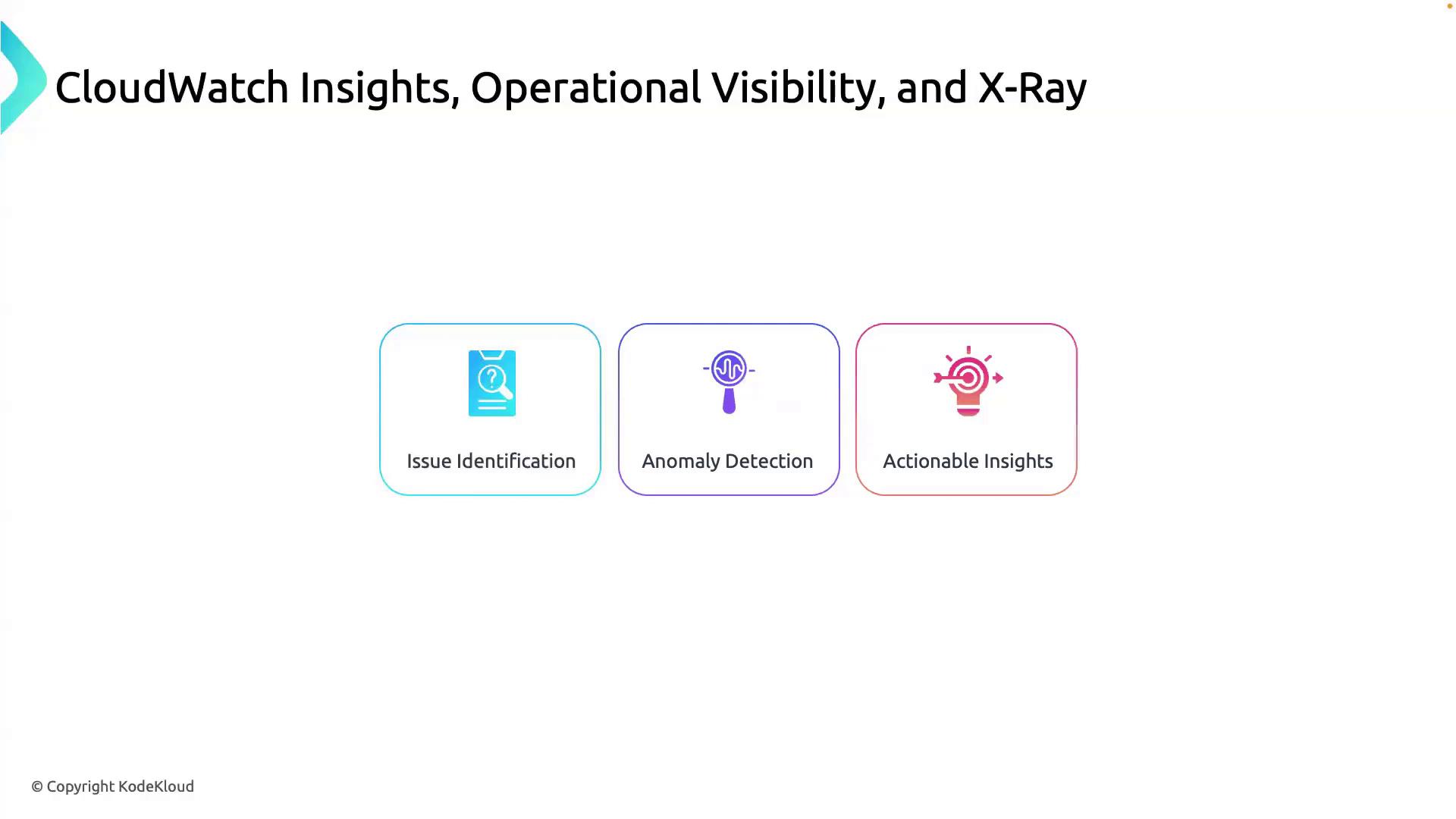
By correlating CloudWatch metrics and logs with X-Ray traces, you get a holistic observability solution:- Issue Identification
- Use CloudWatch Alarms to flag unusual metrics.
- Anomaly Detection
- Drill down with Logs Insights queries and trace segments.
- Actionable Insights
- Automate incident response with CloudWatch Events and Lambda.
Ensure that your services are instrumented correctly with the X-Ray SDK and that IAM roles grant permissions for both CloudWatch and X-Ray APIs. Failing to do so may result in incomplete trace data.
4. Proactive Issue Resolution
With combined observability:- Detect anomalies before they affect end-users.
- Trace requests to their origin for root-cause analysis.
- Respond automatically using EventBridge rules and Lambda.