

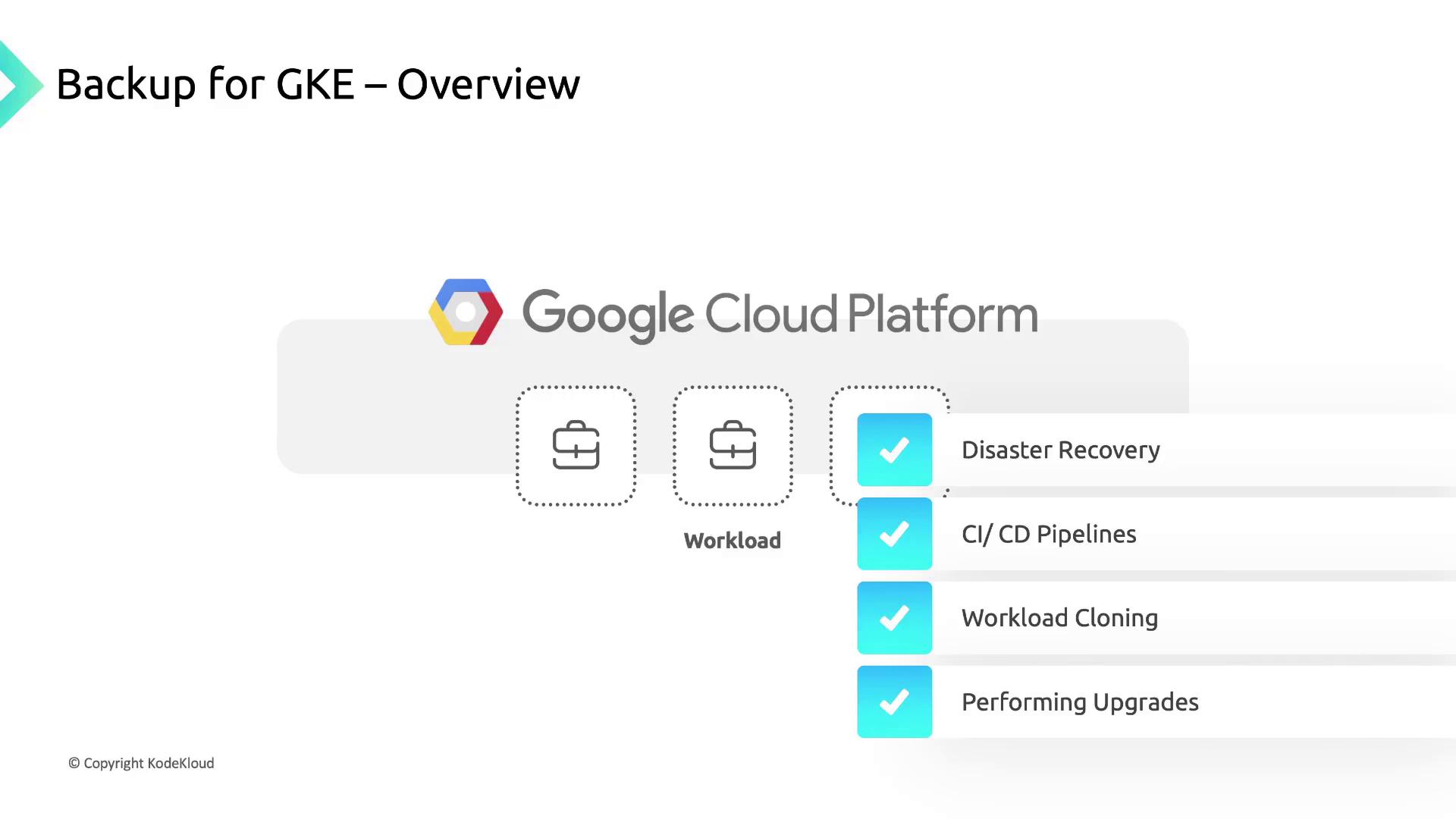
- Accelerate disaster recovery and minimize downtime
- Support CI/CD pipelines and environment cloning
- Perform cluster upgrades and migrations safely
- Meet Recovery Point Objectives (RPOs) and compliance requirements
Enabling and Using Backup for GKE
Follow these steps to get started with Backup for GKE in your cluster:- Enable the add-on
Enable the Backup for GKE add-on on your target cluster using the Cloud Console orgcloud: - Configure a Backup Plan
Define which namespaces, workloads, or volumes you want to include. You can back up:- All workloads in the cluster
- Specific namespaces or labels
- Individual PersistentVolumeClaims (PVCs)
- Create a Backup
Trigger an ad-hoc backup or schedule recurring jobs: - Restore a Backup
Target any GKE cluster with the add-on enabled. You can restore into:- The original cluster (overwriting existing resources)
- A different cluster for cloning or testing
Before using Backup for GKE, ensure your IAM user or service account has the
roles/gkebackup.admin role.Backup for GKE Architecture
Backup for GKE consists of two primary components that work together to orchestrate backups and restores: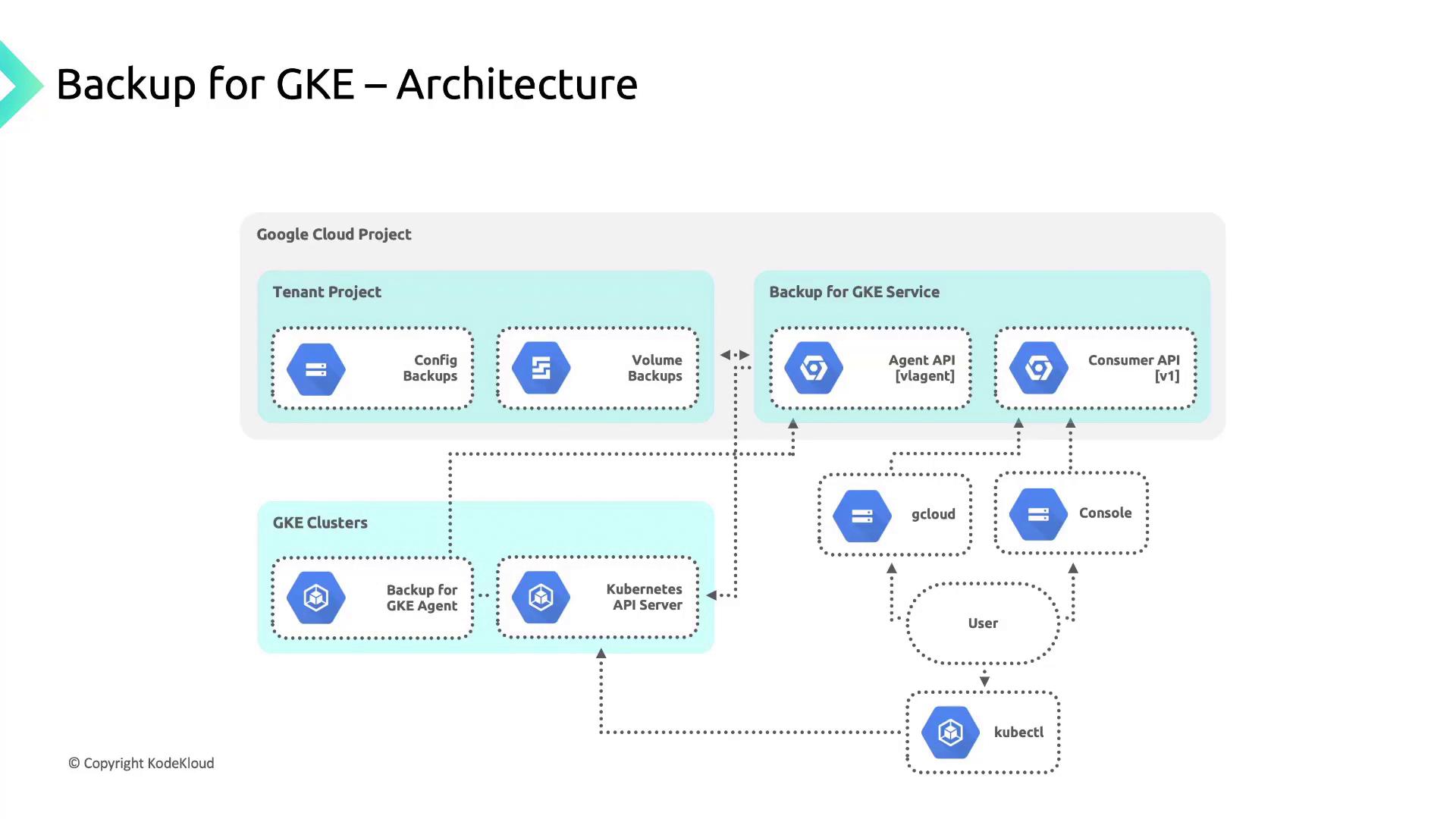
Supported vs. Excluded Resources
Backup for GKE automatically captures Kubernetes manifests and the data in PersistentVolumeClaims. However, some elements are not included: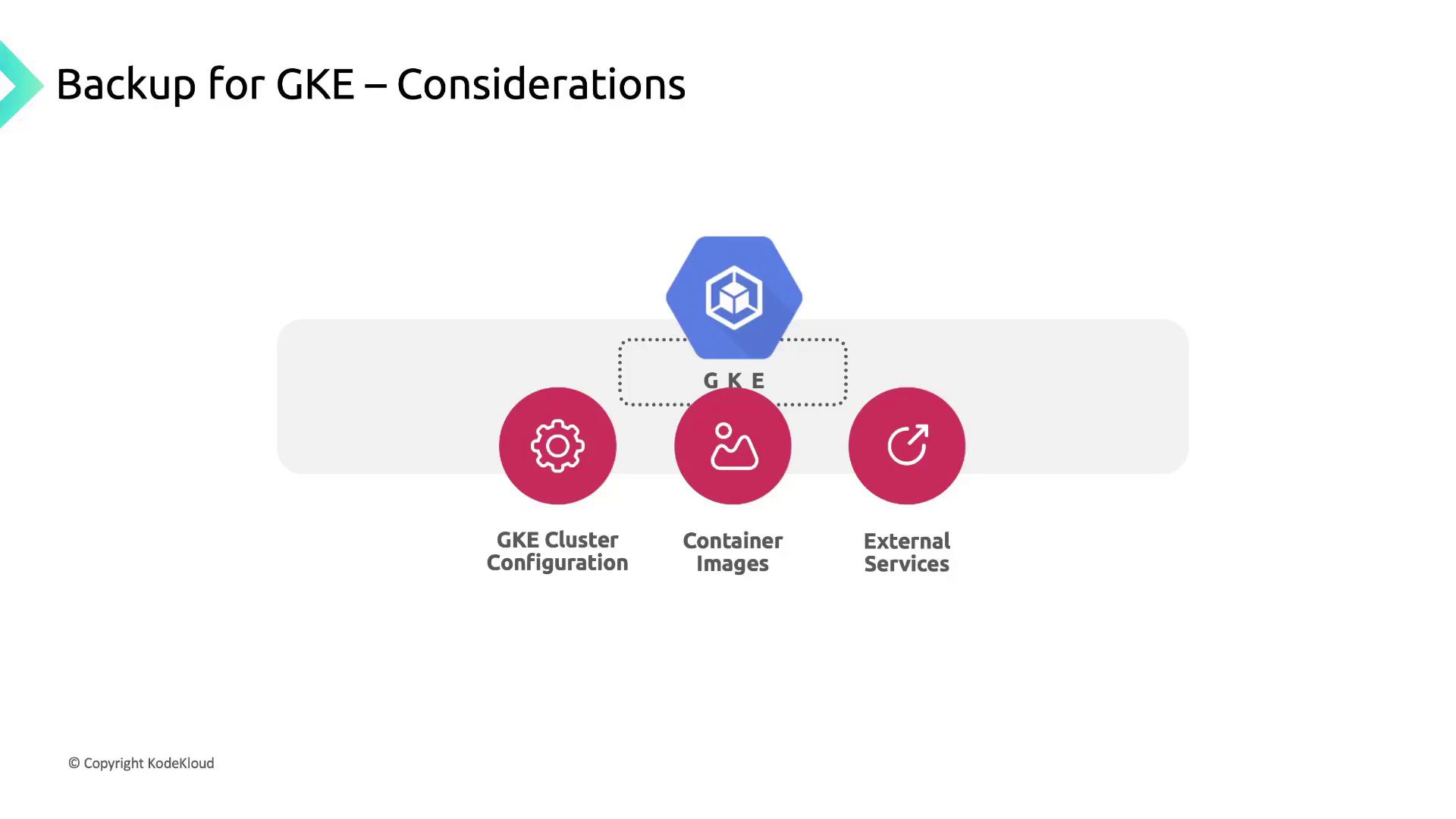
If an image is removed from its registry after you’ve backed up the manifest, restores that reference will fail. Always maintain image retention policies or mirror images in a private registry.
Designing a Comprehensive Recovery Strategy
To ensure full resilience and meet your RPO/RTO goals, augment Backup for GKE with:- Cluster Configuration Management
Use Infrastructure as Code (IaC)—Terraform or Deployment Manager—to version and restore node pools, network settings, and IAM policies. - Container Image Retention
Implement image lifecycle policies in Artifact Registry or Container Registry to prevent accidental deletion. - External Service Backups
Schedule snapshots for managed databases (e.g., Cloud SQL) and configurations for external load balancers or DNS records.