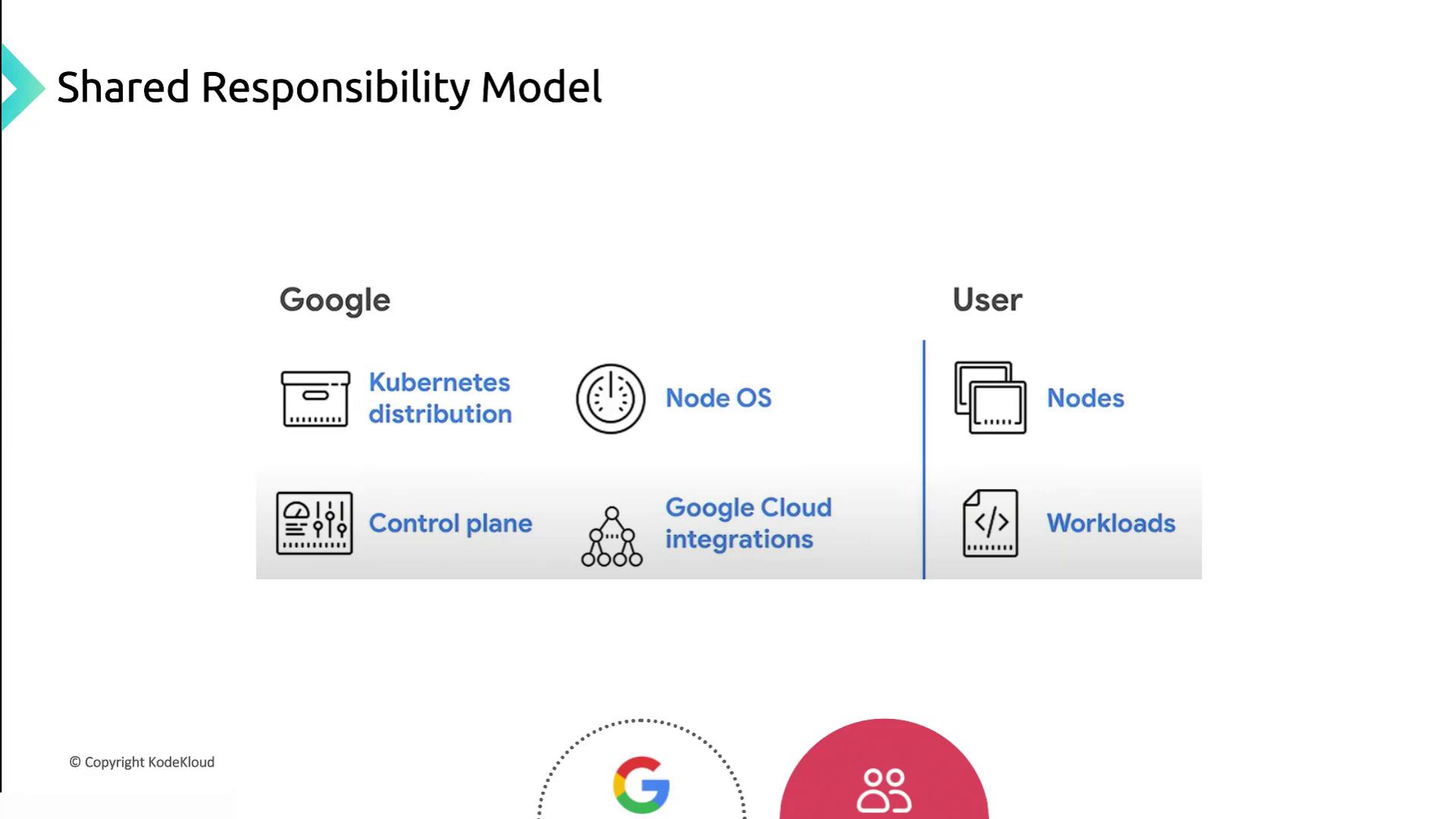
Shared Responsibility Model Overview
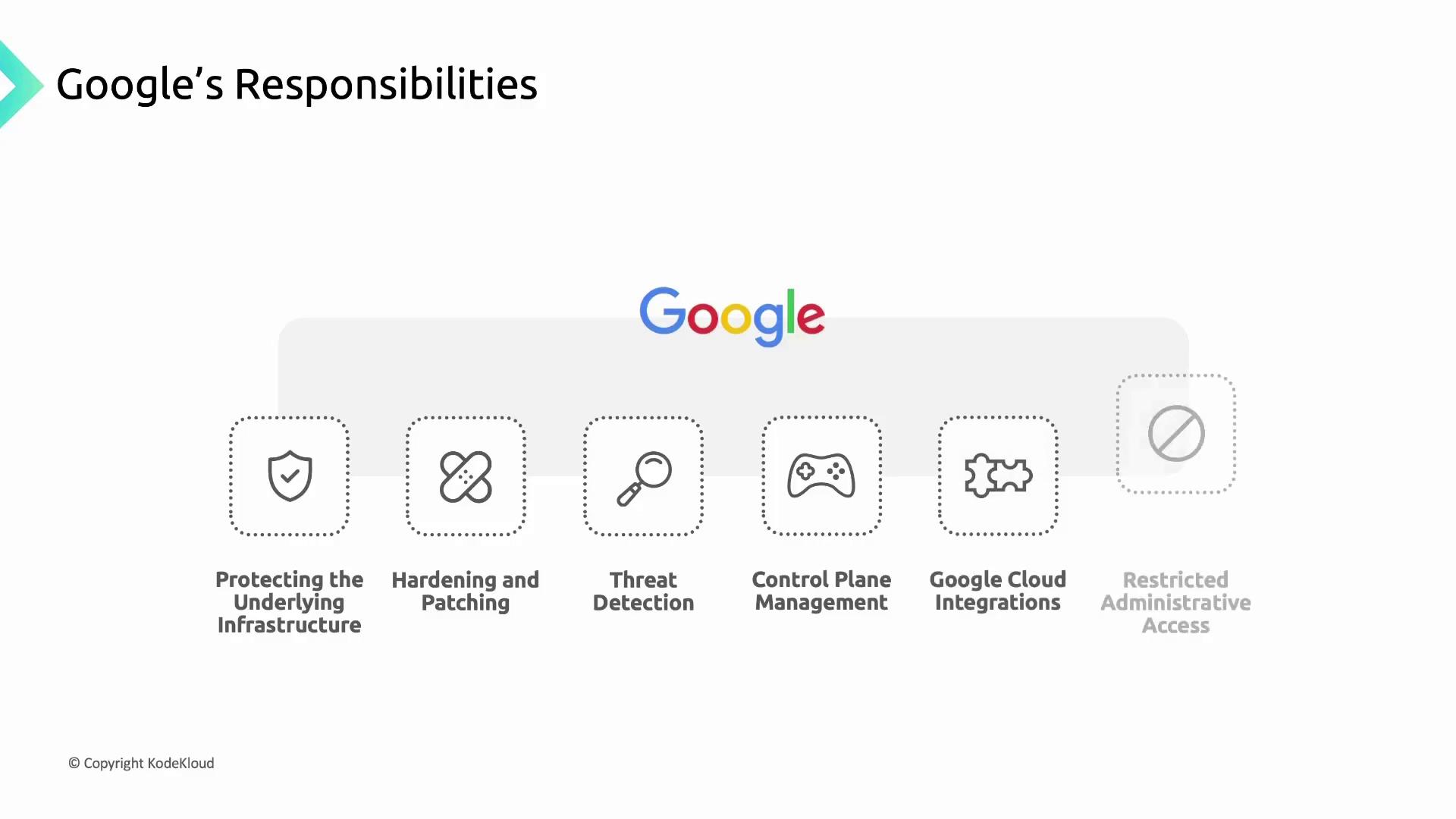
Google Cloud Responsibilities
Google manages and hardens the infrastructure that underpins GKE clusters, including physical hardware, firmware, operating systems, storage, and networking. Core responsibilities include:- Encrypting data at rest and in transit
- Designing custom hardware and enforcing physical security
- Preventing unauthorized modifications with Shielded Nodes
- Following a secure software development lifecycle
- Node OS images (Container-Optimized OS and Ubuntu)
- Kubernetes node components and the GKE control plane
- Control plane VMs (single-tenant Compute Engine instances)
Control Plane Components Managed by Google
Container Threat Detection is available through Security Command Center for real-time monitoring of container vulnerabilities.
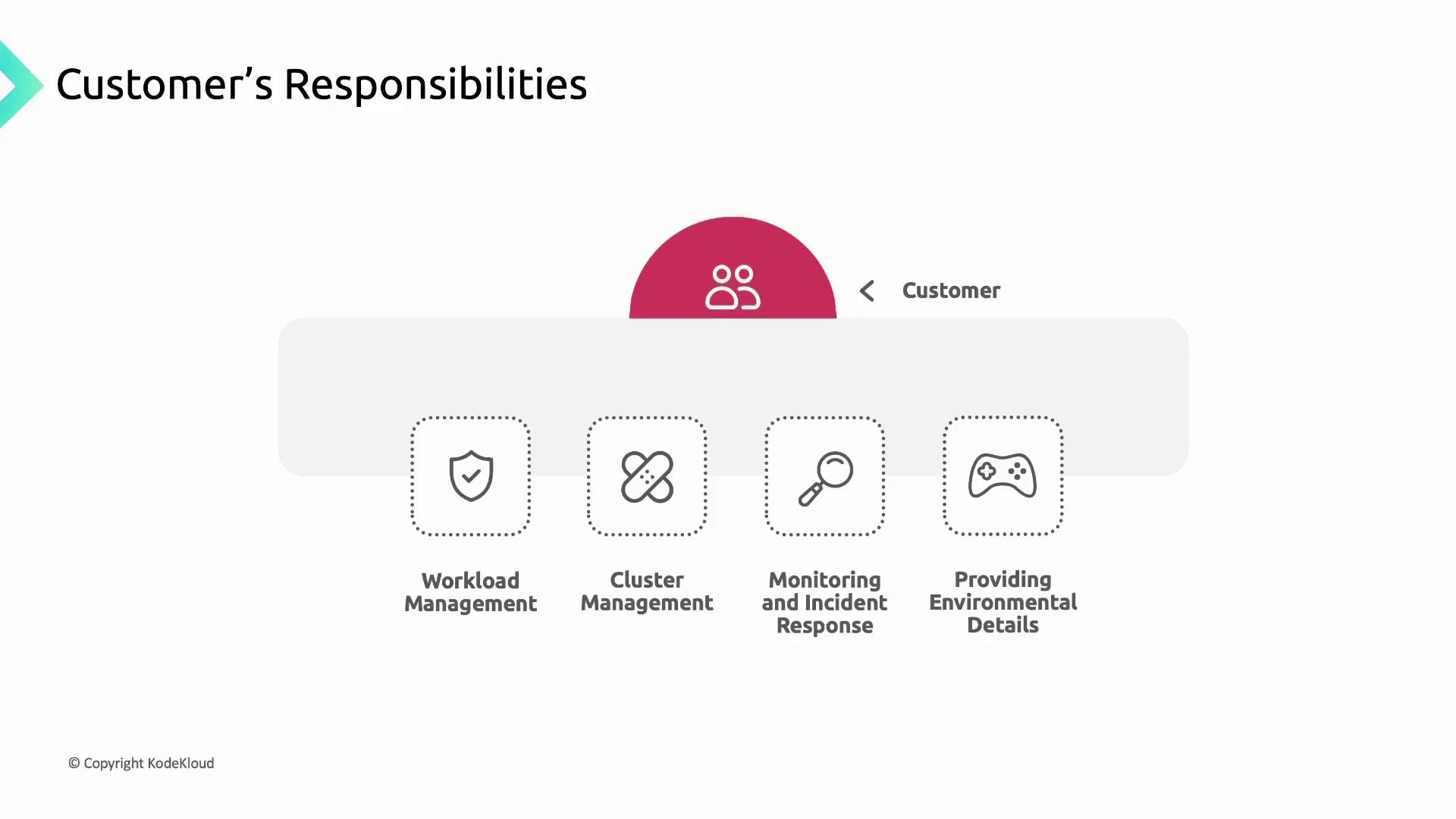
Customer Responsibilities
Customers must secure and manage everything they deploy in GKE:- Application source code, build pipelines, and container images
- RBAC/IAM policies to control cluster access
- Container workloads (Pods, Deployments) and associated data
- Ensuring application availability, performance, and security
Cluster Lifecycle Management
Running unsupported cluster versions exposes you to known vulnerabilities. Always upgrade to a supported GKE version.
Monitoring and Incident Response
- Use the Security Posture Dashboard and Cloud Operations suite
- Configure alerts for suspicious activity and resource anomalies
- Provide environmental details to Google Support when troubleshooting