

- Exposing Pods using Kubernetes Services for internal and external communication
- Provisioning Load Balancers to distribute traffic across your cluster
- Configuring Ingress resources to route and manage incoming requests
Exposing Applications Internally with Kubernetes Services
A Service in Kubernetes abstracts a set of Pods and provides a stable network endpoint. This allows applications to discover and communicate with each other without tracking individual Pod IPs.By default, Services use the ClusterIP type. Change the
type field in your Service manifest to NodePort or LoadBalancer for external access.Leveraging Load Balancers for External Traffic
To expose your Service to the internet, settype: LoadBalancer. Google Cloud will automatically provision a network load balancer and assign a public IP.
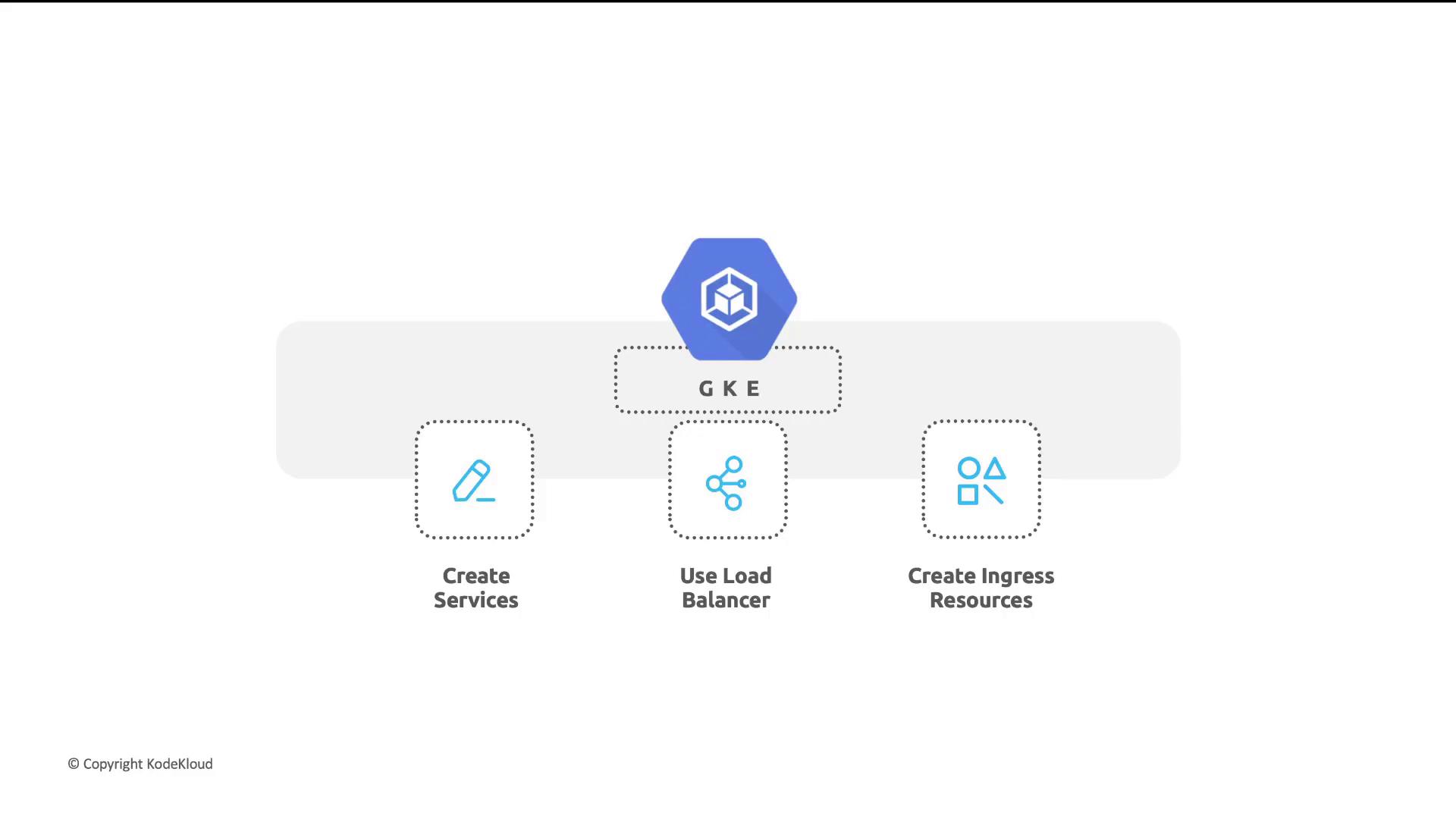
- Create Service: Define a Service of type
LoadBalancer. - Provision LB: GKE allocates a public IP and configures forwarding rules.
- Distribute Traffic: Incoming requests are balanced across healthy Pods.
Routing Traffic with Ingress
An Ingress resource defines HTTP(S) routing rules to Services. It provides host- and path-based routing and integrates with Google Cloud HTTP(S) Load Balancers for advanced features like SSL termination and cloud CDN.Sample Ingress Manifest
Ensure your cluster has an Ingress controller enabled (e.g., GKE Ingress) before applying Ingress resources. Otherwise, routing rules won’t take effect.
Links and References
- Google Kubernetes Engine (GKE)
- Kubernetes Services Documentation
- Kubernetes Ingress Documentation
- Google Cloud Load Balancing