

1. Set the Compute Zone
Configure your default compute zone tous-west1-a (or your preferred region).
2. Create a Custom VPC
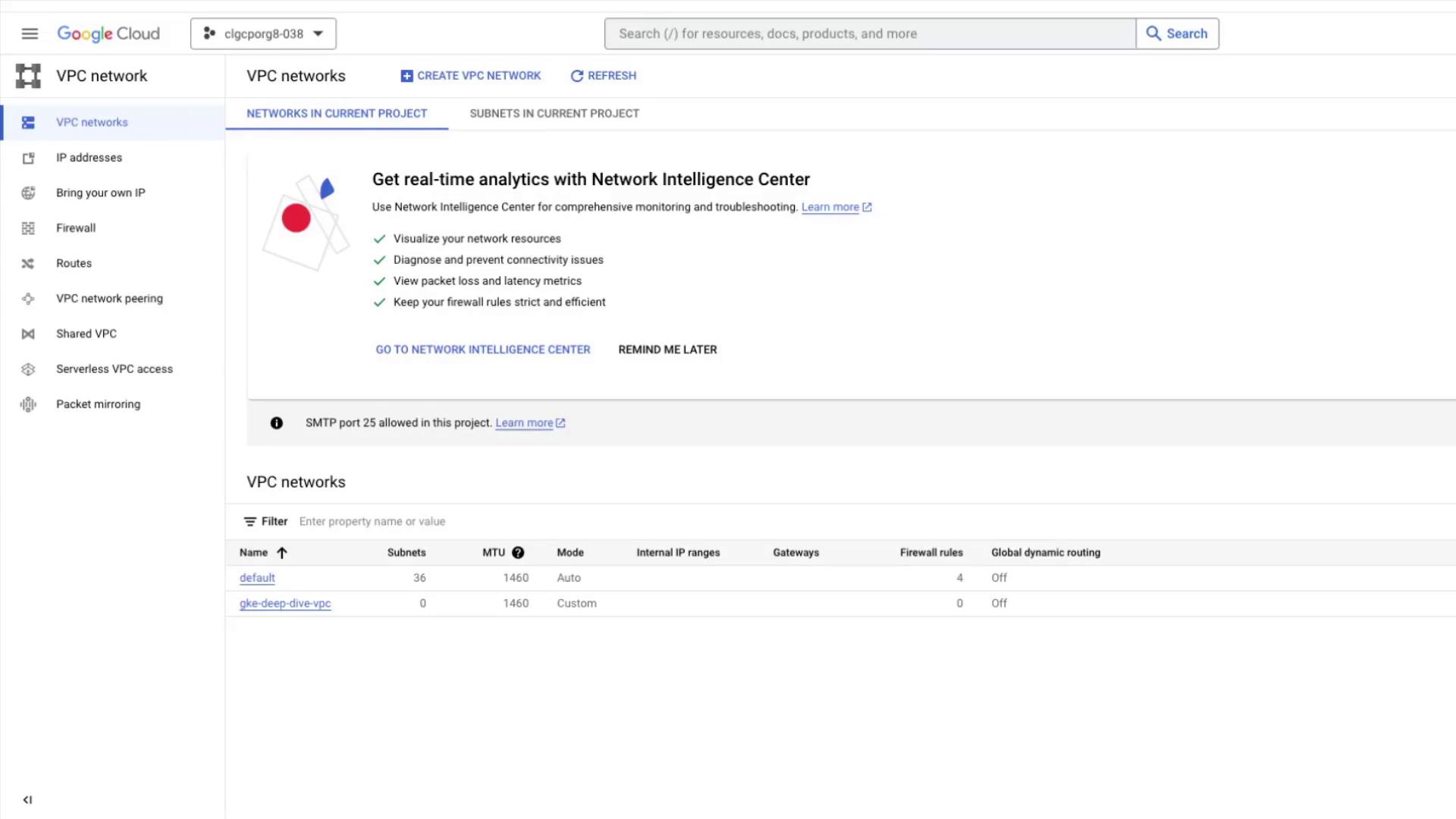
Create a VPC in custom subnet mode so you can define your own IP ranges.gke-deep-dive-vpc listed, but no subnets yet.
3. Add a Regional Subnet
Define a subnet inus-west1 with a /24 CIDR block.
VPC networks are global, whereas subnets are regional. Choose the region that best suits your workload.
gke-deep-dive-subnet (10.10.0.0/24) appears under your VPC.
4. Launch an IP-Alias (VPC-native) GKE Cluster
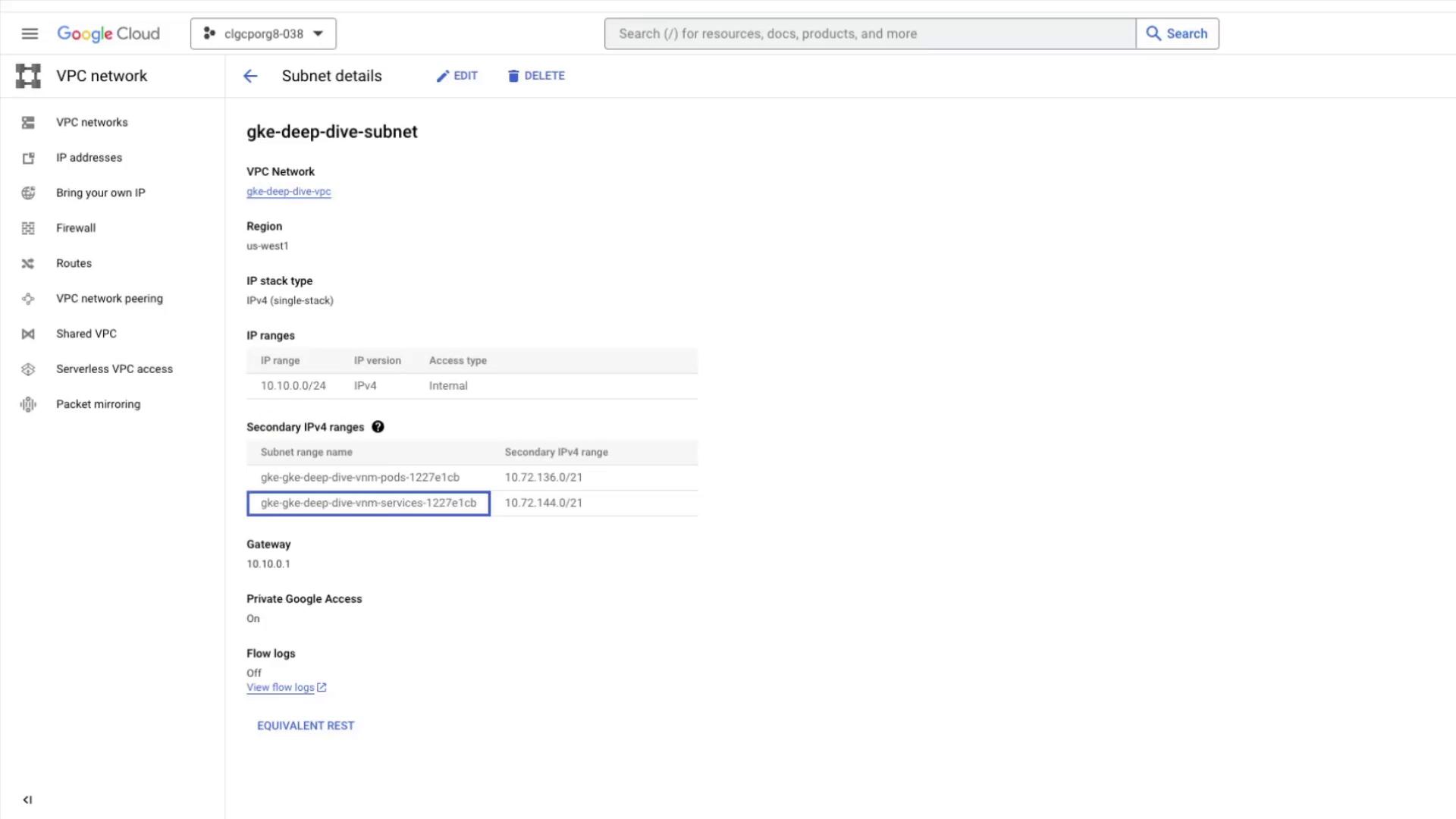
Use IP aliasing to allocate two secondary IP ranges—one for Pods and one for Services.
Cluster provisioning can take several minutes.
5. Verify Secondary Ranges
Console View
In the Cloud Console, open VPC networks → Subnets and selectgke-deep-dive-subnet. You should see two new secondary IP ranges:
CLI Verification
Describe the cluster’s IP allocation policy:clusterIpv4CidrservicesIpv4CidrclusterSecondaryRangeNameservicesSecondaryRangeName
6. Clean Up Resources
Delete the GKE Cluster
gke-deep-dive-subnet upon cluster deletion.
Remove Subnet and VPC
Resource deletion is irreversible. Ensure no critical workloads are running before you clean up.