

Supported Source Environments
Migrate for Containers can containerize both Linux and Windows VMs running on any of these platforms: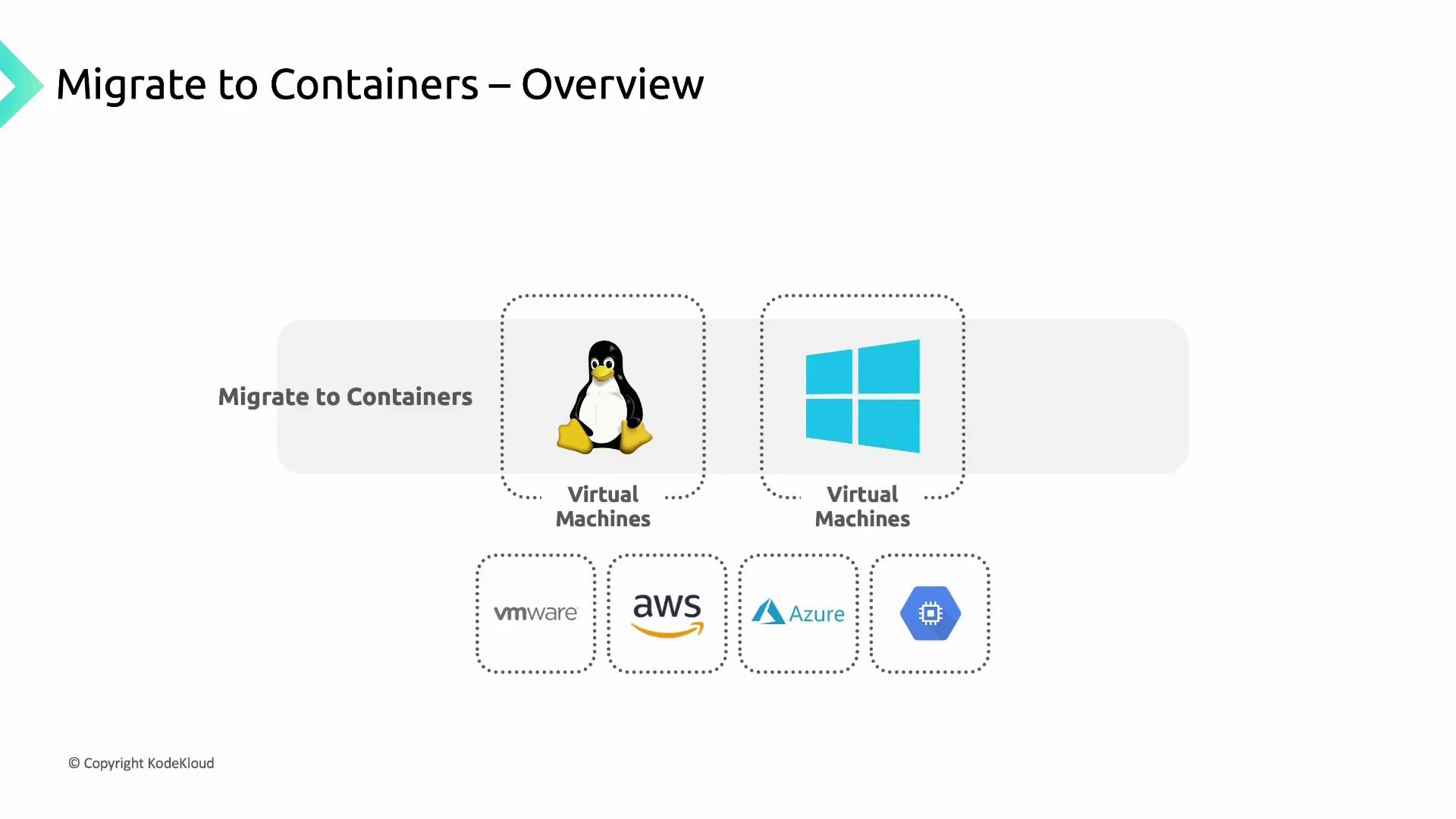
Fit Assessment Tool
Before you begin containerization, evaluate each application’s readiness with the built-in Fit Assessment tool in Migrate for Containers. This tool scans your source VMs and generates a comprehensive report that:- Assesses how well an application can run in a container vs. on Compute Engine
- Identifies technical obstacles or unsupported dependencies
- Suggests remediation steps for any issues found
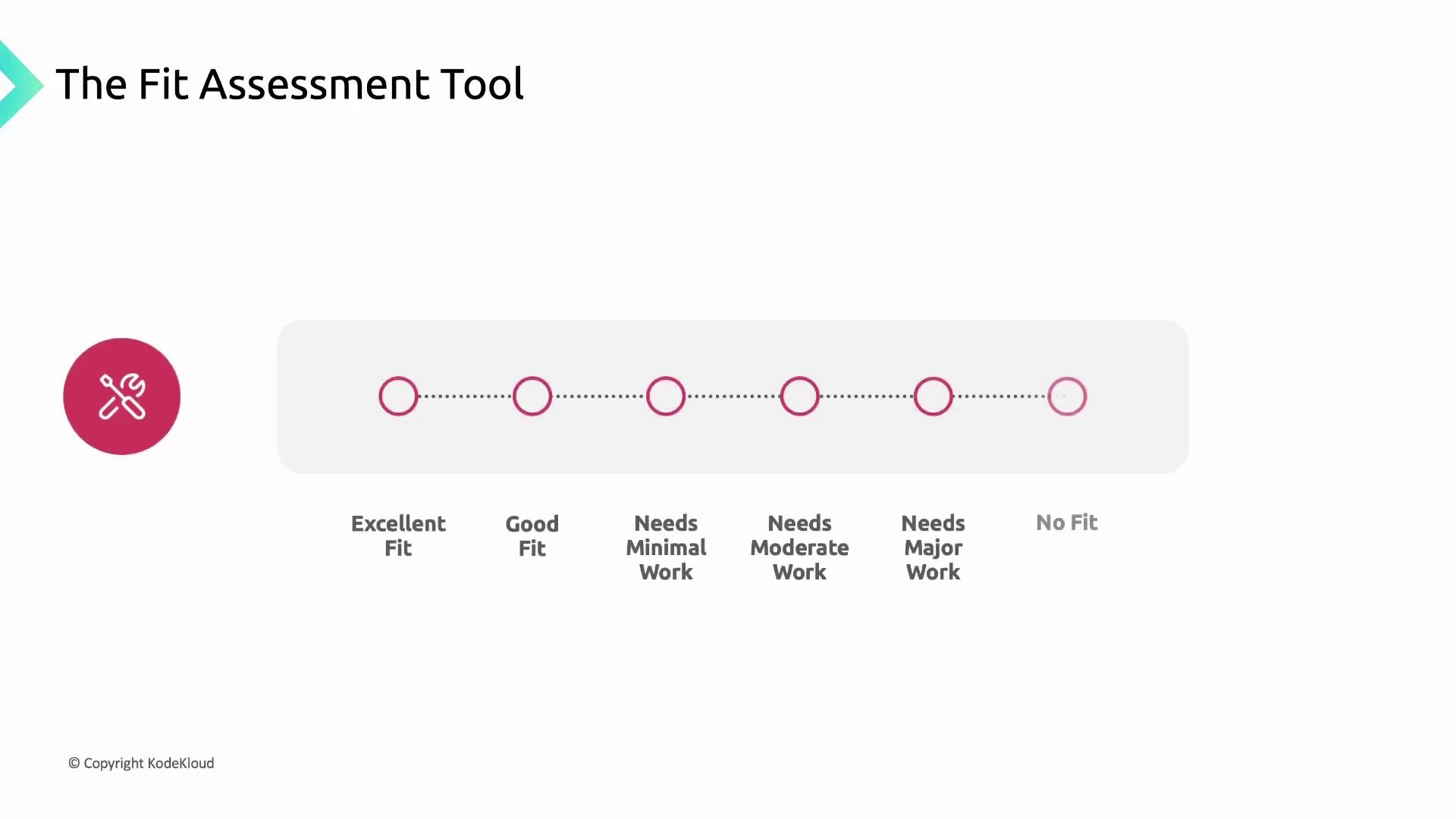
Fit Assessment Categories
Review the assessment report thoroughly. Address any configuration tweaks or dependency updates before you proceed to containerize and deploy on GKE.
Next Steps
- Remediate any issues identified by the Fit Assessment tool.
- Follow the Migrate for Containers documentation to containerize your VM workloads.
- Deploy your new containers to GKE using the GKE documentation.