

- Preparing your dataset
- Uploading and formatting data
- Launching and monitoring a fine-tune job
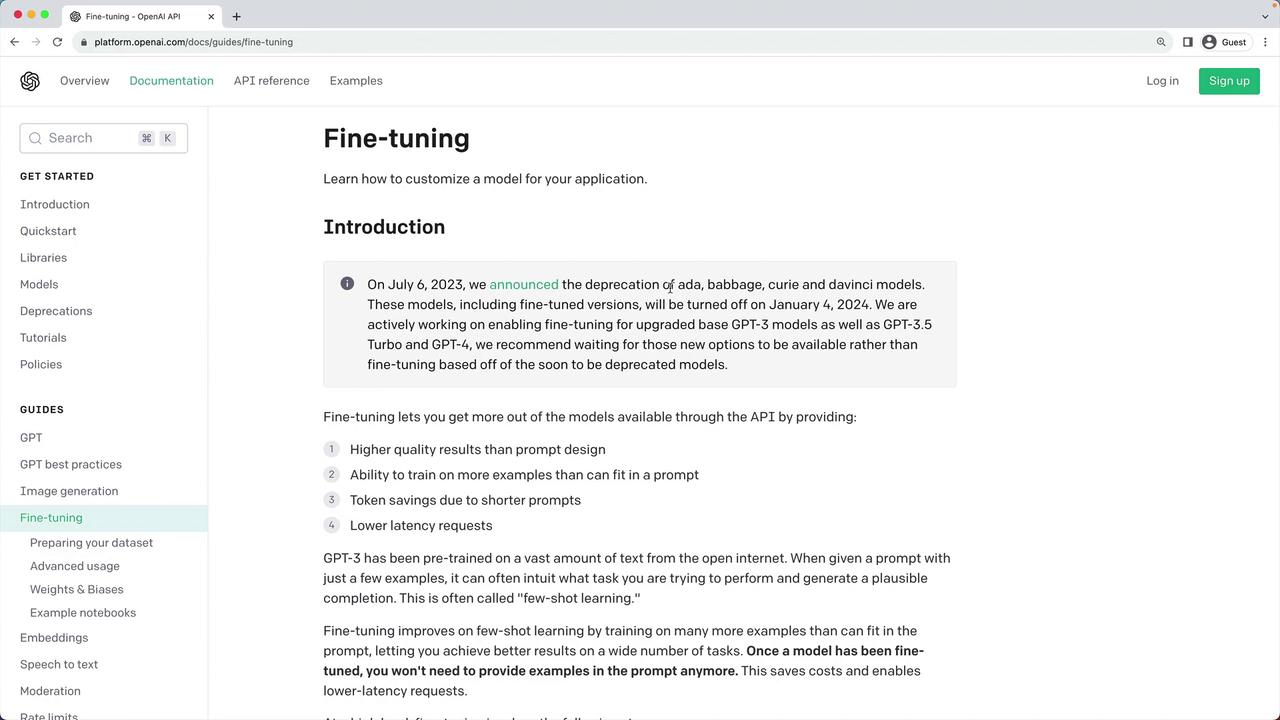
Most existing fine-tuning models (e.g., older Curie, Davinci) will retire by January 4th. It’s recommended to wait for GPT-3.5/GPT-4 fine-tuning, but you can continue experimenting with Ada, Babbage, Curie, and Davinci until then.
Use Case: State of the Union Q&A Chatbot
We’ll build a simple chatbot that answers questions about President Biden’s February 7, 2023 State of the Union address. Since GPT-3.5’s knowledge cutoff is 2021, it won’t know this speech. We’ll fine-tune using a publicly available summary from the European Parliament.1. Prepare the Raw JSONL Dataset
First, convert your prompt/completion pairs into JSON Lines format. Exampleqna.jsonl:
qna.jsonl alongside your PDF source:
2. Upload and Prepare the Dataset
Use the OpenAI CLI to validate, dedupe, and add separators:Sample Entries in qna_prepared.jsonl
3. Create the Fine-Tuning Job
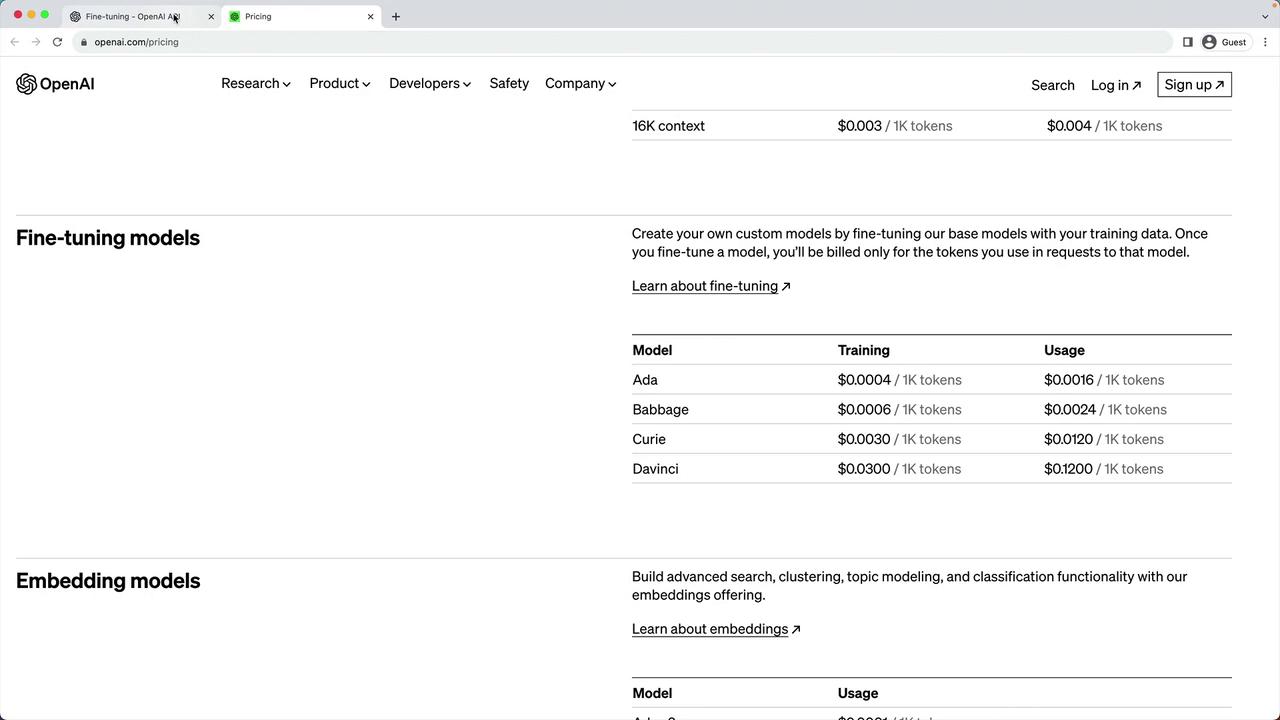
Select a base model (ada, babbage, curie, or davinci) and start fine-tuning:Model Comparison
4. Monitor and Complete
Follow the job status:After completion, note the recommended
openai api completions.create command in the CLI output to invoke your fine-tuned model.