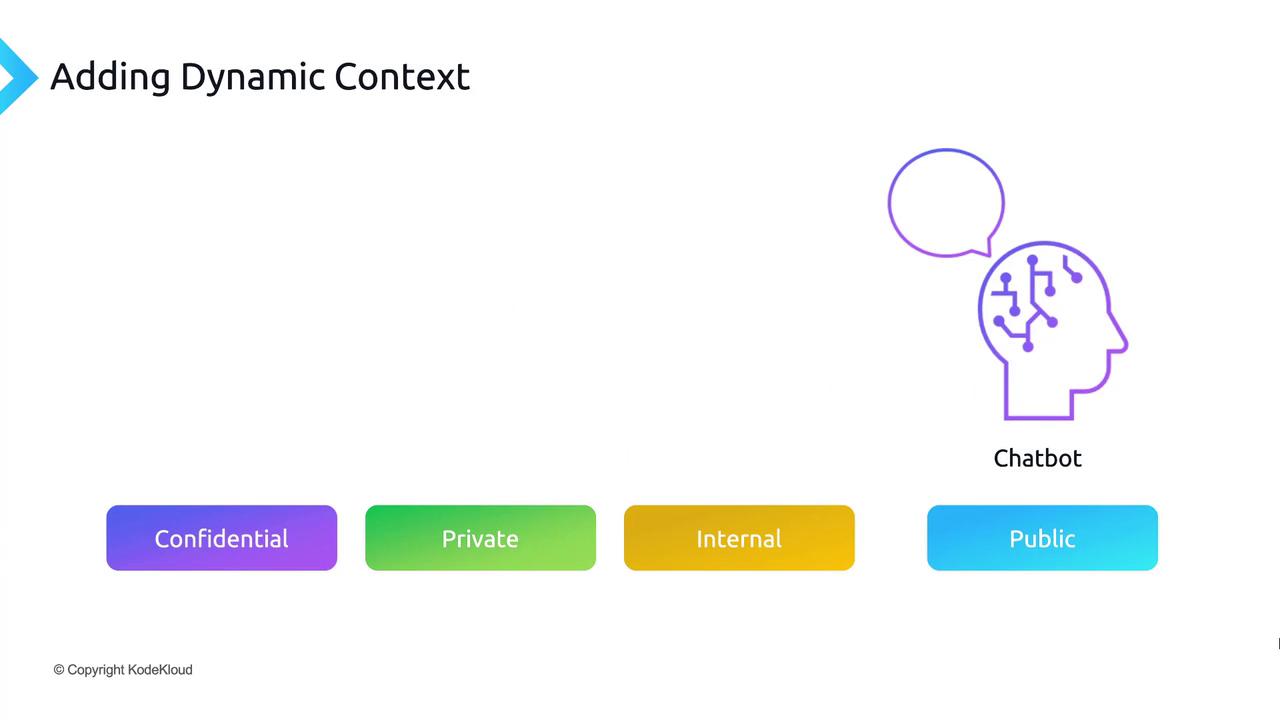
Why Dynamic Context Matters
Large language models are powerful, but their knowledge is frozen at the time of their last pre-training. To handle events, documents, or data generated after September 2021, you need a way to feed fresh information at query time.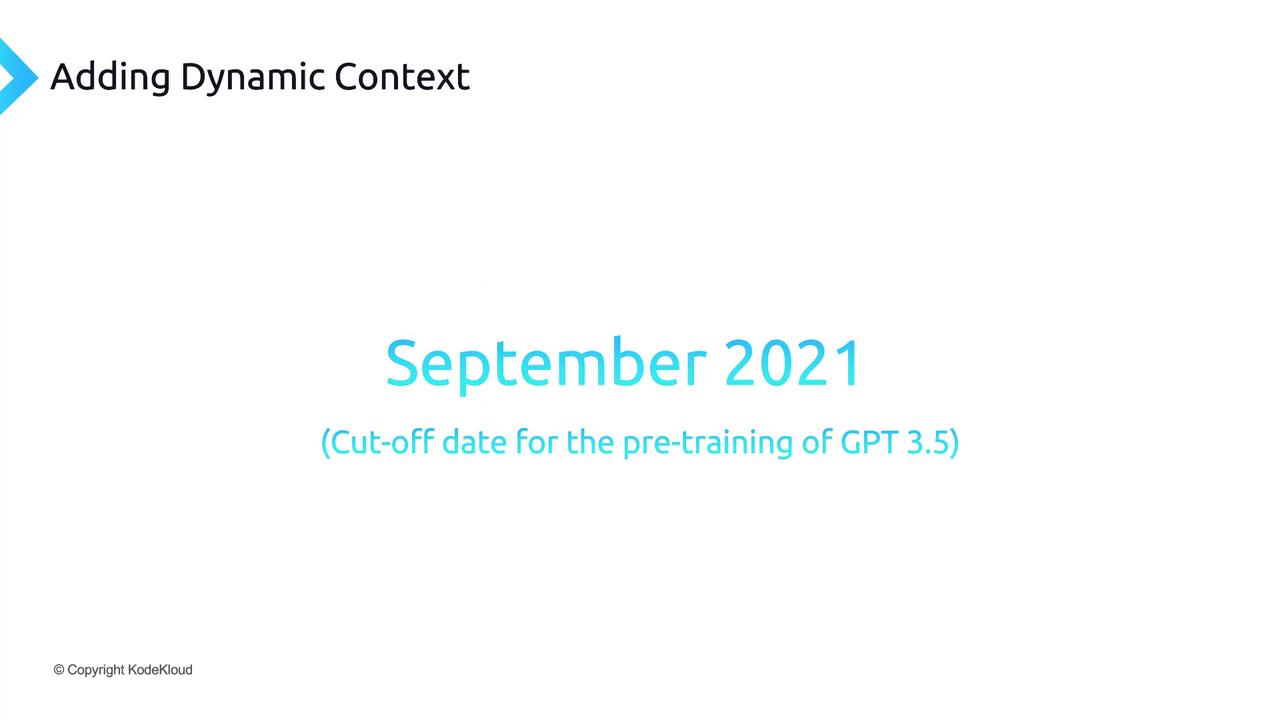
Core Workflow: Indexing & Retrieval
Adding dynamic context involves two key phases:1. Indexing
- Break each document, FAQ, or dataset entry into chunks.
- Generate a vector embedding for each chunk.
- Store embeddings in a vector database (often called a “vector store”).
2. Retrieval
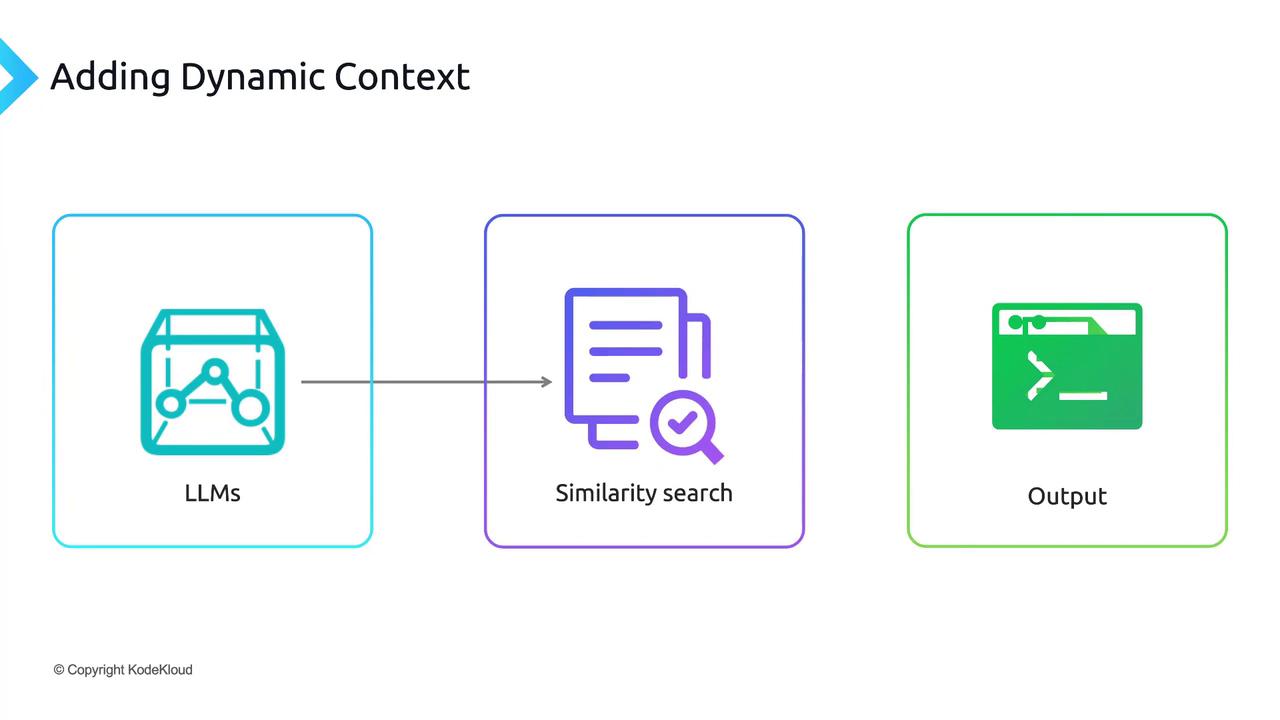
- Compute the embedding for the user’s prompt.
- Perform a similarity search against your vector store.
- Retrieve the top-k most relevant passages.
Adjust the value of k (top-k passages) based on token limits and response quality.
End-to-End Sequence
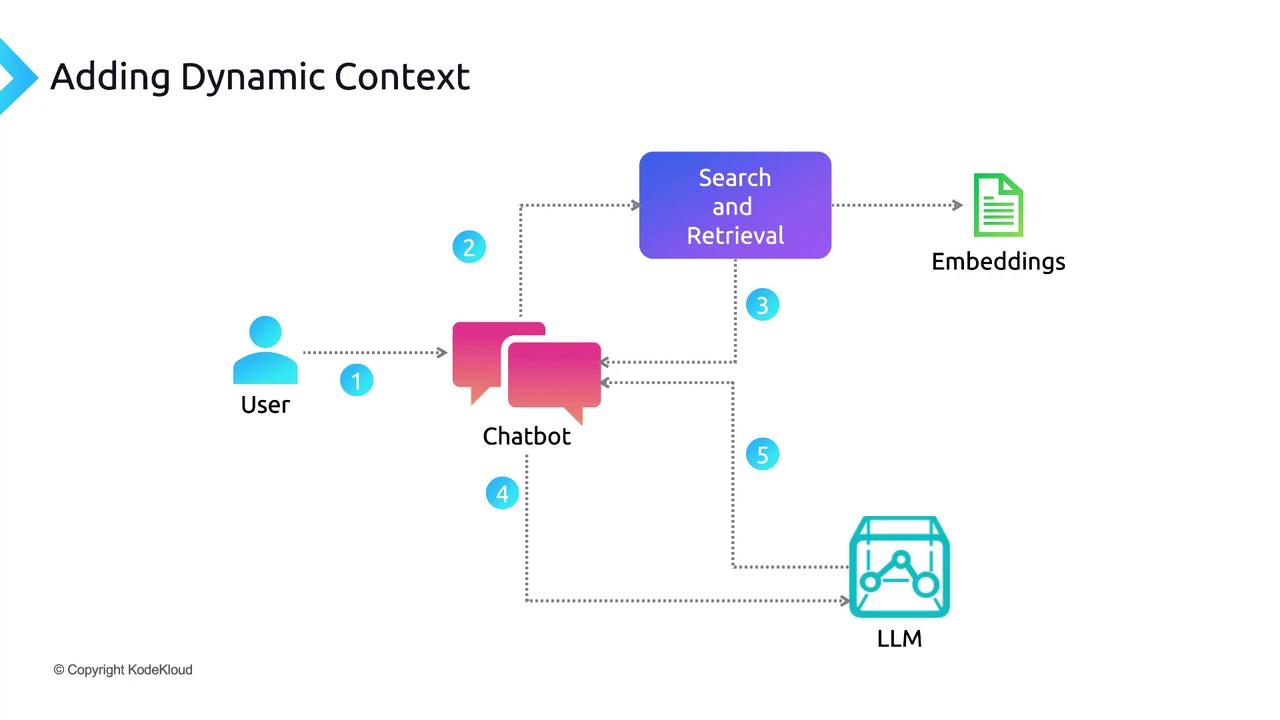
- User Query: A prompt is submitted through the chatbot UI.
- Embedding: The application computes an embedding for the prompt.
- Search: The vector store returns the most similar passages.
- Injection: Retrieved passages are prepended (or appended) to the original prompt.
- LLM Call: The augmented prompt is sent to the language model API.
- Generation: The model uses both pre-trained knowledge and dynamic context to craft a precise answer.
- Response: The chatbot displays the final output to the user.