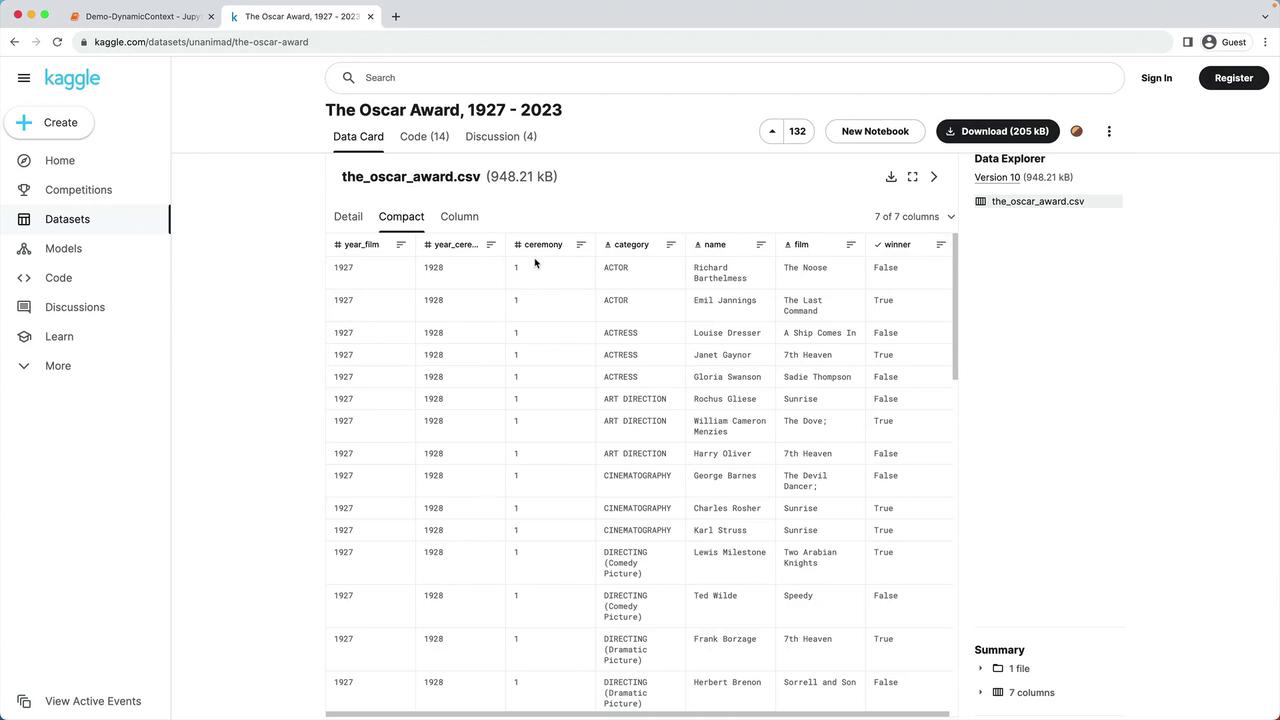
In this tutorial, we’ll create a dynamic context for a chatbot by enriching prompts with custom data. We’re using the “Oscar Award, 1927 – 2023” dataset from Kaggle, which includes every nominee and winner by year, ceremony number, category, nominee name, film, and winner status.
The image shows a Kaggle dataset page titled "The Oscar Award, 1927 - 2023," displaying a CSV file with columns for year, ceremony, category, name, film, and winner status.

1. Environment Setup

First, install dependencies and configure your API key.
Make sure your OPENAI_API_KEY is set in the environment:
Then, load the Python modules and define helper functions:

Helper Functions

2. Loading and Preprocessing the Oscar Dataset

The lab environment already includes data/oscars.csv. Let’s read and trim it:
We focus only on the 2023 ceremony, remove missing film entries, and standardize categories to lowercase.

3. Creating Dynamic Context Sentences

Next, we generate a self-contained sentence for each nomination, combining name, category, film title, and win status.
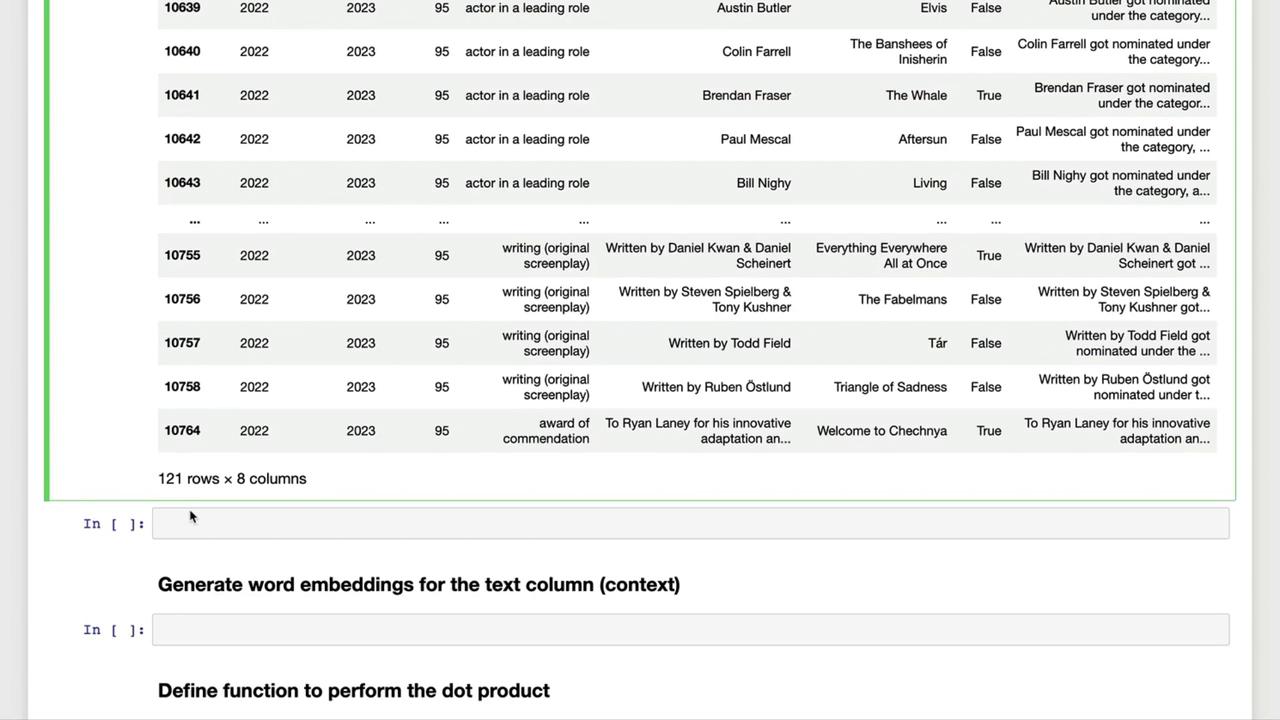
The image shows a table with rows and columns containing data about film awards, including categories, nominees, and films. Below the table, there are sections for generating word embeddings and defining a function for the dot product.

Example Context Sentences

4. Next Steps

With the text column in place, you can now:
  • Generate embeddings for each sentence
  • Compute similarity scores via dot-product matching
  • Build dynamic prompts by selecting the most relevant contexts
In Part 2, we’ll dive into OpenAI Embeddings and similarity matching to power intelligent chatbot responses.

Watch Video