Official SDKs
For the latest SDKs, visit the OpenAI documentation under “Libraries”. Below is a quick overview:Python SDK
Installation
- The Python client library (
import openai) - The
openaiCLI tool for tasks like generating completions or fine-tuning models
Never commit your
OPENAI_API_KEY in plaintext. Always load it from an environment variable or a secrets manager.Quickstart Example
Using the CLI
The
openai CLI supports commands for completions, embeddings, file uploads, and fine-tuning. Run openai --help to explore all options.Node.js SDK
Installation
Basic Usage (JavaScript)
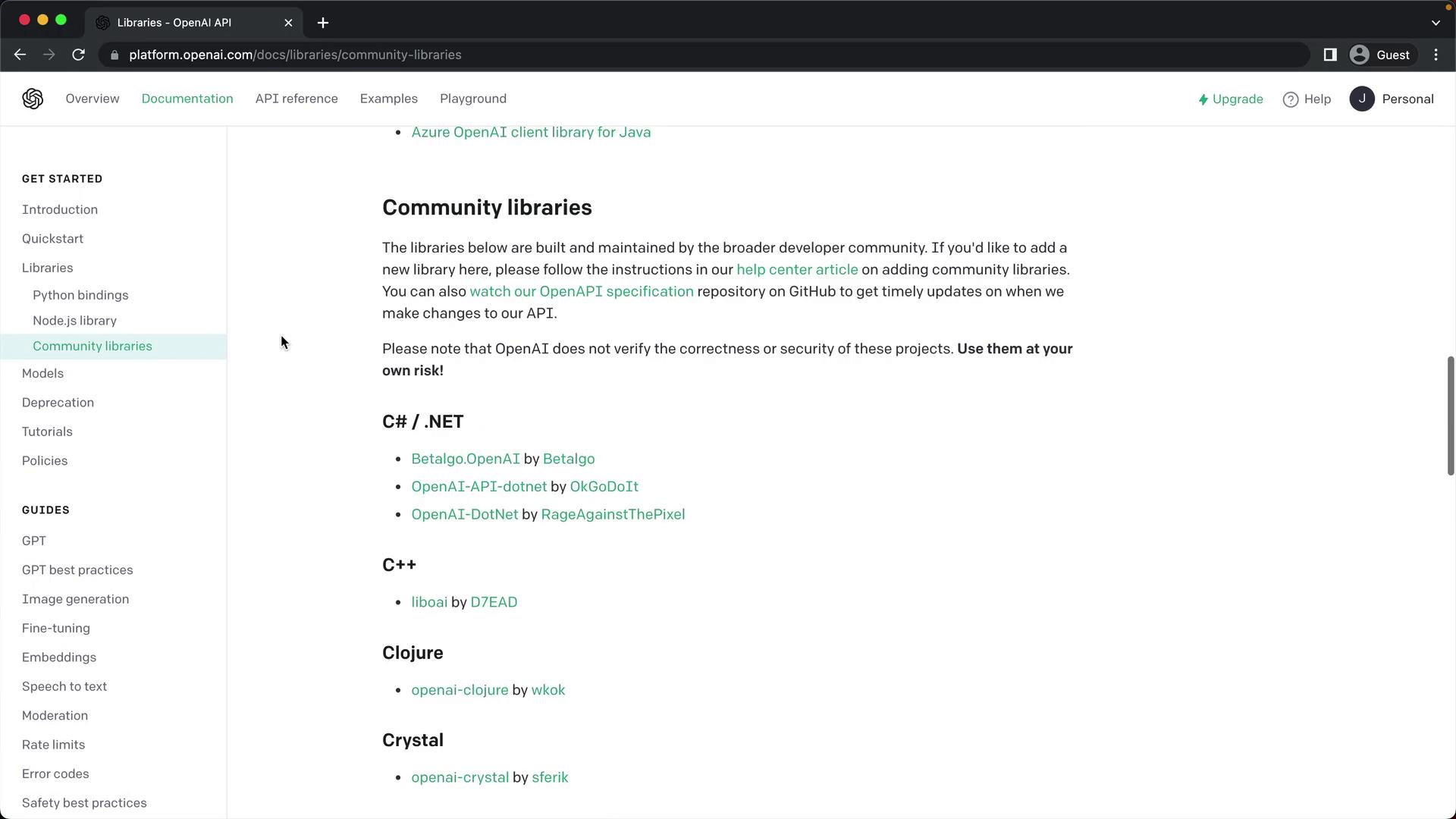
Community Libraries
OpenAI’s documentation also links to community-maintained libraries across various languages. Use these with caution, as they are not officially supported: