

curl and Jupyter Notebook.
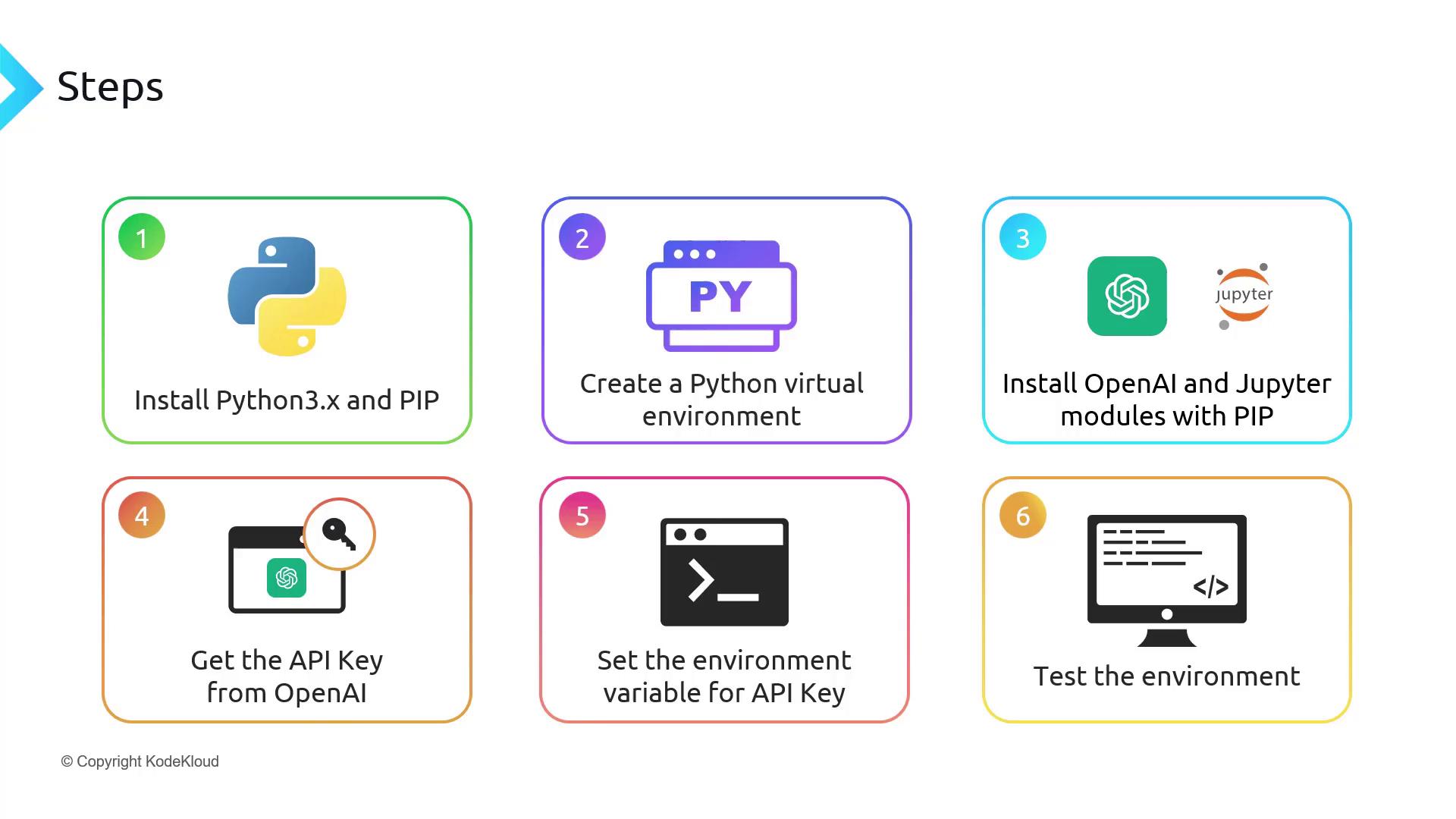
Workflow Overview
- Install Python & pip
- Create and activate a Python virtual environment
- Install the OpenAI and Jupyter packages
- Obtain your OpenAI API key
- Export
OPENAI_API_KEY - Verify with
curland in Jupyter
1. Install Python
Download and install Python 3.10+ for your operating system from python.org/downloads. After installation, verify your setup: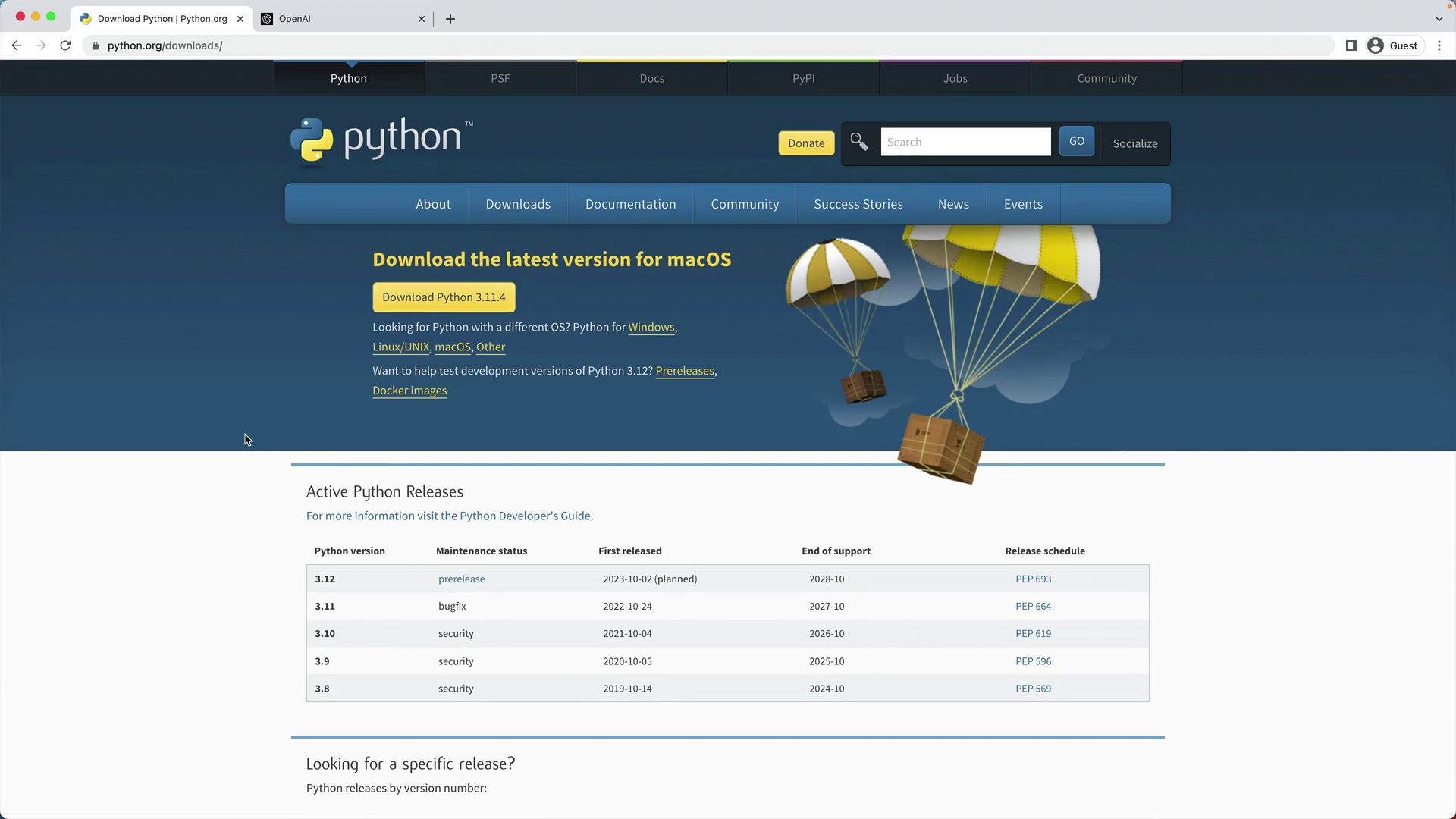
Using Python 3.10 or later ensures compatibility with the latest OpenAI Python client.
2. Create and Activate a Virtual Environment
Isolate your project dependencies:(venv).
3. Install OpenAI and Jupyter
With the virtual environment active, install the required packages:4. Obtain an OpenAI API Key
- Sign in at the OpenAI Dashboard.
- Navigate to API Keys.
- Generate a new secret key (e.g., “KodeKloud”) and copy it immediately.
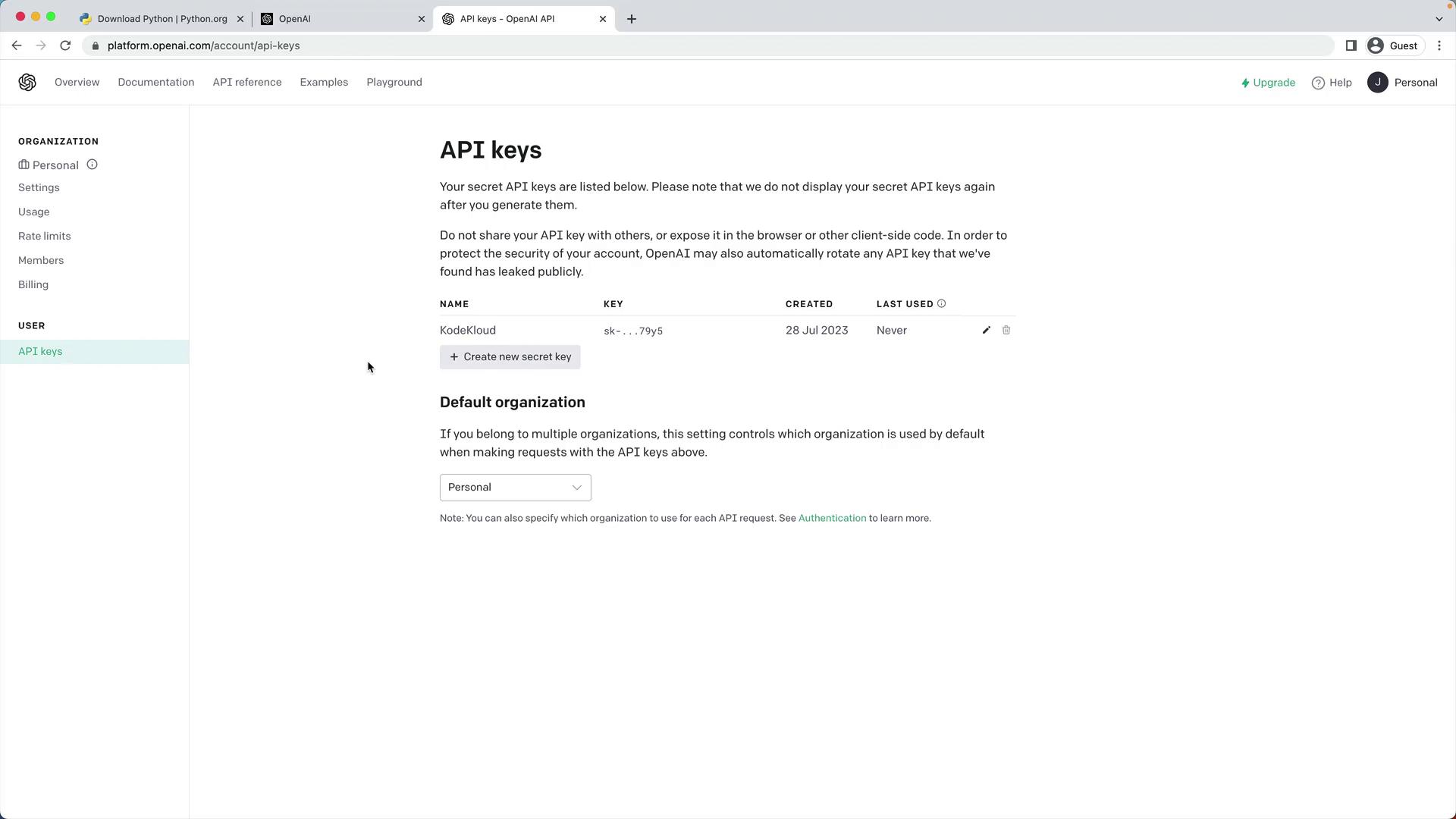
Your API key grants access to your account—never expose it in public repositories or share it.
5. Export the OPENAI_API_KEY Environment Variable
Avoid hardcoding your key by exporting it:
~/.bashrc or ~/.zshrc.
6. Verify Your Setup
6.1 Test with curl
Send a sample request to the Chat Completions endpoint:id, choices, and usage.
6.2 Test in a Jupyter Notebook
-
Launch Jupyter:
-
Create a new notebook (for example,
test_openai.ipynb) and enter: