

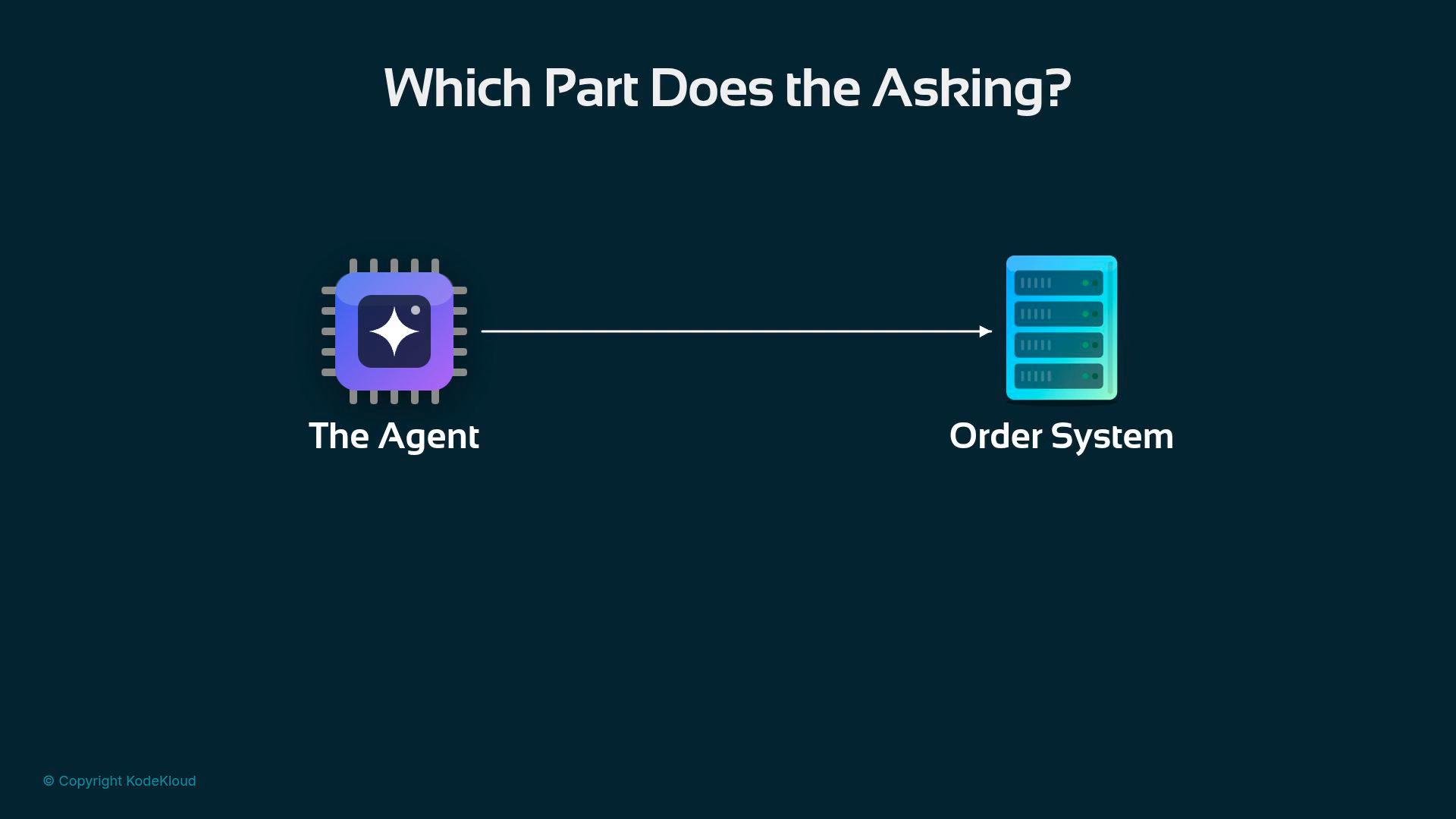
MCP roles: Host, Client, Server
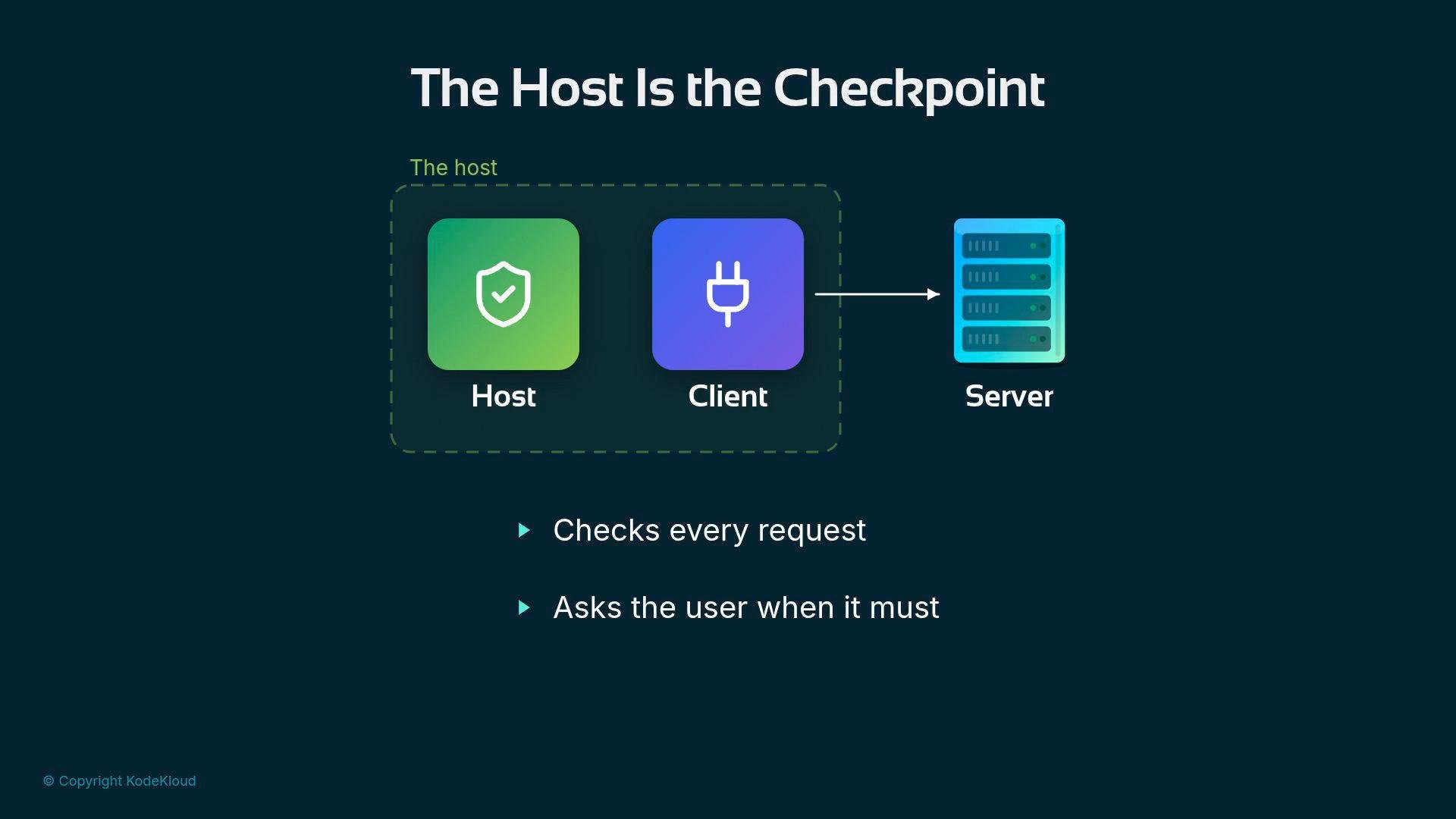
- Host — the AI application that owns the conversation, talks to the model, and coordinates everything. The host is the only component with a UI and direct access to the human user.
- Server — a program that wraps a single system (for example, an order system). A server exposes the system’s capabilities over MCP, but it has no UI and no knowledge of the human user.
- Client — a connector inside the host that maintains exactly one connection to one server. A host may run one client per server; if Alan adds two more systems, his host adds two more clients.
What travels across the MCP connection?
Across the client/server connection there are six capability types. Who controls each one matters for privacy, security, and UX.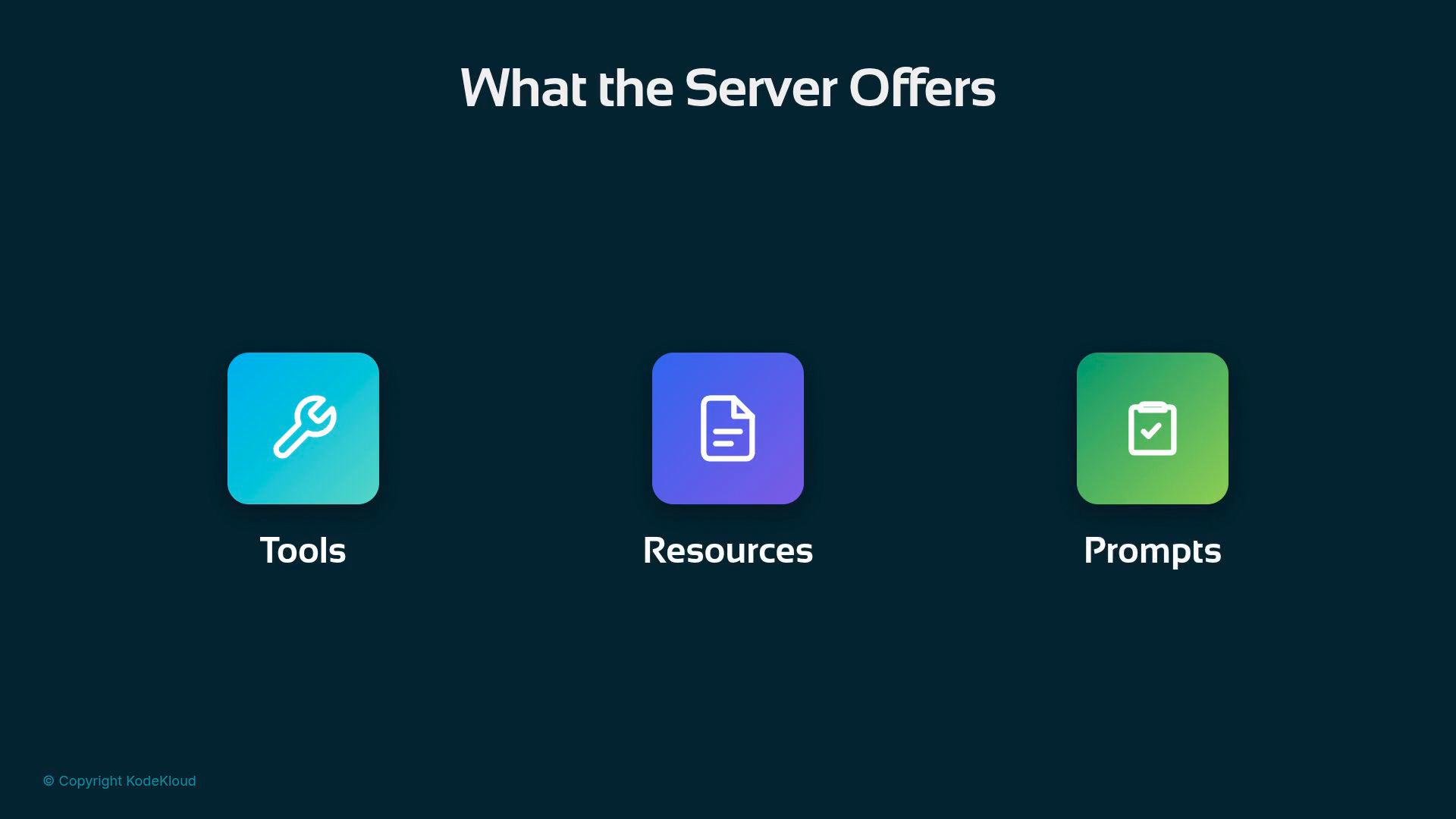
Data layer and transport
- Data layer: Every message is a structured JSON-RPC 2.0 request or response. See the JSON-RPC 2.0 specification: https://www.jsonrpc.org/specification.
- Transport layer: Two transports are supported:
- stdio — for local servers (standard input/output).
- streamable HTTP — for servers reachable over the web.
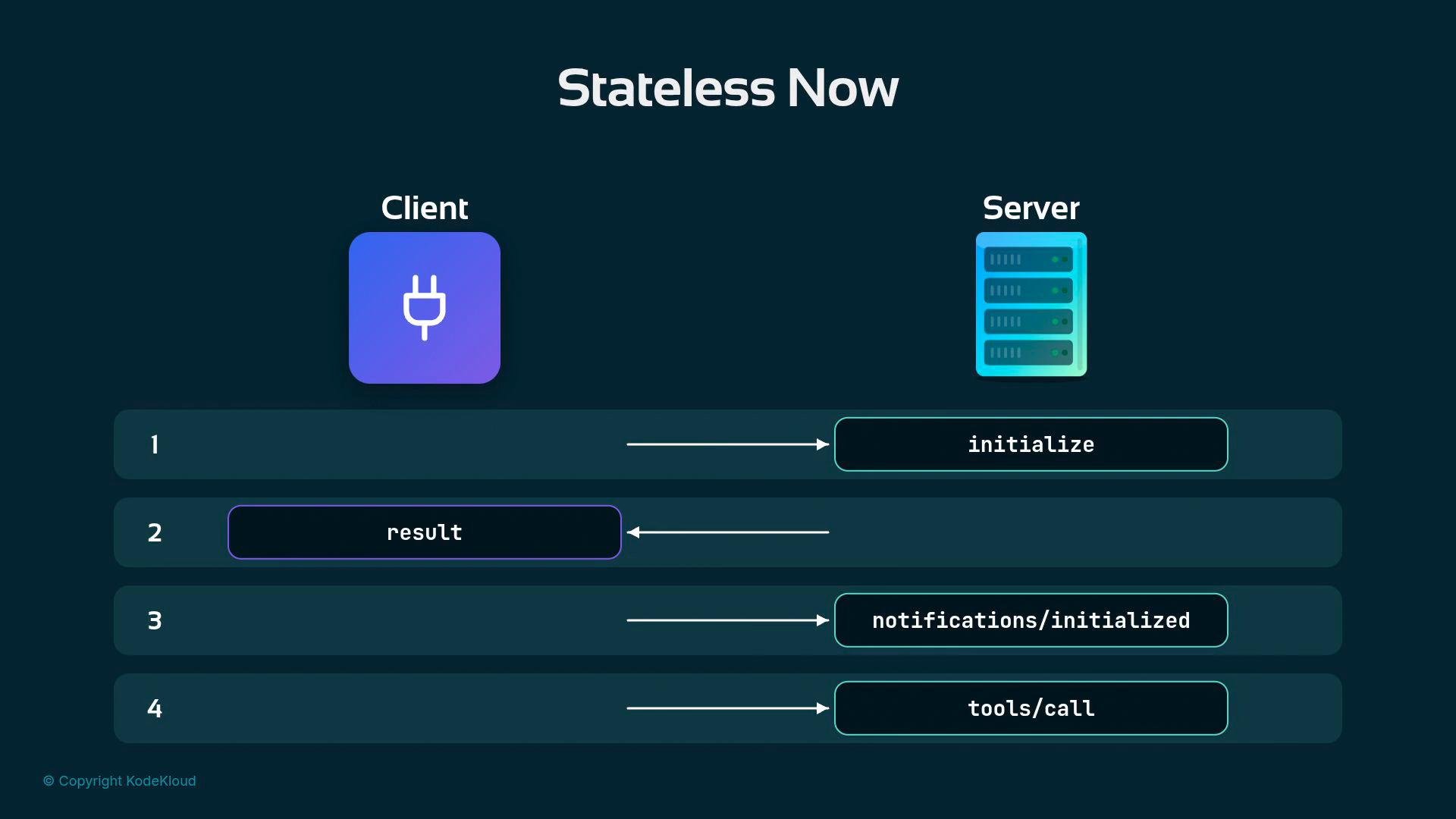
MCP is stateless (no handshake)
Before the MCP 2026-07-28 revision, client/server connections began with a handshake exchange to establish session state. The 2026-07-28 revision removed that handshake: MCP is now stateless. Every request must include all context needed for the server to respond. That context lives under a"_meta" field in each request.
_meta:
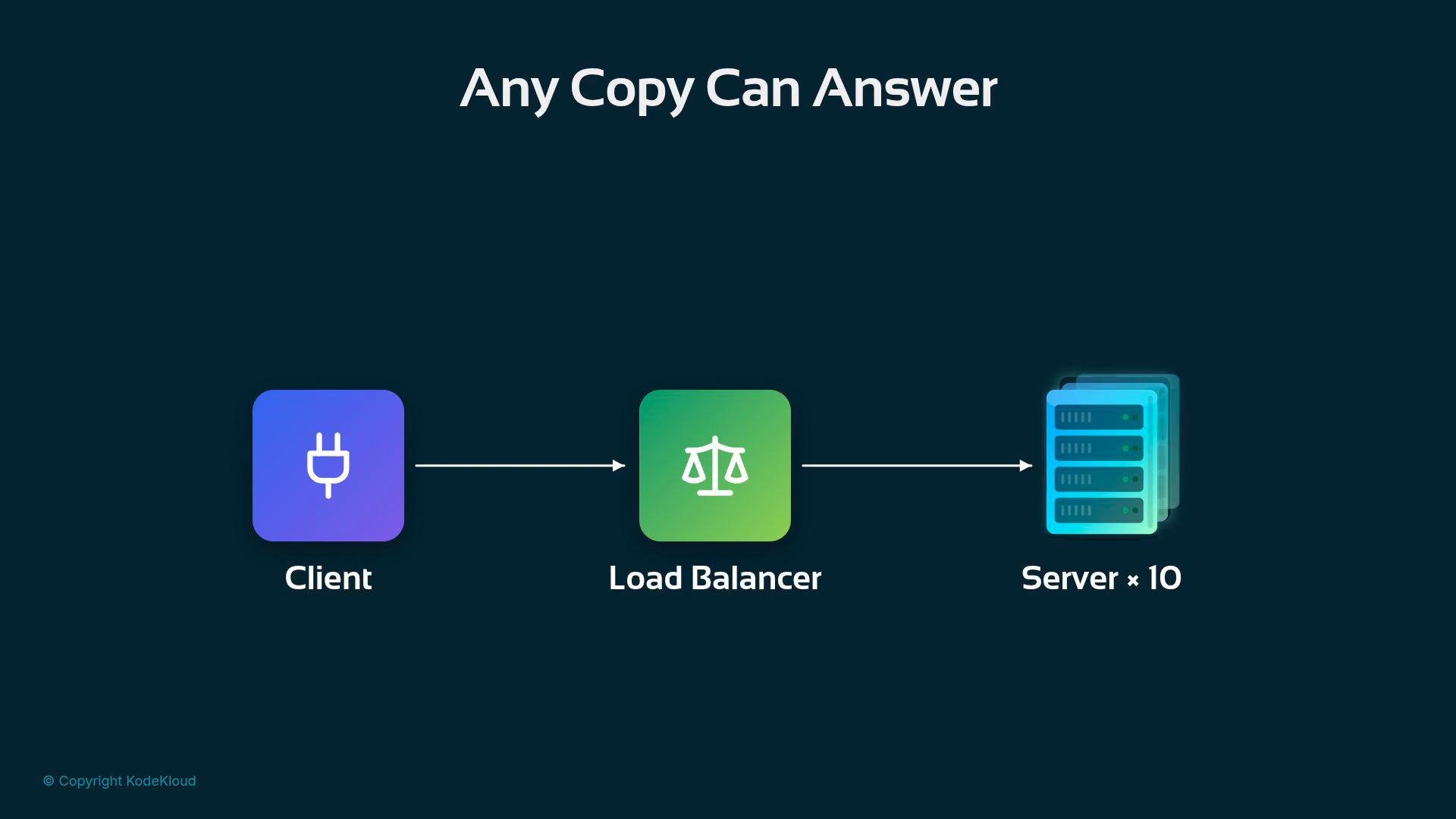
Discovering what a server supports
Without a handshake, clients learn a server’s capabilities via a required method:server/discover. Every MCP server must implement server/discover. Clients may call it and optionally include the MCP version they expect.
Example discovery request:
2026-07-28:
Dual-era support
A server may implement both the legacy handshake-era protocol and the stateless 2026-07-28 revision. This is called dual-era support. If you’re building a host today, decide whether to support only the current stateless revision or to handle both eras.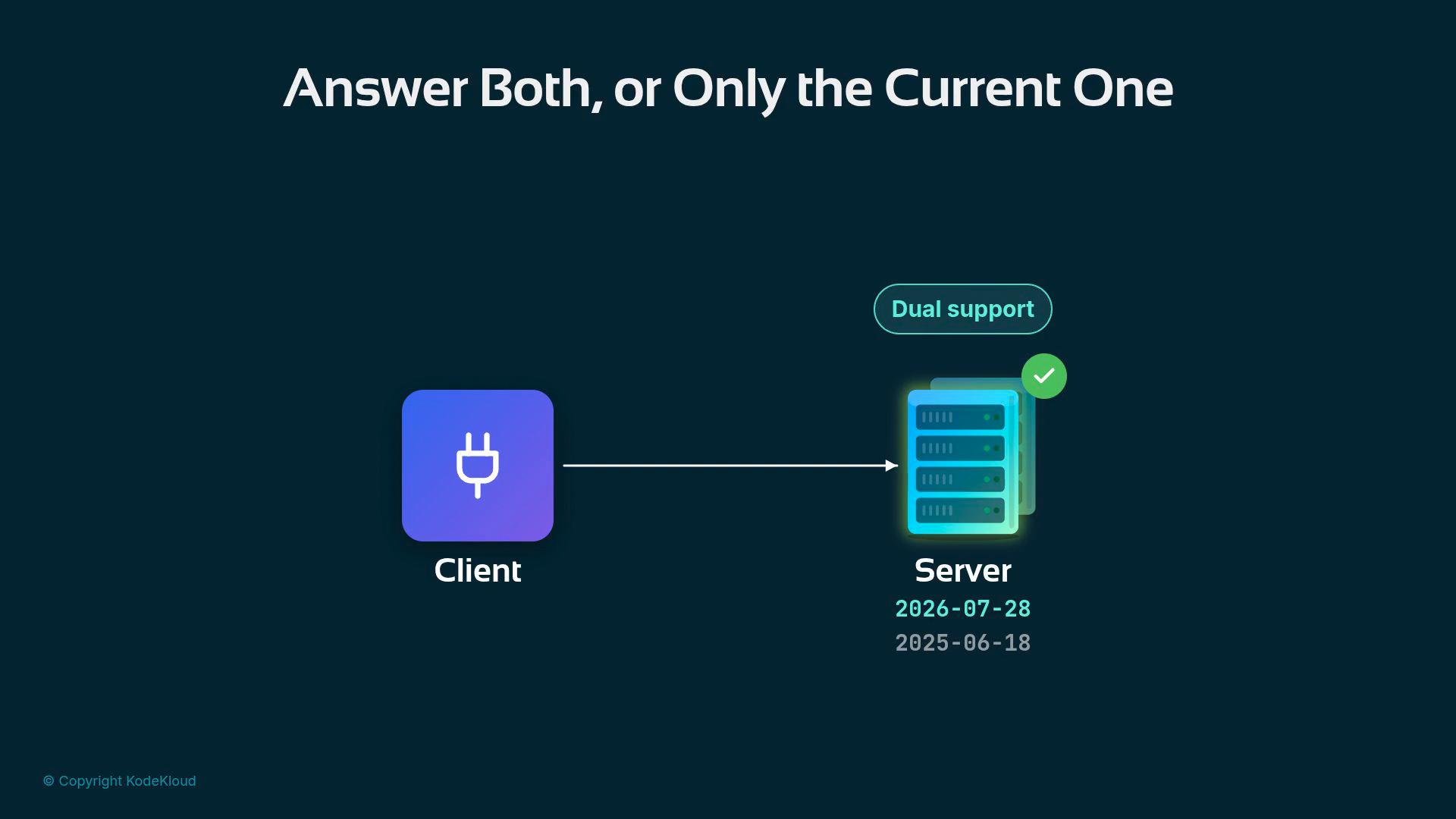
Stateless requests must include all required context under the
"_meta" field. This simplifies scaling (any server copy can respond) but moves responsibility for context management to the client/host.