

code that contains several example MCP servers and supporting files.
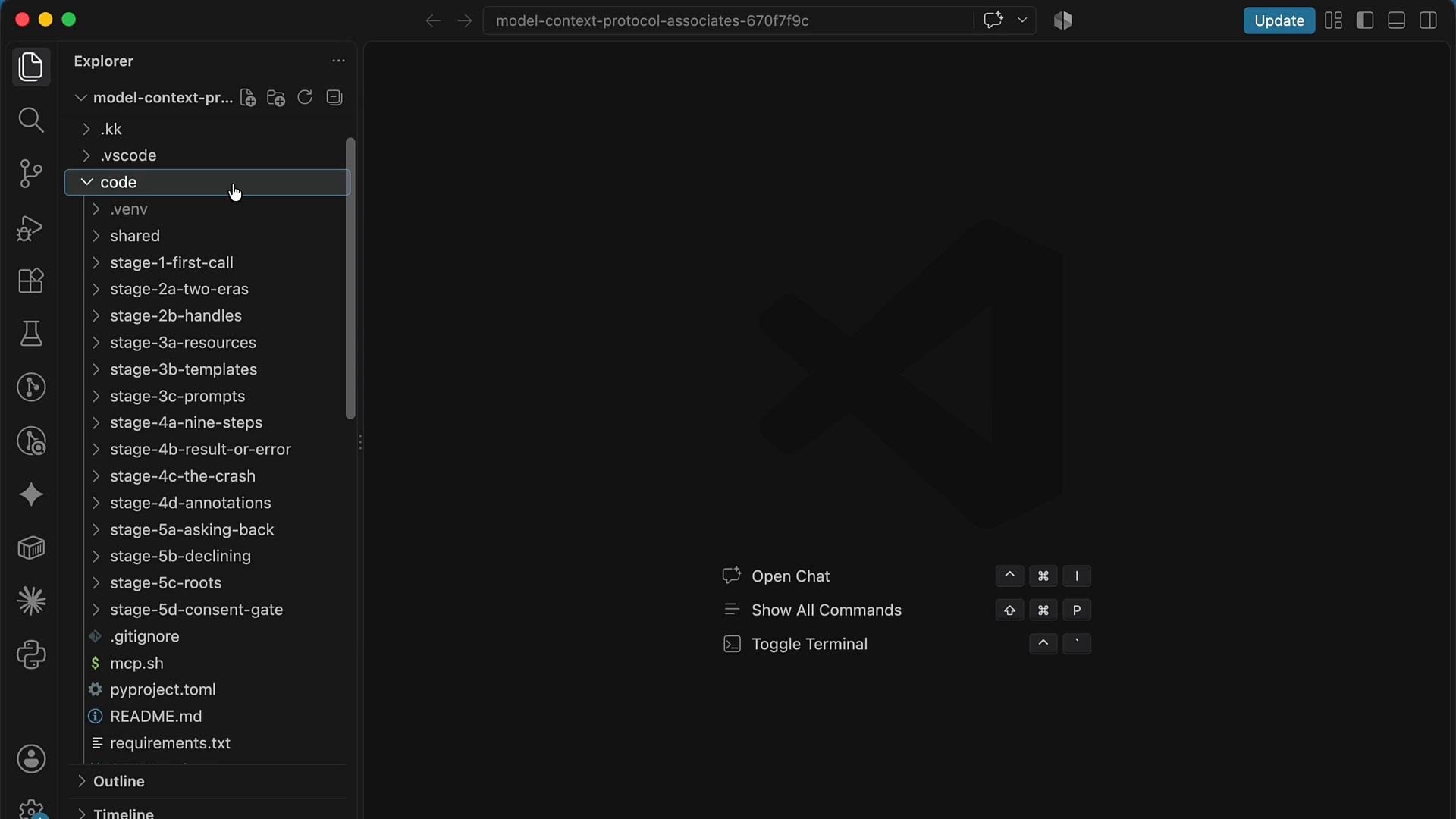
mcp.json catalog. A typical entry looks like this:
The
mcp.json catalog is how inspector tools discover and launch MCP servers listed in your project.
Prerequisites and environment setup
- Install a supported Python version (examples here use Python 3.10.19).
- Create and activate a project virtual environment.
- If present, install project dependencies from
requirements.txt.
Ensure the Python version you use is compatible with the MCP SDK you plan to install. Different SDK releases may require different Python versions.
@modelcontextprotocol/inspector) and can be run with npx:
mcp.json catalog so it can discover and run servers listed there.
The inspector is Node-based and requires Node.js/npm installed on your system to run
npx. Make sure Node.js is installed and up-to-date before running the inspector.- Creating and activating a Python virtual environment for your MCP server project.
- Installing the MCP Python SDK and required dependencies.
- Running the Node-based inspector against an
mcp.jsoncatalog to discover and start servers.
mcp.json.
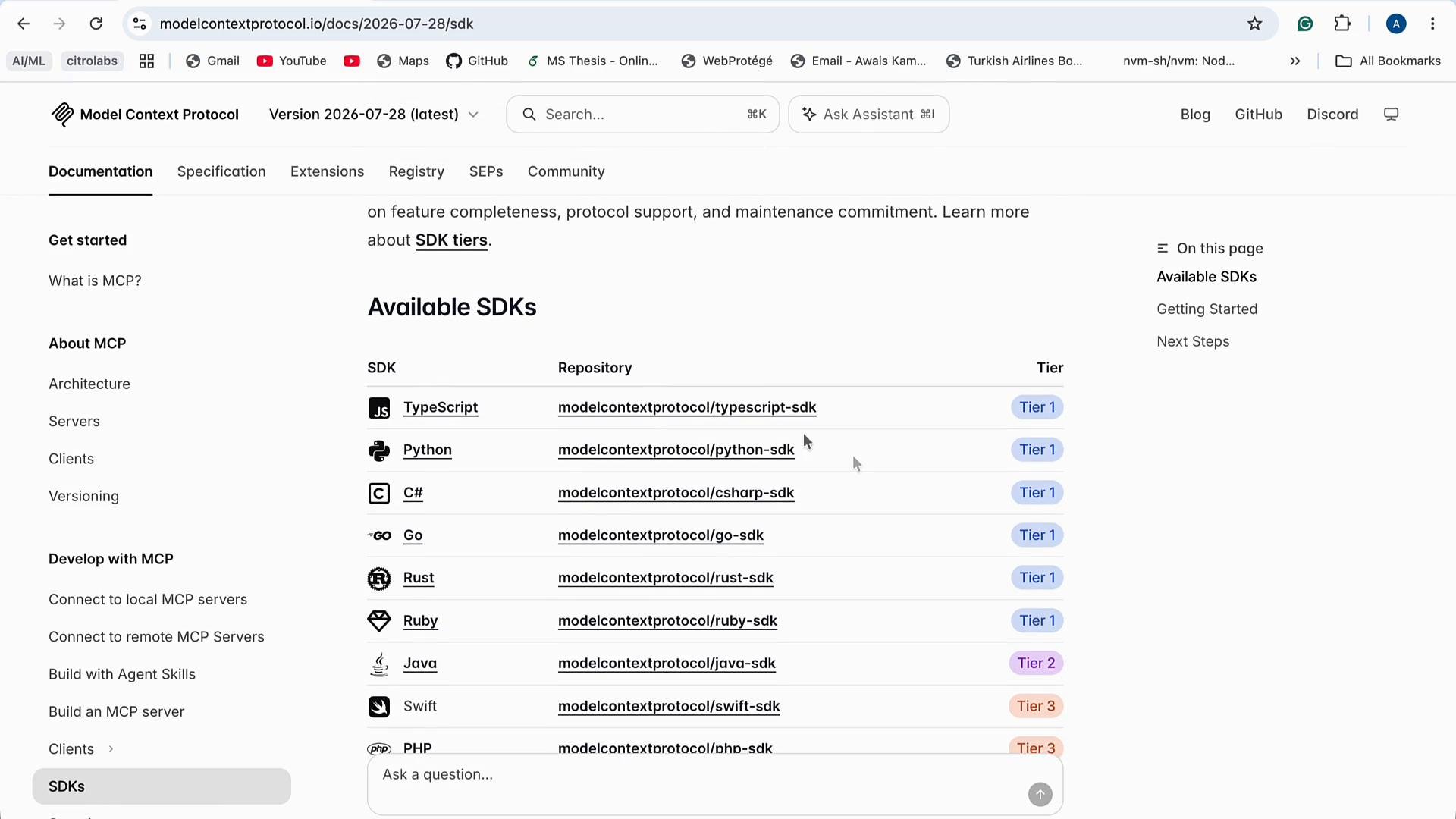
- Model Context Protocol SDKs and docs: https://github.com/modelcontextprotocol (search language-specific SDK).
- Inspector package: https://www.npmjs.com/package/@modelcontextprotocol/inspector
- Python virtual environments: https://docs.python.org/3/library/venv.html
mcp.json file is in your working directory when running the inspector.