

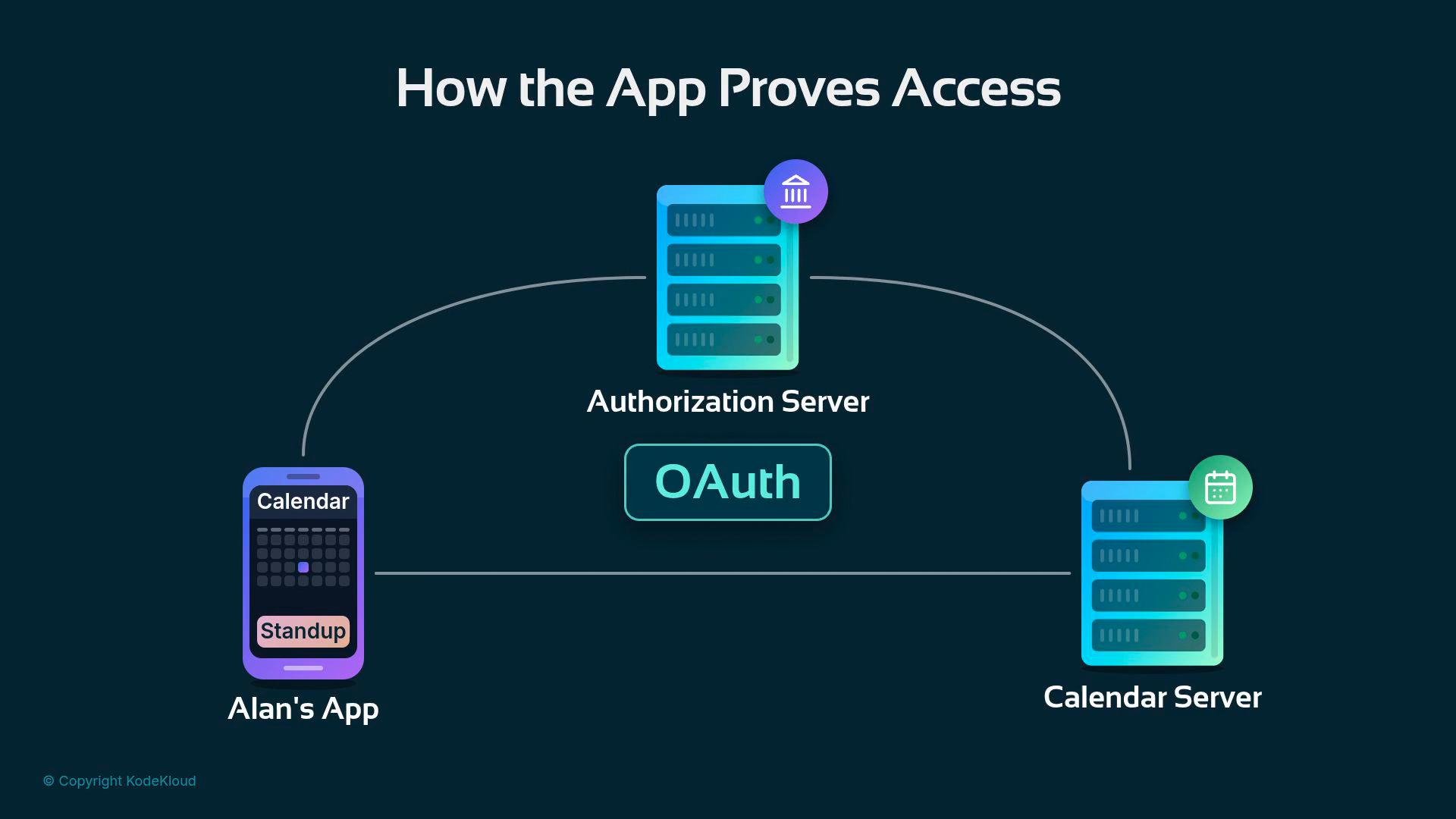
Binding the response to the request
Before the client uses the authorization code, the app must ensure the code actually came from the expected authorization server and from the same flow it started. Common checks include:- Verifying the
stateparameter returned with the authorization response matches the original state the app sent. - Ensuring the
redirect_uriused in the response is an exact character-for-character match with the registered redirect URI. - Validating the issuer (
iss) claim inside tokens (for example, the ID token) against the authorization server’s metadata, instead of trusting anissquery parameter handed in the browser redirect.
Client identification and registration
When the authorization server asks “who is this app?”, the app must identify itself. There are two common approaches:- Dynamic client registration: the client POSTs metadata (name, callback URL, etc.) and receives a
client_idandclient_secretin response. - Metadata URL: the client provides a URL where the authorization server fetches a client metadata document (for example,
https://calendar.example.com/app.json) describing the client.
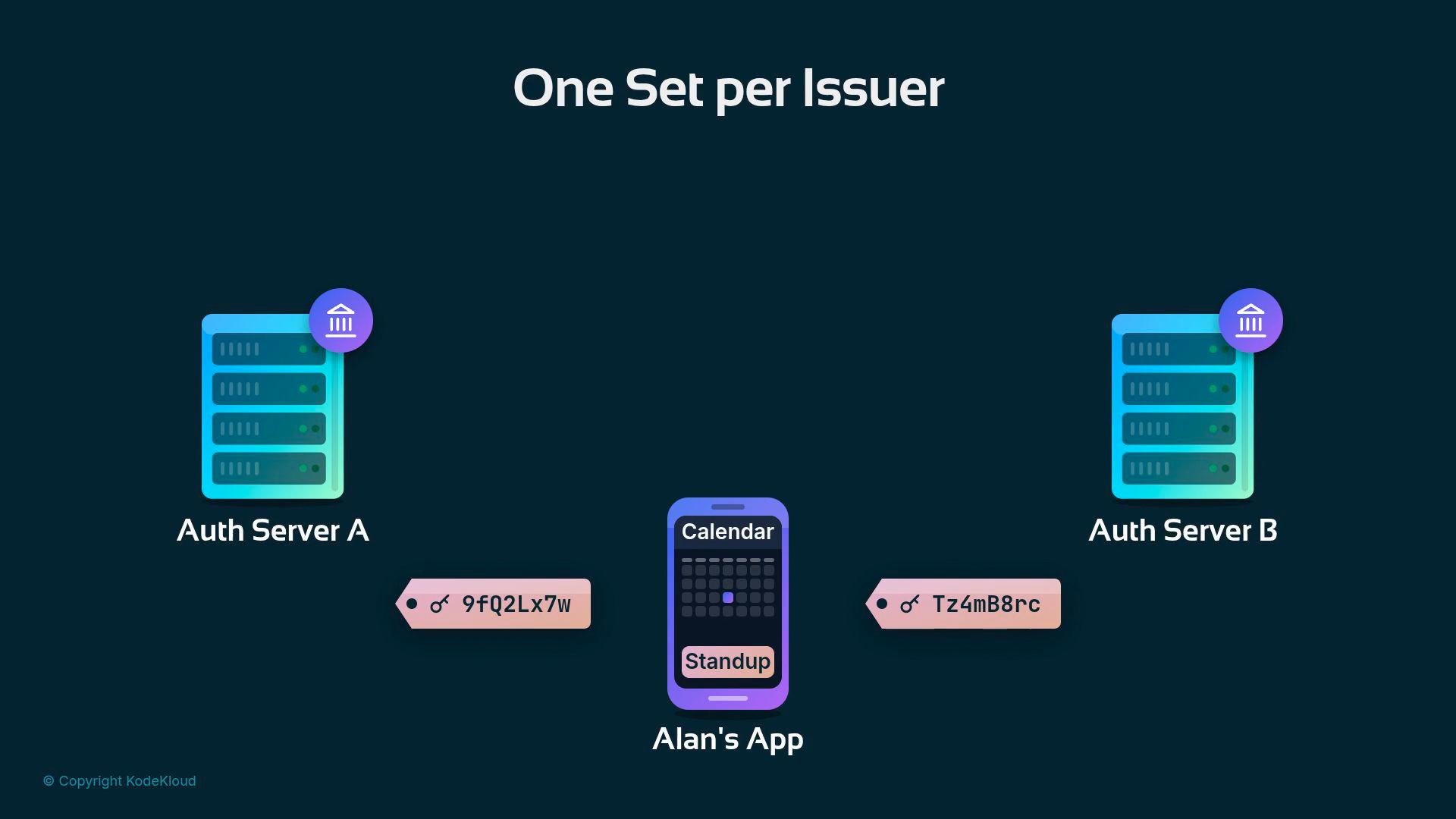
client_secret is effectively a password for the app. If the same secret is shared across issuers, either issuer could impersonate the client at the other issuer — never reuse secrets across independent authorization servers.
Token audience and minimal privileges
Access tokens include anaud (audience) claim that identifies the intended resource server:
Never include access tokens in URLs or query strings (for example
https://calendar.example.com/events?token=...). Put them in Authorization headers instead.Refresh tokens and rotation
When an access token expires, the app uses a refresh token to get a new access token. Because refresh tokens are longer-lived and powerful, they should be stored securely on the device and rotated: issue a new refresh token on each refresh and invalidate the previous one. Rotation reduces the usefulness of a stolen refresh token.Preventing code interception with PKCE
An attacker on the device could try to intercept the authorization code before the legitimate app redeems it. PKCE (pronounced “pixie”) defends against that attack:- The client generates a random
code_verifierbefore starting the authorization request. - The client derives a
code_challengefrom the verifier and includes it in the initial request. - When the code is exchanged at the token endpoint, the client must present the original
code_verifier. The authorization server matches it to the earliercode_challenge.
PKCE prevents code interception by binding the authorization code to the app that started the flow via a
code_challenge / code_verifier pair.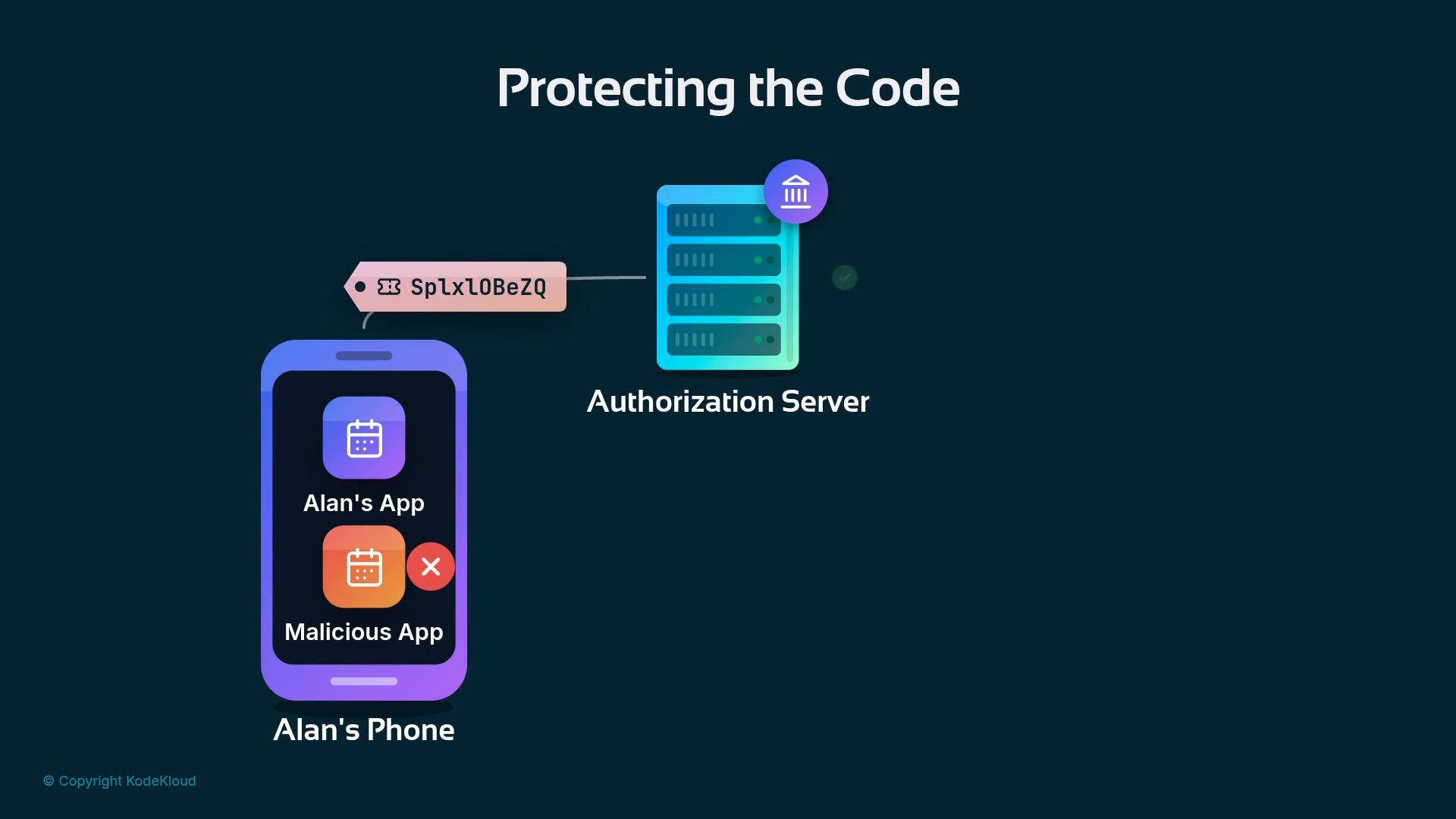
Redirect URI exact matching
The redirect URI returned by the authorization server must match the value registered for the client exactly, character-for-character:Deprecated and removed flows
Because of credential exposure risks, certain older flows are no longer recommended or are removed from best practice:
Use the authorization code flow with PKCE (OAuth 2.1 guidance) instead.
Roots vs. the real enforcement boundary
When clients are autonomous (for example, an agent driven by an LLM), they cannot predict every future request. The protocol allows the client to present a Roots list that indicates the paths and hosts it intends to access (for example/alan/calendars, /alan/photos, api.example.com). Roots are useful as intent and for UX, but they are not the hard enforcement mechanism.
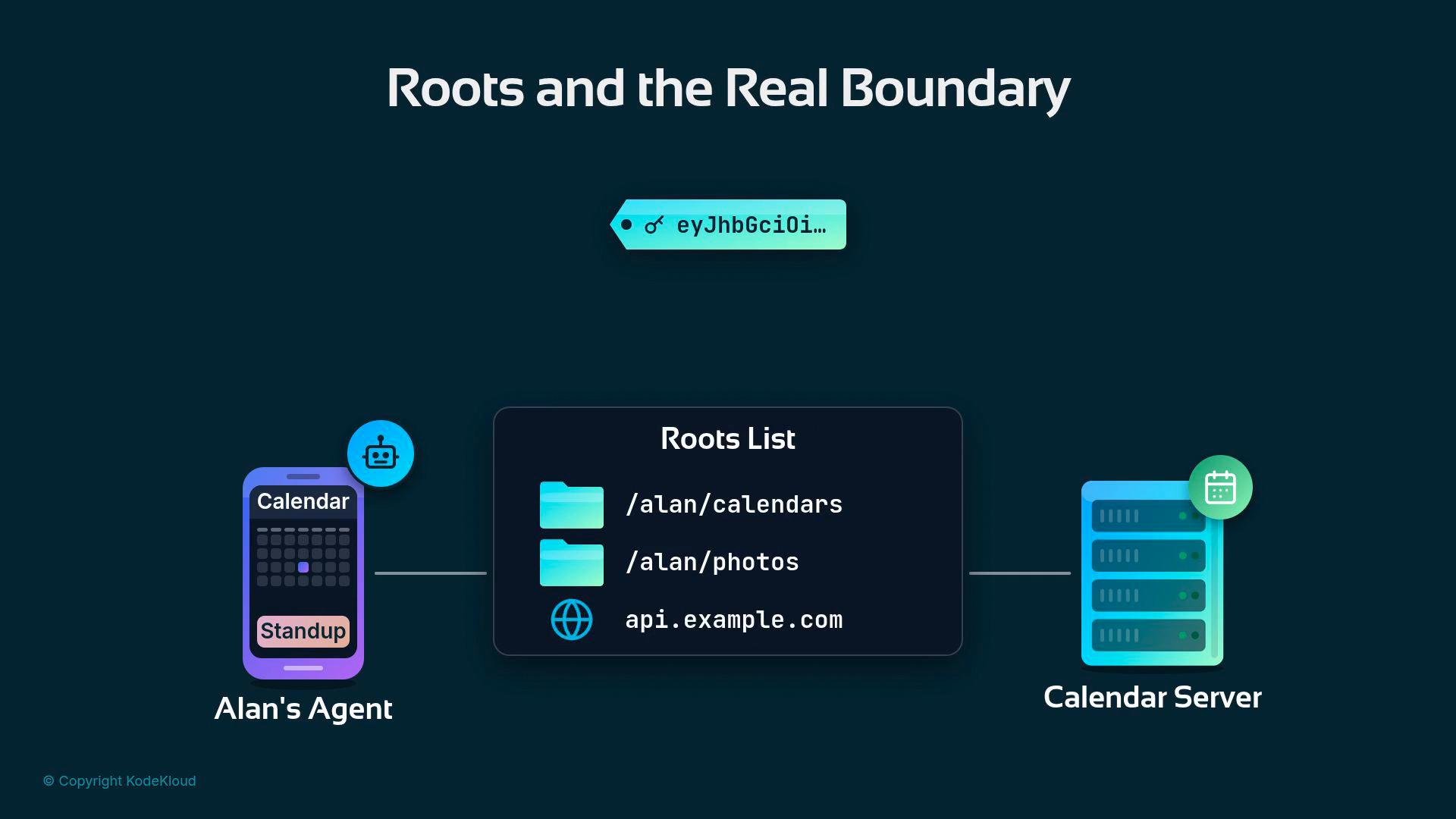
aud and scope claims determine what the agent may actually access. If the token says aud: calendar.example.com and scope: read:calendar, then attempts to access a photo server or perform writes outside the token’s scopes will fail.
Links and references
- OAuth 2.1 (recommended guidance): https://www.rfc-editor.org/rfc/rfc6749 (start with OAuth 2.0 core and follow OAuth 2.1 updates)
- PKCE (RFC 7636): https://www.rfc-editor.org/rfc/rfc7636
- OAuth 2.0 Security Best Current Practices: https://www.rfc-editor.org/rfc/rfc8252