

MCP exchange types
Every MCP exchange fits one of three patterns:Server-elicited input: how it works
Previously, servers could send requests to clients to elicit input; that feature is removed. Instead, when a server needs input it returns a normal response, but setsresultType to input_required and includes an inputRequests array describing what it needs.
Example server response encoding a question:
inputRequests, prompts the user (Alan), and then reissues the original call as a new client request. Importantly, the client does not send a separate reply message back to the server; instead it resubmits the same operation as a fresh request and includes the user’s answers in an inputResponses array.
Warning: when resubmitting, the client must use a new request id. This separation preserves audit trails and authorization checks.
Always resubmit server-elicited inputs as a new client request using a new
id, and include user answers in inputResponses. Do not attempt to send a separate synchronous reply message to the original server response.inputResponses:
inputRequests list:
elicitation/create— for human questions (primary path),sampling/createMessage— sampling-related (removed in current protocol),roots/list— root listing (removed in current protocol).
elicitation/create is the supported mechanism.
Pagination for long results
When anyinputRequests call (or other server responses) returns many items, responses are paginated. The server returns an items array and may include a nextCursor string. Clients must treat nextCursor as an opaque token — do not parse, decode, or modify it. When requesting the next page, return the token exactly as received.
Example:
nextCursor is omitted (or an empty response), you have reached the last page.
Treat
nextCursor as an opaque token: never parse or alter it. Use the exact value when requesting the next page.Subscriptions and change notifications
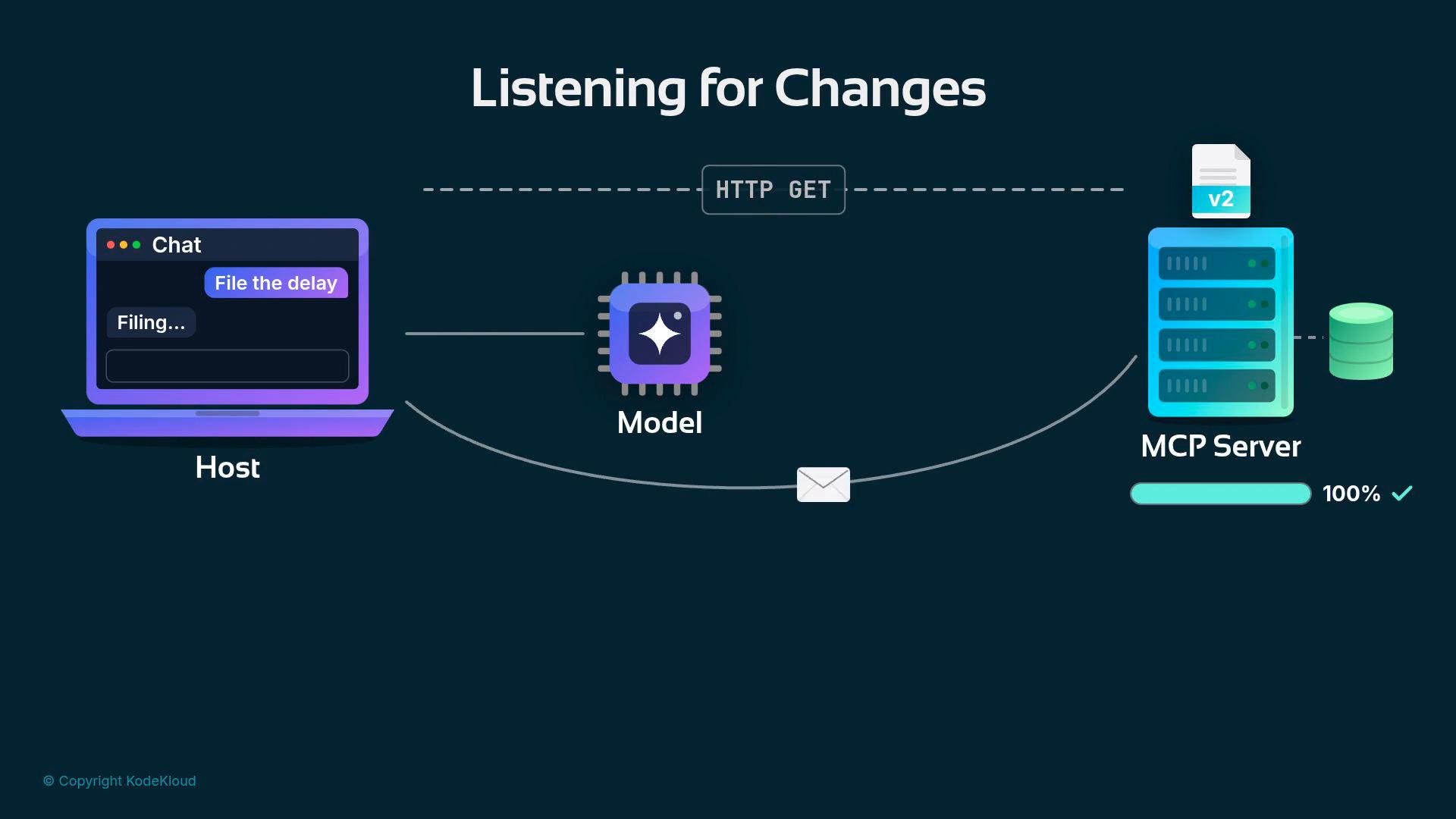
A previously separate HTTP GET subscription channel (resources/subscribe) has been replaced by a single long-lived method: subscriptions/listen. This is a long-lived POST that behaves like a stream and covers:
- tool-change notifications,
- prompt/elicitation changes,
- resource change events,
- resource subscriptions.
subscriptionId for later cancellation.
Error handling: protocol vs execution
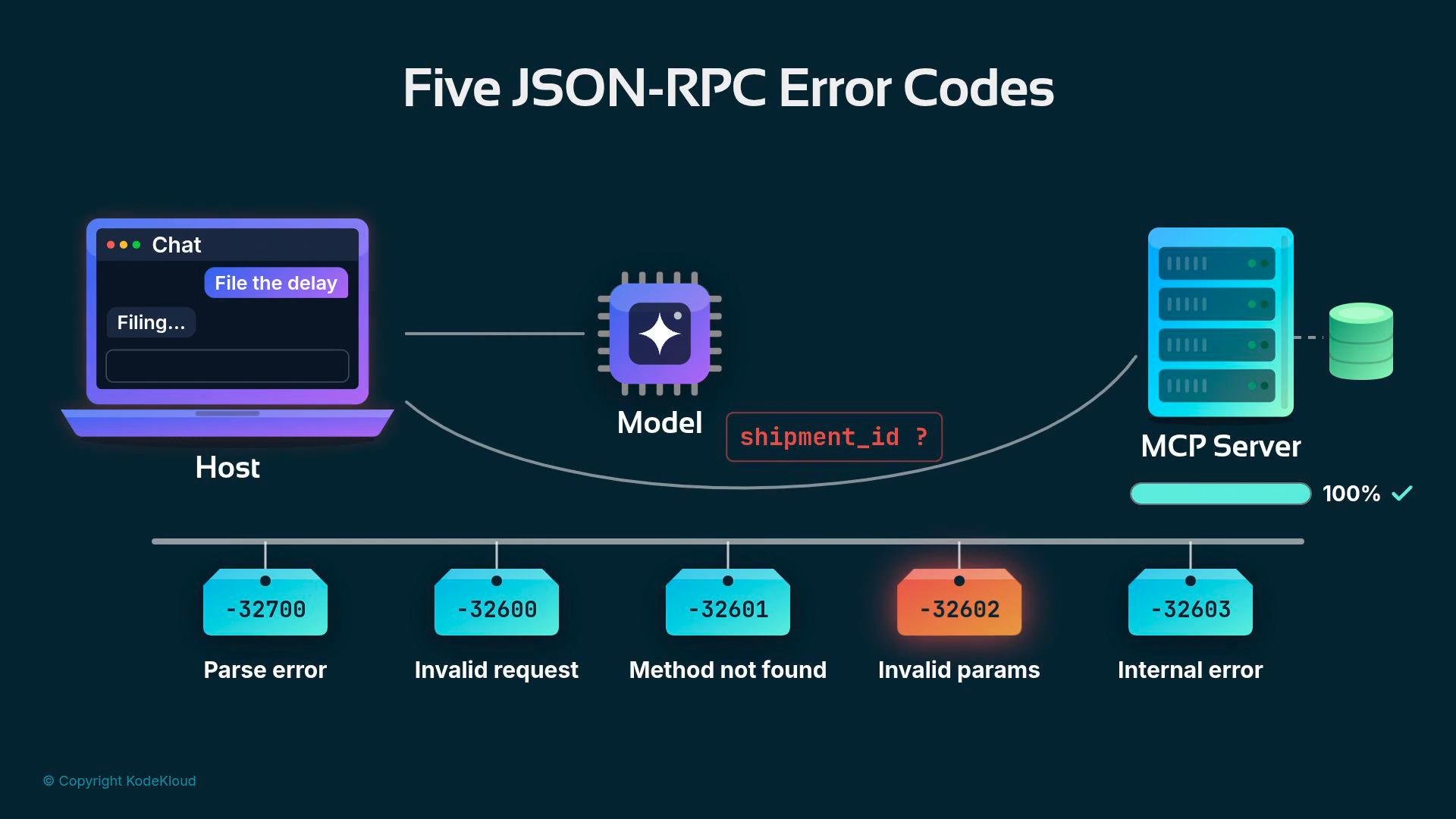
MCP separates errors into two layers:- Protocol errors — issues with the message itself (bad JSON, invalid request, unknown method, wrong parameters). These are JSON-RPC errors and are returned as JSON-RPC error objects. The model does not receive these.
-
Execution errors — the request was valid but failed during execution (e.g., warehouse offline, tool invalid). These are returned as successful responses that include
"isError": trueand their content is visible to the model.
Example of an execution error (visible to the model):
-32020 through -32099 range for additional protocol-level conditions. Two codes worth remembering:
-32020— header mismatch-32022— unsupported protocol version
-32002. The new canonical code is -32602 (same as “Invalid params”). Implementations should accept both the legacy and the new code to remain compatible.
Streaming behavior changes
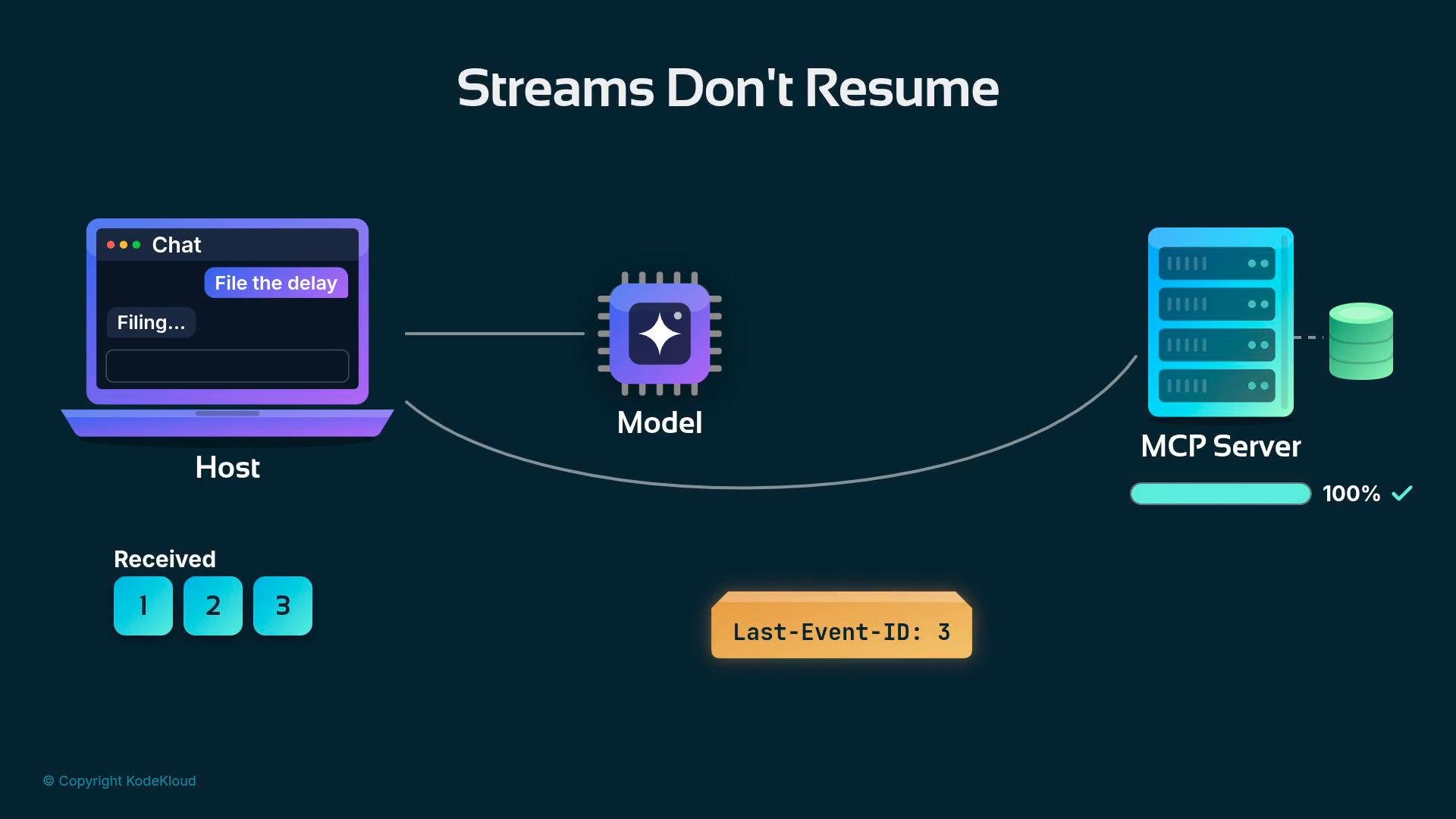
Streams are no longer resumable. Previously, a client could reconnect and resume a broken stream usingLast-Event-ID; that mechanism has been removed. If a stream is interrupted now, the client must reissue the full request under a new request id.
Quick reference tables
Allowed inputRequests methods
Error codes summary
Links and references
- JSON-RPC specification: https://www.jsonrpc.org/specification
- MCP design notes and compatibility guidance (internal/implementation docs)
Treat
nextCursor as an opaque token (do not parse or modify it), always resubmit server-elicited inputs as a new client request ID with inputResponses, and reissue streams from scratch if a connection drops.