

shipment-tracker server, inspect the messages the server exposes, and show how templates let a server represent large families of resources without enumerating every URI.
The typical call sequence starts with a client calling server/discover. Discovery is optional — clients can call it whenever helpful. Other inspector messages you may see include subscriptions/list, notifications/subscriptions/acknowledge, tools/list, prompts/list, and resources/templates/list.
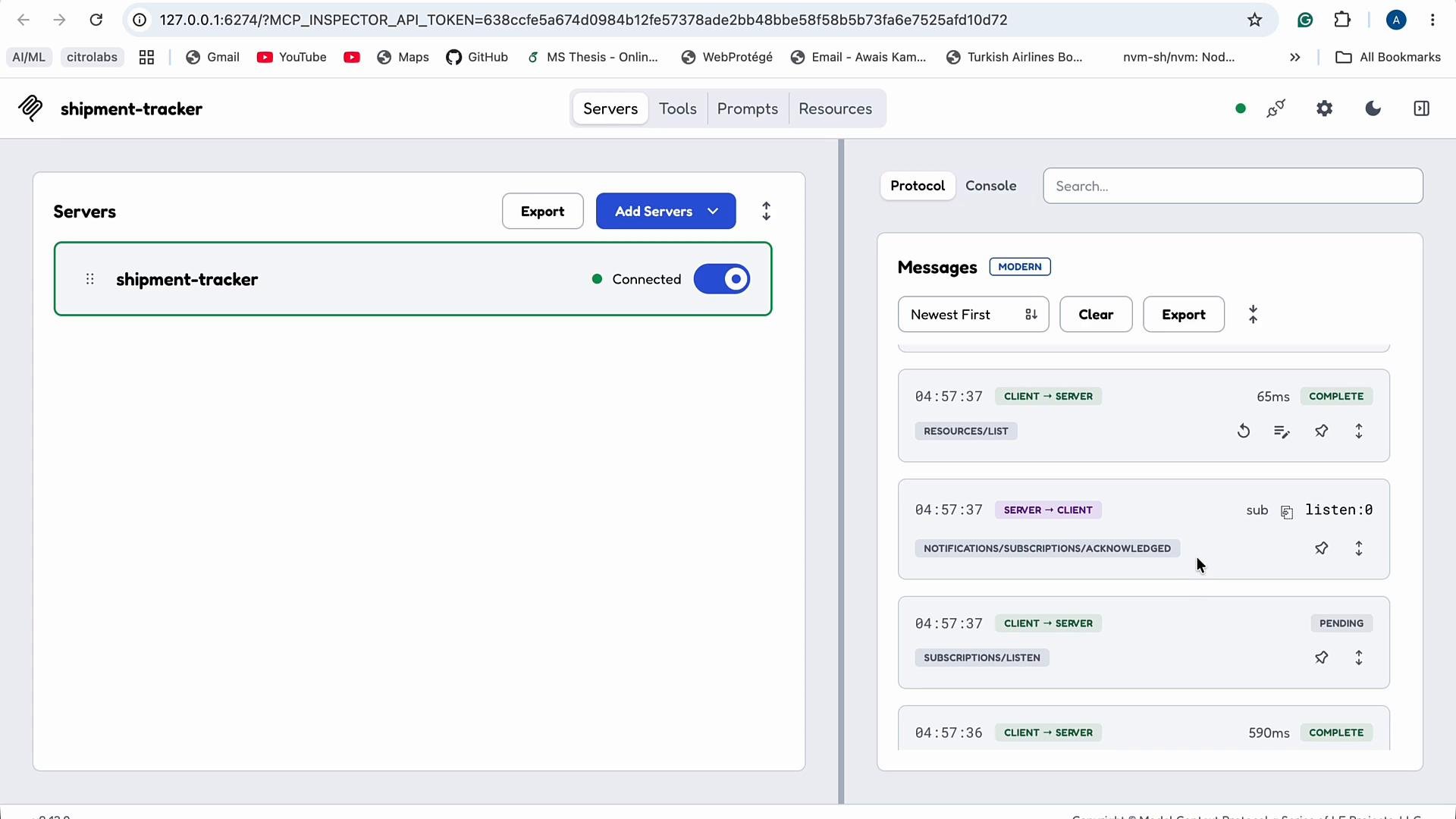
resources/list. Below is an example response: it includes a server meta-block and a list of resources (here a single plain resource, fleet_summary).
resources/templates/list the server returns templates rather than all concrete URIs. A template is a URI pattern containing placeholders (RFC 6570-style {...}) that the server can fill in on demand to produce a resource for a specific identifier.
Example resources/templates/list response showing one manifest template:
shipment://{ref}/manifest (placeholder {ref}) represents a family of manifest URIs — one per shipment reference. The client requests a concrete resource by calling resources/read with a filled-in URI, for example shipment://PL-4417/manifest, and the server composes and returns that specific manifest.
Example: a generic fleet summary (plain text)
shipment://PL-4417/manifest)
mcp.json shows how the shipment-tracker server is configured for stdio-based invocation:
server.py. The server defines a plain resource (shipment://fleet/summary) and a resource template (shipment://{ref}/manifest). Templates use RFC 6570-style curly braces and the parameter name in the function signature must match the placeholder name.
Resource reads must be side-effect free. If reading a URI changes state, it should be implemented as a tool, not a resource.
- Use resource templates to avoid enumerating thousands of concrete URIs; the server can advertise one template and synthesize artifacts on demand.
- Template placeholders use RFC 6570-style curly braces; ensure function parameter names match the placeholder names. See RFC 6570 for URI Template syntax: https://www.rfc-editor.org/rfc/rfc6570.
- Keep resource reads idempotent and side-effect free. If a read would mutate state or trigger workflows, implement it as a tool instead.