

Six essential audit events
Redact secrets and retain only the minimum context needed for auditing. Prefer structured logs (timestamp, event_type, actor, resource, outcome) so searching, alerting, and forensic analysis are reliable without exposing sensitive fields.
Example consolidated audit log (sensitive values redacted)
Logs are an attack surface
Logs themselves can be targeted. An attacker who can write to logs can:- Read secrets and personal data if logs are stored in plaintext.
- Overwrite or flood logs with junk so important events are buried.
- Inject control characters, very long lines, format-strings, or SQL fragments to manipulate parsers, storage, or ingestion pipelines.
Defenses for your logging pipeline — practical checklist
- Never log credentials or other secrets in plaintext. Redact or replace with stable identifiers.
- Avoid logging unnecessary personal data (PII) unless there is a clear audit need and retention policy.
- Enforce maximum log line length — truncate or reject overly long lines to prevent disk exhaustion and obscure important events.
- Protect the log store from unauthorized read and write access (fine-grained IAM, network controls, and integrity protections).
- Monitor for abnormal write patterns (spikes, repeated failures, or writes from unexpected actors).
- Use append-only storage or cryptographic integrity checks for high-value audit trails.
Stdio-based protocols (JSON-RPC) — stdout vs stderr
If your server communicates over stdio (for example, JSON-RPC; see https://www.jsonrpc.org/specification), log messages must go to standard error (stderr). Stdout is reserved strictly for the JSON-RPC stream; writing arbitrary log lines to stdout can corrupt the protocol conversation. Example JSON-RPC responses (these must be delivered cleanly on stdout):Do not send log output to stdout when using stdio-based protocols. Logs on stdout can break or desynchronize the protocol and lead to parser failures or lost messages.
Log levels and per-request logging control
Older revisions allowed setting a single log level for an entire connection withlogging/setLevel. That method has been removed. Log level now travels per-request inside a _meta field. If a client sends a request without a log level, the server should avoid producing logs for that request.
Severity levels follow RFC 5424 (https://datatracker.ietf.org/doc/html/rfc5424) with eight levels: debug, info, notice, warning, error, critical, alert, emergency — debug is lowest, error/emergency are highest. Use these to drive structured observability and to control what gets persisted versus what remains ephemeral.
Governance: who reads logs and how to own them
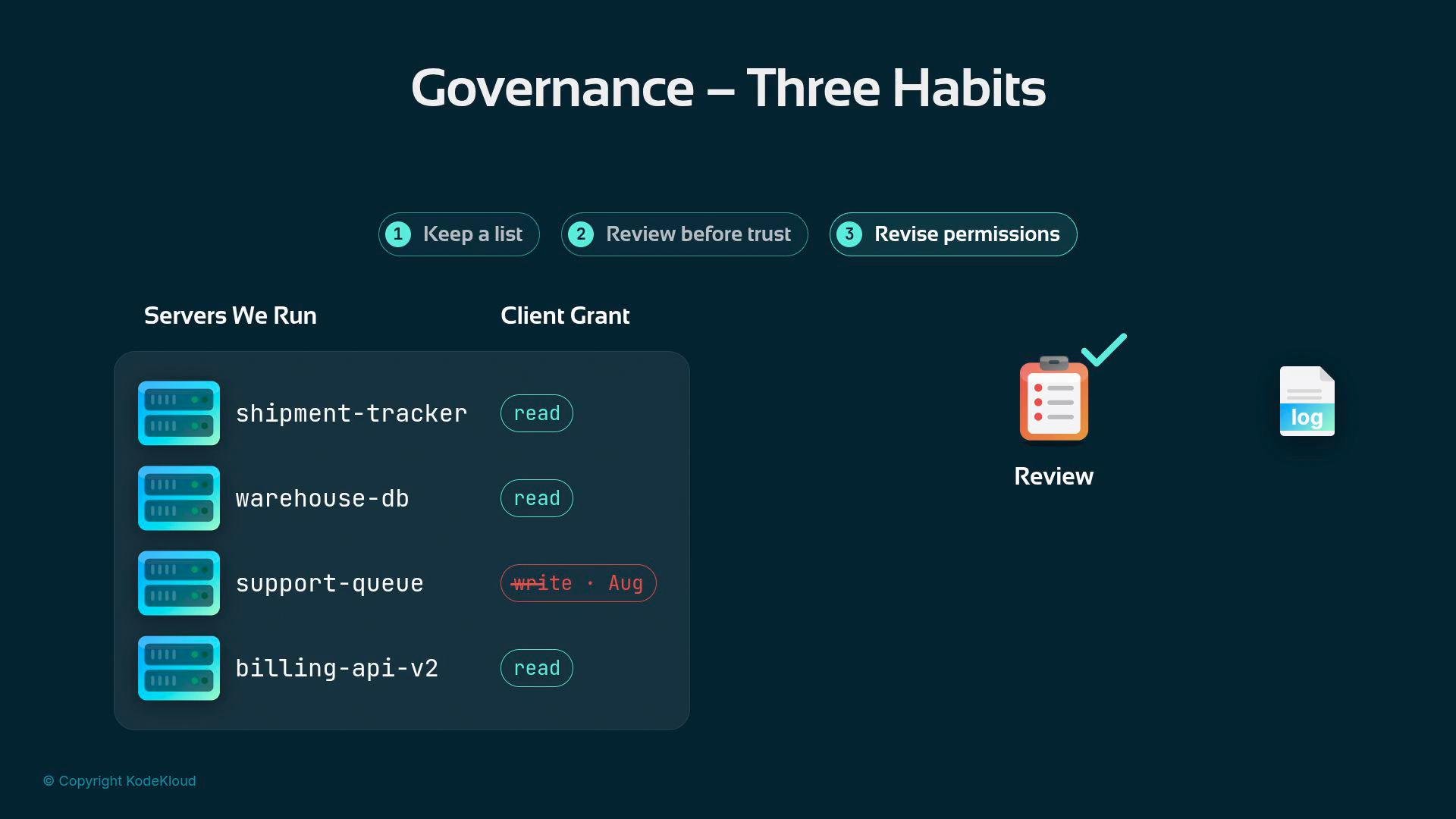
Before you assign reading permissions, decide what is allowed to appear in logs at all. Governance — deciding which servers implementing the protocol your team runs, who checks them, and how often — is enabled by three basic habits:- Keep an inventory of every server you run. If a server is not on the list, no one is responsible for it and changes may go unnoticed.
- Review any new server before trusting it, not after.
- Periodically review and revise permissions granted to clients. Permissions granted months ago may no longer be appropriate.
Links and references
- JSON-RPC specification: https://www.jsonrpc.org/specification
- RFC 5424 (Syslog Protocol): https://datatracker.ietf.org/doc/html/rfc5424