Official SDK tiers
There are 10 official SDKs organized into three support tiers. Tier 1 SDKs receive full support and new features first.
Alan’s weather server is written in Python, so it sits in Tier 1 and will get new features early.
Reference servers
Reference servers are small, complete servers implemented by the protocol maintainers to demonstrate the recommended patterns. They are not intended for production use — instead, you read the code and copy the pattern. Example minimal Python server: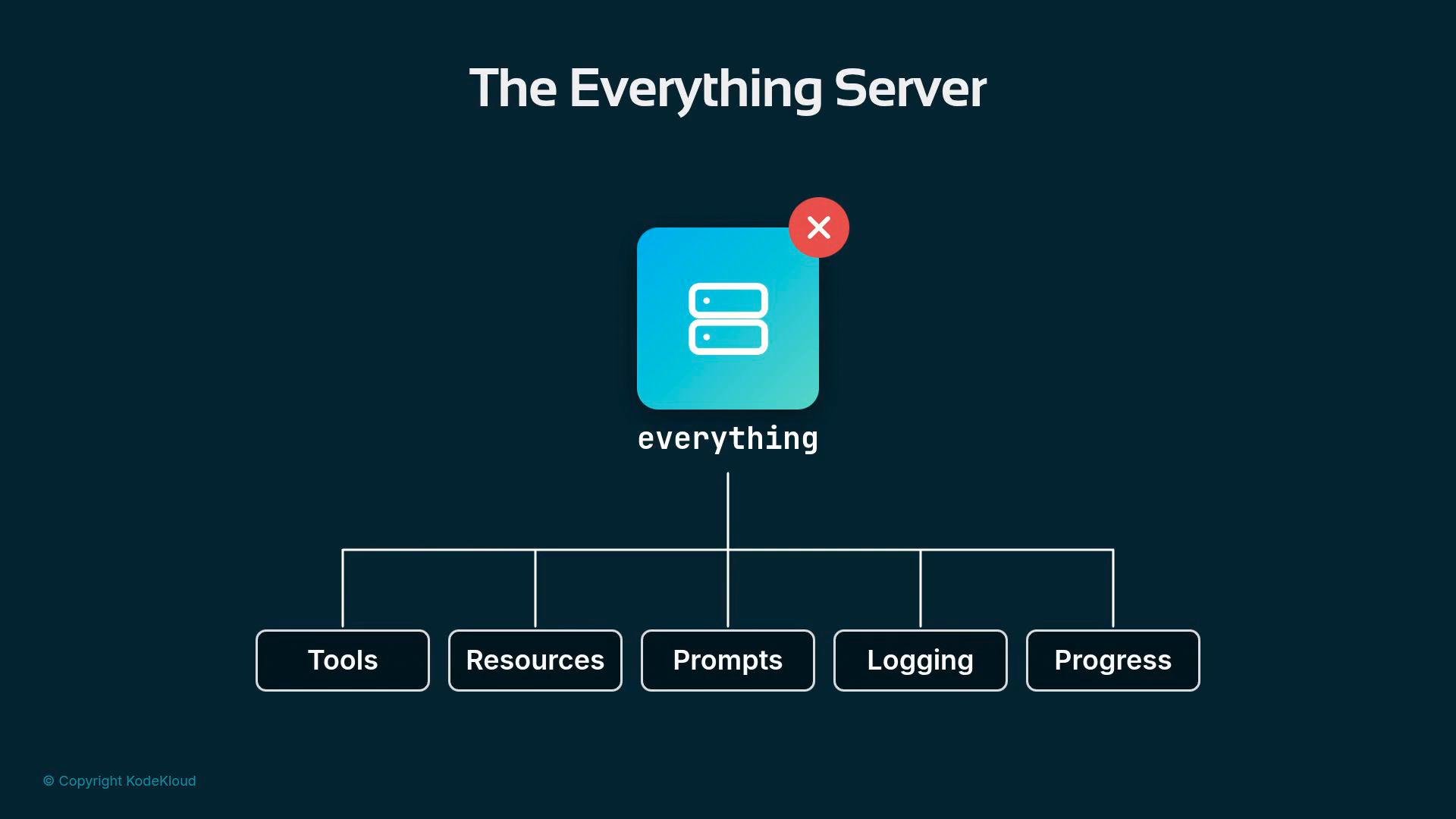
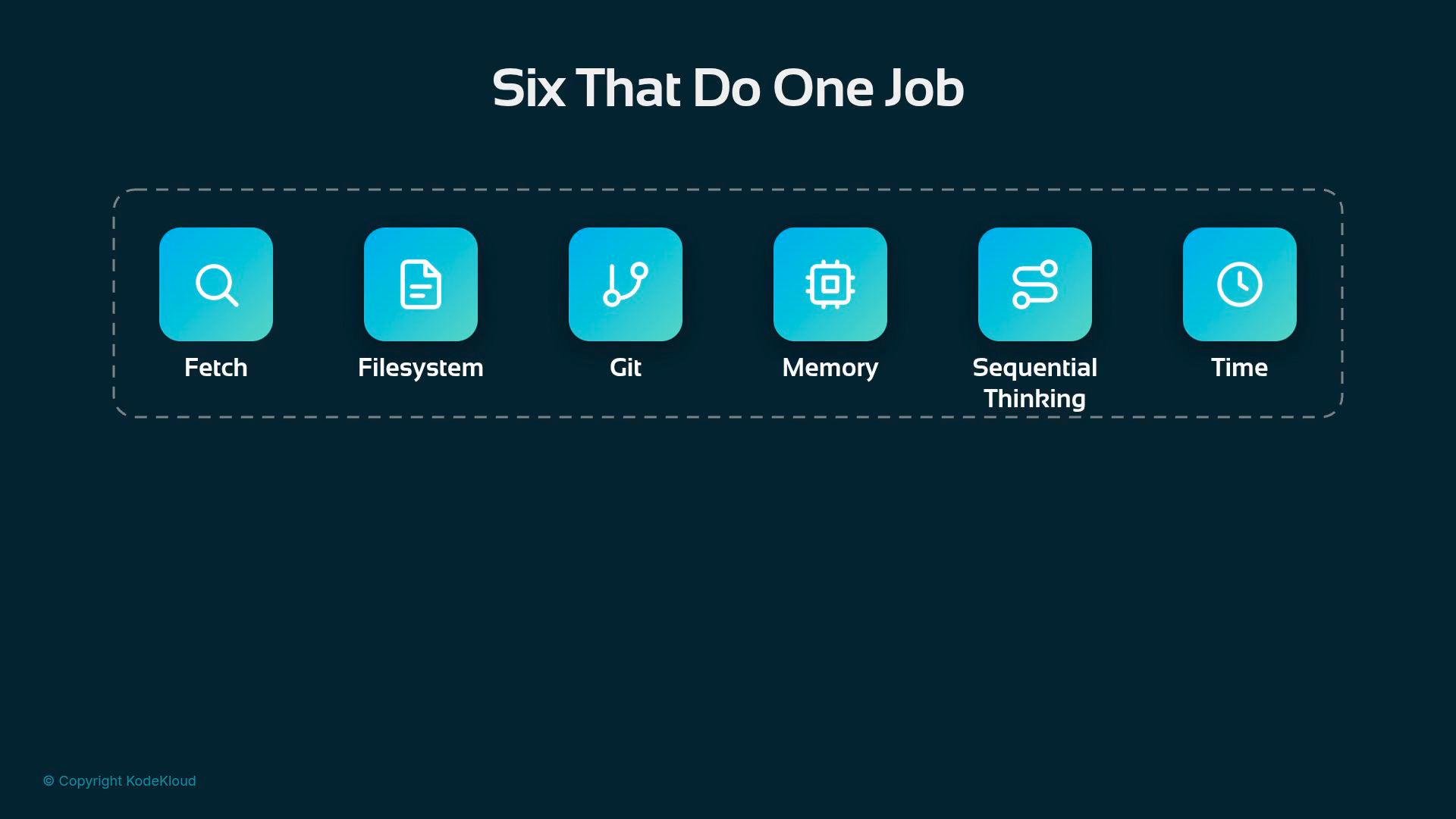
- Fetch — fetches web pages
- Filesystem — reads and writes files
- Git — runs Git commands
- Memory — remembers facts across sessions
- Sequential Thinking — helps step through problems sequentially
- Time — converts time zones
Inspecting and validating a server
Before integrating a server with a host, validate it with the MCP Inspector. Point the Inspector at your server, list what it exposes, call tools manually, and inspect raw results. This is the fastest way to confirm behavior without building a host.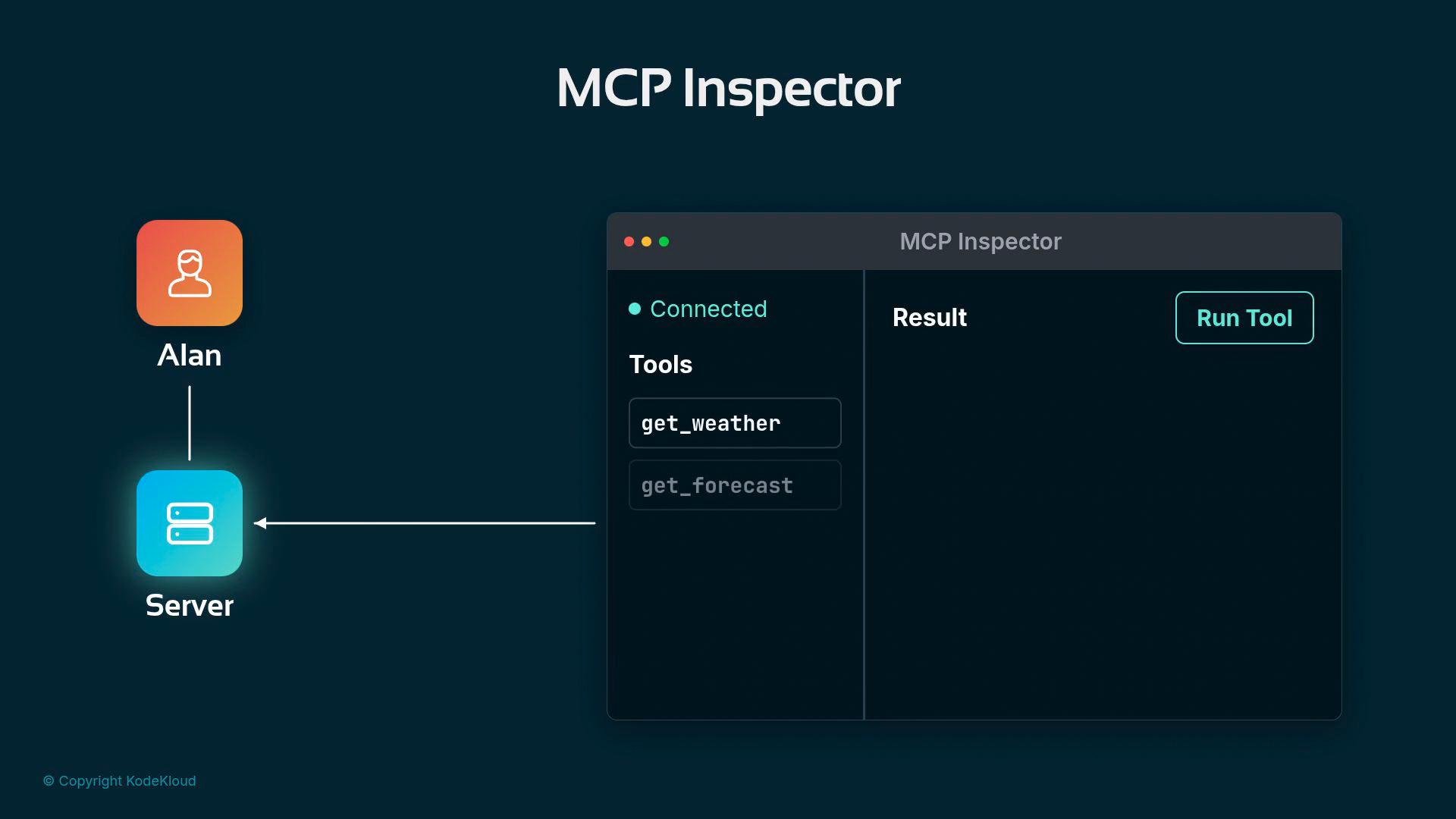
Discovery: MCP Registry and server.json
To use someone else’s server you need discovery metadata. The MCP Registry (currently in preview) standardizes aserver.json file so servers can describe themselves consistently.
Example server.json:
weather.anthropic.io becomes io.anthropic.weather). The registry exposes an API that search engines and listing sites can query to build directories. Important clarifications:
- The registry provides discovery metadata only. It is not a runtime directory.
- Individual hosts do not query the registry at runtime.
- The registry does not perform security scans — package registries like npm handle those workflows.
The MCP Registry provides discovery metadata (via
server.json) so listing sites and search engines can find servers. It is not a runtime service and does not perform security scanning.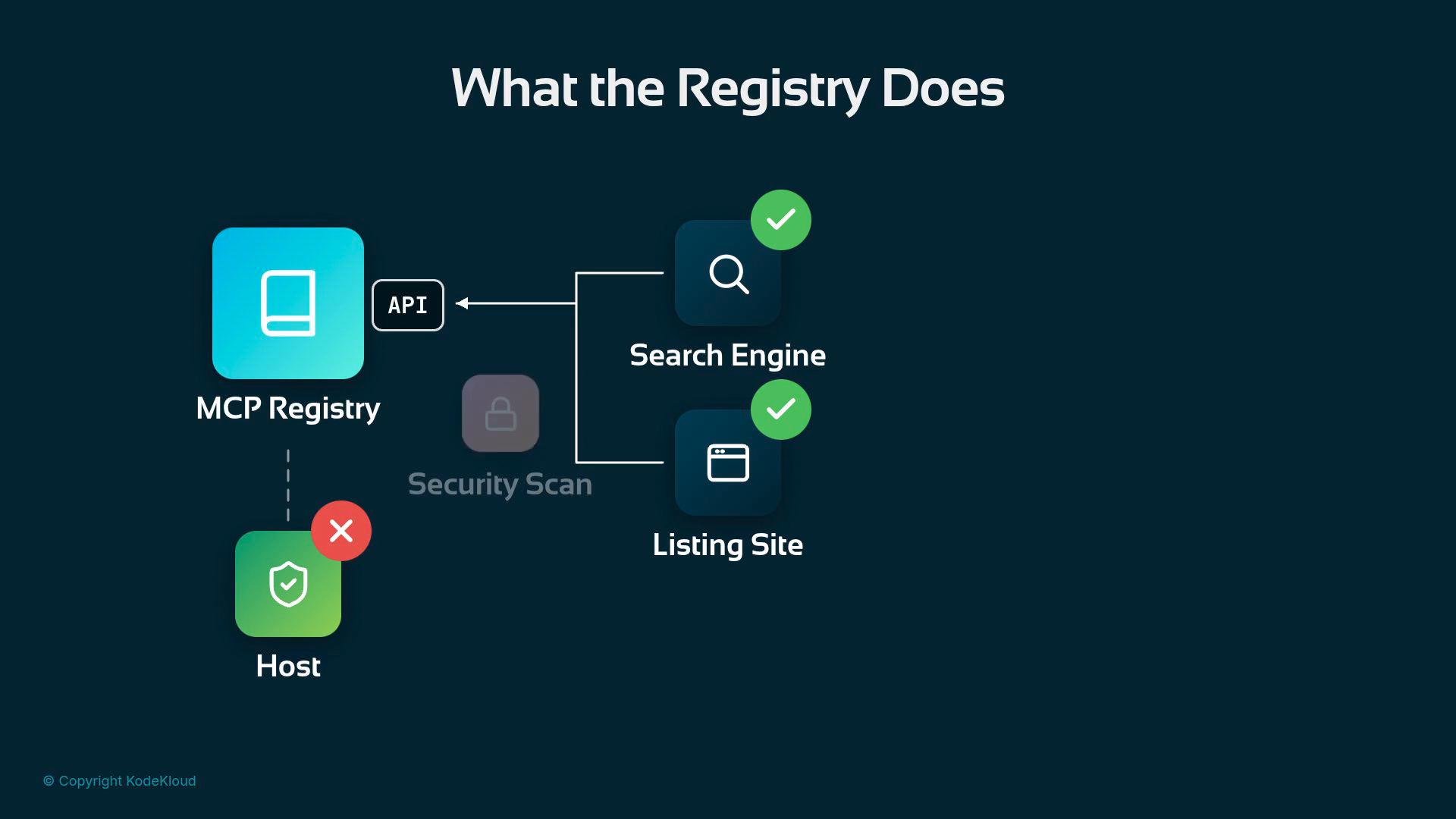
Extensions and backward compatibility
When the protocol needs additional capabilities, extensions provide an opt-in mechanism. Extensions are namespaced under reverse DNS names and are never required; a client that doesn’t understand an extension simply ignores it and the core interaction still works. Two examples to know:io.modelcontextprotocol/ui— MCP Apps (server-contributed UI)io.modelcontextprotocol/tasks— tasks
Feature lifecycle and deprecation
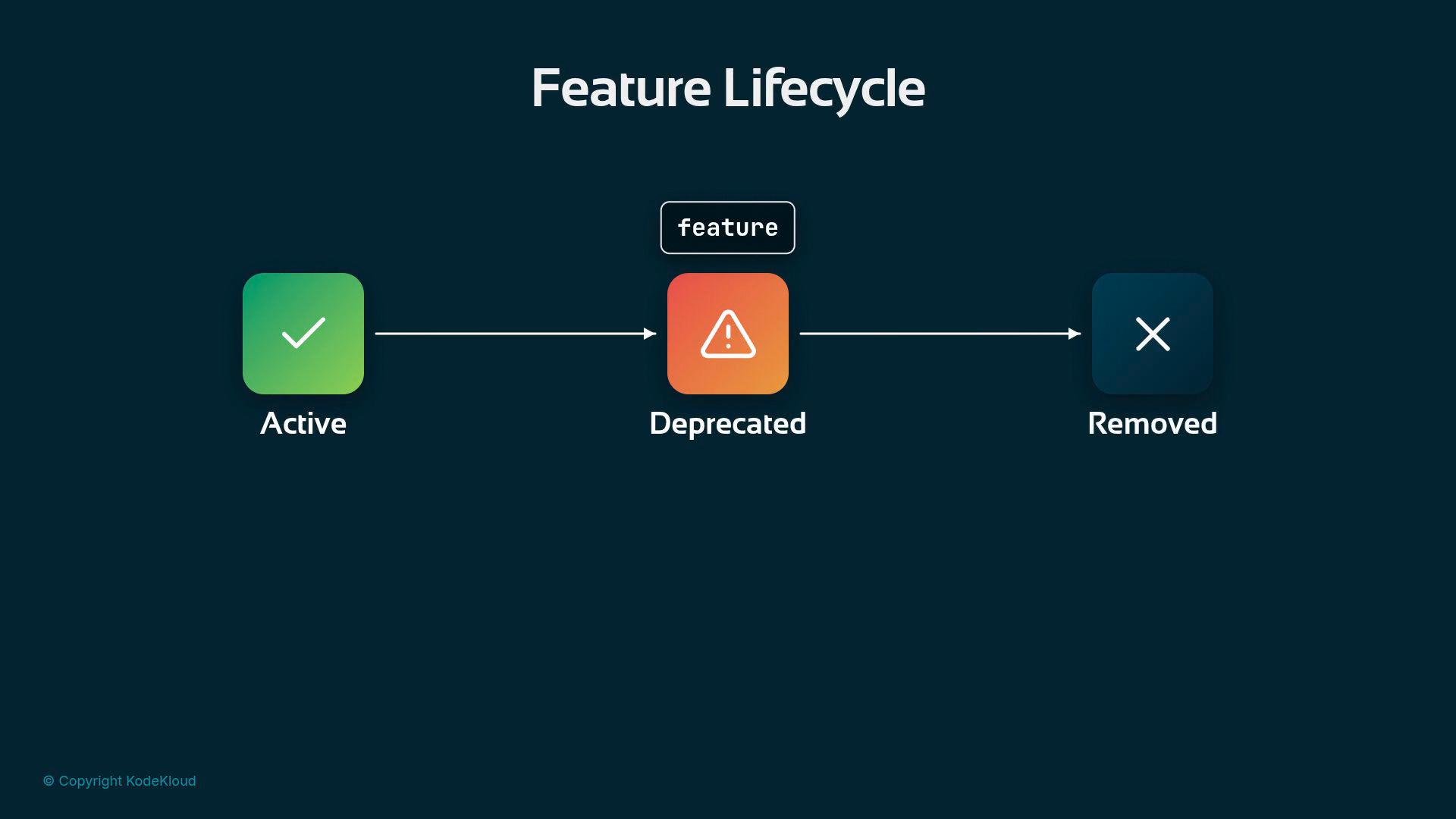
Features move through three states: Active → Deprecated → Removed. Each deprecated feature remains in the Deprecated state for a minimum of 12 months before removal. A deprecated feature registry is available so you can look up details. Sampling, roots, and logging are older features that remain documented (and therefore exam-relevant) even though they are deprecated.Deprecated features (e.g., sampling, roots, logging) may still appear on the exam. Always check the deprecated feature registry and the specification revision targeted by your exam date.
Governance
The Agentic AI Foundation governs MCP under the umbrella of the Linux Foundation. The governance model requires maintainers to join as individuals (not corporate representatives). Specification changes are proposed and tracked publicly via Specification Enhancement Proposals (SEPs).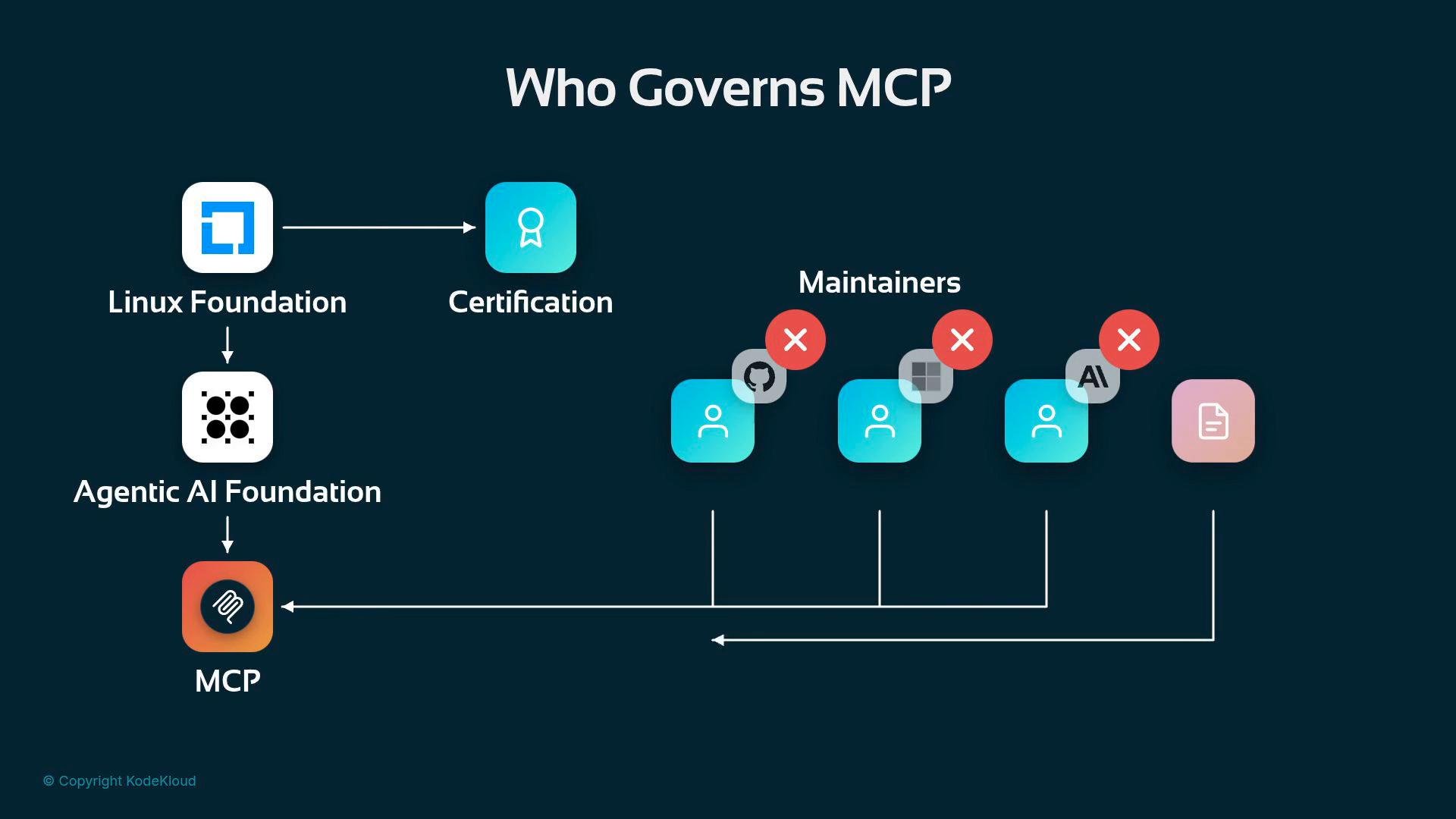
Exam domains and weighting
The certification exam covers five domains. Interactions and Security together make up half the exam, so prioritize those when you revise.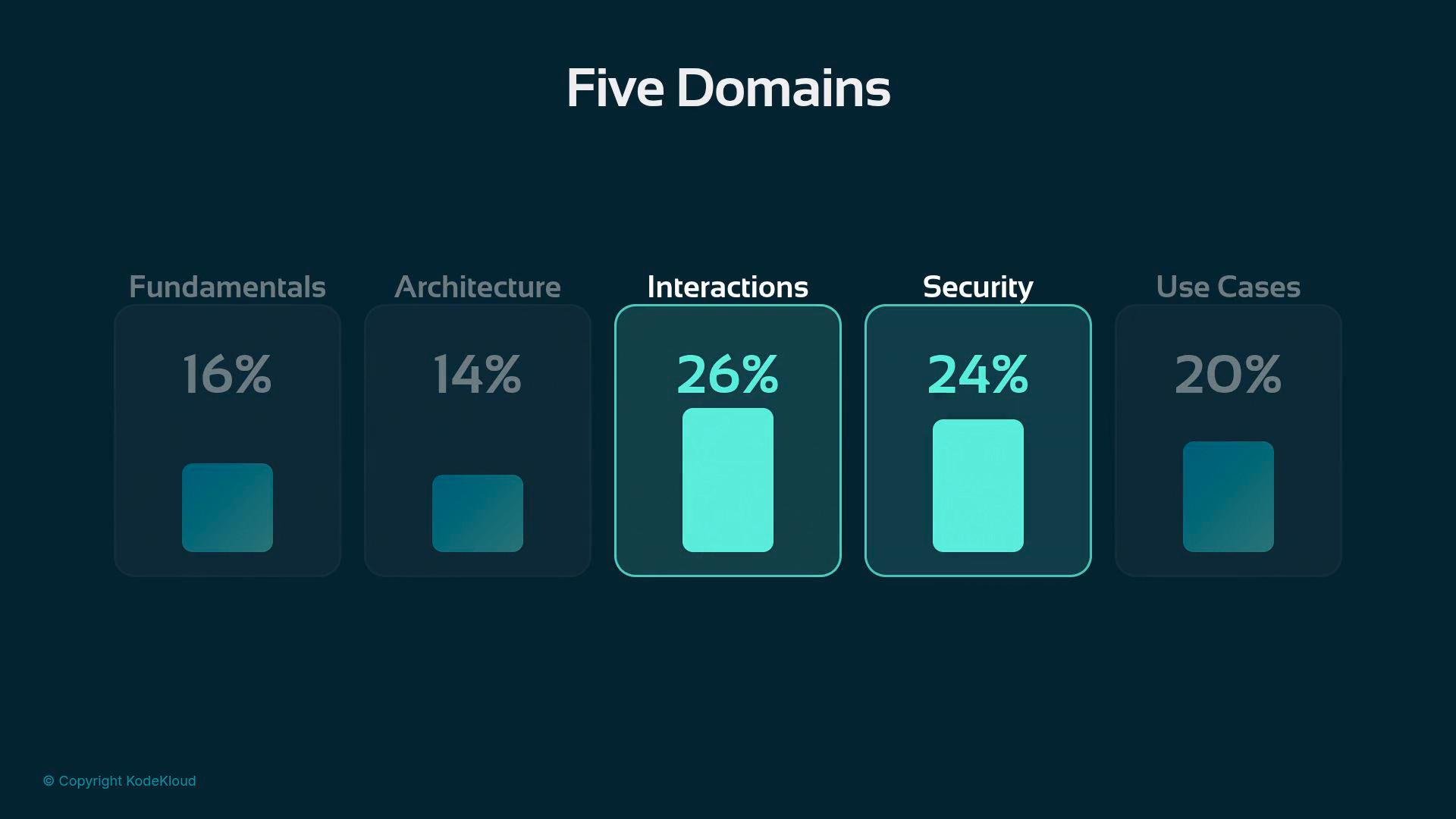
Specification revision and the exam
The Linux Foundation does not publish which specific spec revision the exam targets. When preparing, be aware of differences between nearby revisions (for example, changes between the 2025 and 2026 specs) and review the SEP list for recent changes.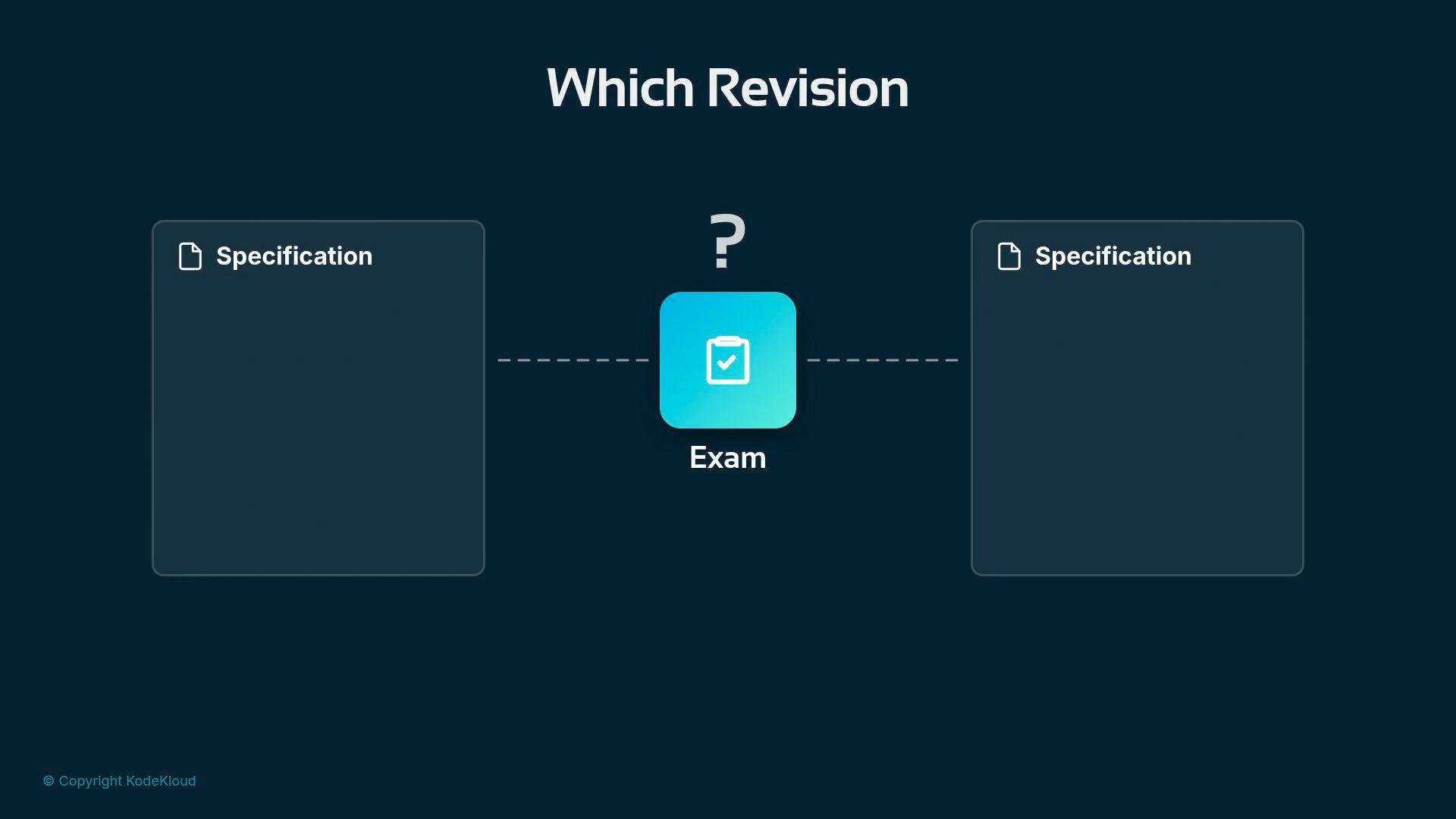
Exam logistics
Recommended reading: