

- Client issues a request for a tool/endpoint.
- Server responds with an
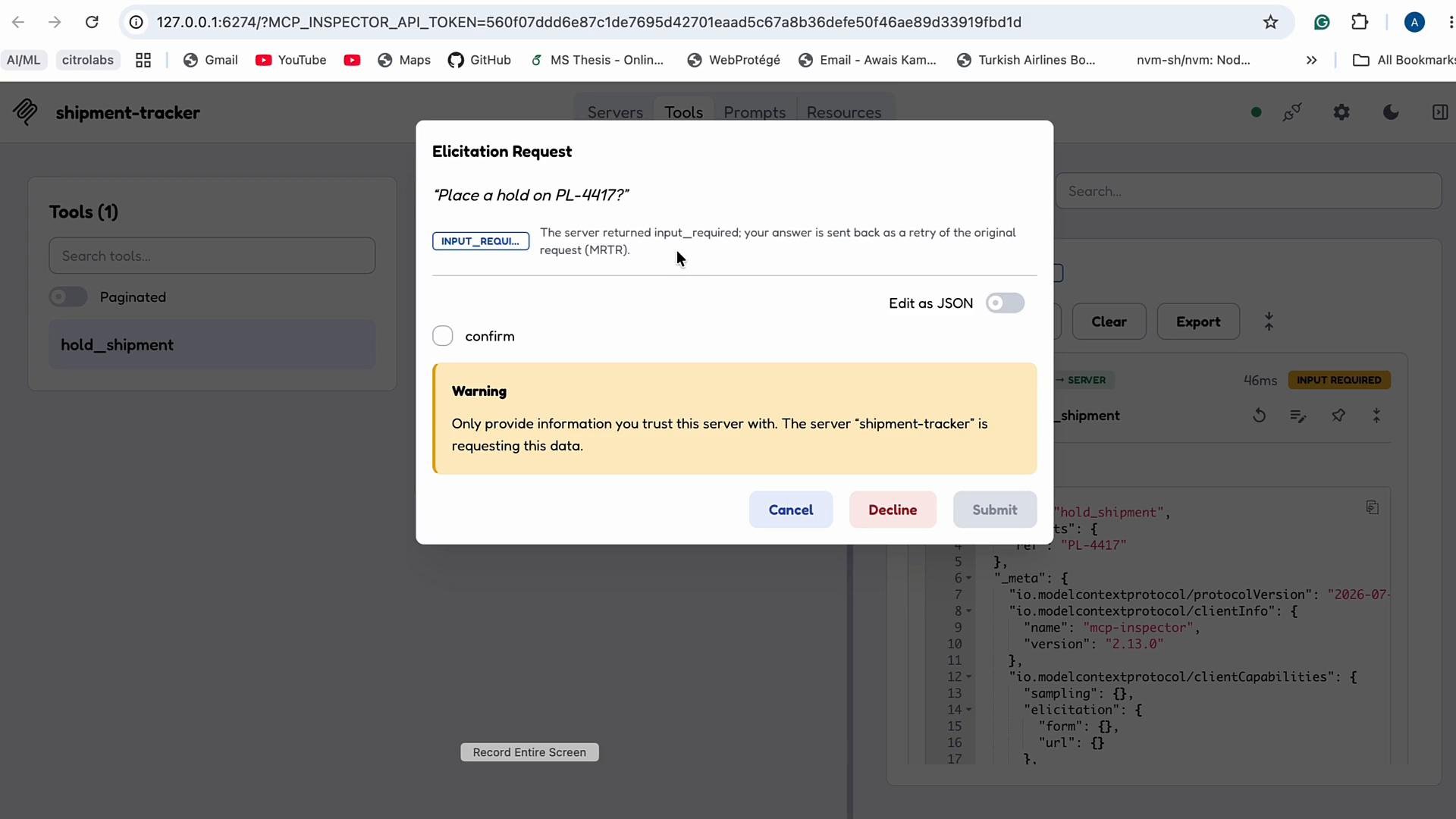
input_requiredresponse describing the requested inputs. - Client gathers the requested input (UI dialog, automated responder, etc.).
- Client resends the original request with the supplied input.
- Server finishes processing and returns a
completeresult.
- The
resultTypeisinput_required— the server is intentionally pausing the operation until input is supplied. - The
inputRequestsmap identifies named input requests (here,confirm) and includes arequestedSchema(JSON Schema) describing the expected payload. - SDKs may use
snake_casefield names (e.g.,input_requests) that serialize to the wire-format camelCase shown above (inputRequests).
complete result. Example final response after confirmation:
input_required) -> client (gathers input) -> server (complete).
Quick reference table
Elicitation lets a server pause processing and ask for additional structured input mid-request. Clients should render the
inputRequests (UI form/dialog or automated handler), collect the requested input, and resend the same logical call with the inputs attached. The server can then finish processing and return a complete result.hold_shipment returns an InputRequiredResult on the first call (asking for confirmation) and the final string result once the confirmation arrives.
- On the first invocation,
ctx.input_responsesisNone. The tool responds with anInputRequiredResultdescribing the requested input and JSON Schema for validation. - The client displays the corresponding UI (form/modal) to the human operator or runs an automated responder, then resubmits the original tool call with the answer attached under
input_responses(wire name:inputResponses). - The server inspects the submitted answer and returns a final
completeresult (or an alternate message/error) based on the input.
- Use structured schemas (JSON Schema) in
requestedSchemato make client rendering and validation deterministic. - Include a human-friendly
messageto explain why the input is needed. - Keep
methodandparamsconsistent so clients can handle generic elicitation flows. - Ensure the client re-sends the original logical request (same tool/parameters) with the
input_responsesincluded, rather than starting a separate unrelated request.
- JSON Schema: https://json-schema.org/
- Model Context Protocol (MCP) patterns and toolkit (search vendor or repo-specific docs for your MCP implementation)