- The
_countmetric represents the total number of samples
The
_count metric represents the total number of samples. In the context of request latency, this value shows the number of requests processed (e.g., 100 requests).- The
_summetric is the total of all sample values, representing the accumul…
The
_sum metric is the total of all sample values, representing the accumulated request latency across all processed requests.- The
_bucketmetrics indicate the number of observations falling into specif…
The
_bucket metrics indicate the number of observations falling into specific buckets defined by the le (less than or equal to) label. These buckets are cumulative, meaning that each bucket count includes observations in all preceding buckets.le="0.05" shows a value of 50, meaning that 50 requests had a latency of 0.05 seconds or less. Similarly, the bucket for le="0.04" confirms that 44 requests were served within 0.04 seconds. Since each bucket is cumulative, the count for the le="0.03" bucket (30) includes all observations in the lower buckets (le="0.01" and le="0.02"), plus those between 0.02 and 0.03 seconds.
The bucket labeled with le="+Inf" captures all observations and should be identical to the total count, unless your histogram includes specific negative values.
Calculating Rates with Histogram Metrics
When monitoring request latency, raw counts from the_count metric are less useful than the rate of requests. To calculate the rate over a particular time window (for example, one minute), use the following query:
_sum metric) and determine the average latency over a five-minute period, you can use:
le="0.06"), divide the rate for that bucket by the overall count’s rate. Since the bucket metric features the le label (which is absent in the count metric), use the ignoring clause during division:
Working with Quantiles Using Histogram Metrics
Histogram metrics can also help you compute quantiles (percentiles) using thehistogram_quantile function. Quantiles indicate the value below which a specific percentage of data falls. For instance, to calculate the 75th percentile (indicating that 75% of data falls below a threshold), use:
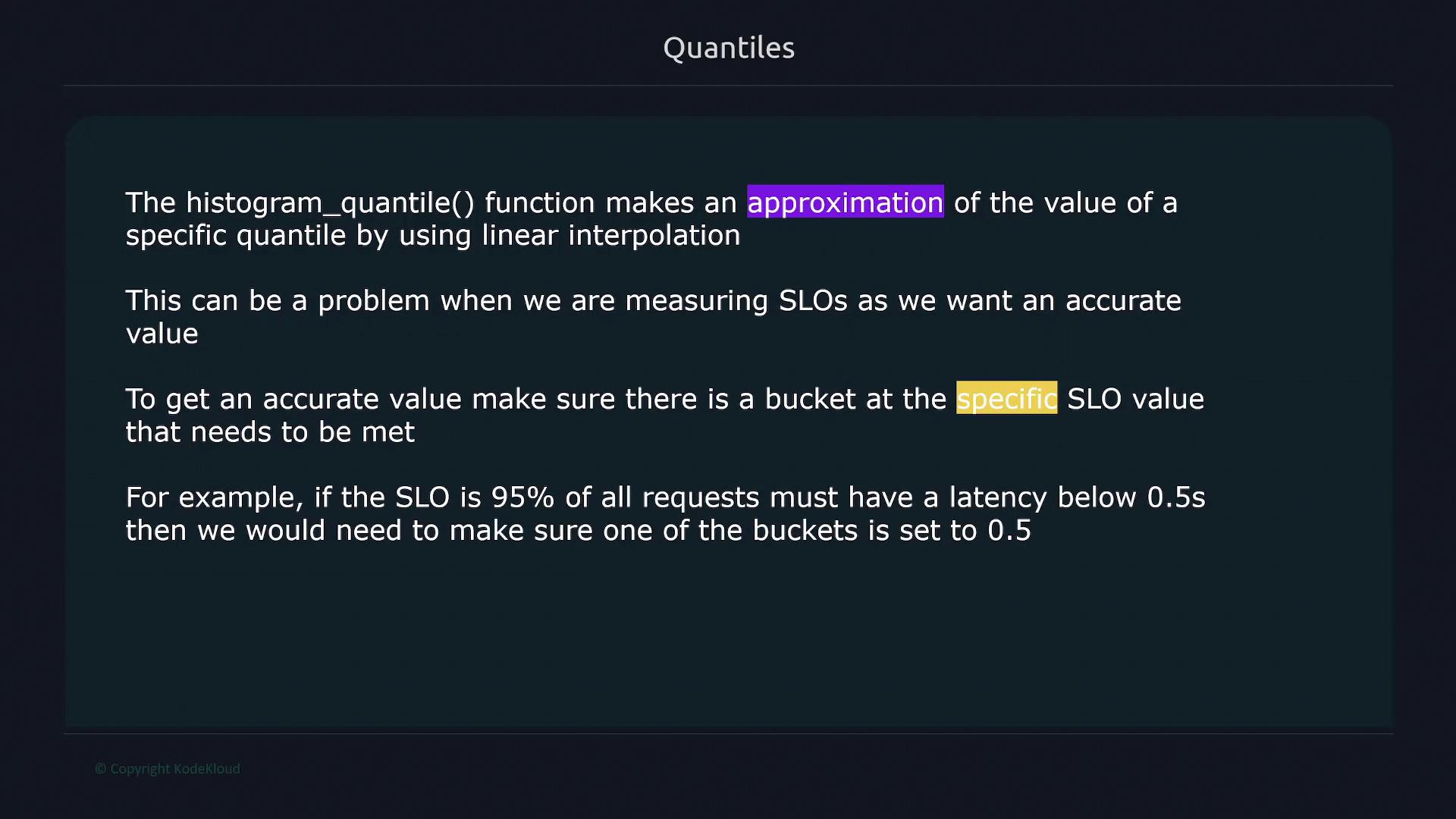
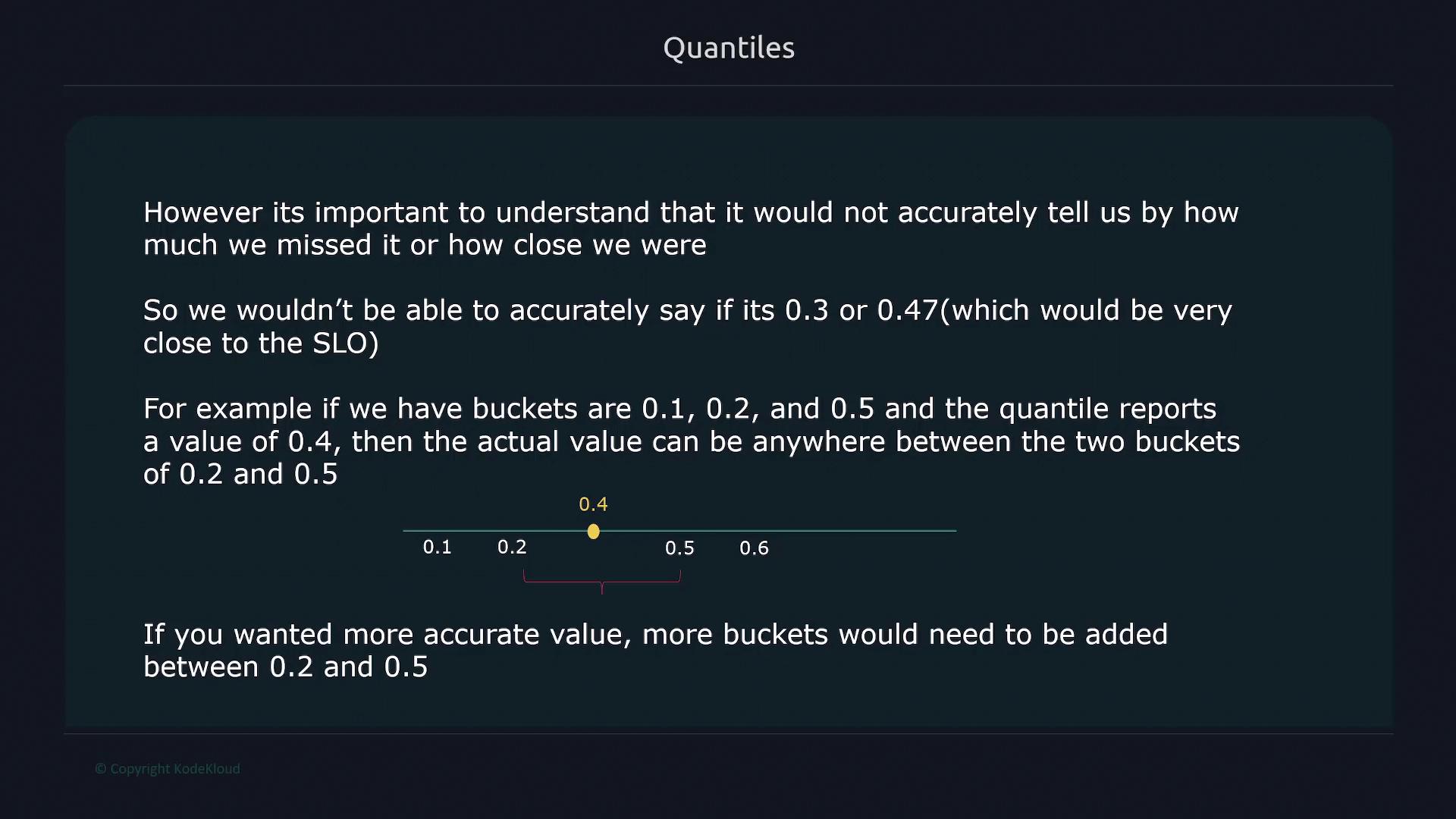
histogram_quantile function approximates the quantile using linear interpolation between bucket values. To enhance accuracy, include a bucket that matches your SLO limit. For instance, if your SLO is 0.5 seconds, ensure a bucket is defined for that value.
Adding more buckets improves quantile estimation accuracy but increases the number of time series, which can affect RAM usage, disk space, and insert performance in Prometheus.
histogram_quantile(), emphasizing the need for a bucket at the SLO value:
Prometheus Web Interface and Metric Subcomponents
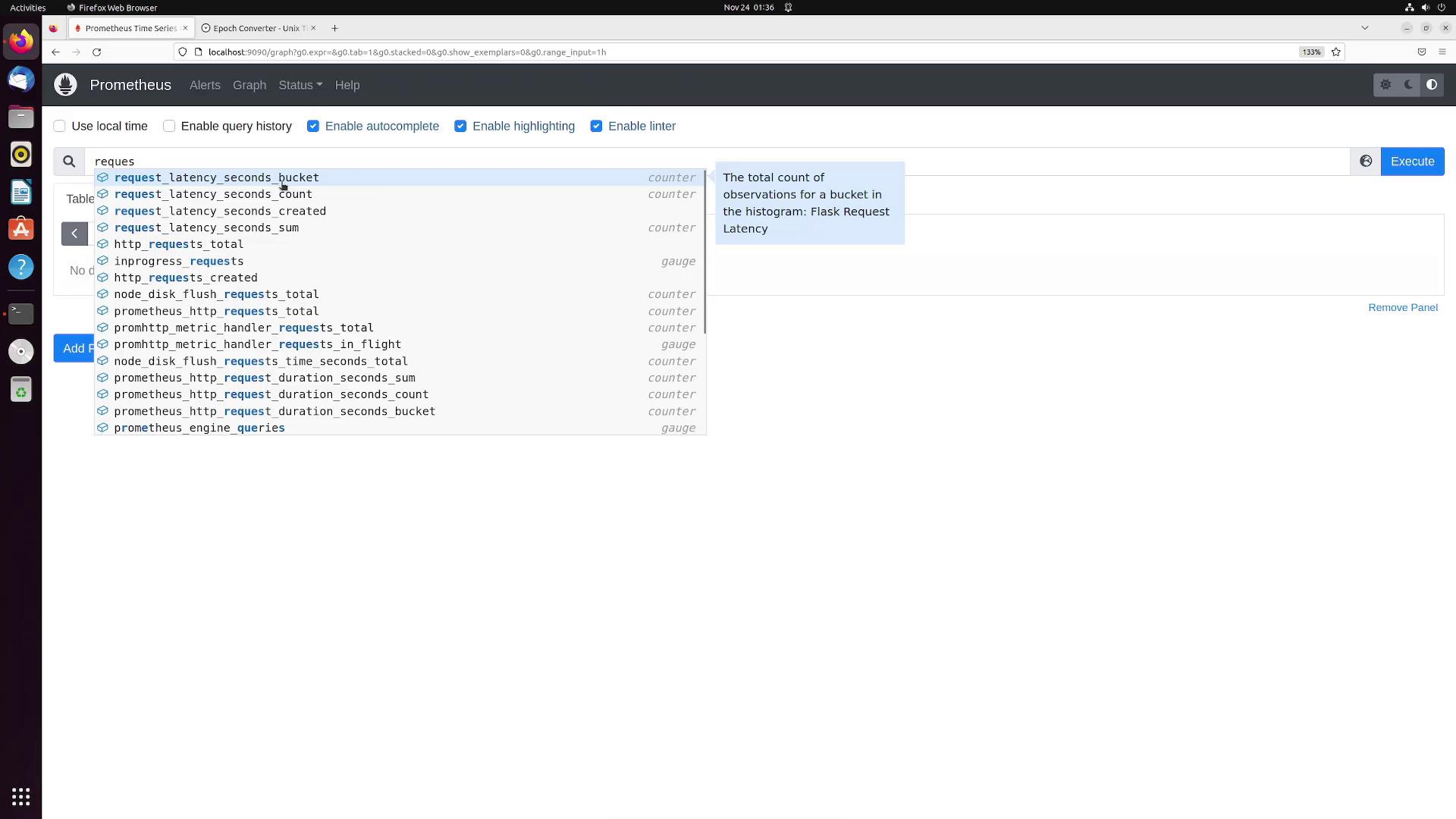
Understanding the breakdown of a typical request latency histogram in Prometheus is essential. A histogram metric is broken down into three main components:- Buckets: Detailed breakdown of request counts per defined latency bucket.
- Count: Total number of processed requests.
- Sum: Accumulated request latency sum.
/cars), you might observe:
Calculating a Quantile Example
To calculate the 95th percentile for request latency of your API, use thehistogram_quantile function. This query returns the latency value below which 95% of requests fall:
Summary Metrics: An Alternative Approach
Summary metrics operate similarly to histograms but expose precomputed quantiles directly. They consist of:- Count: Total number of samples.
- Sum: Total sum of all sample values.
- Precomputed Quantiles: Each quantile is directly available as a sub-metric with its corresponding label.
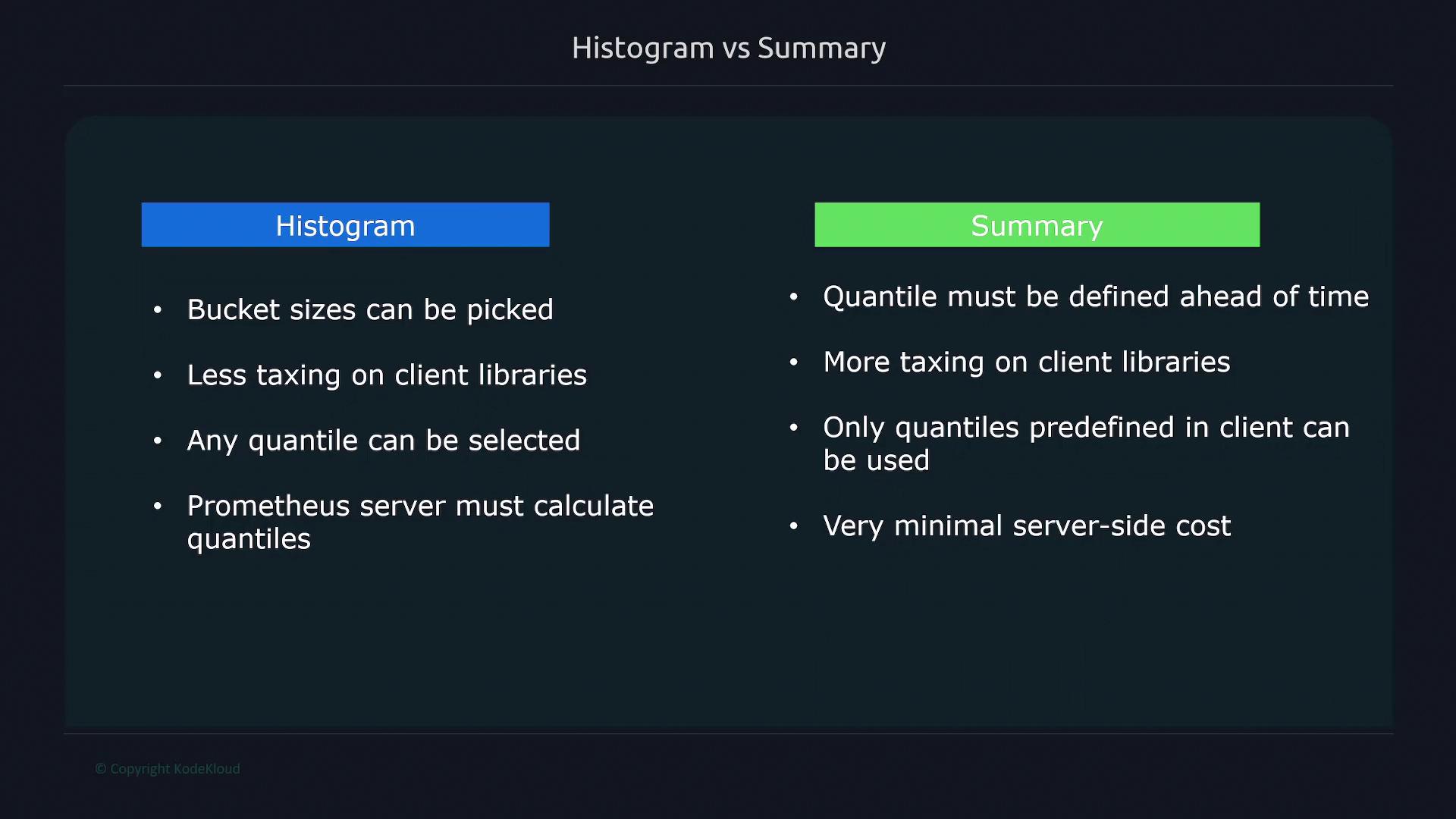
Comparison: Histograms vs. Summaries
| Feature | Histogram | Summary |
|---|---|---|
| Bucket Configuration | Customizable bucket sizes | Quantiles are precomputed; no bucket configuration |
| Quantile Calculation | Calculated at query time via linear interpolation | Directly exposed with minimal server-side processing |
| Impact on Client Library | Minimal client-side overhead | Requires more client library processing |
| Flexibility | Supports calculating any quantile at query time | Limited to predefined quantiles |