This guide explains how to install and configure Alertmanager for managing alerts in a monitoring infrastructure.
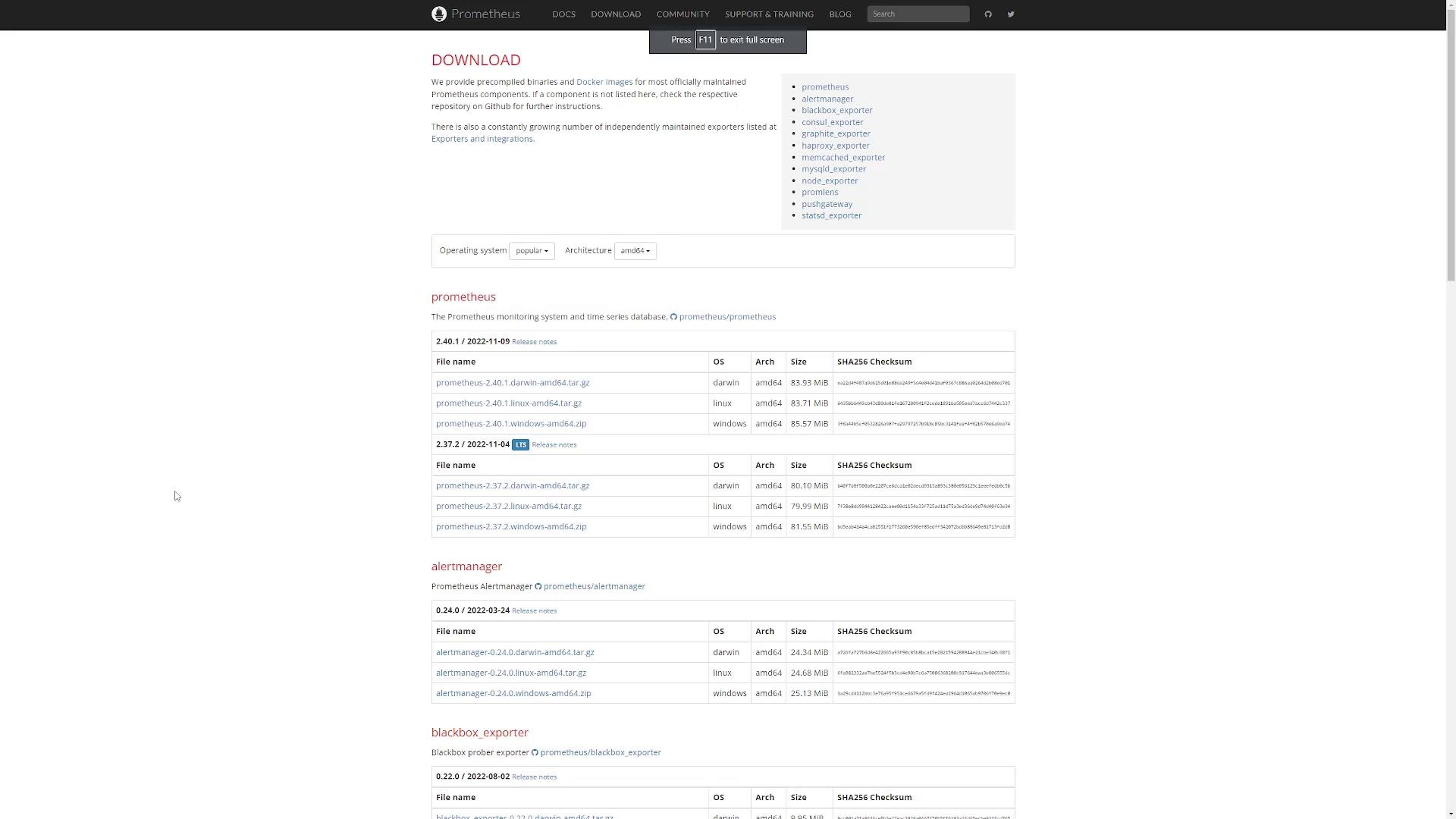
In this guide, you will learn how to install and configure Alertmanager from the Prometheus download page. Alertmanager is an essential component for handling alerts in your monitoring infrastructure.
Ensure that you have wget installed on your system before downloading the binary.
Step 4: Configure Prometheus to Route Alerts to Alertmanager
To forward alerts from Prometheus to Alertmanager, update Prometheus’s configuration file. Locate the alerting section and add the following configuration under static_configs:
In the static_configs section, specify the IP addresses or hostnames along with the port (9093) of your Alertmanager servers.
Review the Prometheus download page for details on various precompiled binaries and Docker images. This ensures that you select the appropriate binary for your system, based on file sizes and checksums provided.
Follow these steps to successfully install and configure Alertmanager:
Step
Description
Example Command / URL
Download the Binary
Navigate to the Prometheus download page and select the appropriate Alertmanager binary.
URL copied from the download page
Extract the Tarball
Unpack the tarball and verify the contents.
tar -xzf alertmanager-<version>.tar.gz
Start Alertmanager
Run the executable to start the service.
./alertmanager
Configure Prometheus
Add Alertmanager details in Prometheus configuration under alerting and static_configs.
See the YAML configuration snippet above
By following these steps, Alertmanager will be up and running, and Prometheus will be configured to forward alerts to it. This ensures a robust alert handling mechanism in your monitoring setup.