

- Direct HTTP requests to the Pushgateway endpoint.
- A Prometheus client library with Pushgateway support (see client libraries in the Prometheus docs).
HTTP path and grouping key
The Pushgateway accepts metrics over HTTP using a path that includes a job name and optional label/value pairs. The path format is:http://<pushgateway_address>:<port>/metrics/job/<job_name>/<label1>/<value1>/<label2>/<value2>
Key points:
- The
jobsegment becomes thejoblabel on all pushed metrics. - Additional label/value segments in the URL are appended as labels to the metrics.
- The combination of job and any labels in the path forms a grouping key. The grouping key identifies a set of metrics that can be updated or deleted together.
The Pushgateway expects payloads in Prometheus “text exposition format” (you may include optional
# HELP and # TYPE lines). When using curl, prefer --data-binary @- to stream the metric text from stdin without altering line endings.Basic curl example
This minimal example pushes one metric namedexample_metric with value 4421 and assigns it the job label db_backup:
echo "example_metric 4421"produces a single-line Prometheus exposition-format metric.--data-binary @-tells curl to read the request body from stdin.- The Pushgateway at
localhost:9091stores the metric and attachesjob="db_backup".
Grouping examples
Metrics sent to the same URL path belong to the same group (grouping key). Groups let you update, replace, or delete multiple metrics together. Create two groups (job=archive,db=mysql) and (job=archive,app=web) with two metrics each:
archive:
POST vs PUT vs DELETE — quick summary
POST behavior
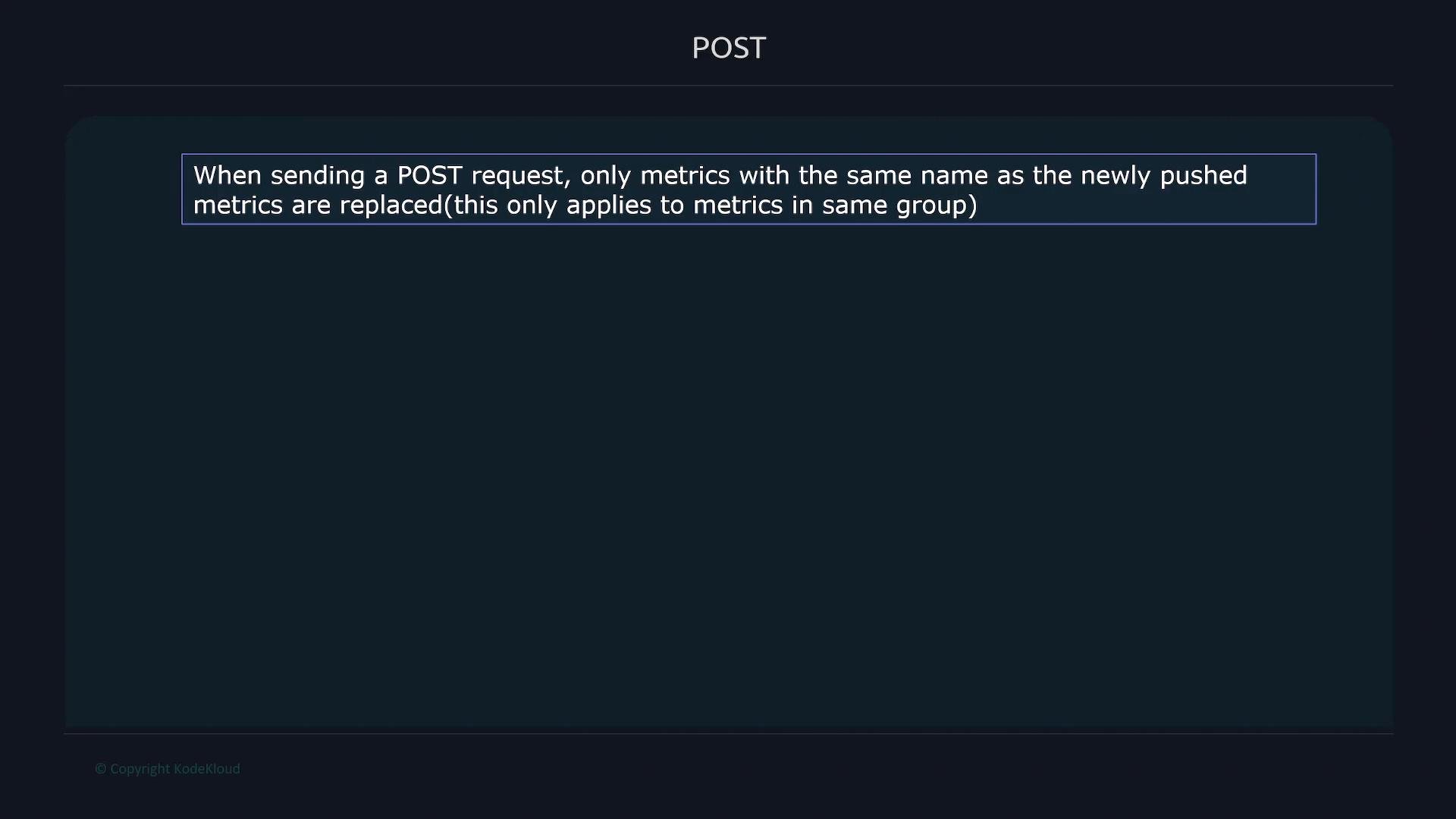
job=archive,app=web group that only contains a new value for metric_one. This will replace metric_one in the app=web group while leaving metric_two intact:
archive metrics show that metric_one for app="web" changed to 44, while metric_two remains 200:
PUT behavior
PUT replaces the entire group identified by the URL path. First, add a third metric to theapp=web group:
app/web group contains metric_one, metric_two, and metric_three. If you send a PUT that only includes metric_one, the Pushgateway will replace the whole group with just that metric:
app=web group contains only metric_one with value 44. The db=mysql group is unaffected:
DELETE behavior
A DELETE request to a grouping key removes all metrics in that group. For example, to delete all metrics withjob=archive and app=web:
DELETE is destructive: it removes every metric associated with the specified grouping key. Double-check the grouping key and labels before issuing a DELETE to avoid accidental data loss.
db=mysql) will be present:
Best practices and tips
- Always set meaningful
joband additional labels in the URL path so grouping keys are explicit and operations are targeted. - Use
POSTwhen you want to update or add specific metrics without disturbing others already in the group. - Use
PUTwhen you intend to replace the entire group. - Use
DELETEintentionally and sparingly — it’s useful for cleanup of ephemeral groups. - Prefer
--data-binary @-with curl to avoid unwanted data transformations.
Links and references
- Prometheus Pushgateway: https://github.com/prometheus/pushgateway
- Prometheus exposition formats: https://prometheus.io/docs/instrumenting/exposition_formats/
- Prometheus client libraries: https://prometheus.io/docs/instrumenting/clientlibs/