

prometheus.yml) to define the targets it scrapes. With the static approach, every new server or instance must be added to that config file manually. For example:
prometheus.yml. For a handful of hosts this is manageable, but in dynamic environments—where instances scale up/down or are replaced frequently—manually maintaining prometheus.yml becomes impractical. Service discovery solves this by automatically providing Prometheus with the set of endpoints to scrape.
Service discovery allows Prometheus to populate a list of endpoints to scrape
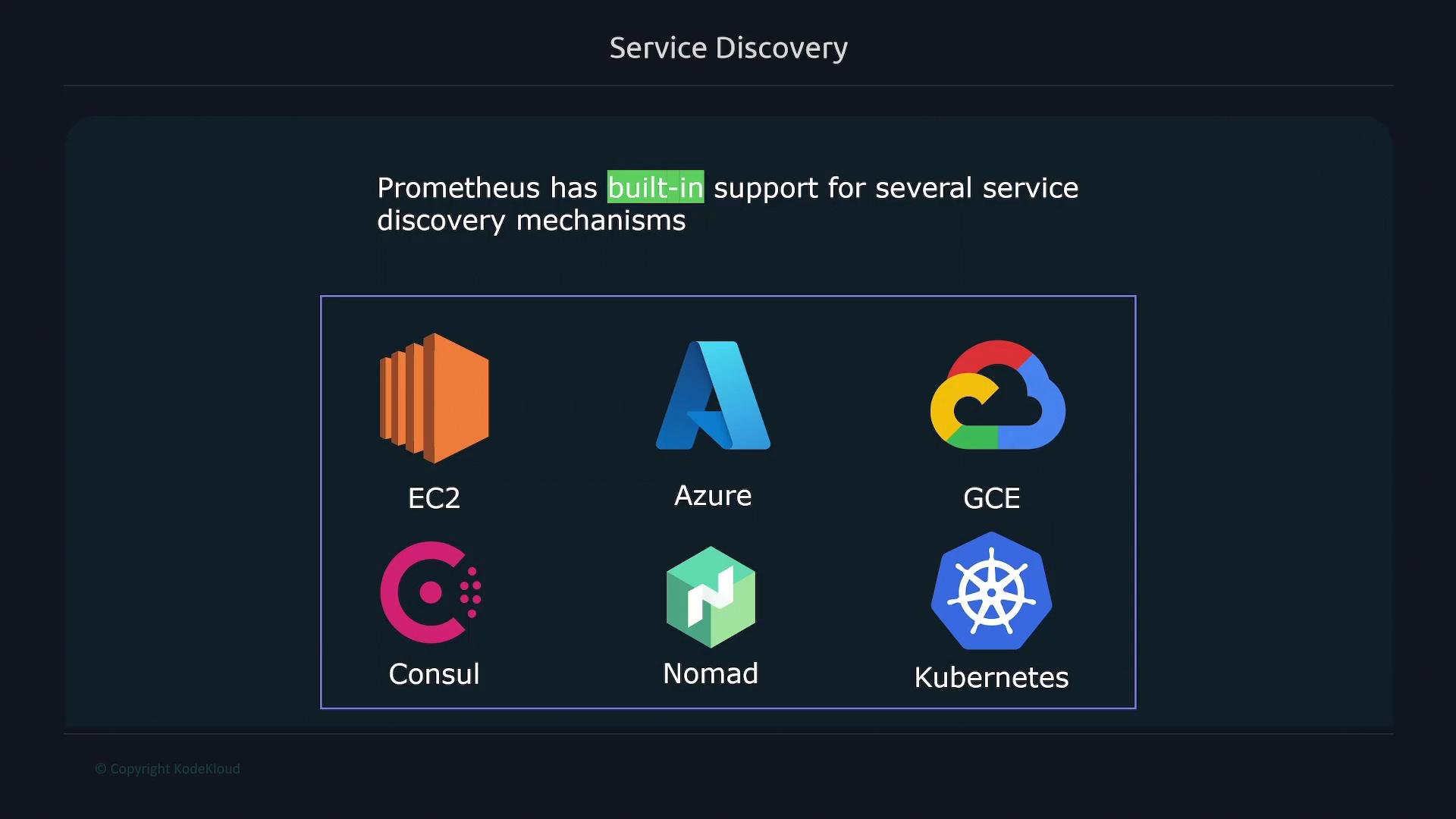
static_configs. Typical integrations include cloud providers, orchestration systems, and service registries—examples below focus on the environments where Prometheus commonly runs:
static_configs—is simple but requires explicit listing of every endpoint and manual updates whenever infrastructure changes.
static_configs works well for small, fixed fleets. For dynamic, auto-scaling, or cloud-native environments, prefer one of Prometheus’s dynamic service discovery integrations (for example, Kubernetes, EC2, GCE, Consul, or Nomad) or connect Prometheus to a service registry.Why use service discovery?
- Eliminates manual churn of
prometheus.ymlin dynamic environments. - Keeps scrape target lists accurate as instances are added, removed, or replaced.
- Integrates with labels and metadata from the environment to make grouping and relabeling easier.
- Enables automated, infrastructure-driven observability in cloud and container platforms.
Common service discovery mechanisms
Use the following table as a quick reference to built-in Prometheus discovery integrations and typical use cases.How Prometheus discovery works (high-level)
- Prometheus uses a discovery mechanism (e.g., Kubernetes API, EC2 API, Consul catalog) to obtain a list of scrape targets and their metadata.
- Each discovered target is exposed to Prometheus with a set of labels derived from the provider metadata (e.g., instance ID, job, region, service name).
relabel_configscan be applied to transform or filter targets before scraping.- Prometheus continuously refreshes the discovery information so the target list stays up to date as infrastructure changes.
Example concepts to keep in mind
- Use provider labels to group targets (for example,
namespace,pod,jobin Kubernetes). - Use
relabel_configsto drop unwanted targets, rewrite labels, or add unified labels across environments. - Consider service-level endpoints (e.g., Kubernetes Service objects or Consul services) rather than individual pods/instances when appropriate.
Configuration pointers
- Kubernetes: configure Prometheus to talk to the cluster API and use the
kubernetes_sd_configsblock inscrape_configs. - Cloud providers (EC2/GCE/Azure): configure cloud-specific SD blocks and ensure Prometheus has API access/credentials.
- Consul: use
consul_sd_configsto pull services and optionally filter by tags or use health checks.
- Kubernetes discovery: https://prometheus.io/docs/prometheus/latest/configuration/configuration/#kubernetes_sd_config
- EC2 discovery: https://prometheus.io/docs/prometheus/latest/configuration/configuration/#ec2_sd_config
- Consul discovery: https://prometheus.io/docs/prometheus/latest/configuration/configuration/#consul_sd_config
When using cloud or API-based discovery, ensure Prometheus has the required permissions and network access. Misconfigured credentials or restricted network policies are common causes of discovery failures.
Next steps
- If you run Prometheus in Kubernetes, start with
kubernetes_sd_configsand learn howrelabel_configsmaps Pod/Service metadata to Prometheus labels. - For cloud VMs, configure the appropriate cloud provider SD block and secure API credentials using secrets or environment-based IAM roles.
- Test discovery by enabling verbose Prometheus logs or examining the Targets page (
/targets) in the Prometheus UI to verify discovered endpoints and label sets.
Links and references
- Prometheus: Service discovery configuration — https://prometheus.io/docs/prometheus/latest/configuration/configuration/
- Kubernetes basics — https://kubernetes.io/docs/concepts/overview/what-is-kubernetes/
- Learn more about cloud provider integrations in the Prometheus docs and the respective cloud provider documentation.