

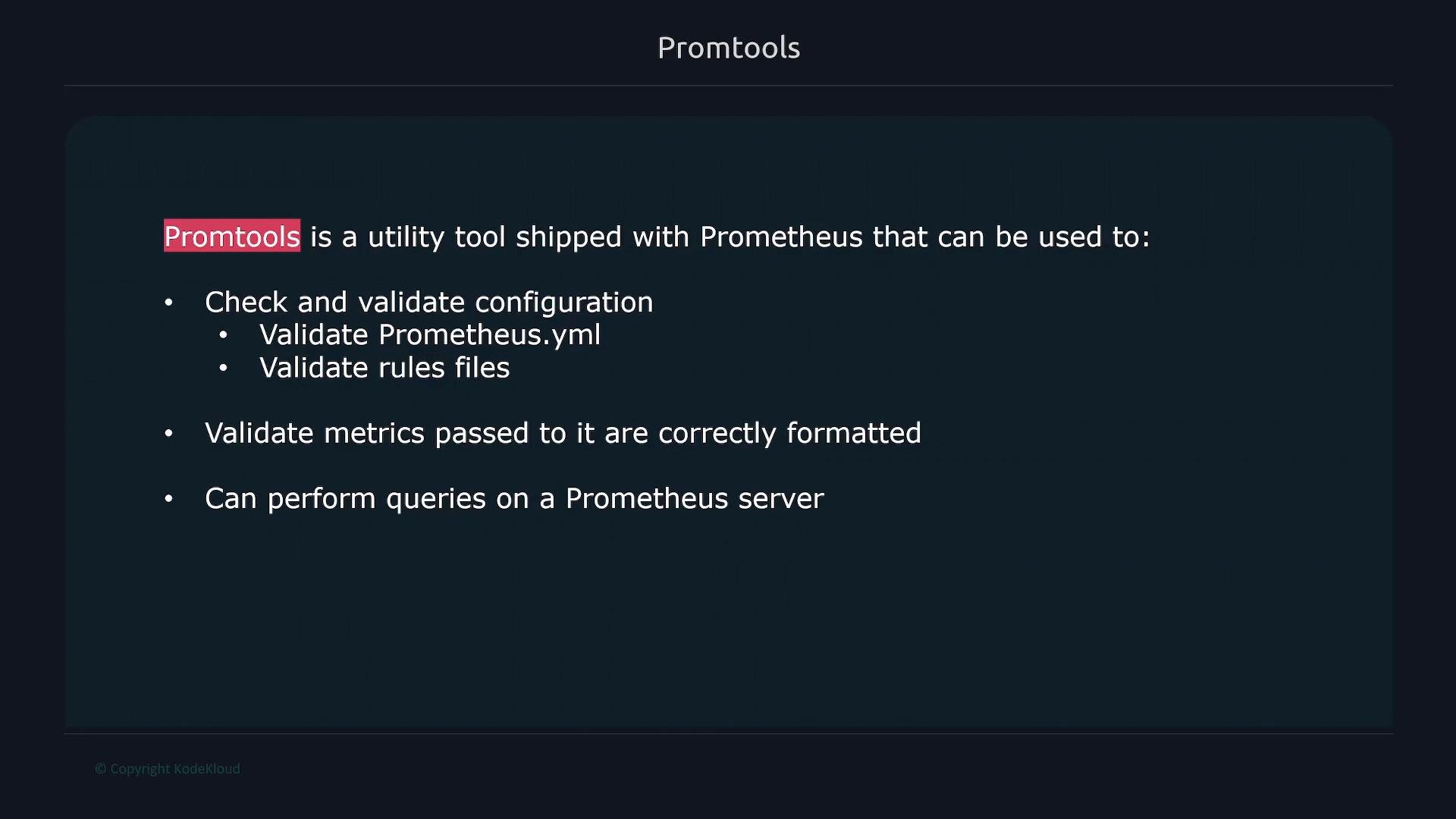
- Validate Prometheus configuration files (for example,
prometheus.yml) and rule files. - Validate metric exposition formats to ensure Prometheus can consume them.
- Run ad hoc queries against a Prometheus server.
- Debug and profile a Prometheus server.
- Execute unit-style checks against recording and alerting rules.
Validate Prometheus configuration: promtool check config
One of the most useful promtool commands is check config. It parses and validates a Prometheus configuration file before you deploy it so you don’t accidentally bring Prometheus down with a bad config.
Example — successful validation of /etc/prometheus/prometheus.yml:
metrics_path is misspelled as metric_path inside a scrape_config, promtool reports the offending line:
metric_path instead of metrics_path):
Always validate Prometheus configuration files with
promtool check config before reloading or restarting Prometheus in production to avoid downtime caused by invalid configs.Useful promtool commands (quick reference)
Common error messages and remediation
Best practices
- Always run
promtool check configlocally or in CI before applying config changes. - Save rule and config changes in version control so you can review diffs and run automated promtool checks in CI pipelines.
- Pair
promtool check ruleswithpromtool test rulesto verify alerting and recording rules behave as expected. - Use
promtool check metrics <URL>when developing instrumented applications to ensure metrics are exposed in the correct format.