

node_filesystem_avail_bytes), Prometheus returns all time series that have that metric:
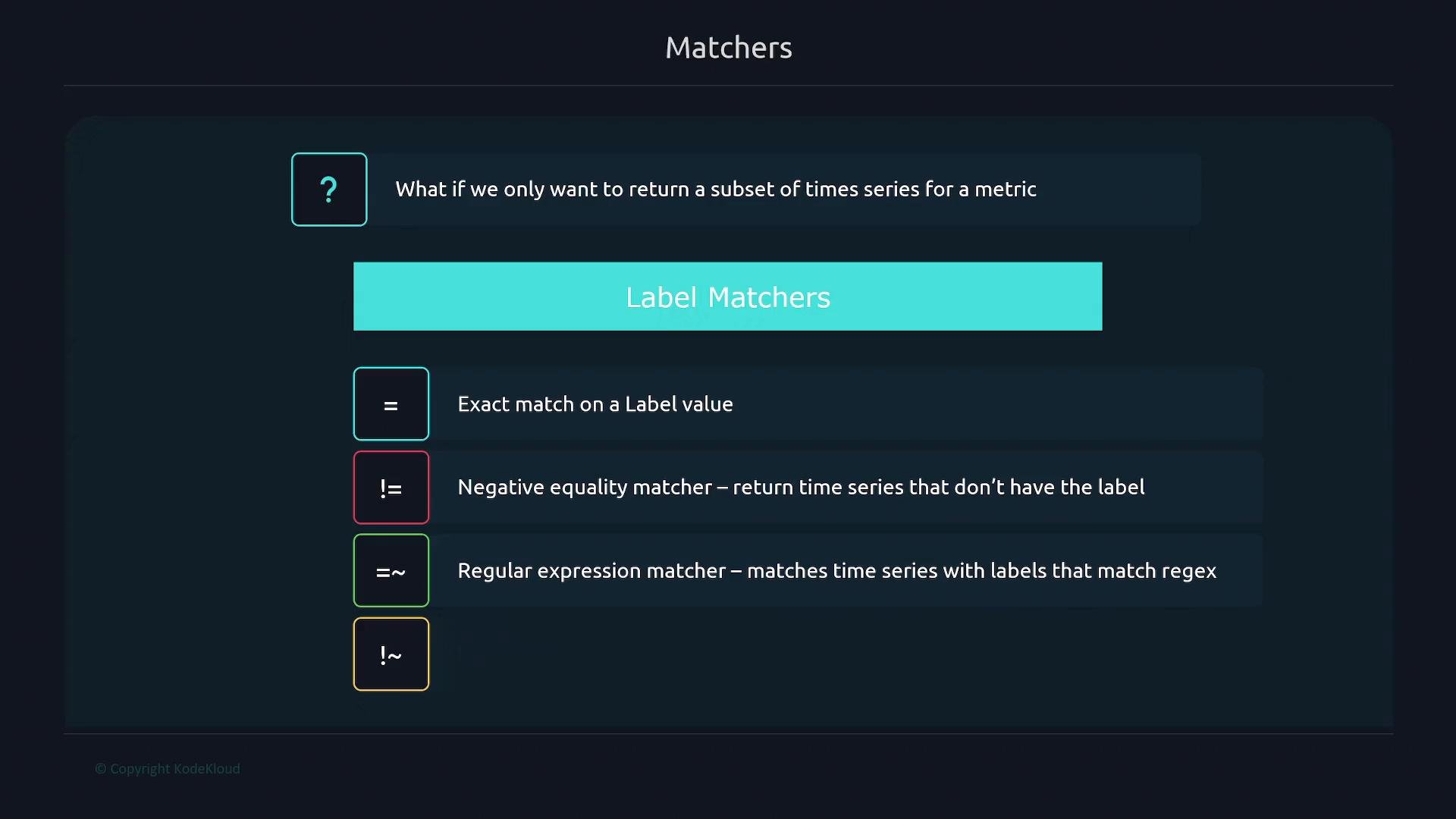
Equality matcher
To return all time series coming fromnode1, filter by the instance label:
node1 series remain):
Negative equality matcher
Exclude series whosedevice label equals tmpfs:
device="tmpfs" are excluded):
Regex matcher
Use=~ for pattern matching. Prometheus uses RE2 regular expressions (no backtracking), so keep expressions RE2-compatible.
Example: match devices that start with /dev/sda:
/dev/sda* devices are returned):
Negative regex matcher
Exclude series whosemountpoint begins with /boot using !~:
mountpoint starting with /boot are excluded):
Combining selectors
Combine multiple label matchers by separating them with commas inside the braces. For example, to select series fromnode1 that are not tmpfs:
node1 series whose device label is not tmpfs.
Range-vector selector
An instant vector returns the most recent sample for each matching series. A range vector returns all samples for each matching series over a specified time window. To form a range vector, append a duration in square brackets to an instant-vector expression. Example: get the last 2 minutes ofnode_arp_entries for node1:
Always quote label values and regex patterns (for example,
instance="node1" and device=~"/dev/sda.*"). When authoring PromQL in MDX/MD files, place any expression containing { or } inside code blocks or inline code so it does not get interpreted as JSX.Links and references
- Prometheus documentation: https://prometheus.io/docs/
- RE2 syntax reference: https://github.com/google/re2/wiki/Syntax
- PromQL basics: https://prometheus.io/docs/prometheus/latest/querying/basics/