

Quick overview — what to expect
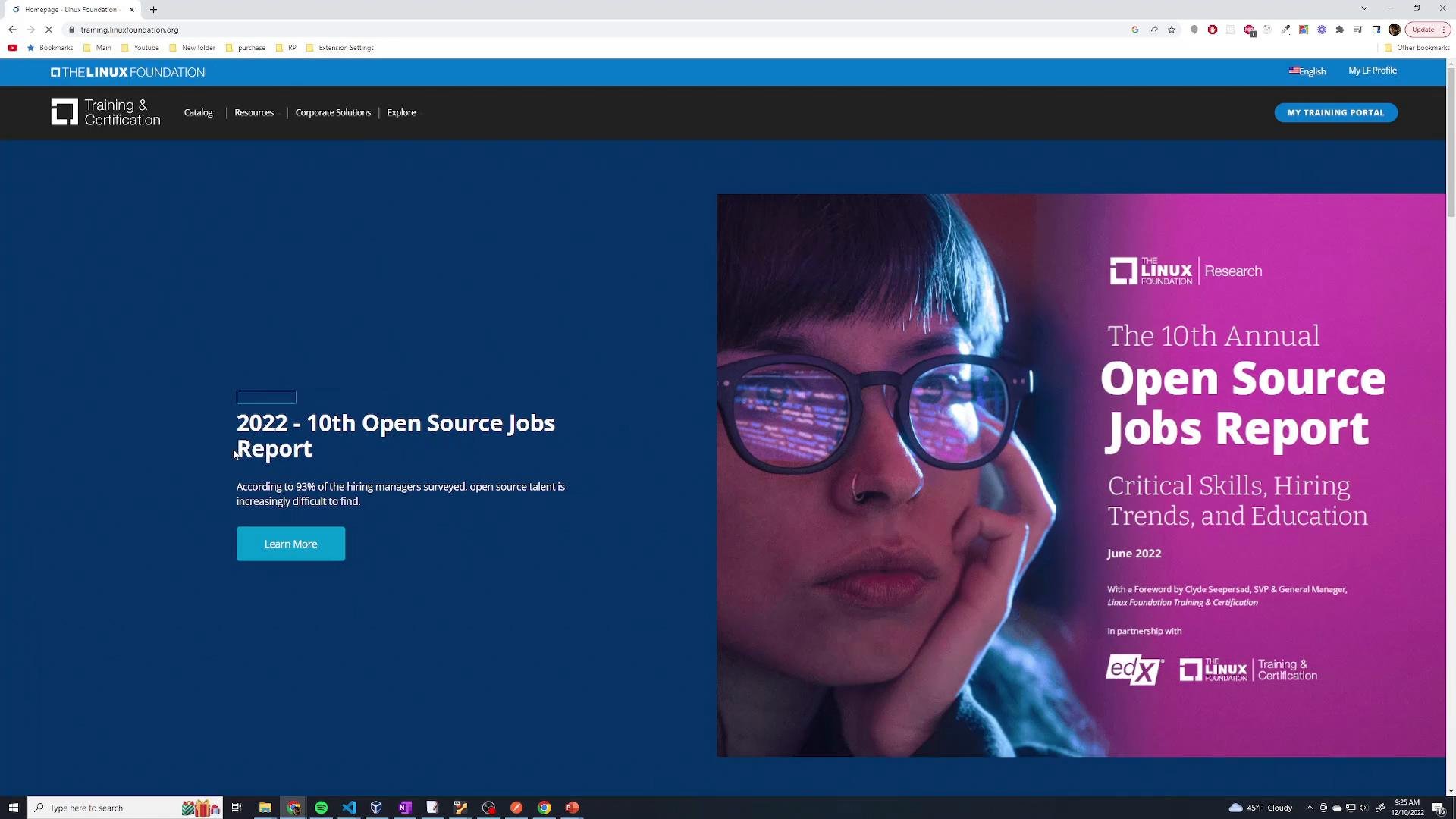
- Locate the PCA exam page from the Linux Foundation Training portal.
- Sign in (or create a new account) and enroll.
- Complete payment and follow the confirmation prompts to schedule your exam.
- Verify identification, system requirements, and any proctoring steps.
1. Sign in or create an account
- Open https://training.linuxfoundation.org and click My Training / My Portal.
- Sign in using your preferred method: email/password, Google, GitHub, or other supported providers.
- If you don’t already have an account, select Create an Account and complete the registration form (name, email, password, and any required profile details).
2. Search for the PCA exam
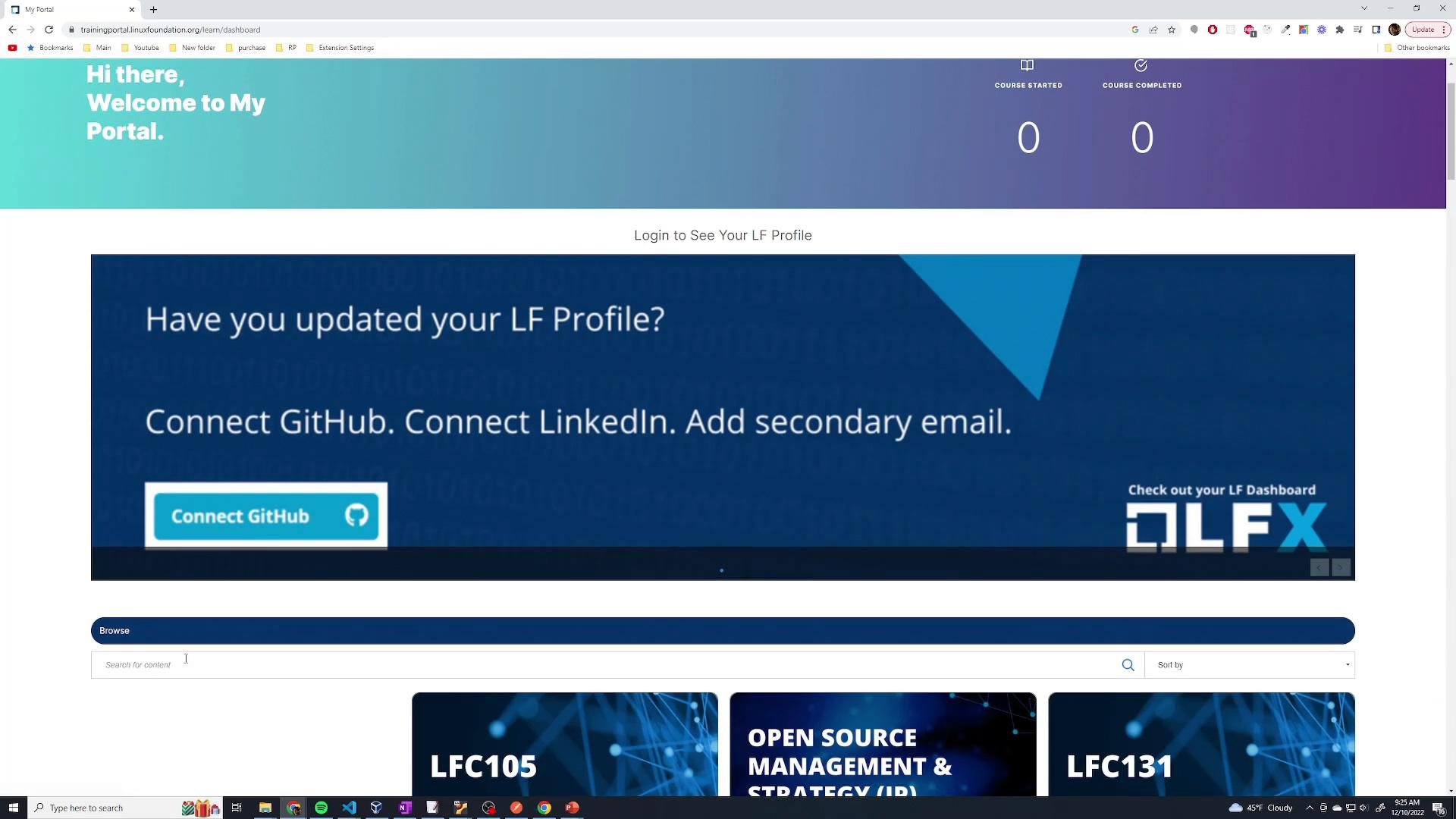
- Use the portal search box and enter “PCA” or “Prometheus Certified Associate”.
- On the listing you’ll see the course/exam title, price, and a short overview — review that to confirm it’s the correct exam.
3. Enroll and complete checkout
- From the PCA listing click Enroll Now (or the purchase button shown).
- Proceed through checkout and provide payment information. Verify that your payment completes successfully and that you receive a payment confirmation.
- Keep a copy or screenshot of any invoice/receipt for your records.
4. Finalize registration and schedule your exam
- After payment, the confirmation page will display the remaining steps required to complete registration. Typical items include:
- Identification requirements (what ID to bring or upload).
- Personal information verification (name, email, and any profile data that must match your ID).
- Scheduling options — pick your preferred date and time.
- Follow the confirmation instructions exactly (including any required uploads or proctoring setup) to avoid delays in being allowed to sit the exam.
Before scheduling, verify that your profile name exactly matches the name on your government-issued ID — mismatches can lead to denied entry on exam day.
Common ID types and system requirements
Read the confirmation page thoroughly. Remote proctoring sessions often require a quiet private space, full desk/room scans, and strict ID checks — failure to comply can result in exam denial or forfeit of fees.
Pre-exam checklist
- Confirm scheduled exam date/time and time zone.
- Ensure the name on your Linux Foundation profile exactly matches your ID.
- Test webcam, microphone, and internet stability at least 24 hours beforehand.
- Have accepted ID ready (physical or digital upload as required).
- Save confirmation emails and any access links from the Linux Foundation.
Troubleshooting & support
- If payment fails: confirm card details, check with your bank, or try an alternate payment method.
- If you cannot find the PCA listing: try searching for the full name
Prometheus Certified Associateor contact Linux Foundation support. - For scheduling or proctoring issues: use the support links provided on the confirmation page or in your account portal.
Links and references
- Linux Foundation Training — main portal for account, enrollments, and scheduling
- Consult the exam confirmation page after payment for the official list of accepted IDs and proctoring/system requirements