

What is Prometheus?
Prometheus is a monitoring and alerting toolkit that focuses on numeric time-series data. It provides:- Metric collection by scraping HTTP endpoints that expose plaintext metrics (typically a
/metricsendpoint). - A time-series database that stores scraped data efficiently.
- A powerful query language, PromQL, for aggregations, filtering, and creating dashboards.
- Alerting rules that produce alerts which can be routed to Alertmanager for notifications and deduplication.
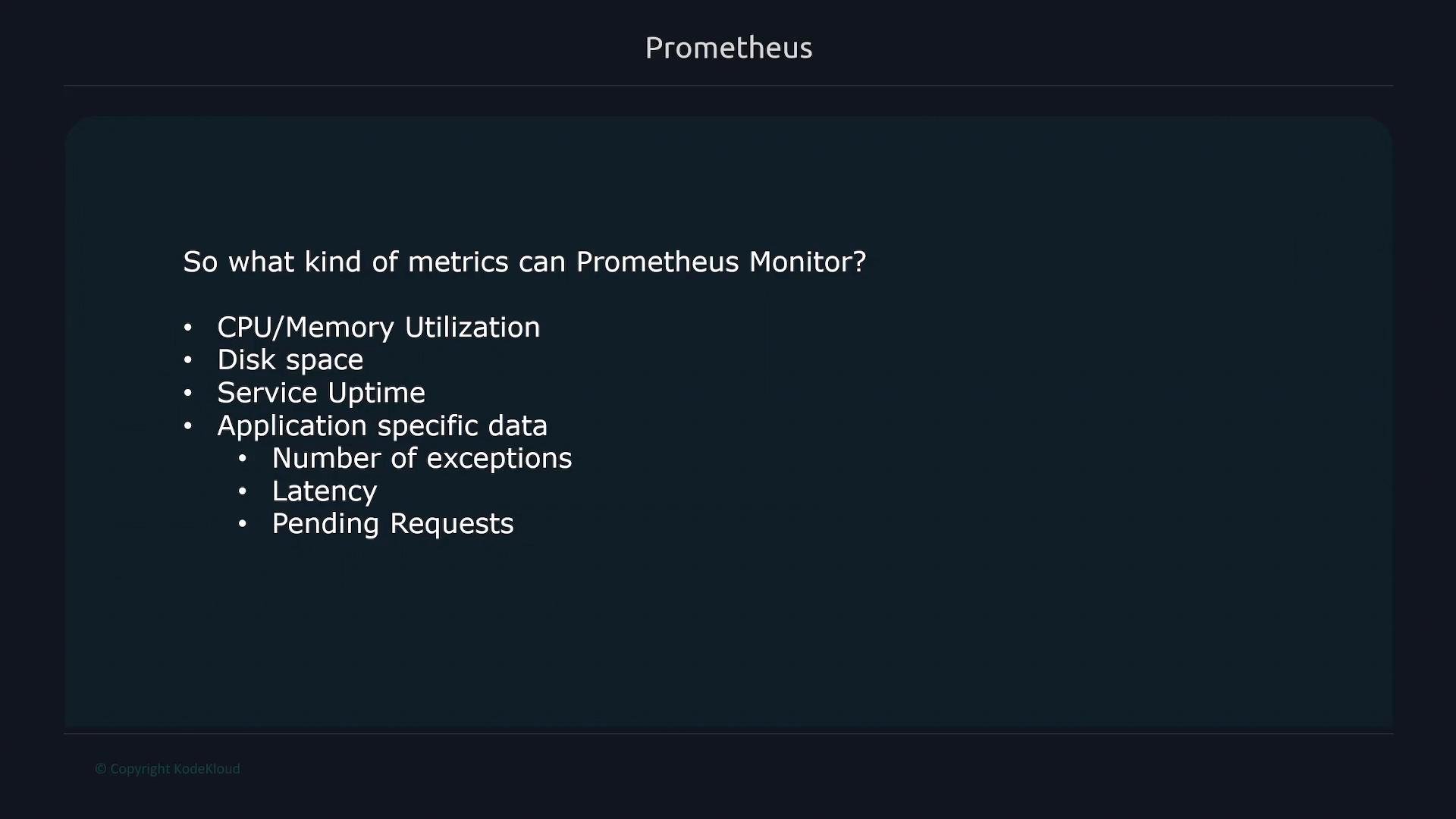
- System-level metrics (CPU, memory, disk).
- Service-level metrics (request counts, error rates, service uptime).
- Application-specific metrics (latency histograms, exception counters, queue lengths).
How Prometheus integrates with systems
Prometheus collects metrics from many sources by scraping or via exporters. Common exporters and integrations include:node_exporter— host and OS metrics (CPU, memory, disk).blackbox_exporter— probing endpoints (HTTP, TCP, ICMP).- Database exporters — PostgreSQL, MySQL, MongoDB, etc.
- Cloud/service-specific exporters for third-party systems and devices.
Metric types and what to monitor
Prometheus supports several native metric types:- Counter — monotonically increasing value (e.g., request count).
- Gauge — point-in-time value that can go up or down (e.g., memory usage).
- Histogram — samples and buckets for latency distributions.
- Summary — quantiles over a sliding time window.
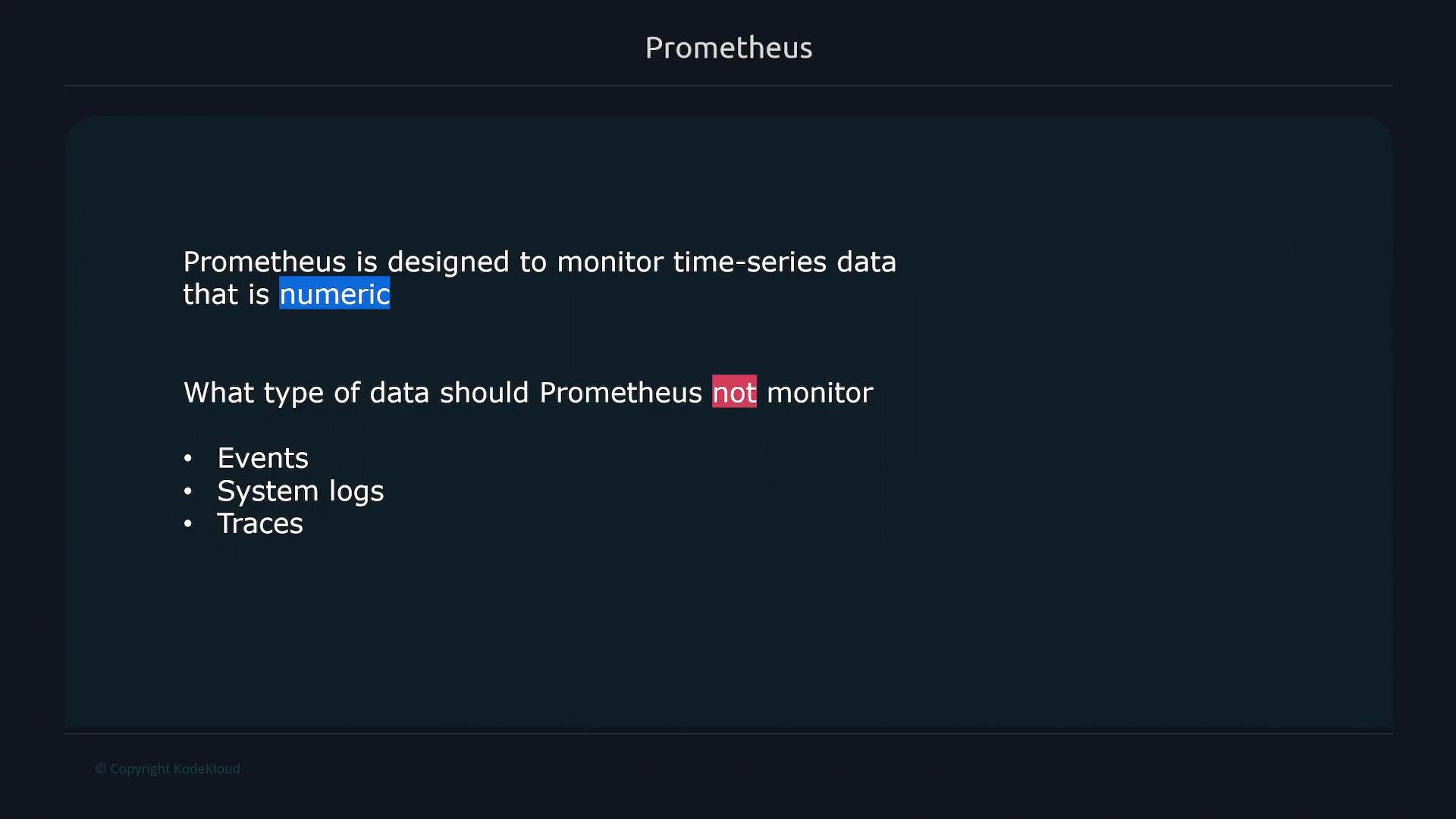
Prometheus is designed for numeric time-series metrics (counters, gauges, histograms, summaries). For log collection or distributed tracing, use dedicated tools like Elasticsearch, Loki, Jaeger, or Zipkin.
Quick examples
Prometheus scrape configuration (prometheus.yml)Component overview
Historical and implementation notes
- Originally developed at SoundCloud; joined the Cloud Native Computing Foundation (CNCF) as a project in 2016 and later graduated.
- Implemented primarily in Go.
- Official docs and getting started guides: https://prometheus.io/docs/
Next steps
In upcoming lessons we will cover:- Prometheus data model in depth (labels, metric types).
- Configuring scrape targets, relabeling, and exporters.
- Writing effective PromQL queries and visualizing with Grafana.
- Creating robust alerting rules and integrating Alertmanager.
- Prometheus docs: https://prometheus.io/docs/
- Prometheus best practices and push model: https://prometheus.io/docs/practices/pushing/
- node_exporter: https://github.com/prometheus/node_exporter
- blackbox_exporter: https://github.com/prometheus/blackbox_exporter