

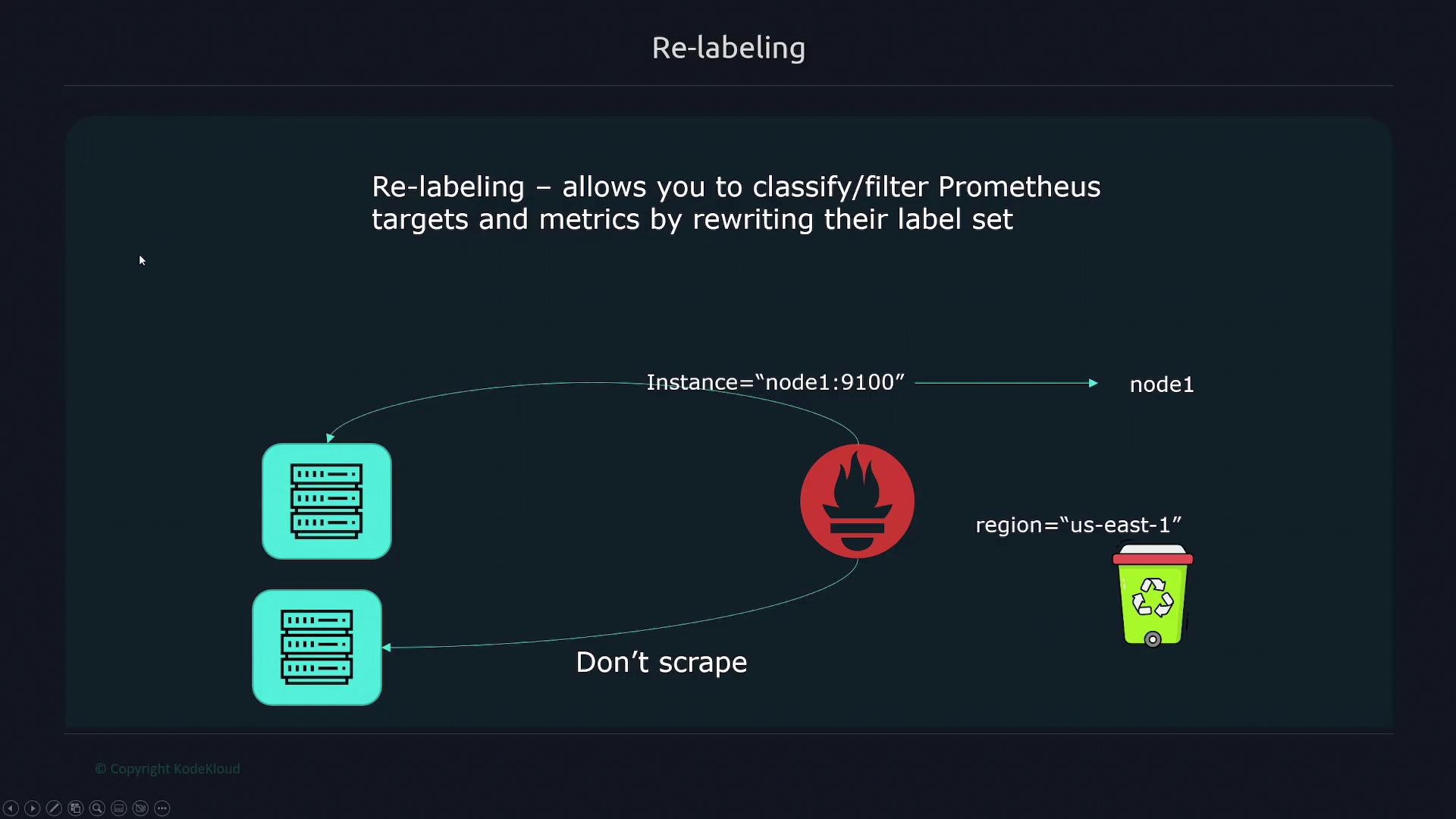
Relabeling in Prometheus operates in two distinct phases:
- Pre-scrape (relabel_configs): Processes labels provided by service discovery.
- Post-scrape (metric_relabel_configs): Processes all collected metric labels.
Key Relabeling Options
There are two primary options for relabeling in Prometheus:-
relabel_configs:
- Specified under
scrape_configsand executed before a scrape. - Has access only to the labels provided by service discovery.
- Specified under
-
metric_relabel_configs:
- Executes after a scrape.
- Has access to all collected metrics and labels.
Example Configuration for EC2 Service Discovery
Below is an example configuration using Amazon Elastic Compute Cloud (EC2) service discovery. Notice that both relabeling options are included:Filtering Targets Based on Labels
Consider a scenario where EC2 service discovery finds two targets. AWS provides considerable metadata through labels, for example:__meta_ec2_tag_env set to “prod”, define a rule to keep only matching targets. Non-matching targets are dropped implicitly.
Keeping Targets for Production
__meta_ec2_tag_env set to “prod” will be dropped.
Dropping Targets for Development
Alternatively, if you want to drop targets where__meta_ec2_tag_env is “dev”, the configuration would be:
Combining Multiple Labels
When you need to filter based on more than one label, specify multiple source labels. By default, Prometheus joins these values with a semicolon. For example, to keep targets where “env” equals “dev” and “team” equals “marketing”:separator property:
Managing Target Labels
Target labels are added to every time series returned from a scrape. During relabeling, discovered labels (typically starting with__) are dropped unless explicitly preserved. For example, if your EC2 instances return metadata that includes the IP address and port, you may want to create a target label that extracts just the IP address.
Extracting the IP Address
__address__ label, assigning it to the new “ip” label.
Dropping and Keeping Labels
You can also drop labels usinglabeldrop or restrict to a subset of labels using labelkeep.
Dropping a Specific Label
To drop the label__meta_ec2_owner_id:
Keeping Only Specific Labels
To keep only the labels named “instance” or “job”:Mapping Discovery Labels
To preserve and convert labels that begin with__meta_ec2_, use the labelmap action. This action modifies the label names rather than their values. For example:
__meta_ec2_AMI into a target label ec2_AMI with the same value.
Metric Relabeling
After scraping, metric relabeling viametric_relabel_configs allows you to modify metrics directly. The structure is similar to relabel_configs, but you have access to all metric labels.
Dropping a Metric
To drop a metric namedhttp_errors_total (stored in the __name__ label):
Renaming a Metric
To rename a metric fromhttp_errors_total to http_failures_total:
Dropping a Metric Label
To drop a metric label named “code”:Modifying Metric Labels
Suppose you have a metric label “path” with values like “/cars” and you want to create a new label “endpoint” that contains just “cars”. You can strip off the forward slash as follows:Conclusion
This lesson provided a comprehensive overview of bothrelabel_configs and metric_relabel_configs. By understanding these relabeling techniques, you can effectively filter, rename, drop, and map metrics and labels within Prometheus, ensuring that only the relevant data is scraped and stored.
For more information, refer to the Prometheus documentation.