

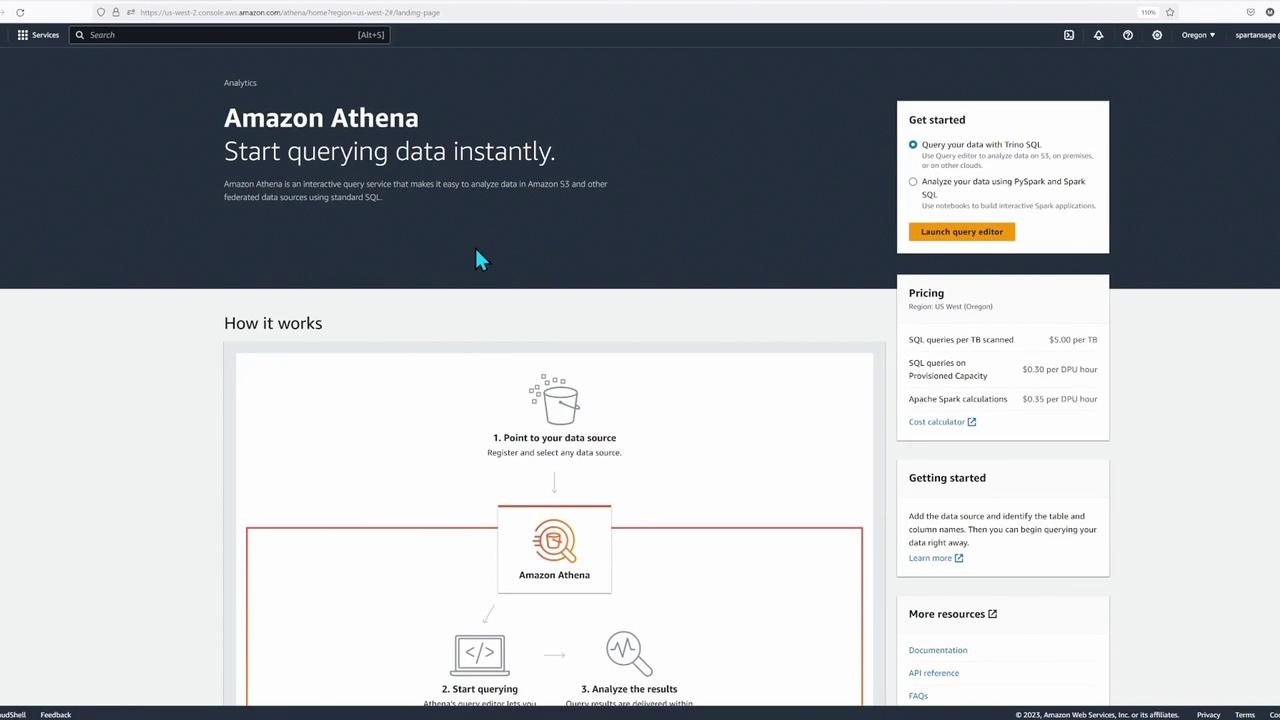
Starting in Cloud Shell
Begin by opening Cloud Shell in the AWS Management Console. Make sure you are working in the correct AWS region (e.g., Ohio instead of Oregon). Once Cloud Shell is loaded, run the following commands to verify your credentials and copy necessary assets from S3:Verifying Your S3 Setup
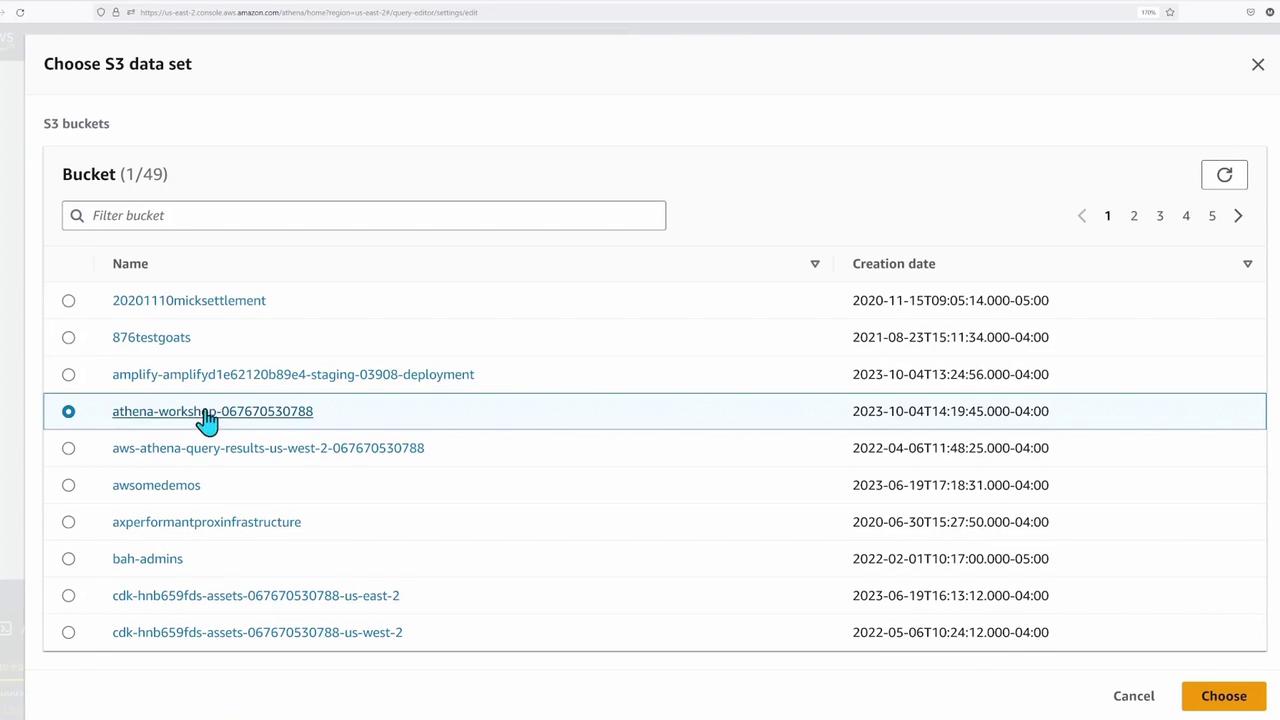
After copying the files, open the AWS Management Console to navigate to your S3 bucket. You should see an “Athena workshop” bucket with folders such as “basics” and subfolders for CSV and Parquet data, respectively. This folder structure helps organize customer and sales data efficiently.
Enabling CloudWatch Metrics in Athena
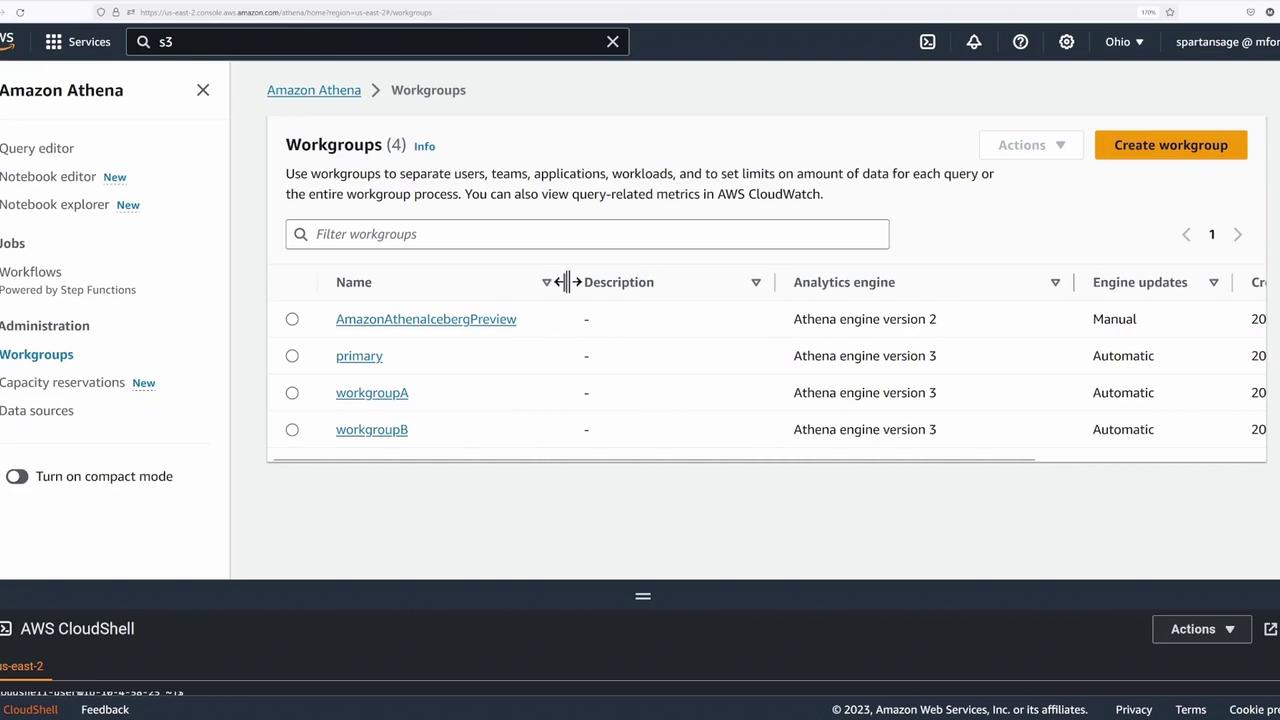
Before running any queries, open the Athena console and click the hamburger icon to access the workgroups. Follow these steps:- Select the Primary Workgroup: Click on the primary workgroup and then click the Edit button.
- Enable Metrics: Scroll down to the settings section, enable “Publish query metrics into CloudWatch,” and save your changes.
Creating External Tables from CSV Files
In the Athena query editor, ensure the database is set to “default.” If you do not see the default database immediately, you can refresh the catalog by executing:Loading CSV Data
Start by creating the customers table for CSV data:Creating External Tables from Parquet Files
For more efficient queries, create external tables using Parquet data. Begin with the customers table in Parquet format: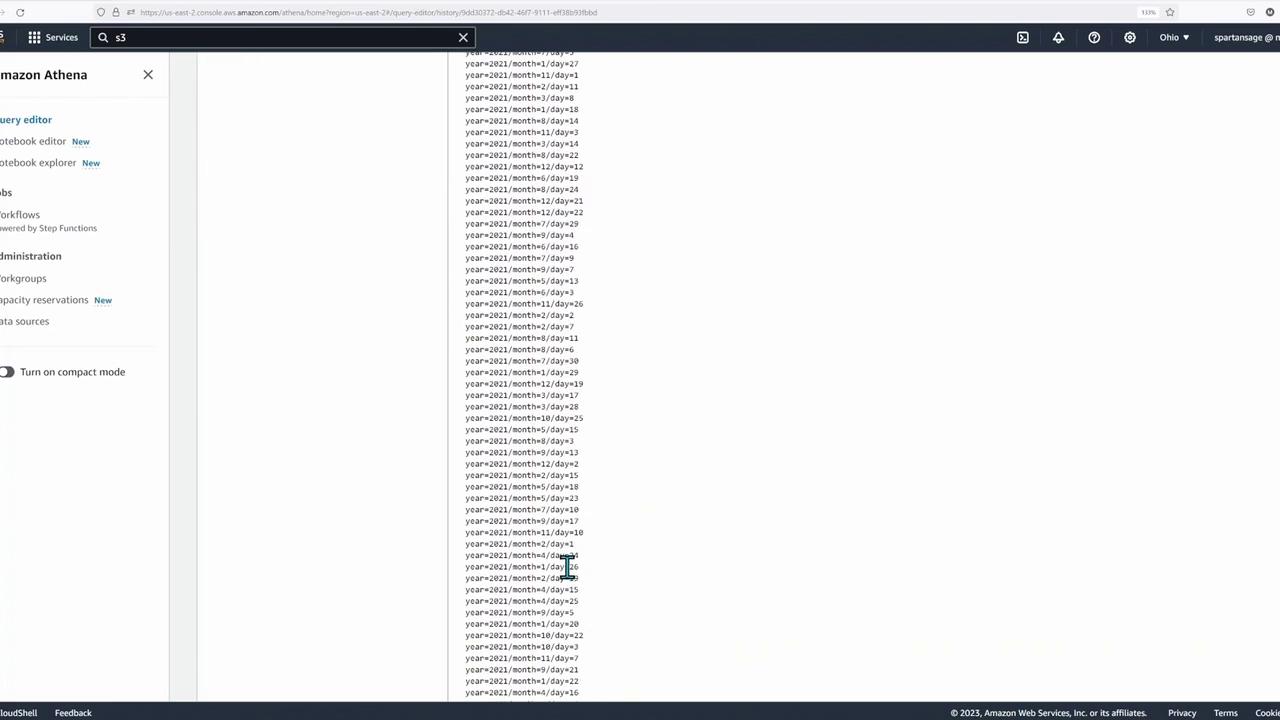
Partitioning in Athena reduces the amount of data scanned during queries, thus lowering costs and improving performance. Tables can be partitioned by date, time, or other relevant criteria.
Comparing Query Performance
With both CSV and Parquet tables in place, you can now compare their performance using sample queries.Top 10 Products Query
Query the top 10 products from Australia using CSV-based tables:Top 10 Biggest Spending Customers Query
Using the CSV table:Conclusion
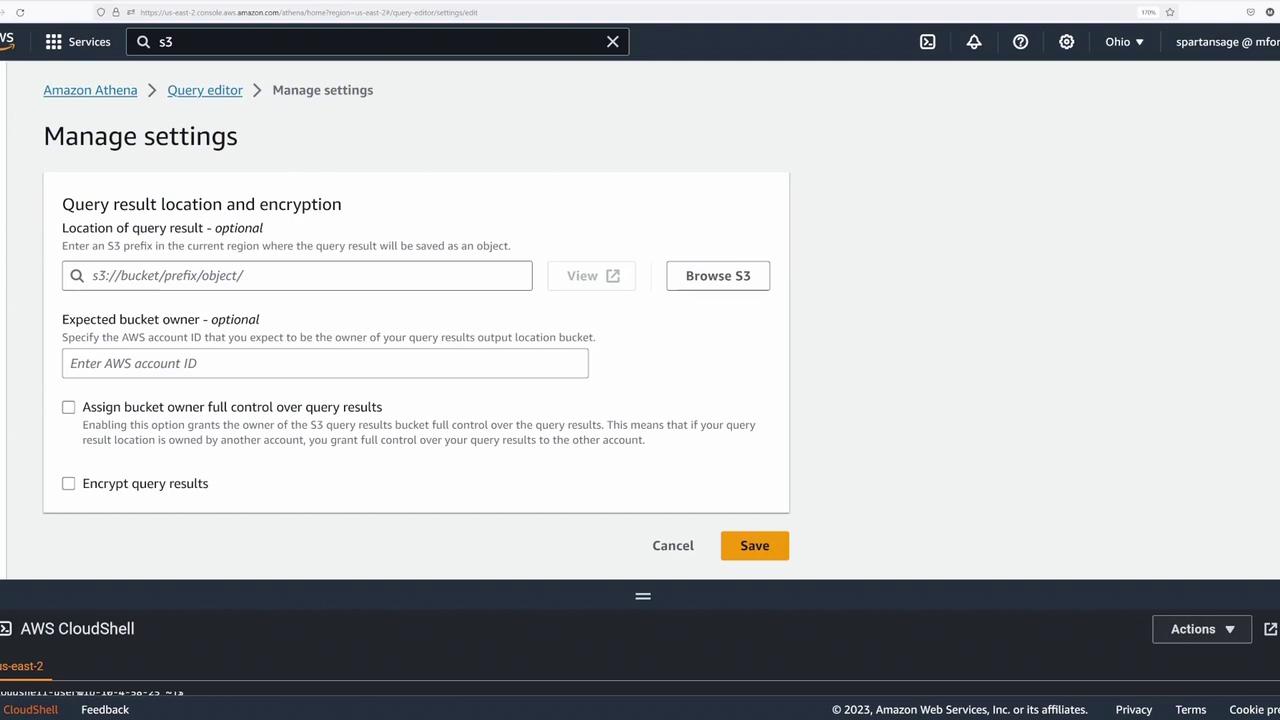
This lesson provided a hands-on demonstration of using Amazon Athena to query data directly from S3 in both CSV and Parquet formats. We covered essential steps including verifying your AWS identity with Cloud Shell, setting up S3 buckets, configuring query results, and creating external tables. Finally, we compared performance differences between file formats and highlighted the benefits of partitioning and columnar storage.For more on Athena and AWS data analytics, explore the Amazon Athena Documentation.