This lesson demonstrates integrating AWS services programmatically using the AWS SDK for JavaScript, including setup instructions and sample code for creating an S3 bucket.
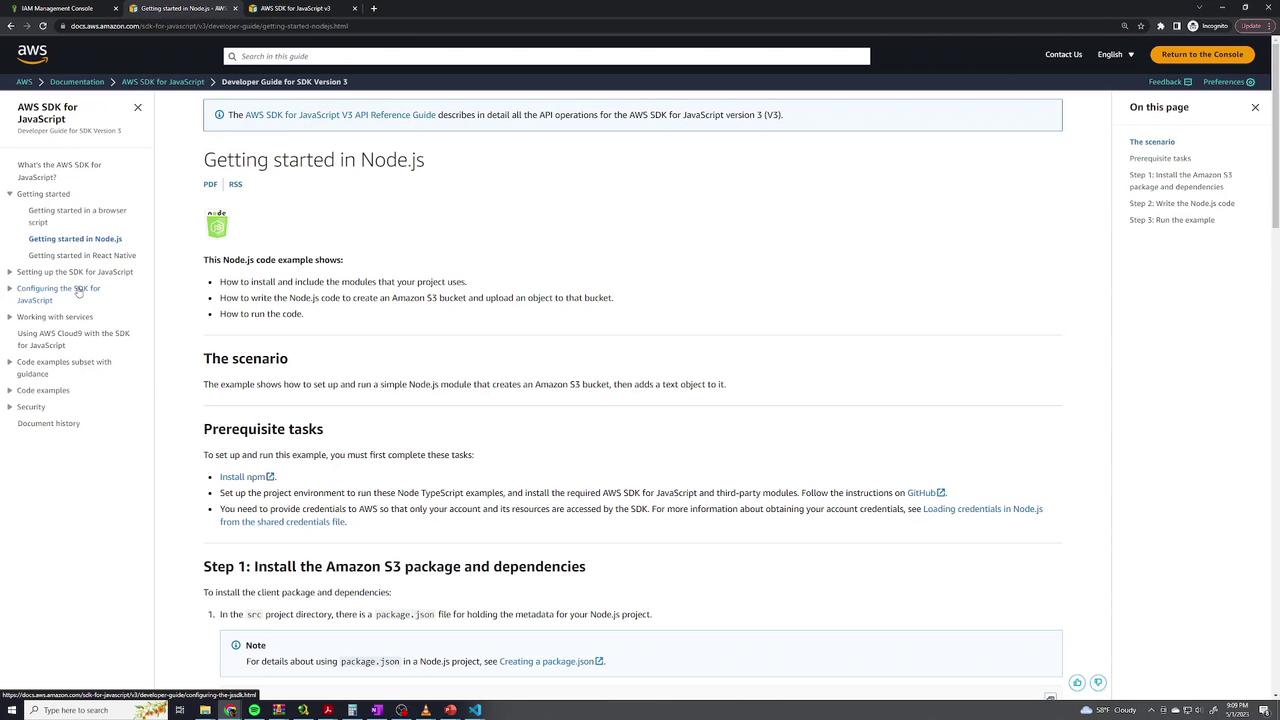
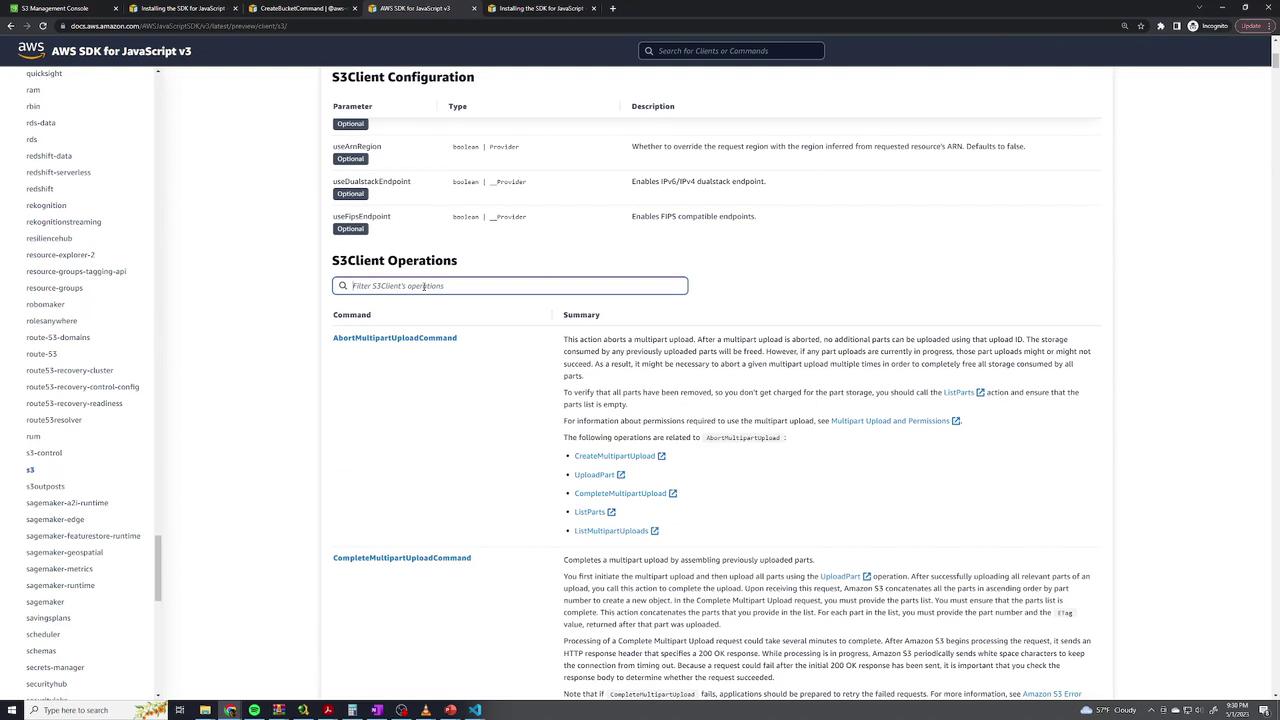
This lesson demonstrates how to integrate AWS services programmatically using the AWS SDK. By providing your credentials and installing the appropriate SDK library, you can seamlessly incorporate AWS functionality directly into your application, regardless of the programming language you choose.For example, if your web application enables users to upload images or files, you can automatically transfer them to an S3 bucket using the AWS SDK.For a comprehensive setup guide and additional resources, visit AWS Developer Tools. In this lesson, we focus on JavaScript. After selecting AWS SDK for JavaScript and Node.js, you will be guided through the necessary setup instructions and prerequisites.
Remember that each programming language requires its own SDK installation process. For JavaScript, the package manager npm is used to install the S3 library.
Before you start developing your application, install the SDK library. For JavaScript, run the following command to install the S3 client library using npm:
npm install @aws-sdk/client-s3
After installation, your application can interact with AWS using the SDK just like any other third-party library. Note that the installation command may vary based on your programming language; for example, in Python, you would use pip with the appropriate library name.
Executing the script will display an output similar to the following, which confirms that the bucket was successfully created and lists all available S3 buckets for your account:
The AWS SDK empowers developers to perform AWS operations directly via code, offering similar capabilities to the AWS console or CLI. By following the official documentation and using the appropriate commands for your programming language, you can integrate powerful AWS functionalities into your applications without any hassle.For more articles and tutorials on AWS SDK integrations, continue exploring our documentation.