AWS vs. Traditional IT
Imagine building your own kitchen to make a pizza from scratch—you must gather ingredients, buy equipment, and manage every detail. This is similar to setting up a traditional IT environment where you purchase and configure hardware such as servers, network cables, power, and cooling. Alternatively, ordering a pizza from a restaurant like Pizza Hut saves you the hassle. Similarly, AWS takes care of the underlying operations for you. With AWS, you simply use ready-to-go services rather than managing the physical infrastructure yourself. When using a conventional data center, you need to request server hardware, coordinate with operations and security teams, and wait days or even months for access. Consider the following diagram that compares these traditional IT setup requirements: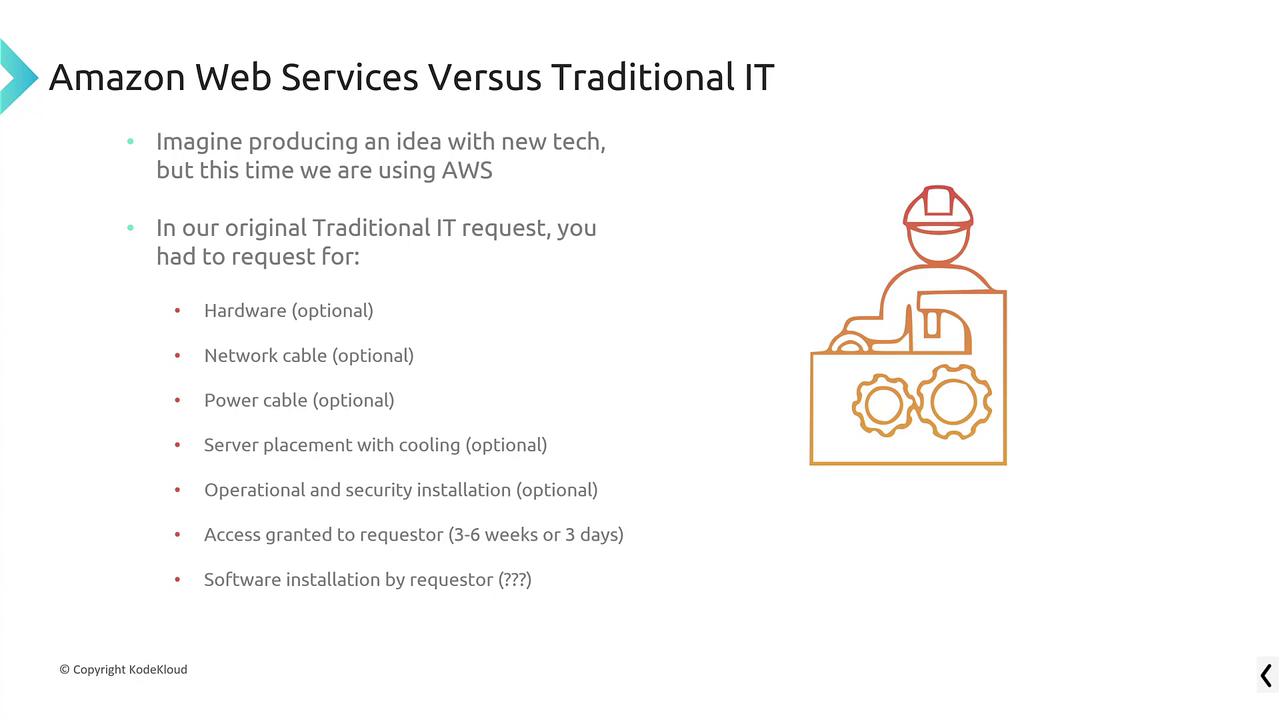
- You interface with pre-built services that include networking, cooling, and power.
- You access virtual machine services, database services, and application services that are ready to configure.
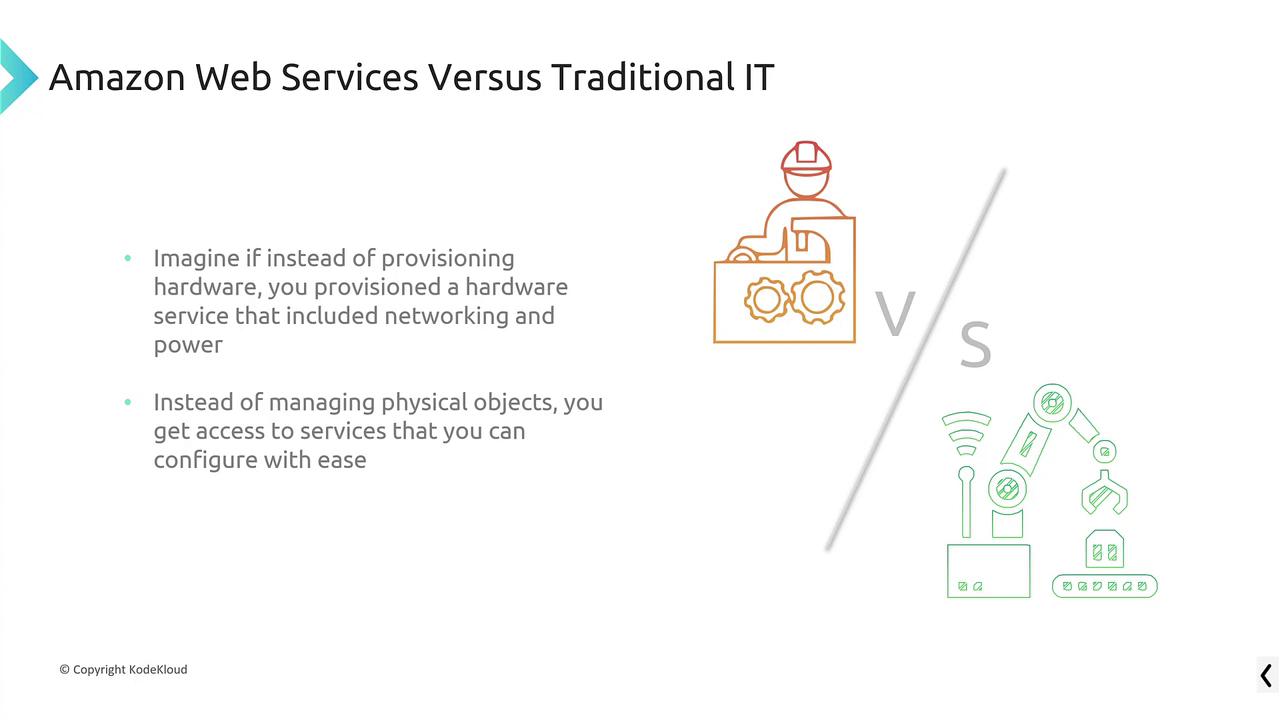
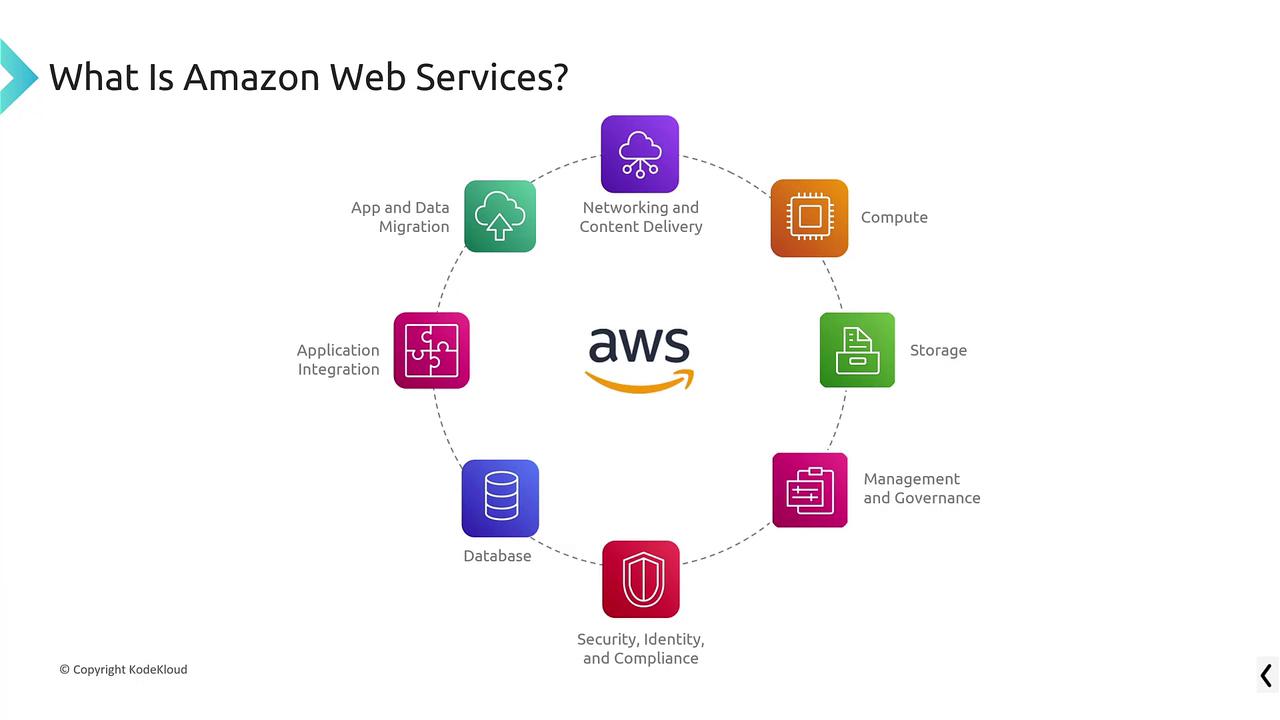
AWS is designed to relieve you from the burdens of security and operational management, allowing you to concentrate on building your solution.
Core Service Categories
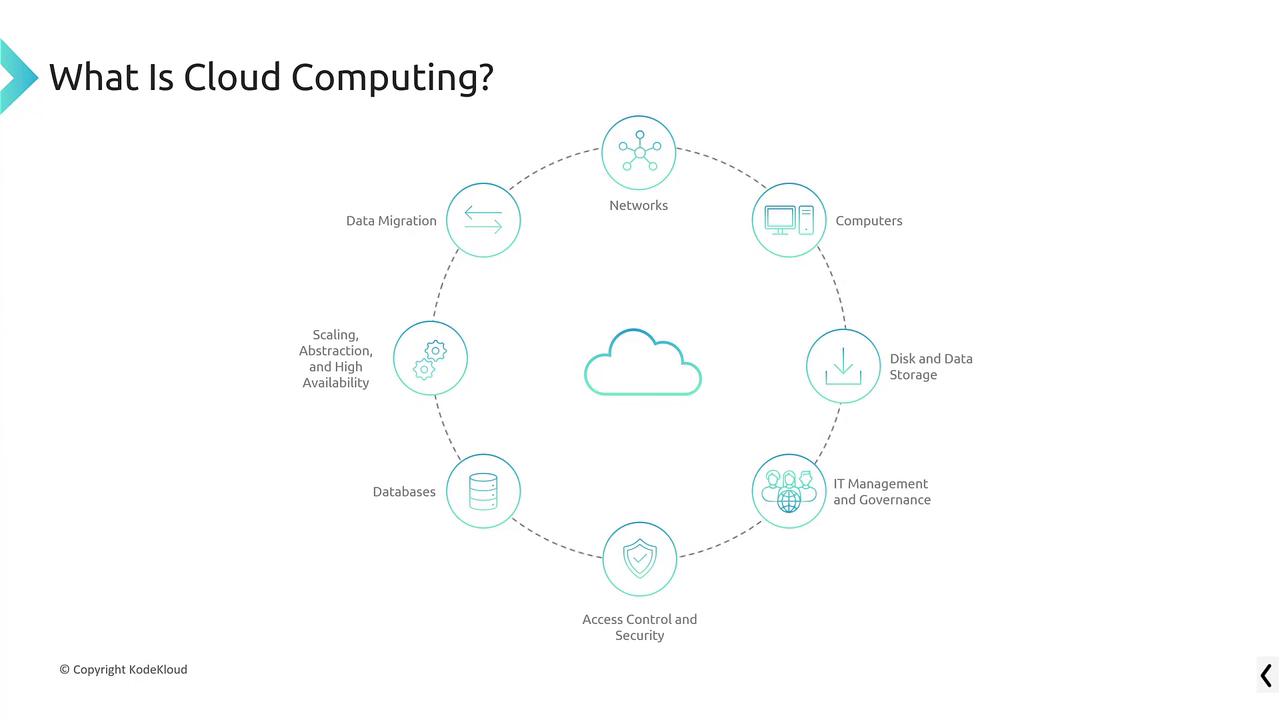
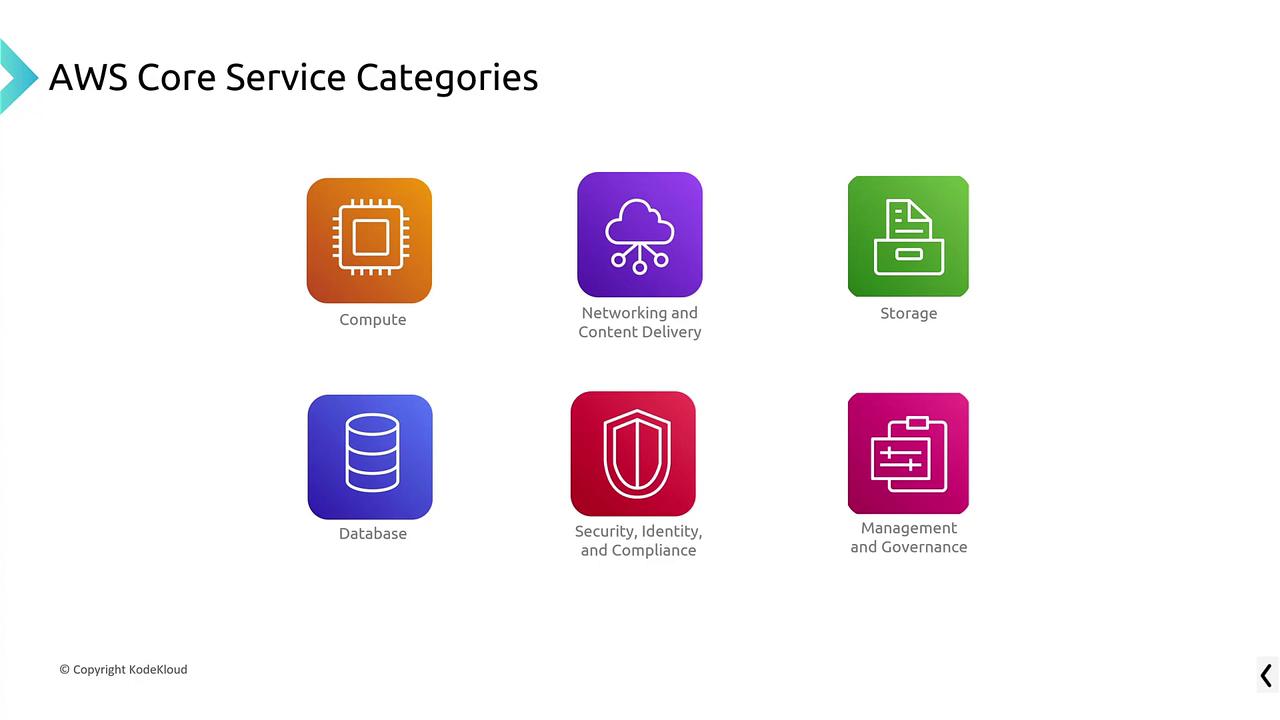
AWS provides a wide range of services. The core categories include:- Compute
- Storage (or Data)
- Networking and Content Delivery (including internet access and firewall control)
- Databases (from traditional relational options such as Oracle and Microsoft to modern NoSQL databases like MongoDB)
- Security, Identity, and Compliance
- Management and Governance
Ways to Interact with AWS
There are three primary methods to interact with AWS:-
Management Console
The AWS Management Console is a web-based interface that offers an intuitive way to explore and create resources. It’s ideal for beginners and for validating your interactions with AWS services. -
AWS Command Line Interface (CLI)
The AWS CLI lets you execute commands directly in your terminal to retrieve information or manage resources. For example:This approach is especially popular among engineers, developers, and operations teams due to its power and flexibility. -
Software Development Kits (SDKs)
AWS offers SDKs for several programming languages such as Python, Java, JavaScript, and Ruby. These SDKs enable you to integrate AWS services directly into your applications, which is particularly useful for programmatically managing AWS resources.
Exploring the AWS Management Console
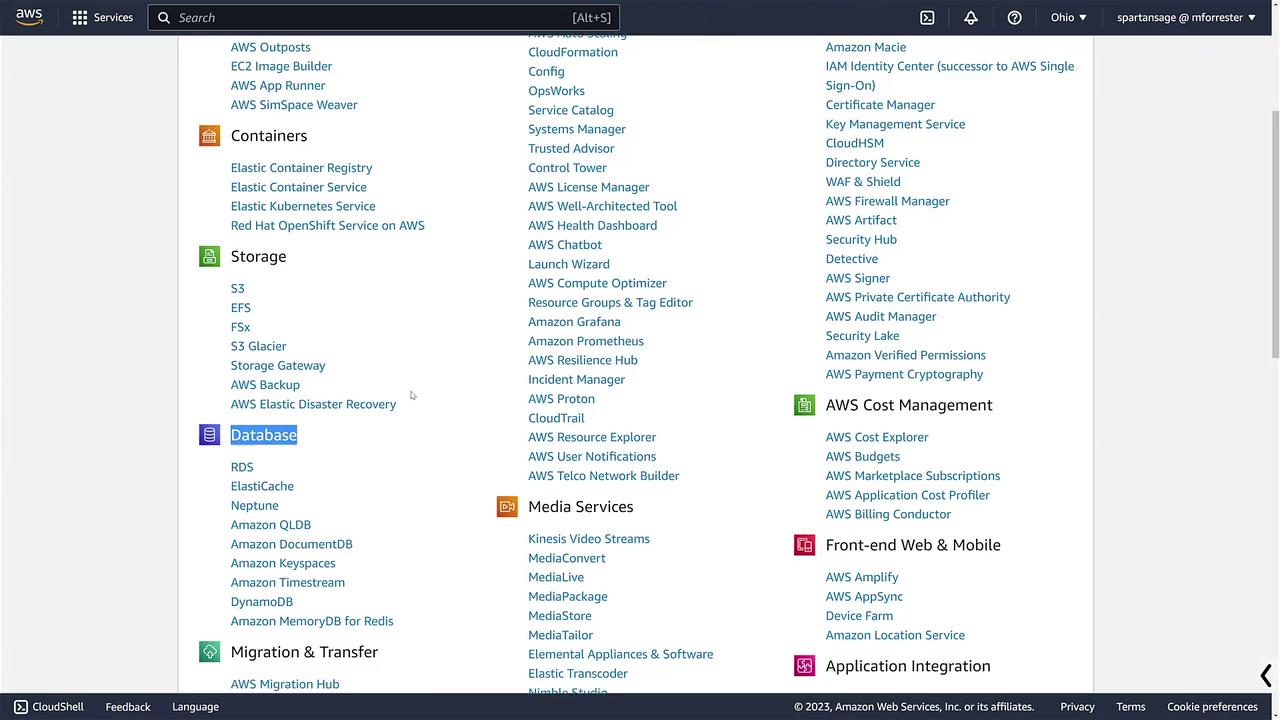
Let’s switch gears and take a closer look at the AWS Management Console. When you log in, you will see various service categories, including:- Compute
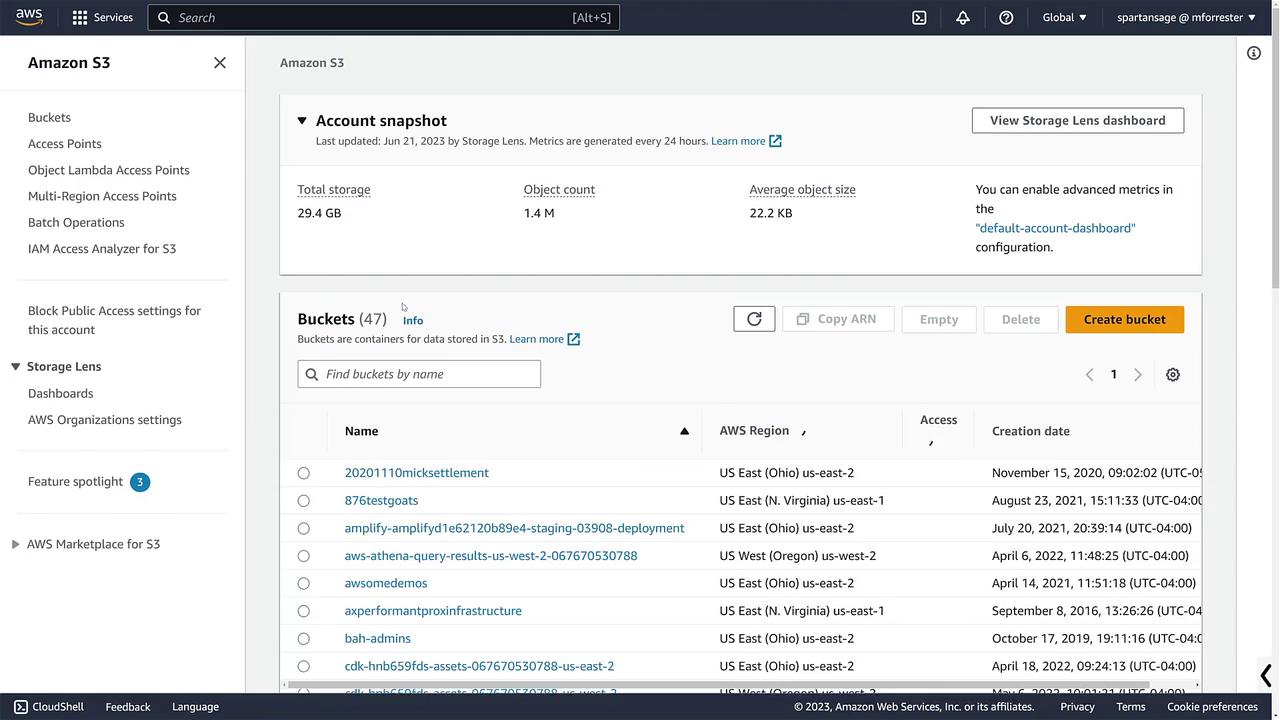
- Storage
- Databases
- Management and Governance
- Security and Compliance
- Cost Management
- Machine Learning
- Networking and Content Delivery
AWS: A Market Pioneer and Leader
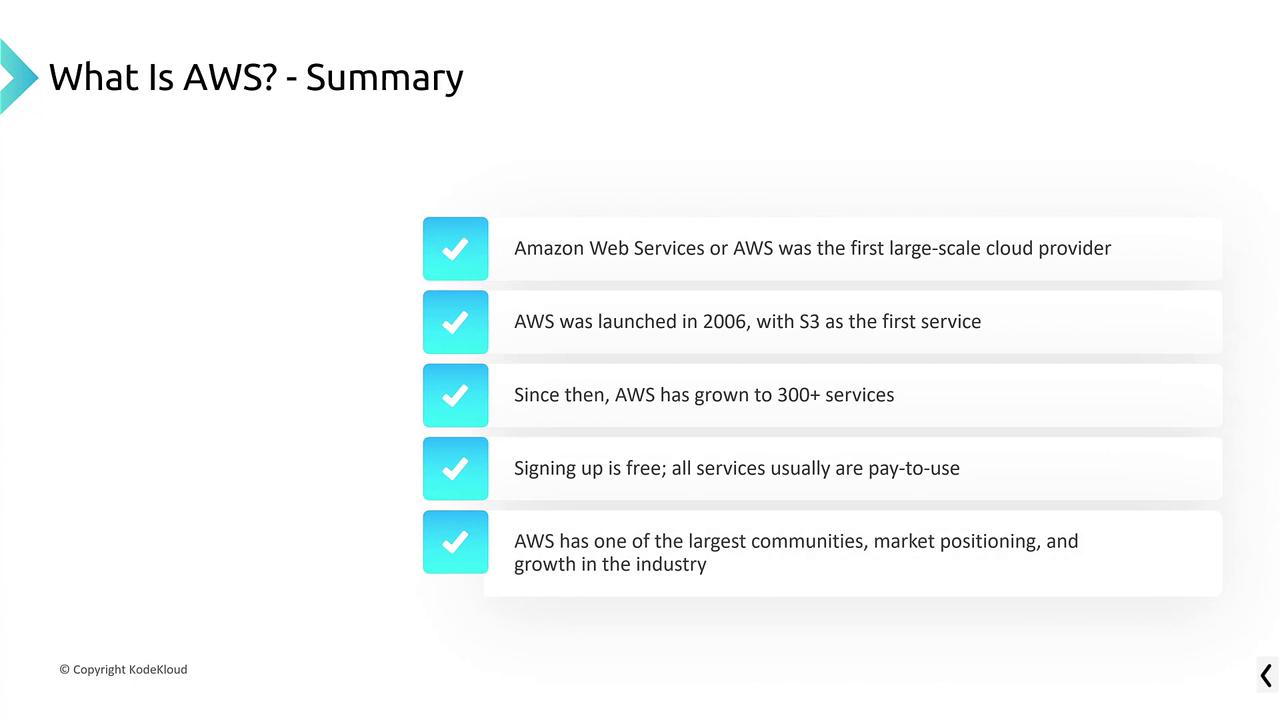
AWS revolutionized the delivery of IT resources by pioneering on-demand cloud services. Launched in 2006 with Amazon S3, followed shortly by Amazon SQS, AWS has since expanded to offer more than 300 services. Although hundreds of services are available, for certification purposes, a basic understanding of approximately 20 to 30 core services is sufficient. Creating an AWS account is simple and free. A phone number and credit card are required, with many services featuring a free tier. However, a word of caution:While many AWS services are free or low-cost, some services—such as virtual machines—incur charges after they are activated. Always monitor usage to avoid unexpected bills.