

Phase 1 — Inform
This phase replaces guesses with data. Focus on mapping cloud spend to the Kubernetes constructs teams understand: namespaces, labels, deployments, and services. For Kubernetes, this usually means exporting cloud billing data (with account or project tags) and correlating it with cluster telemetry.
Key activities in Inform:
- Collect cloud billing and invoice data (tagged by account/project) and centralize it for analysis.
- Correlate billing with Kubernetes metadata: namespaces, labels, node and pod resource requests/limits, and owner annotations.
- Expose cost-per-namespace, cost-per-application, and cost-per-service in dashboards and regular reports.
- Establish initial ownership using showback or chargeback to make teams accountable for their consumption.
- Cloud cost exports: BigQuery (GCP), Cost and Usage Reports (AWS), or Azure Cost Management.
- Kubernetes telemetry: kube-state-metrics, cAdvisor, Prometheus.
- Cost-aware tools: Kubecost, Cloud provider cost explorers, and custom dashboards in Grafana.
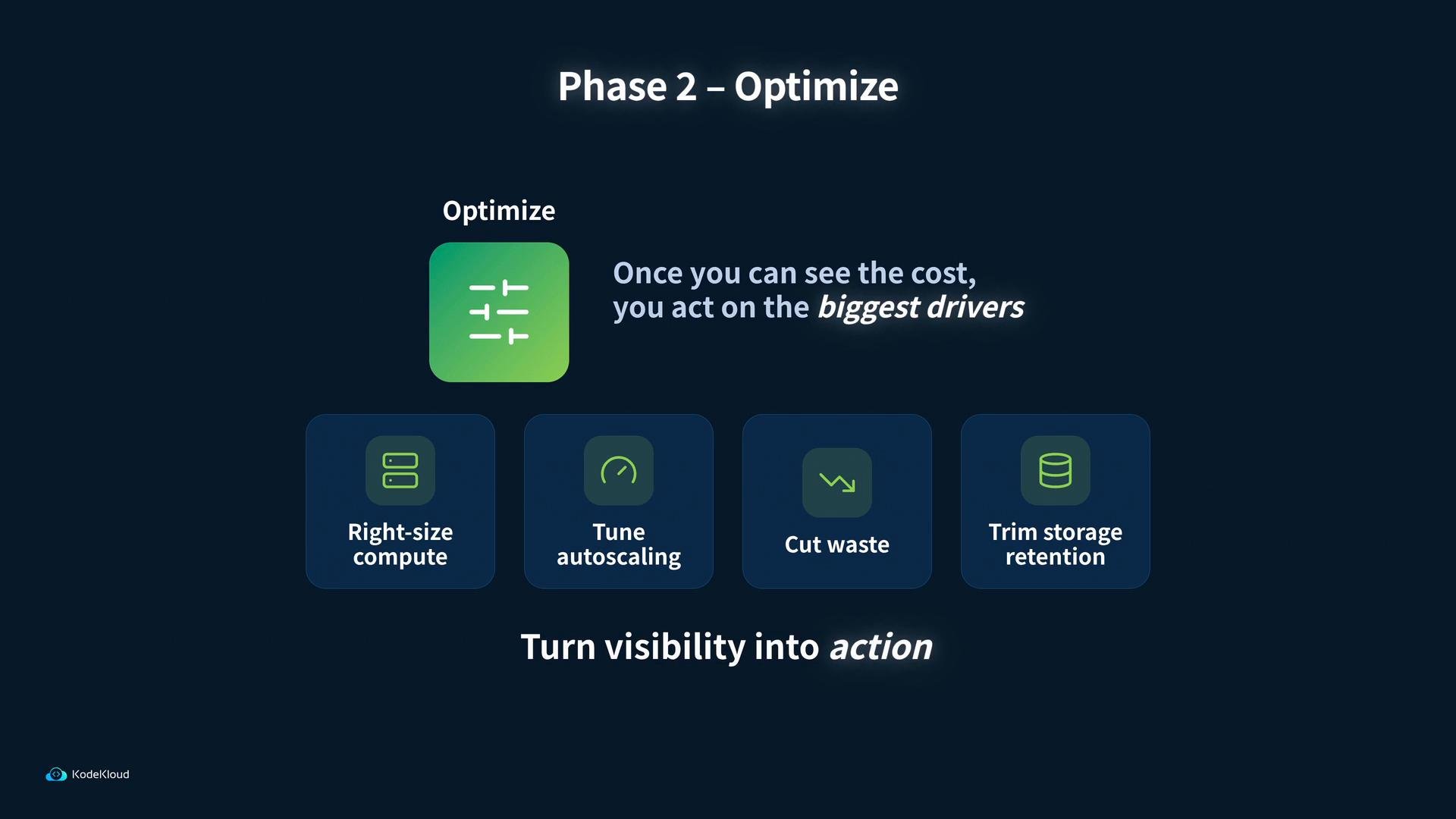
- Right-size compute: adjust instance types and container resource requests/limits to match observed CPU/memory utilization. Use historical utilization windows (e.g., 7–30 days) to avoid oscillation.
- Tune autoscaling: configure HPA/VPA and cluster autoscaler policies to balance performance and cost, favoring stable vertical profiles and burstable horizontal scaling where appropriate.
- Cut waste: remove idle or duplicate workloads, terminate short-lived test clusters, and delete unattached volumes or stale images.
- Trim storage retention: shorten retention windows for logs, metrics, and backups where it is safe and compliant to do so.
- Identify pods with sustained low utilization relative to requests.
- Run experiments: progressively reduce requests in staging, monitor for OOMs or throttling.
- Apply changes via CI/CD and annotate deployments with cost-owner metadata.
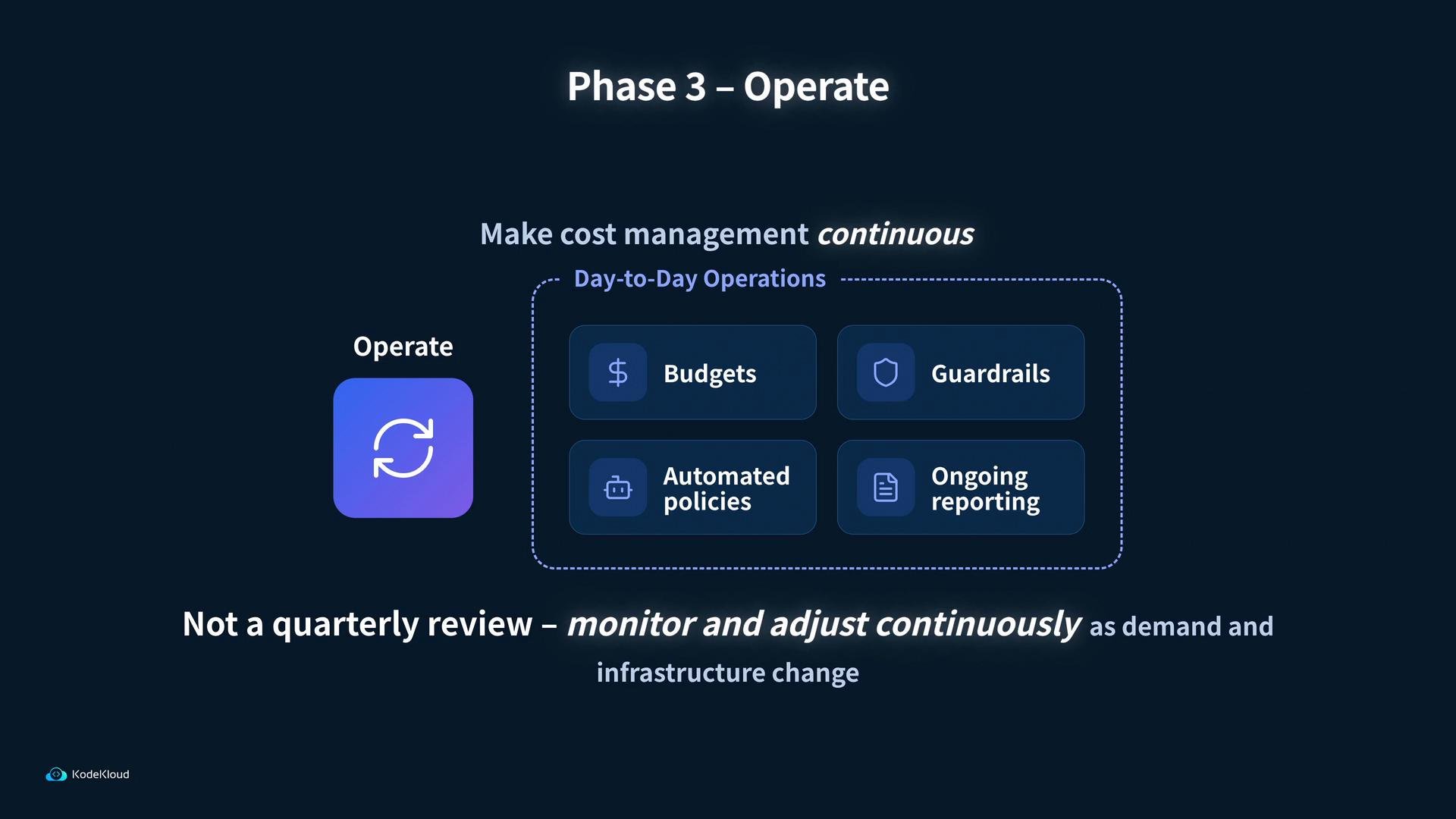
- Budgets & alerts: set spend thresholds per team/namespace and notify cost owners before overruns occur.
- Guardrails: enforce policies with admission controllers or policy engines (e.g., OPA/Gatekeeper) to block expensive misconfigurations (large requests, privileged images, excessive replicas).
- Automated policies: reclaim idle resources, enforce lifecycle rules, perform autoscaler-driven adjustments, and manage retention automatically.
- Continuous reporting: include cost metrics in SLOs and team dashboards so cost becomes part of regular operational decision-making.
These phases form a continuous loop: Inform provides the data, Optimize converts that data into targeted changes, and Operate embeds those changes into ongoing procedures. For Kubernetes workloads — and especially for dynamic or AI workloads — iterate frequently as traffic and resource needs change.
- Cost per model training run and per inference.
- Spot/preemptible usage and fallback strategies.
- Data pipeline storage and access patterns.
- Versioned model storage retention and inference scaling.
- FinOps Foundation: https://www.finops.org/
- Kubernetes documentation: https://kubernetes.io/docs/
- Kubecost (cost observability for Kubernetes): https://www.kubecost.com/
- Cloud provider billing docs: AWS Cost & Usage Reports, GCP Billing Export to BigQuery, Azure Cost Management