

Creating namespaces
Each microservice gets its own namespace so teams can manage resources independently and apply RBAC or resource quotas per namespace. Create the namespaces used by the Skyline Air demo:Using one namespace per microservice helps isolate resources, simplify monitoring, and enables team-level ownership (RBAC, quotas, network policies).
Deploying with Kustomize
We use akustomization.yaml overlay to deploy all manifests together. Apply the overlay directory with kubectl apply -k to create ConfigMaps, Services, PVCs, Deployments, Ingress, and other resources in the correct namespaces:
Verifying the rollout
Run a consolidated set of checks to confirm pods, services, deployments, and replicasets were created and are healthy:Port-forwarding the booking-api UI
To test the Skyline Air booking UI locally, port-forward thebooking-api service and bind it to localhost:
Using
--address 127.0.0.1 binds the port-forward to the loopback interface. This ensures the port-forward only listens on the local machine and helps avoid exposing the service on all network interfaces.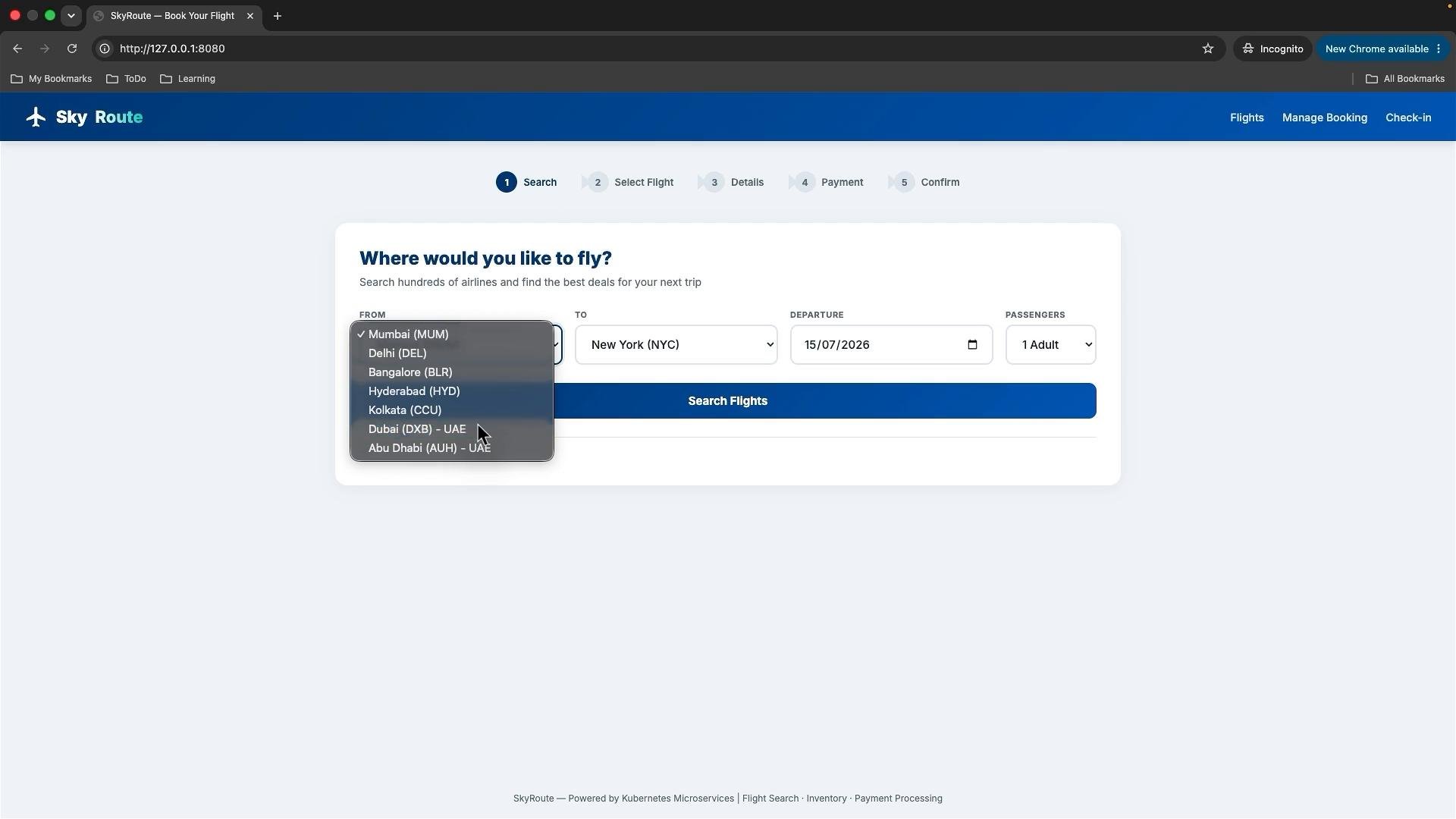
Summary
- Each microservice runs in its own namespace and is deployed via a kustomize overlay.
- The overlay created ConfigMaps, Services, PVCs, Deployments, and an Ingress for external routing.
- Verify deployments, services, and pods with
kubectl getcommands across namespaces. - Use
kubectl port-forwardfor safe local access to the booking UI.
Links and references
- Kustomize: https://kustomize.io/
- kubectl documentation: https://kubernetes.io/docs/reference/kubectl/
- Kubernetes concepts: https://kubernetes.io/docs/concepts/