

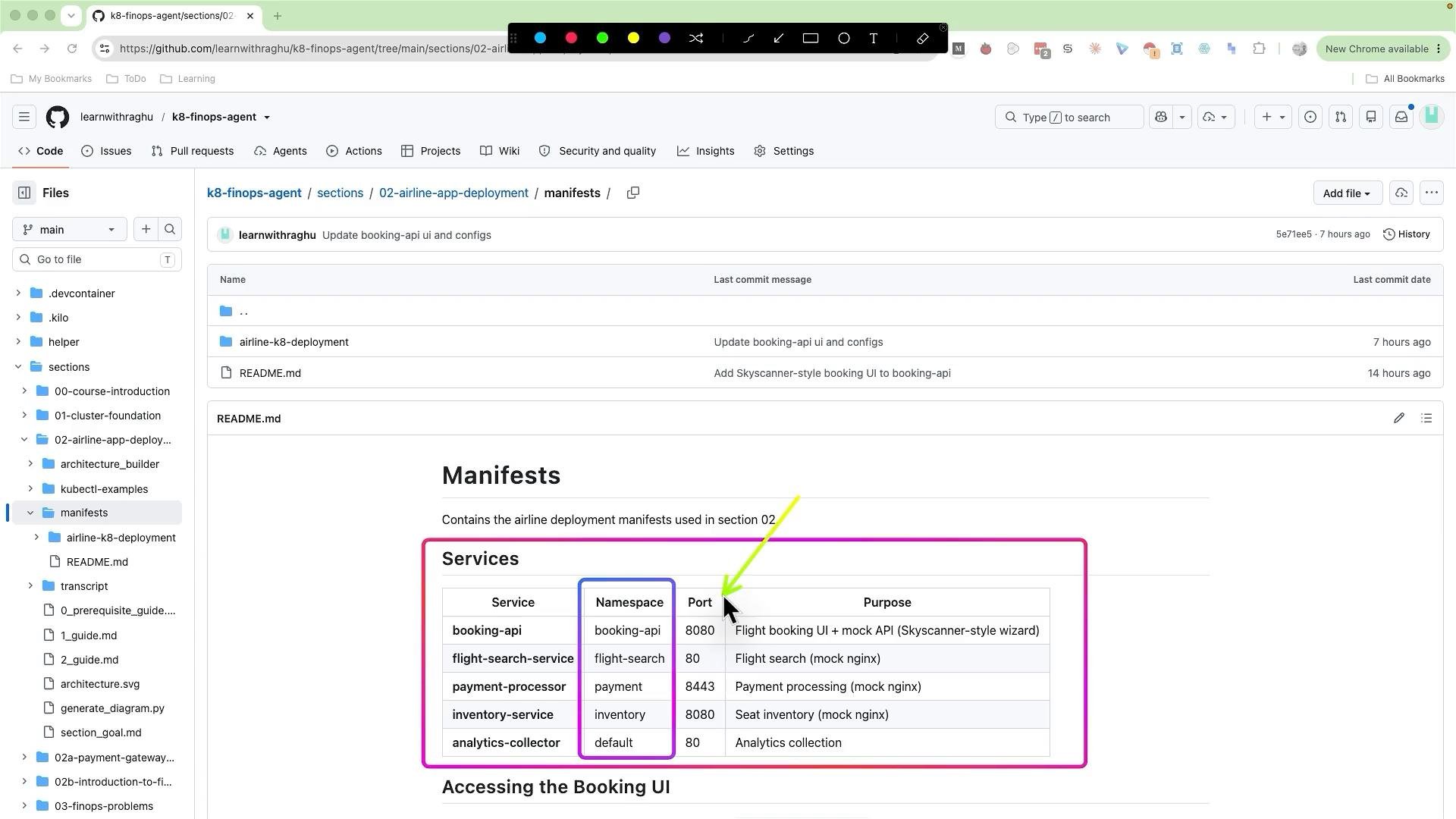
- booking API
- flight search service
- payment processor
- inventory service
- analytics collector
booking-api) contains:
configmap.yaml— service configuration valuesdeployment.yaml— Deployment (or other workload) definitions for podsingress.yaml— Ingress rules for external routingkustomization.yaml— local Kustomize overlay for that servicepvc.yaml— PersistentVolumeClaim if the service needs storageservice.yaml— Service resource exposing the pods
Example: PersistentVolumeClaim
Here is an example PersistentVolumeClaim manifest (from the payment processor service). It requests 5Gi of storage, includes labels, and is scoped to the
payment namespace:
accessModes: ReadWriteOnce— the volume can be mounted read-write by a single node at a time.namespace— locates the PVC in thepaymentnamespace so workloads there can bind it.storageClassNameomitted — the cluster’s default StorageClass will be used for dynamic provisioning if available.- Labels such as
environmentandownerimprove resource organization and support automation, billing, or policy enforcement.
kustomization.yaml and a top-level (core) kustomization.yaml aggregates the per-service overlays, so you can compose and apply all manifests together without templating.
Top-level kustomization example
kustomization.yaml):
You can use Helm if you prefer parameterized charts, but using Kustomize keeps the setup simple and declarative. Kustomize overlays make it easy to inspect each service’s manifests and to reason about environment-specific customizations without templating.
- Each microservice folder represents a logical team that owns that service (for example, the inventory team owns the
inventory-servicefolder). - In larger organizations, you may have dozens or hundreds of service folders — each team manages manifests, CI/CD, image versions, and namespace-level responsibilities.
- Create the namespaces referenced in each service manifest (one namespace per service).
- Ensure cluster-level prerequisites are present:
- A default
StorageClass(or create the StorageClass your PVCs expect). - An ingress controller (e.g., NGINX, Traefik) and DNS pointing to it.
- Any required RBAC, network policies, or cluster roles used by the services.
- A default
- Apply the top-level Kustomize overlay:
kubectl apply -k .
- Verify deployments and services:
kubectl get namespaceskubectl get all -n <namespace>kubectl describe pvc -n <namespace>for storage troubleshooting