

- Prompt anatomy, context management, and practical checkpoints.
- How context window limits and prompt specificity affect results.
- How a project-level ignore file for Cline can trim irrelevant files, reduce token usage, and improve prompt relevance.
Why an ignore file matters
A Cline project-level ignore file tells Cline which files and directories to exclude when analyzing your repository. Excluding large or irrelevant files (for example,node_modules/) prevents overloading the context you send with prompts. Benefits include:
- Lower token usage and cost when submitting context to a model.
- More focused analysis on the application code you care about.
- Faster scans and fewer false positives from generated or binary files.
Quick strategy
- Exclude generated artifacts, dependency folders, large binary/data files, and local environment files.
- Keep source code, config, and migration/schema files if you want Cline to inspect them.
- Update the ignore file as the project evolves.
Example: ignoring node modules
This is the standard way to tell Cline to ignore dependency folders:.gitignore syntax and is the simplest way to reduce noisy context before sending code to a model.
Sample project-level ignore (expanded)
A more complete example that covers dependencies, build outputs, test artifacts, environment files, and large data files:.gitignore-style file for Cline; if Cline doesn’t generate one automatically, adapt your existing .gitignore and add or remove entries as needed.
Ignore file quick reference
A quick CSS snippet encountered in the project (kept once for reference)
(Kept for context; styling examples rarely need to be sent to the model unless they are directly relevant.)Example terminal output after pulling repository changes (cleaned)
Storing relevant terminal output with your prompt helps the model reproduce and reason about the current state.Creating a sample Cline Ignore file for a Python Flask project
Place the Cline ignore file in the project root. Include common Python and Flask-related ignores so Cline focuses on the application logic rather than build artifacts, virtualenvs, or caches.- Decide whether to include database files: keep schema and migration files if you want analysis of DB structure; ignore large DB blobs if not necessary.
- Keep secrets and environment files out of analysis unless explicitly needed.
.clineignore or similarly named file in the repository root will trim Cline’s analysis context and reduce token usage when sending repository snippets to the model.
Keep ignore rules tight but intentional: exclude large, generated, or sensitive files, and include any files you want the model to analyze. Revisit and update the ignore file as the project evolves.
Prompting best practices (concise)
- Provide clear, relevant context and explicit goals.
- Reference files or folders with an at-sign when supported (for example:
@path/to/file). - Break complex tasks into smaller, incremental steps.
- Ask specific, targeted questions to guide the model.
- Validate and iteratively refine outputs.
Examples of how to include context in prompts
- “Create
userAuthentication.js— implement user login using JWT tokens.” - “Summarize what we did in the last user dashboard task for debugging.”
- “When reporting an error, include the exact terminal output and the surrounding code snippet.”
Constraint handling and confidence
To avoid truncated or incomplete answers, require the model to return full files or complete function definitions. You can also require an explicit acknowledgment token to confirm understanding:"YARE" with any agreed acknowledgment token in your workflow.)
Community favorite prompt snippets
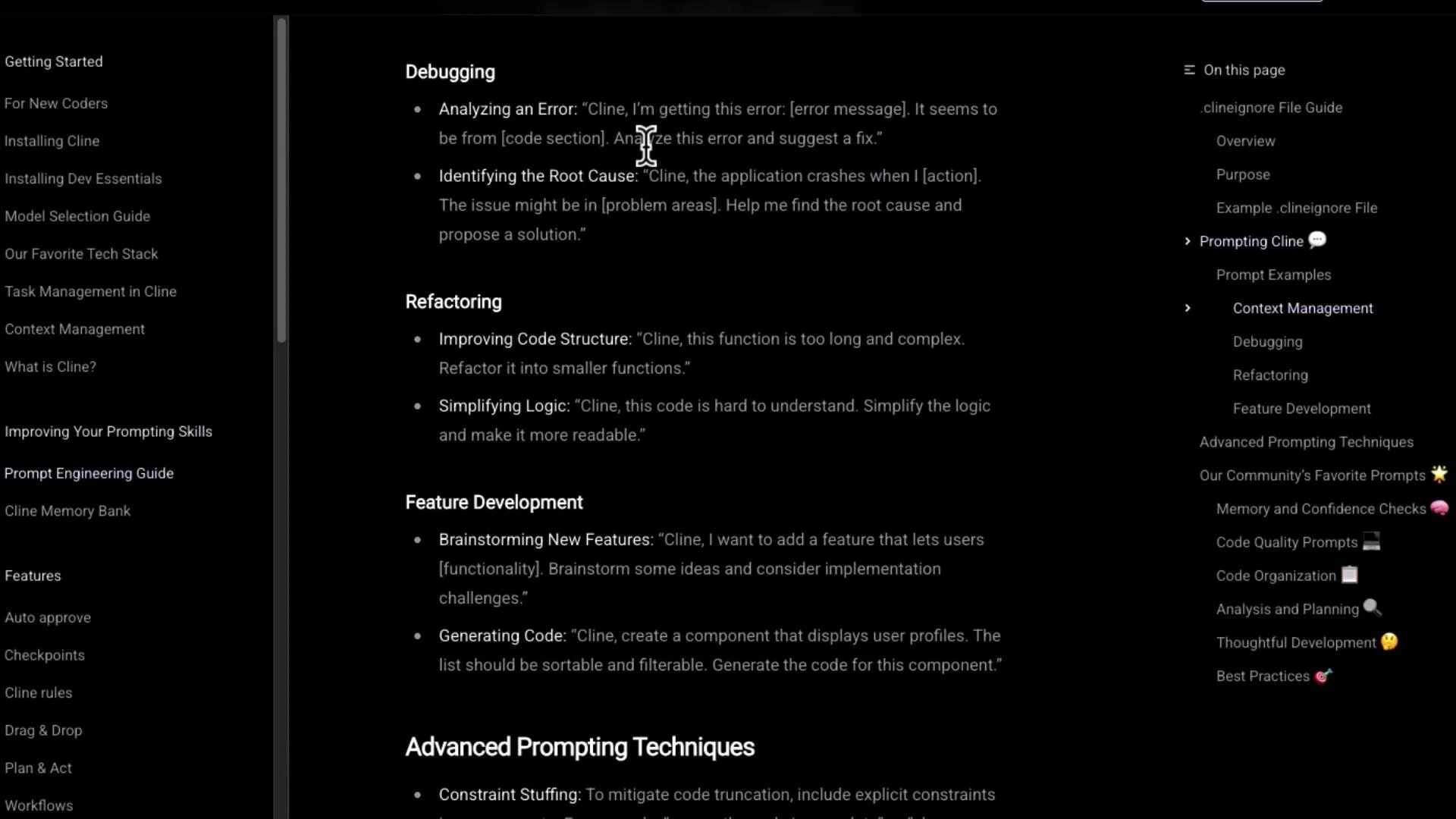
Context management improves prompt performance
Before sending a prompt, ensure your context is focused:- Exclude irrelevant dependencies, large binaries, and unrelated test data.
- Strip generated artifacts and cache files from context when possible.
- A smaller, higher-quality context tends to produce more accurate and actionable responses from Cline or any LLM-based assistant.
Final notes
- Use the Cline prompt engineering guide and community prompts as a starting point, but adapt templates to fit your codebase and workflow.
- Iteratively refine the ignore file and your prompts — as the project changes, so should your context management strategy.
Links and References
- Cline course (KodeKloud) — guide and tools for repository analysis
- Kubernetes Basics
- Docker Hub