This lesson explains the primary community forums and support channels you can use if you need help with Cline, want to report a bug, or wish to give feedback. Use the guidance below to choose the right channel and to prepare helpful, actionable reports that maintainers can triage quickly.

Where to get help

  • GitHub repository — report bugs, request features, or submit pull requests.
  • Discord — join real-time discussions, troubleshooting, and quick help.
  • KodeKloud community — course-related questions, instructor support, and study help.
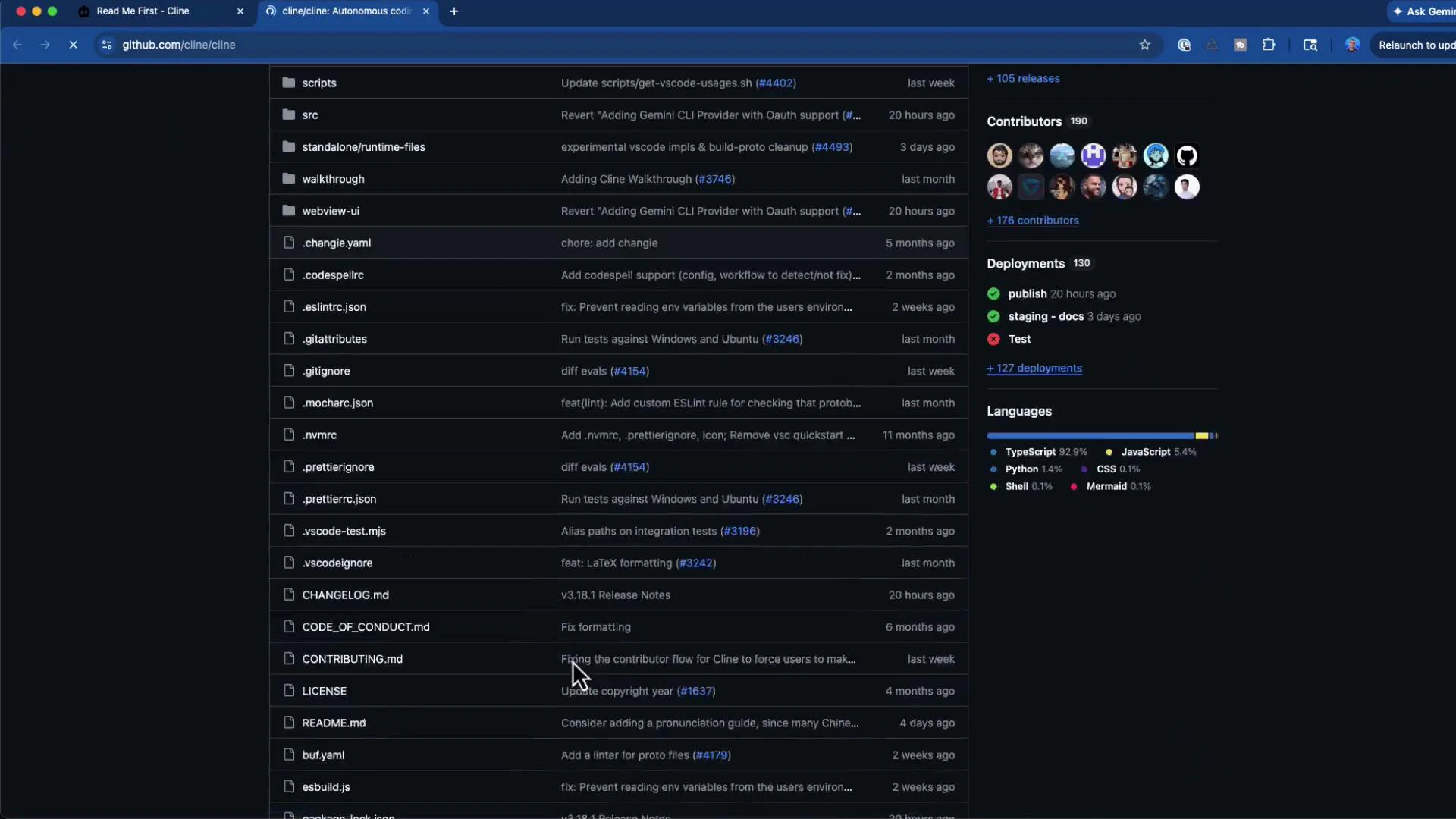
A dark-mode screenshot of a GitHub repository page showing a column of files and folders with recent commit messages. The right sidebar shows contributor avatars, deployment statuses, and language usage statistics.

Quick reference table

ChannelUse caseHow to reach
GitHub Issues & Pull RequestsReport reproducible bugs, request features, submit code contributionsOpen a new issue or PR on the project’s GitHub repository
DiscordFast troubleshooting, community chat, channels for topics (general, prompts, MCP, new coders, tech support)Cline Discord
KodeKloud communityCourse questions, instructor clarifications, study groupsKodeKloud community portal or course discussion pages

Best practices: filing an effective GitHub issue

A well-structured issue speeds up triage and fixes. When creating a GitHub issue, include:
  1. A concise, descriptive title.
  2. A short summary of the problem.
  3. Steps to reproduce (exact commands or actions).
  4. Expected behavior vs actual behavior.
  5. Environment details (OS, Cline version, editor/version, any extensions).
  6. Relevant logs, stack traces, or error messages.
  7. Screenshots, minimal reproducible example, or a small repository that demonstrates the issue.
  8. Any temporary workarounds you tried.
Example issue template you can copy and paste:
### Title
Clear, short summary of the problem

### Description
A short description of the bug or feature request.

### Steps to reproduce
1. Step one (commands or actions)
2. Step two
3.

### Expected behavior
What you expected to happen.

### Actual behavior
What actually happened, including error messages.

### Environment
- Cline: v3.18.1
- VS Code: 1.101.2
- OS: macOS 12.6 / Windows 11 / Ubuntu 22.04
- Extensions: list relevant extensions

### Logs / Output
(attach logs, terminal output, or webview logs)

### Additional context
Screenshots, links to a minimal repo, or other useful context.
You can and should attach screenshots, logs, and any minimal repro repository when possible. For code contributions, open a pull request with a clear description, steps to test, and tests if applicable.

Example log snippet

When diagnosing issues, including the extension or tool logs is very helpful. Example:
Cline: v3.18.1
VS Code: Version: 1.101.2

Log output:
LOG: Cline extension activated
ClineProvider instantiated
Checking for legacy checkpoints...
Webview view resolved
When asking for help, include your environment (OS, tool versions), exact steps to reproduce, and any logs or error messages. This information speeds up troubleshooting.
Do not paste sensitive data (API keys, private tokens, or personal credentials) into public issues or chat. Redact or remove secrets before sharing logs or screenshots.

Discord — real-time help and community channels

For faster, conversational help, join the Cline Discord: https://discord.com/invite/cline. Common channels include:
  • general — community conversation
  • prompts — examples and prompt engineering help
  • MCP — feature-specific discussion
  • new-coders — beginner help and learning tips
  • tech-support — troubleshooting and practical fixes
Community members and maintainers often hang out in these channels and can help troubleshoot interactively.

KodeKloud community and instructor support

If your question is course-specific, the KodeKloud community and course discussion boards are the best places to ask. Instructors and staff monitor these channels and will respond as they can. You can also send direct messages to instructors for clarification on assignments or course material. Thanks for taking this lesson. Enjoy building with Cline, and don’t hesitate to reach out via GitHub issues, Discord, or the KodeKloud community if you need help or want to share feedback.

Watch Video