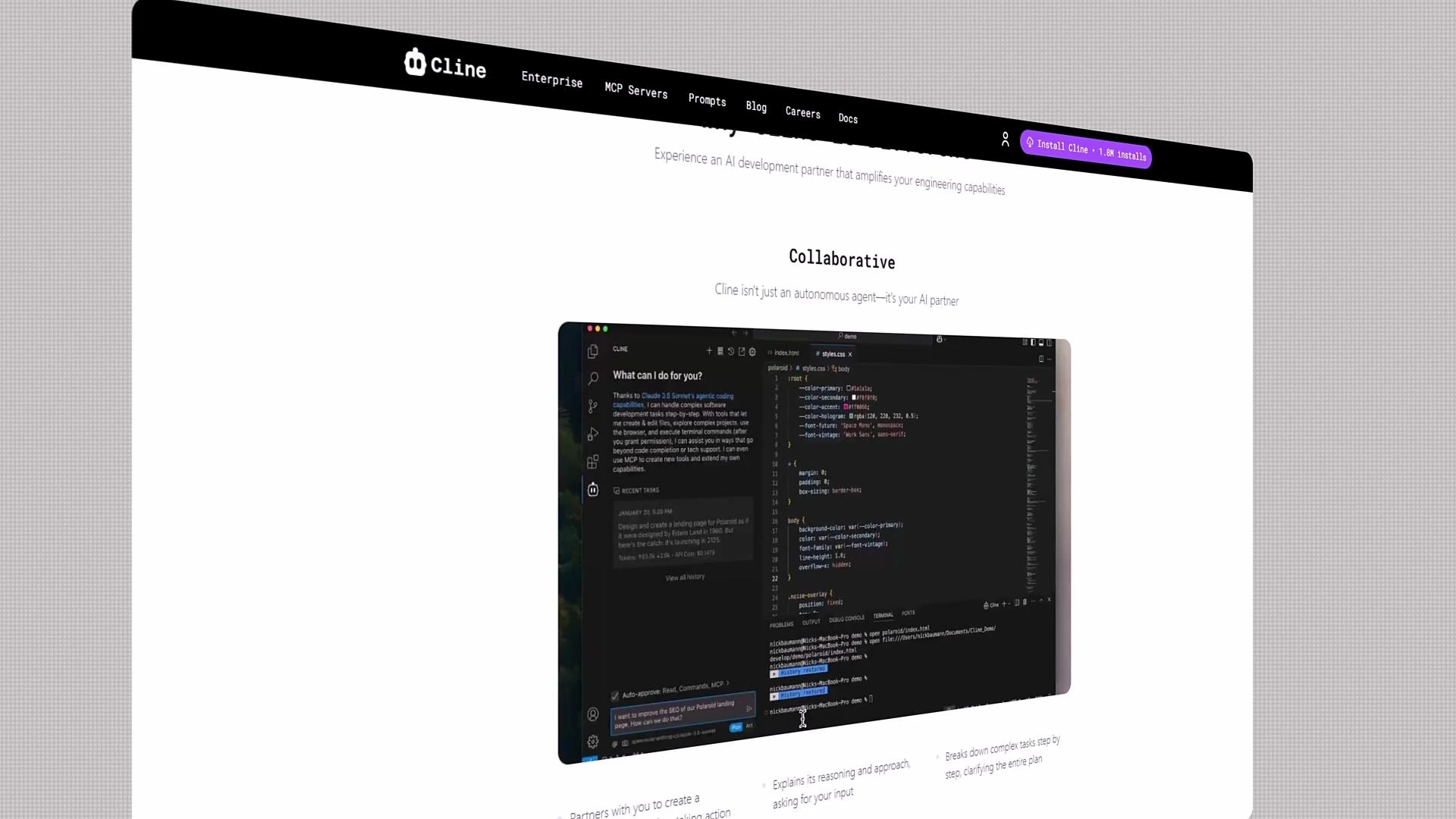
Welcome. If you’re curious about the future of software development, you’re in the right place. Cline brings AI-powered development workflows to everyday engineering: fast iteration, intelligent automation, and a collaborative, extensible environment. Best of all, Cline is open source and free to use. I’m Jeremy Morgan, and I’ll guide you through this course. Whether you’re a beginner or an experienced engineer, you’ll learn how to use Cline’s AI features to build, automate, and maintain applications more effectively.
A webpage screenshot for "Cline" with a black top navigation bar and the heading "Collaborative." The central content shows a dark-themed code editor window displaying code and a sidebar.

What you’ll learn

This course blends conceptual insight with hands-on labs. Key outcomes:
  • Understand why AI-powered development matters and where Cline fits in your toolchain.
  • Configure your workspace for productivity: model selection, rules, checkpoints, and memory banks.
  • Connect to remote MCP servers or run local LLMs for low-latency, private development.
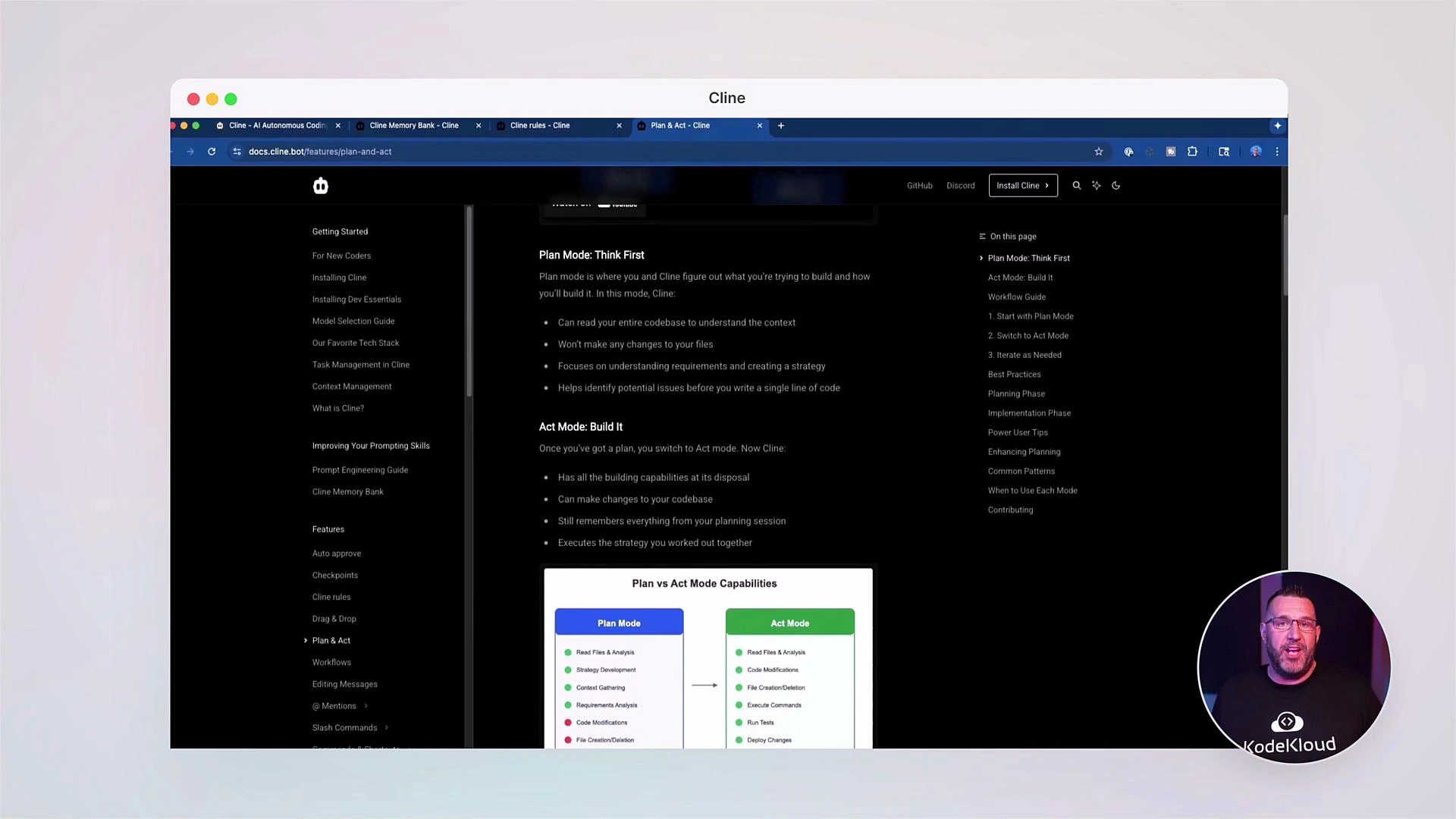
  • Use Cline’s Plan and Act modes to let the assistant propose steps and safely execute tasks.
  • Master prompt engineering, prompt anatomy, and best practices that improve AI output quality.
  • Manage context effectively: use context windows, checkpoints, and session memory to keep interactions coherent across complex workflows.
  • Build and document APIs with OpenAPI-style specs and keep documentation synchronized with code.
Below is a concise map of course modules:
ModuleFocus
IntroductionWhy AI for development, Cline overview
Workspace SetupModels, rules, memory banks, MCP/local LLMs
Plan & Act ModesInteractive planning, requesting permission to run commands
Prompt EngineeringPrompt anatomy, specificity, and templates
Context ManagementCheckpoints, context windows, session memory
APIs & DocsOpenAPI-style specs, FastAPI examples, keeping docs in sync
Labs & CommunityHands-on labs and forum-driven support

Interactive assistant example

To illustrate how Cline interacts when diagnosing and running an application, here’s a typical assistant request panel. It explains the steps it will take and asks permission before executing commands:
API Request...

To run the app and fix errors, I'll need to follow these steps:

1. Start the development server
2. Analyze any errors that occur
3. Investigate the relevant files
4. Make necessary corrections
5. Verify the fixes

Let's begin by starting the development server.

Cline wants to execute this command:

npm start

[Cancel] [Allow]
This flow demonstrates Cline’s safe-execution model: it proposes a plan, shows you the commands, and asks for explicit approval before taking action.
A screenshot of a browser open to dark-themed documentation explaining "Plan Mode" and "Act Mode," with a left navigation pane and content in the center. A small circular video overlay of a presenter appears in the bottom-right corner.

Working with APIs and OpenAPI-style specs

Cline helps you author and maintain API documentation alongside code. Here’s an example OpenAPI-style endpoint listing for a simple “castings” resource:
Casting Number Lookup API
/openapi.json

API for looking up casting numbers and their associated data

castings

GET    /api/castings/                   Get Castings
POST   /api/castings/                   Create Casting
GET    /api/castings/{casting_id}       Get Casting By Id
PUT    /api/castings/{casting_id}       Update Casting
DELETE /api/castings/{casting_id}       Delete Casting
GET    /api/castings/search/            Search Castings

default

GET    /    Read Root

Schemas

Casting ›    Expand all    object
CastingCreate ›    Expand all    object
CastingUpdate ›    Expand all    object
Quick reference table for the above endpoints:
MethodPathPurpose
GET/api/castings/List castings
POST/api/castings/Create a new casting
GET/api/castings/{casting_id}Retrieve a casting by ID
PUT/api/castings/{casting_id}Update a casting by ID
DELETE/api/castings/{casting_id}Delete a casting by ID
GET/api/castings/search/Search castings by criteria

Example: FastAPI router for “castings”

To keep API code in sync with docs, you can use frameworks like FastAPI. Here’s a typical router implementation for the same resource:
from typing import List, Optional

from fastapi import APIRouter, Depends
from sqlalchemy.orm import Session

from app.db.database import get_db
from app.models.casting import Casting as CastingModel
from app.schemas.casting import Casting

router = APIRouter()

@router.get("/", response_model=List[Casting])
def get_castings(db: Session = Depends(get_db)):
    # Return a list of castings
    pass

@router.get("/{casting_id}", response_model=Casting)
def get_casting_by_id(casting_id: int, db: Session = Depends(get_db)):
    # Return a single casting by id
    pass

@router.get("/search/", response_model=List[Casting])
def search_castings(
    years: Optional[str] = None,
    cid: Optional[int] = None,
    db: Session = Depends(get_db),
):
    # Search castings by criteria such as years or cid
    pass
Running a FastAPI app locally produces startup and access logs similar to the example below. These logs are useful for troubleshooting and verifying that docs (e.g., /openapi.json, /docs) are served correctly:
INFO: Waiting for application startup.
INFO: Application startup complete.
INFO: 127.0.0.1:54558 - "GET / HTTP/1.1" 200 OK
INFO: 127.0.0.1:54558 - "GET /favicon.ico HTTP/1.1" 404 Not Found
INFO: 127.0.0.1:54558 - "GET /docs HTTP/1.1" 200 OK
INFO: 127.0.0.1:54558 - "GET /openapi.json HTTP/1.1" 200 OK
WARNING: StatReload detected changes in 'app/api/endpoints/casting.py'. Reloading...
INFO: Shutting down

Hands-on labs and community support

Throughout this course you’ll complete practical labs and realistic scenarios to apply what you learn. We encourage collaboration — share logs, code snippets, and specific questions so others can help quickly.
If you get stuck at any point, post your question in the community forums with logs and code snippets. Sharing concrete details helps others help you faster.

Next steps & references

Ready to begin? Start with the workspace setup module: configure your default model, create a rule set, and practice a simple Plan + Act flow. Useful references: Let’s build the future of AI-powered development together. If you have questions, reach out in the forums — I’m excited to guide you through this course.

Watch Video