

Why Structured Outputs Matter
Structured outputs transform AI-generated text into formats that downstream systems can parse and process automatically. By specifying a consistent schema, you ensure responses are:- Interpretable: Downstream services understand each field.
- Actionable: Applications can trigger workflows based on parsed values.
- Integrable: Easily imported into databases, APIs, or third-party tools.
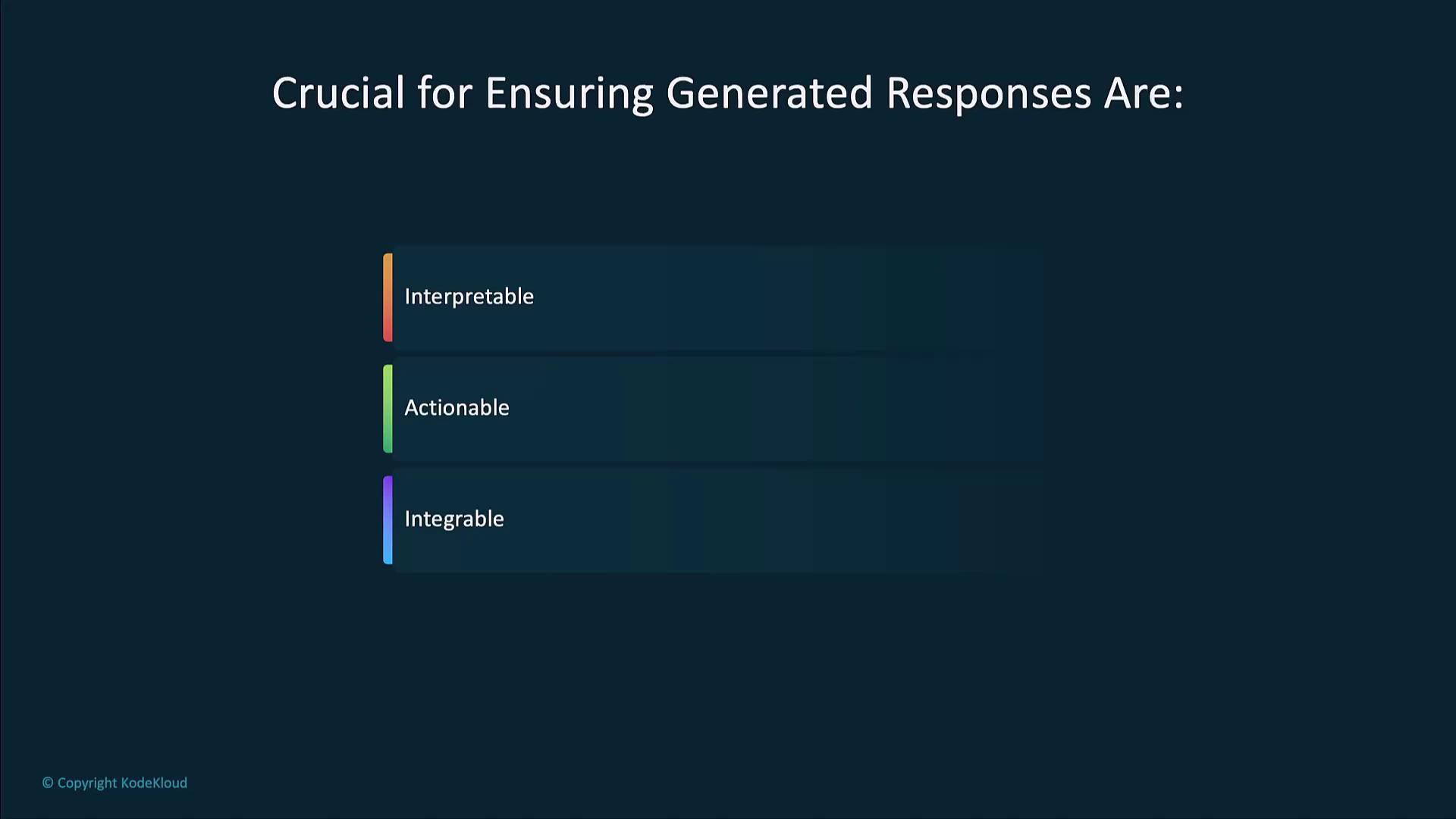
Key Benefits of Structured Outputs
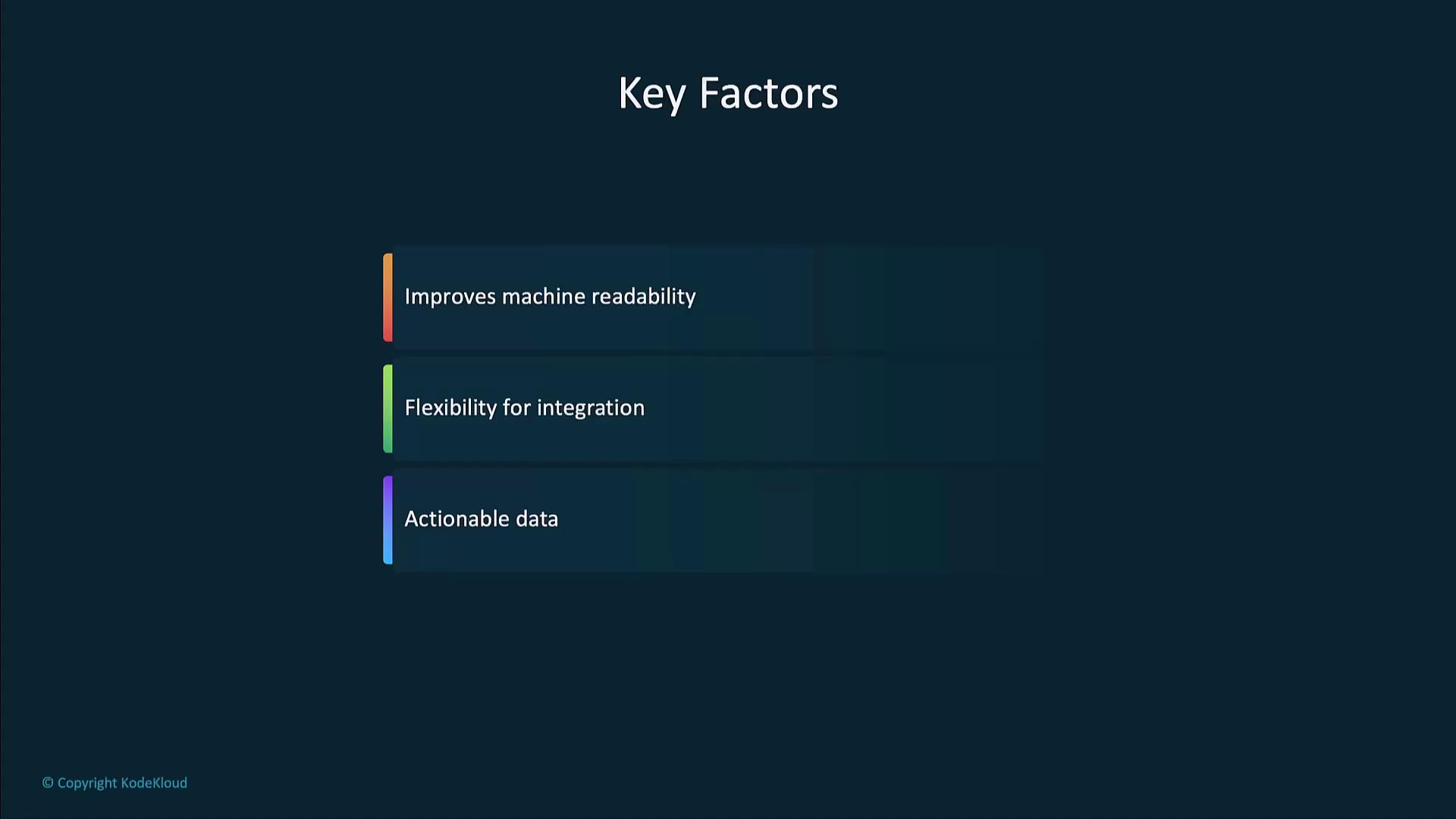
Defining your schema clearly in the prompt is the first step toward reliable, structured responses. Always include an example output to guide the model.
Example: Extracting Calendar Events
The following Python snippet uses Pydantic models with the OpenAI Python client to parse a chat completion into a structuredCalendarEvent object:
What Are Structured Output Formats?
Structured outputs follow a schema—such as JSON, CSV, or XML—so they can be consumed directly by applications, APIs, or databases, eliminating the need for complex post-processing.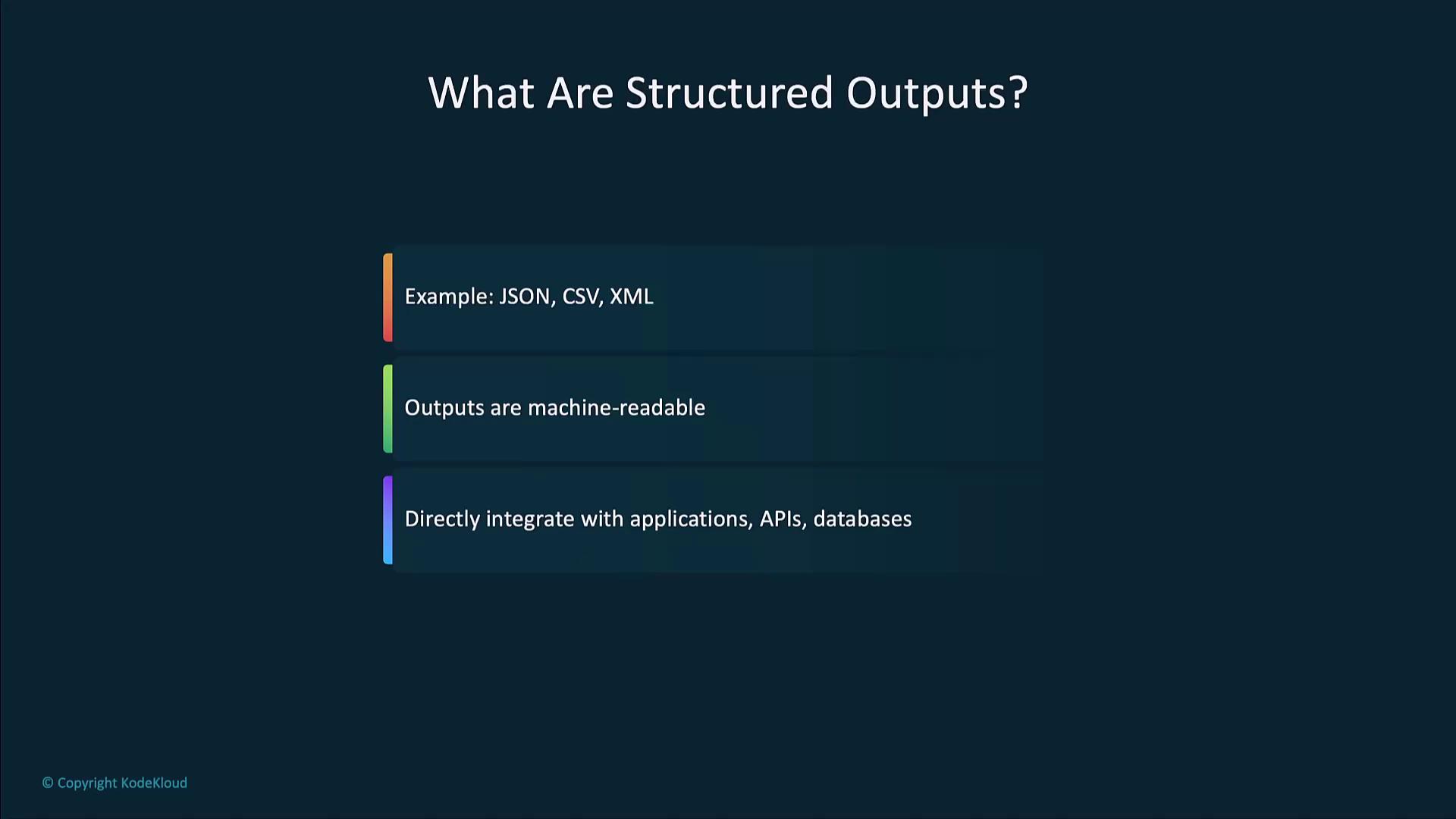
JSON for API Integration
JSON is a lightweight, human-readable data format widely used in web APIs. It’s ideal for real-time data exchange between clients and servers. In a real estate chatbot, when a user requests property details, the backend can return structured JSON. The chatbot then displays fields like address, price, and specifications: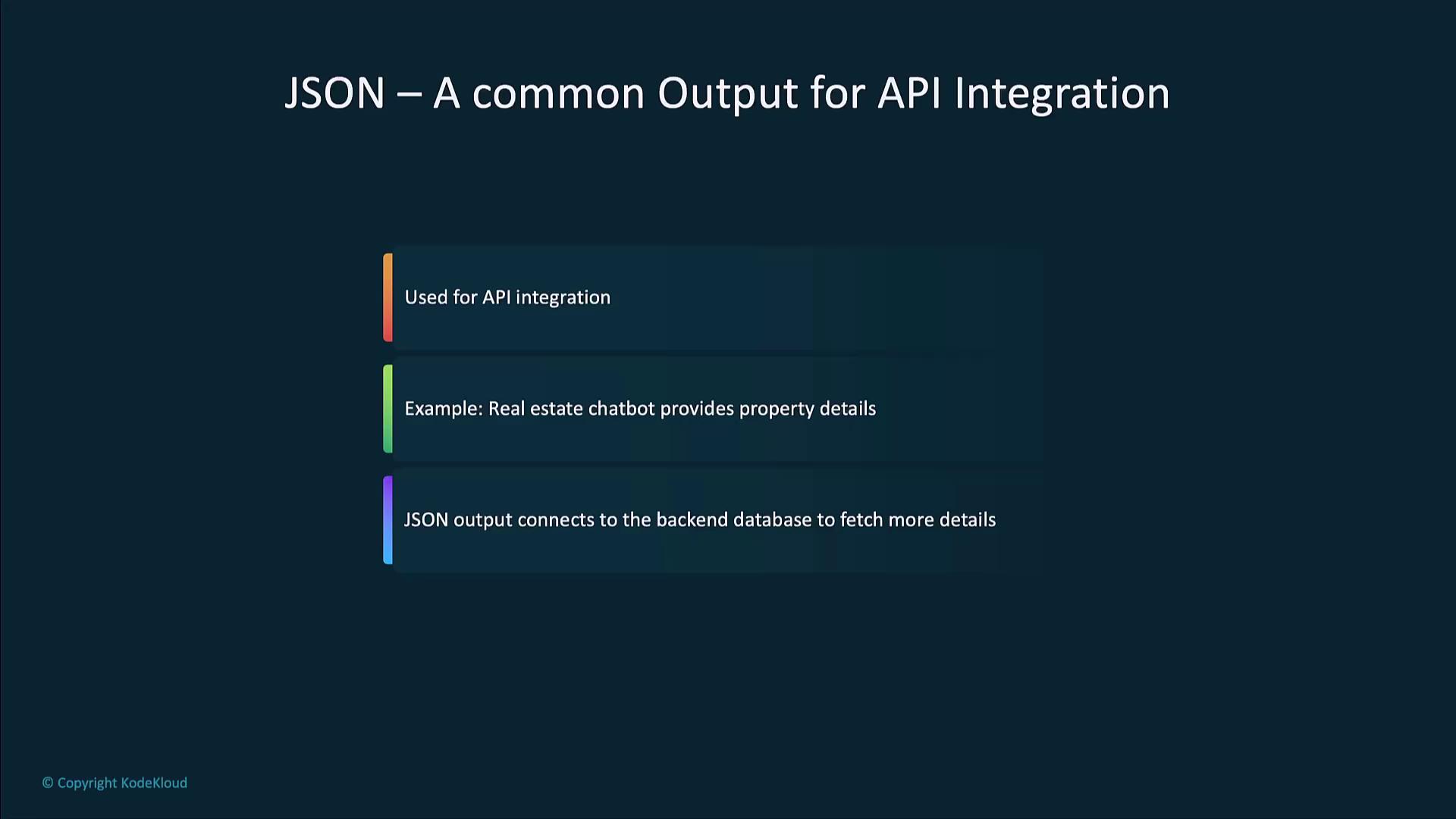
CSV for Data Reports
CSV is the go-to format for tabular data and reports that can be imported into spreadsheets or data warehouses. It’s commonly used in financial reporting, inventory management, and sales analysis. Example CSV output for a sales report:Best Practices for Structured Outputs
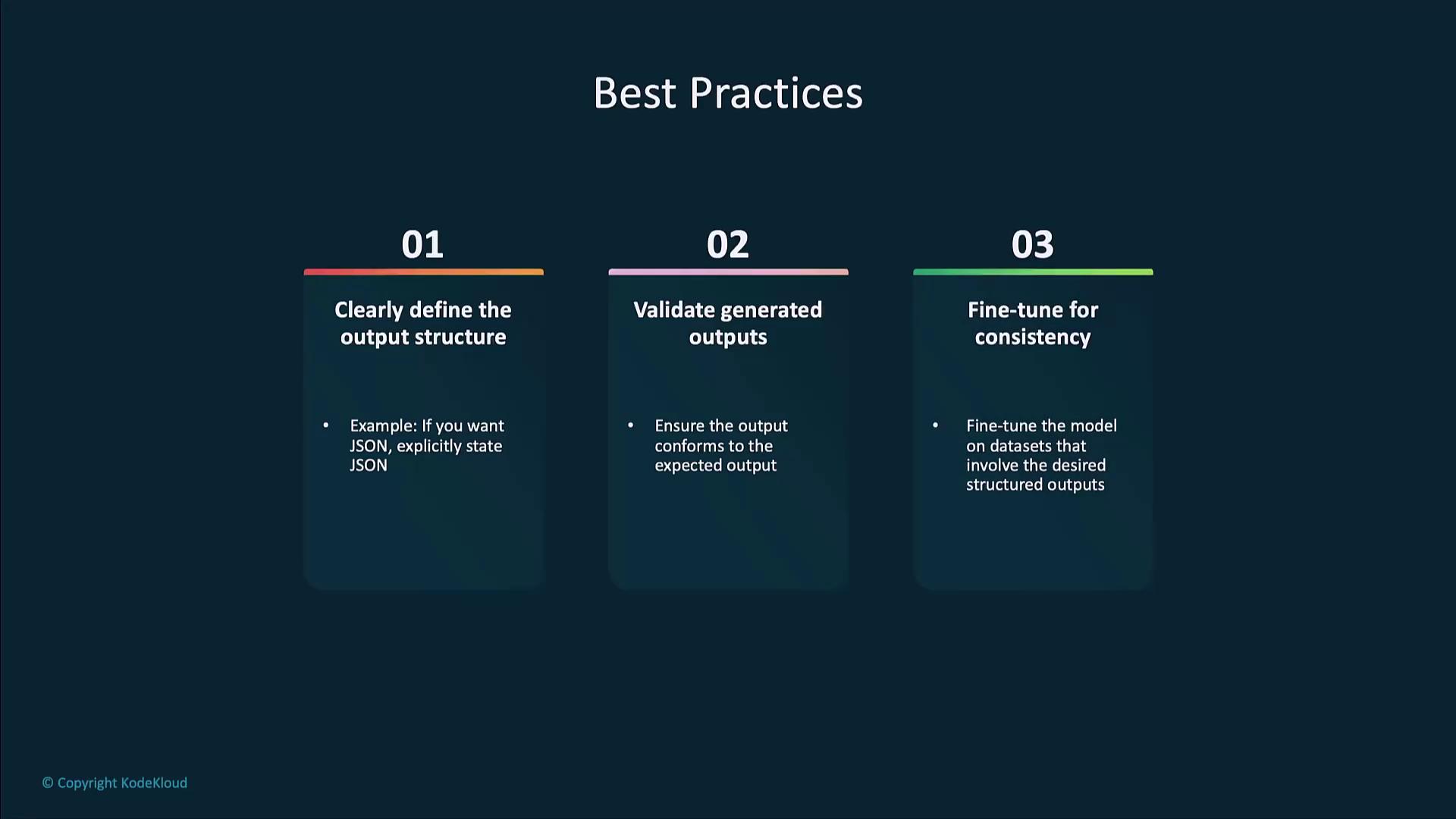
- Define the schema in your prompt.
Clearly state “Output must be valid JSON” or “Return CSV rows only.” - Validate generated data.
Use a JSON schema validator or CSV linter to catch format errors. - Fine-tune for consistency.
For complex or domain-specific schemas, fine-tune the model on representative examples.
Always validate outputs before integrating into production systems. Unverified data can lead to downstream errors or security risks.