Why Fine-Tune?
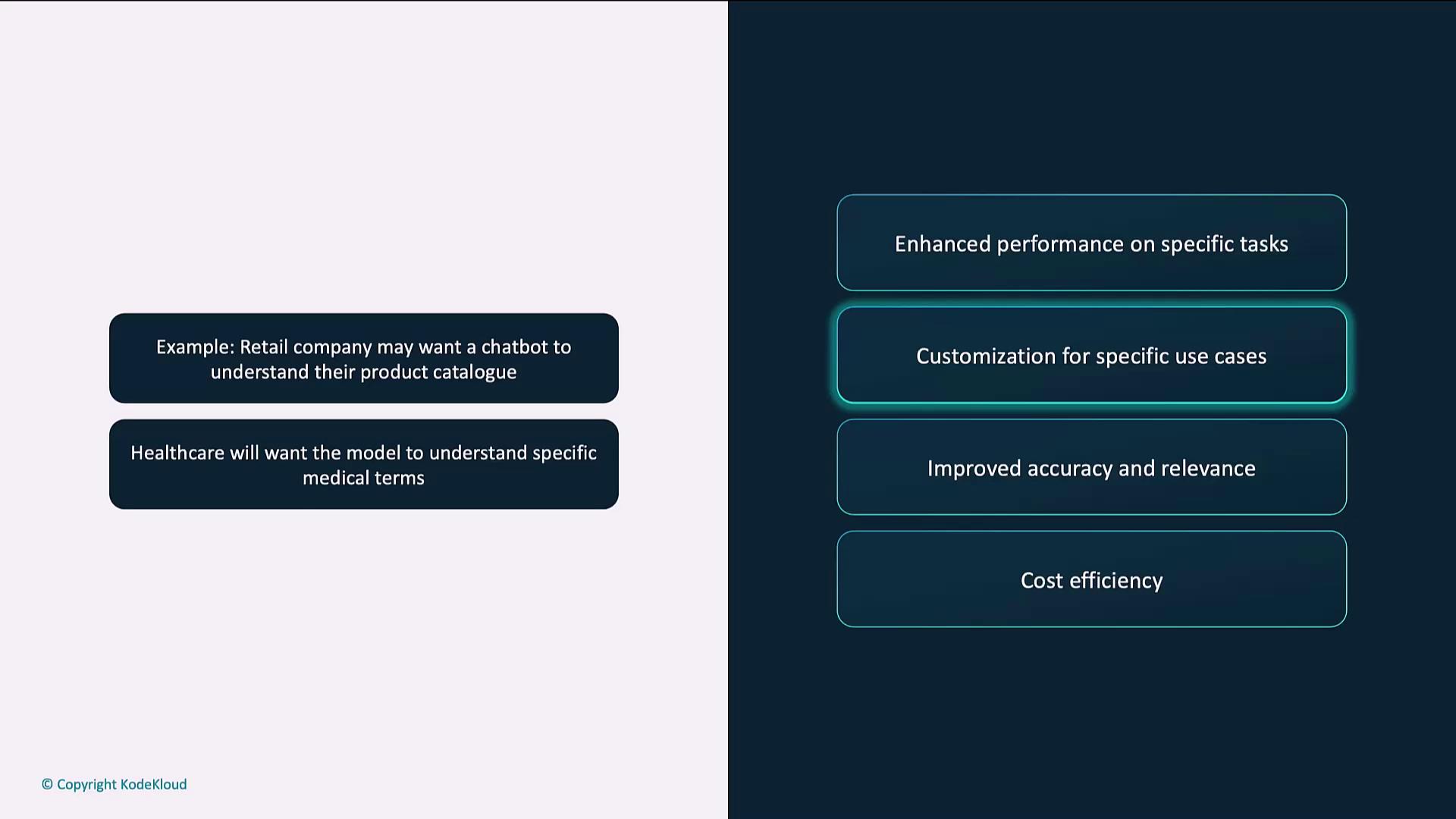
When a base model’s general-purpose knowledge falls short, fine-tuning bridges the gap. Key benefits include:Customization for Specific Use Cases
Fine-tuning adapts models like GPT-4 to handle domain terminology and workflows. For instance:- A retail chatbot that understands product catalogs and return policies
- A healthcare assistant trained on medical language and compliance
Accuracy vs. Precision
Balancing accuracy (closeness to the correct answer) with precision (consistency across runs) is crucial: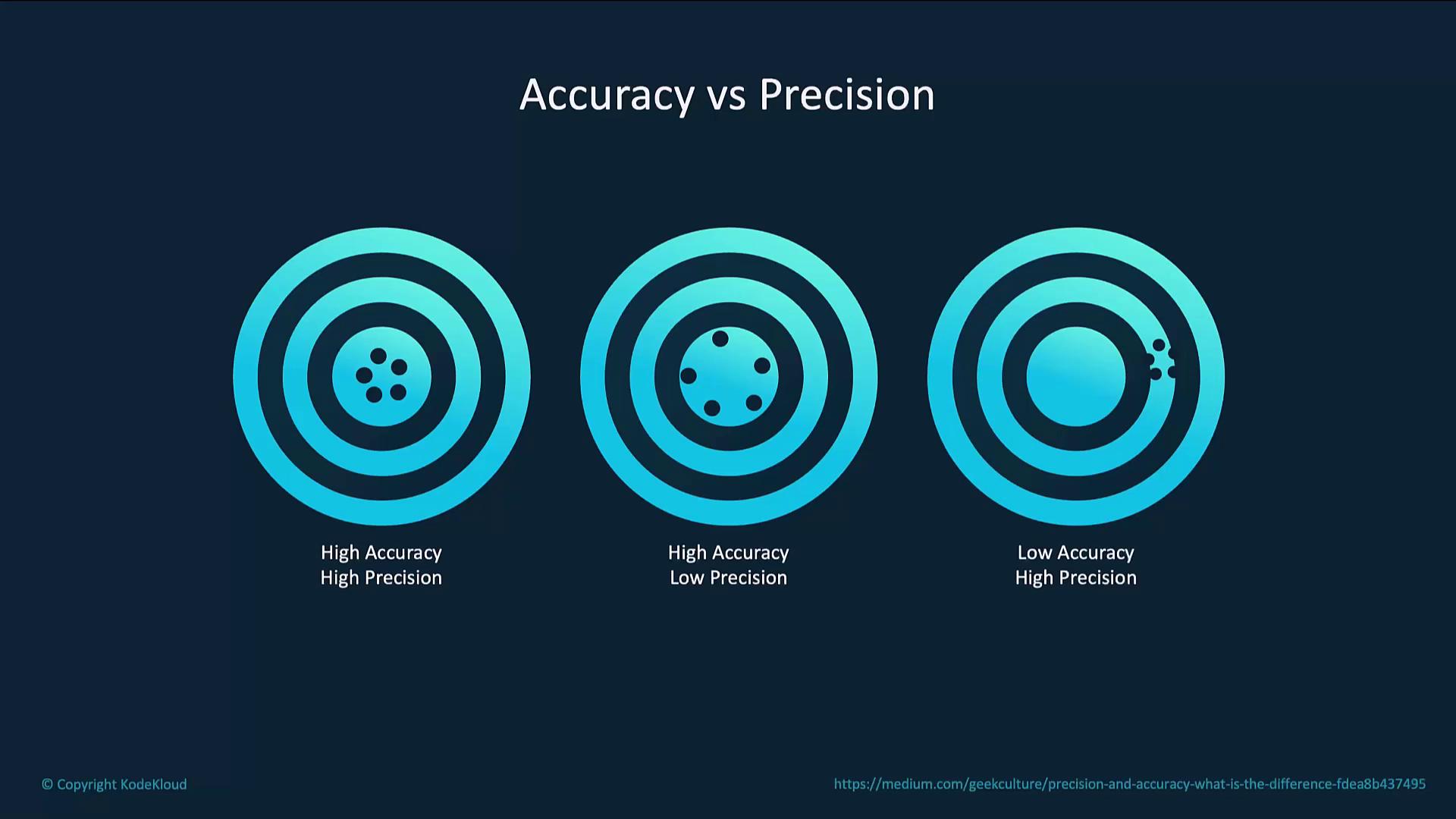
Cost Efficiency
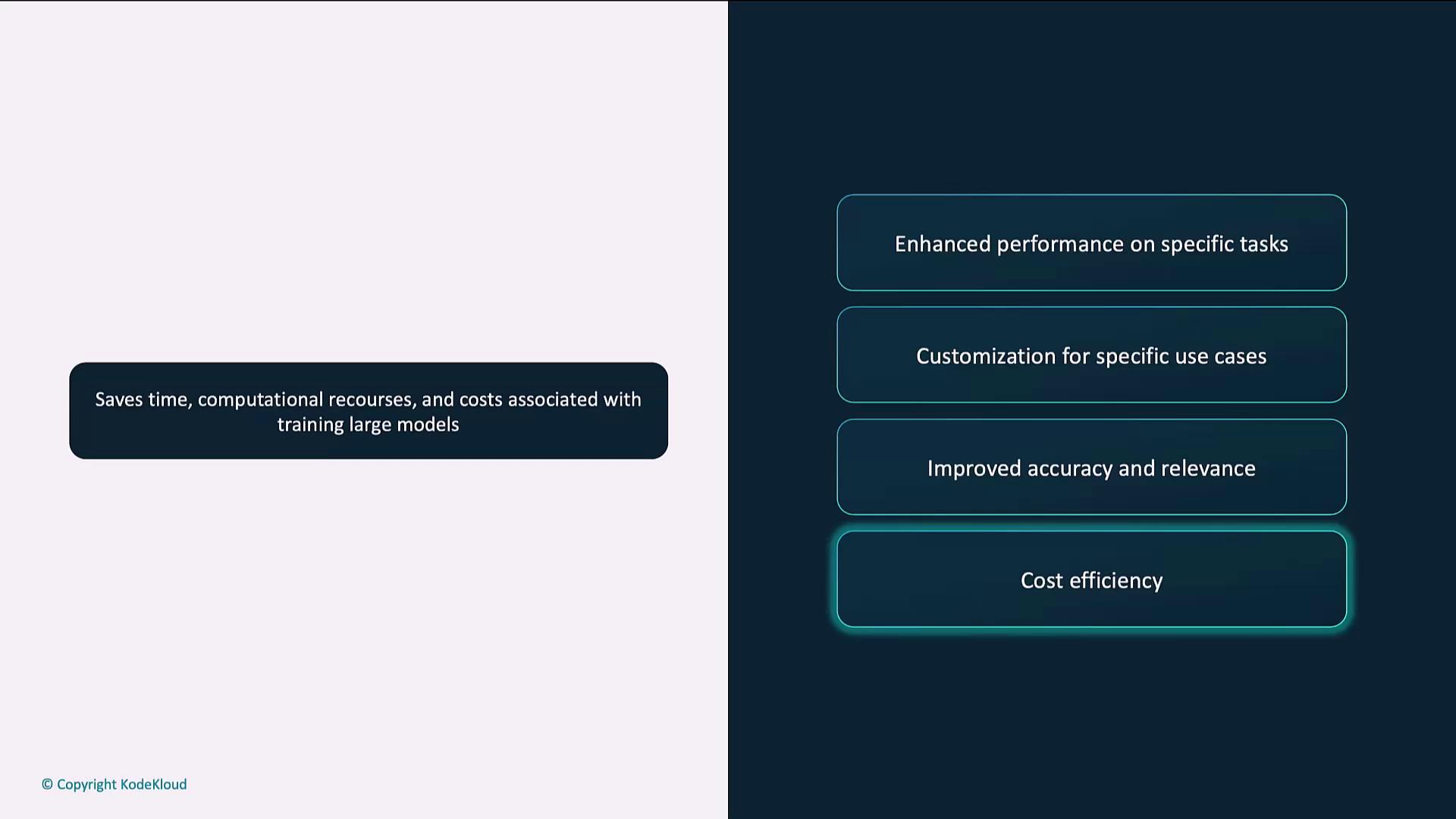
Fine-tuning reuses existing model weights, drastically reducing training time and compute costs:- Leverage pre-trained parameters
- Shorter training cycles
- Lower resource consumption
How Fine-Tuning Works
The process refines a pre-trained model on your labeled dataset while preserving its broad knowledge:- Prepare the dataset
- Upload the dataset
- Train the model
- Evaluate the model
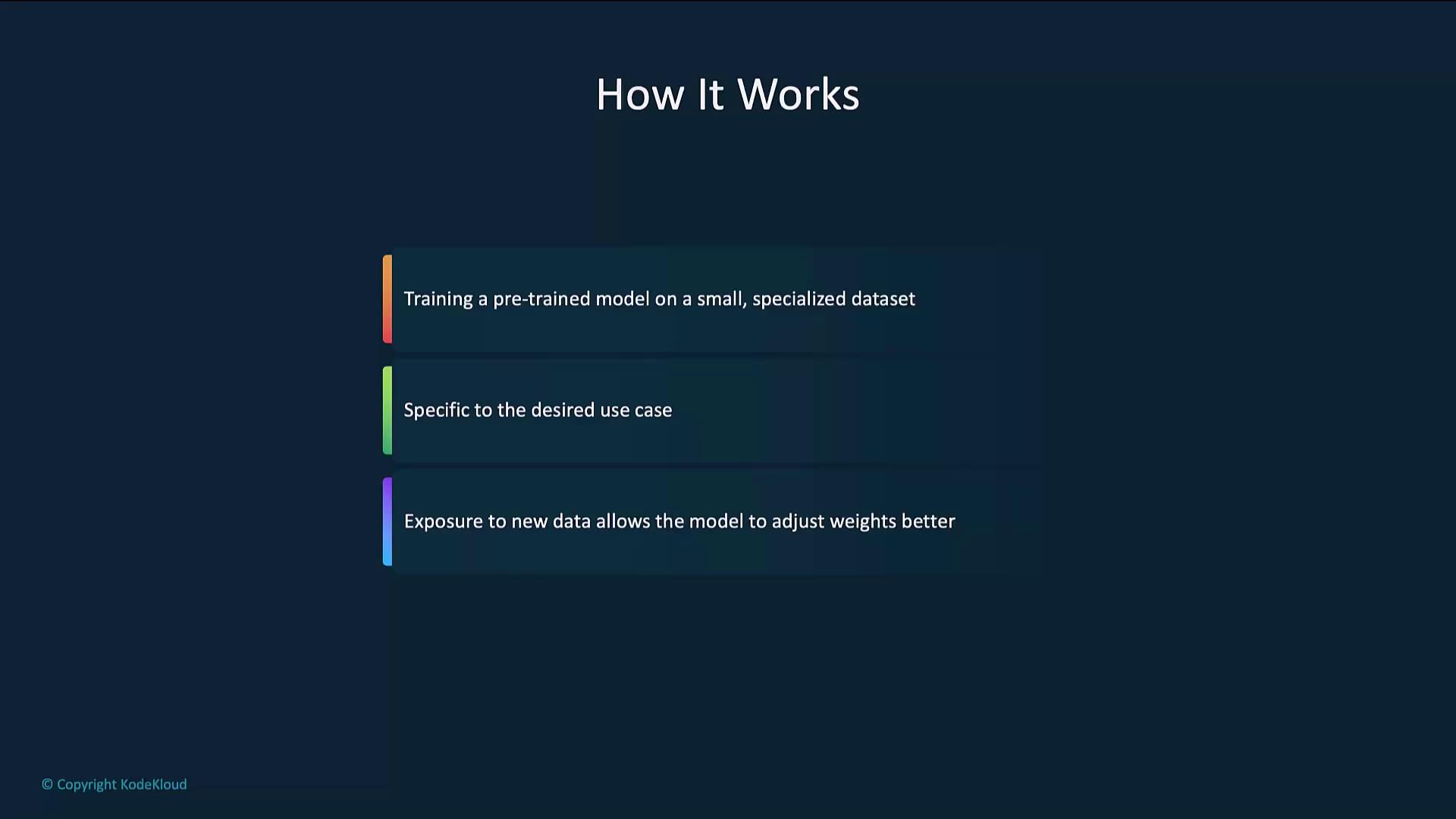
High-Level Flow
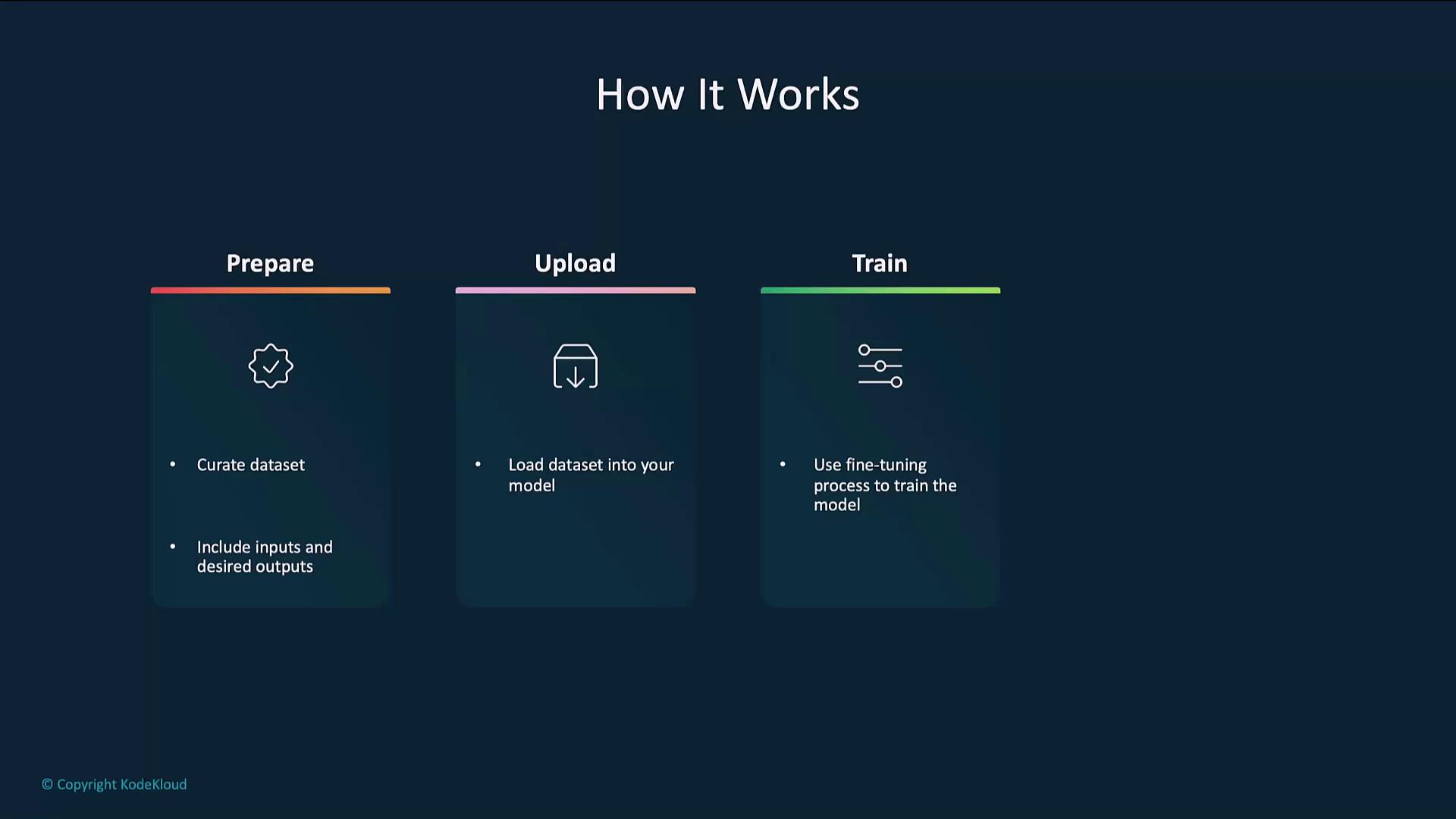
Example Code
Below is a step-by-step example using the OpenAI Python SDK.1. Prepare the Dataset
Each line in a JSONL file should contain aprompt and completion object.
Ensure your JSONL file follows the JSONL specification and that prompts/completions accurately reflect your target style.
2. Upload the Dataset
Use the Files endpoint to register your dataset for fine-tuning.3. Fine-Tune the Model
Start a fine-tuning job by specifying the training file, base model, and hyperparameters.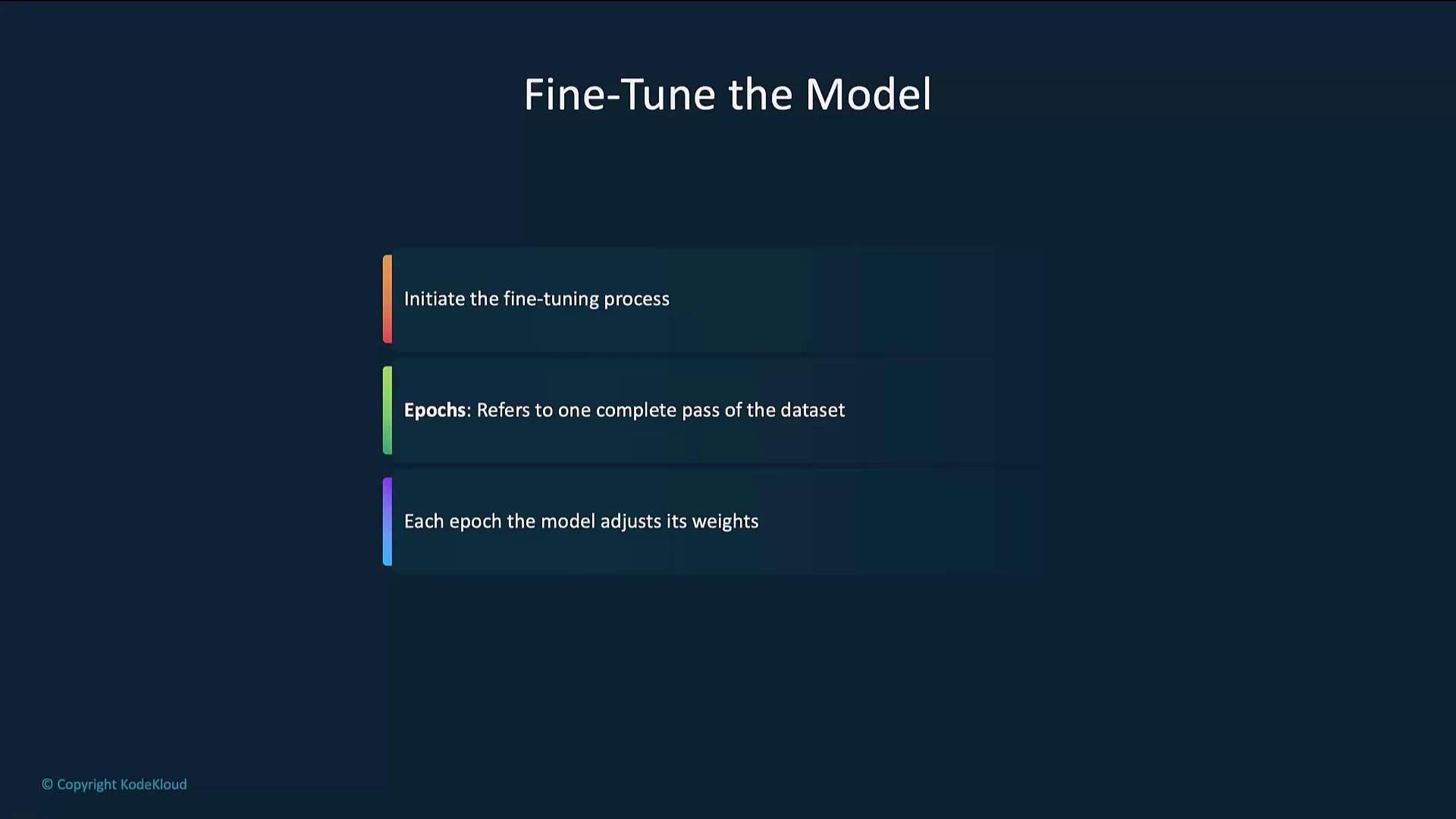
4. Evaluate the Model
After fine-tuning, send test prompts to verify performance.Best Practices
Use High-Quality Data
High-quality, relevant data drives better models. Clean and validate entries before fine-tuning.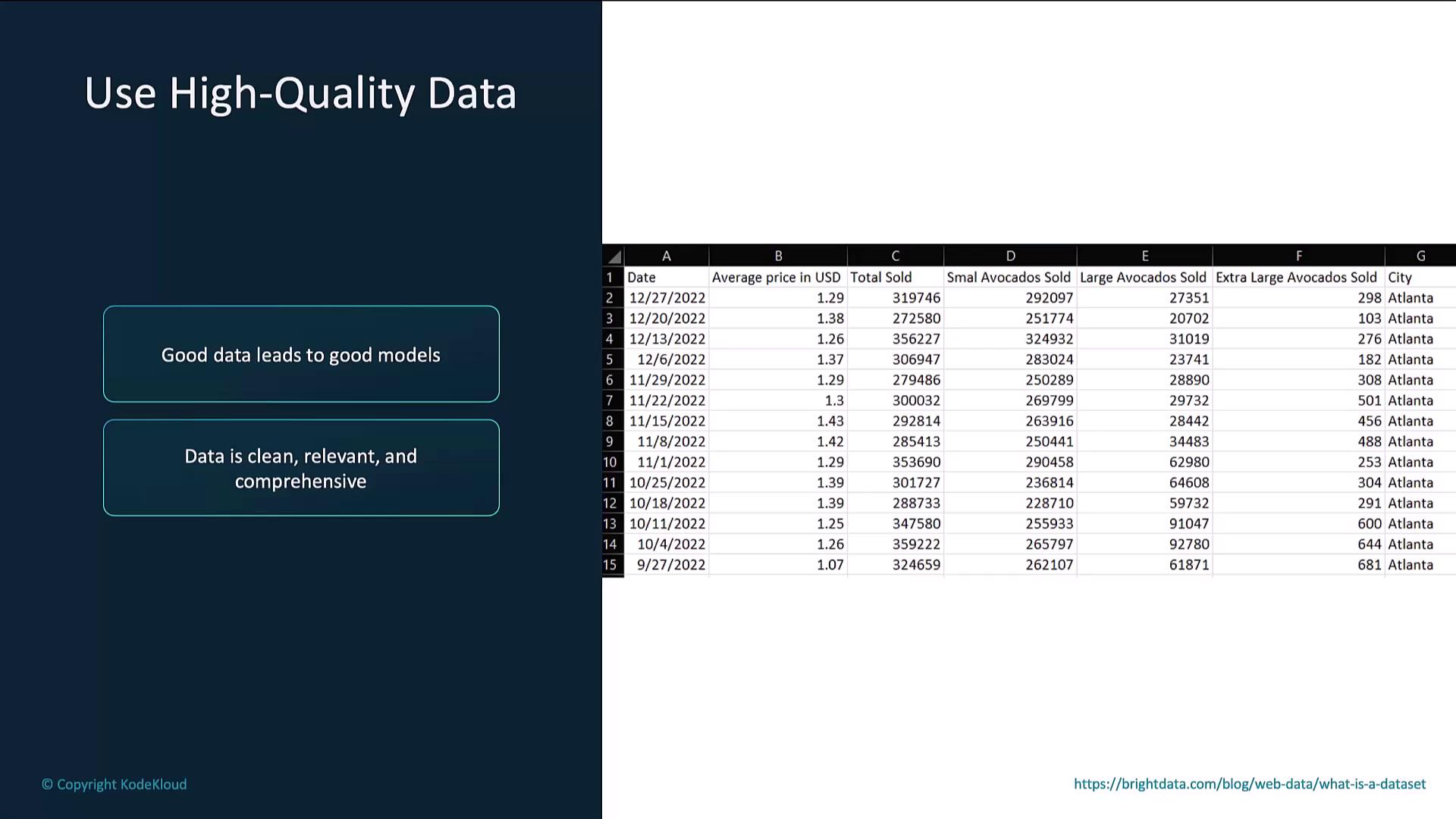
Manually review samples to ensure consistency and remove noisy entries.
Start with a Small Dataset
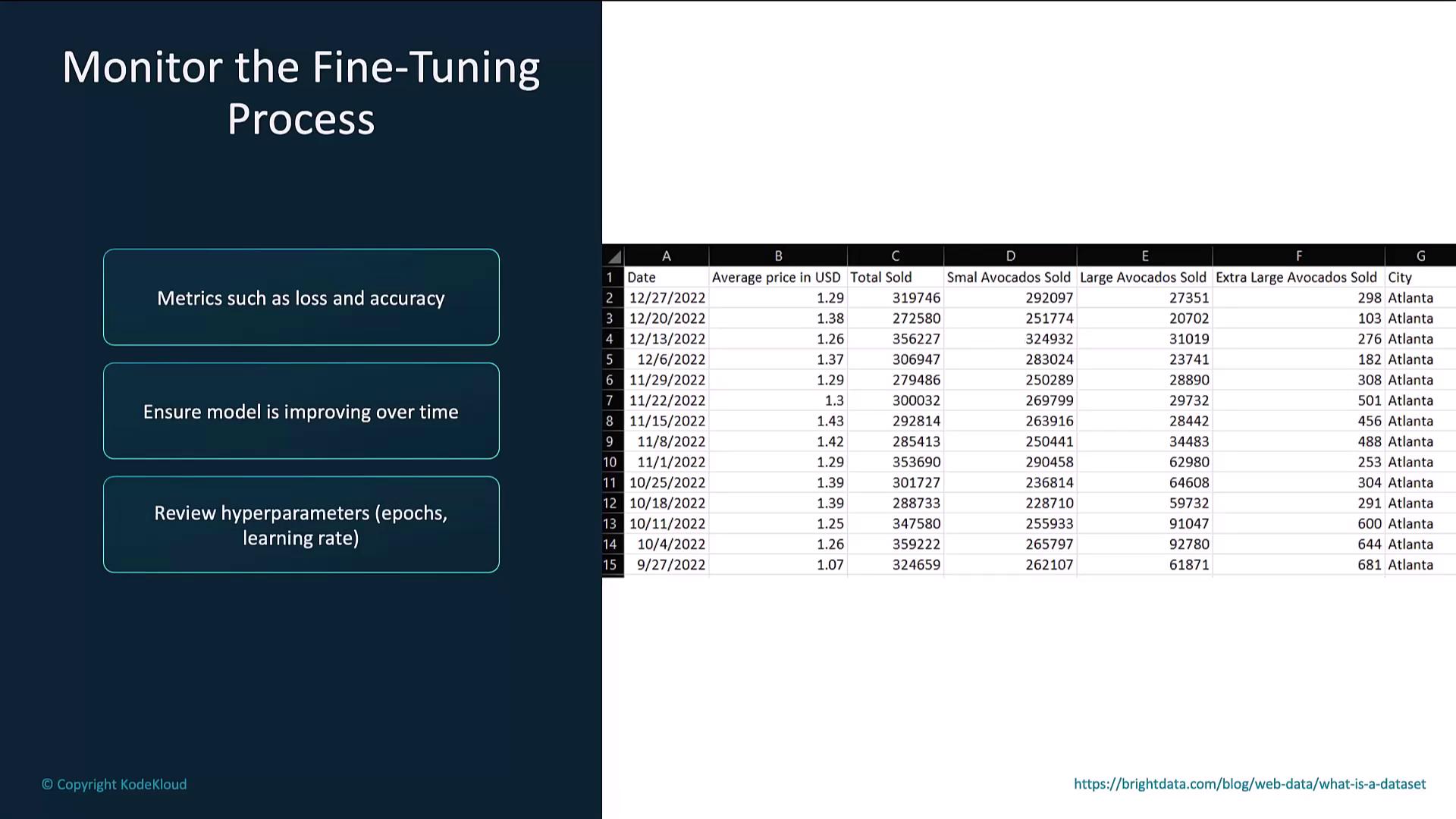
Begin with a smaller dataset to gauge model behavior before scaling to larger volumes.Monitor the Fine-Tuning Process
Track metrics such as loss and accuracy. If you see overfitting or stalled progress, adjust hyperparameters (e.g., learning rate, epochs).