

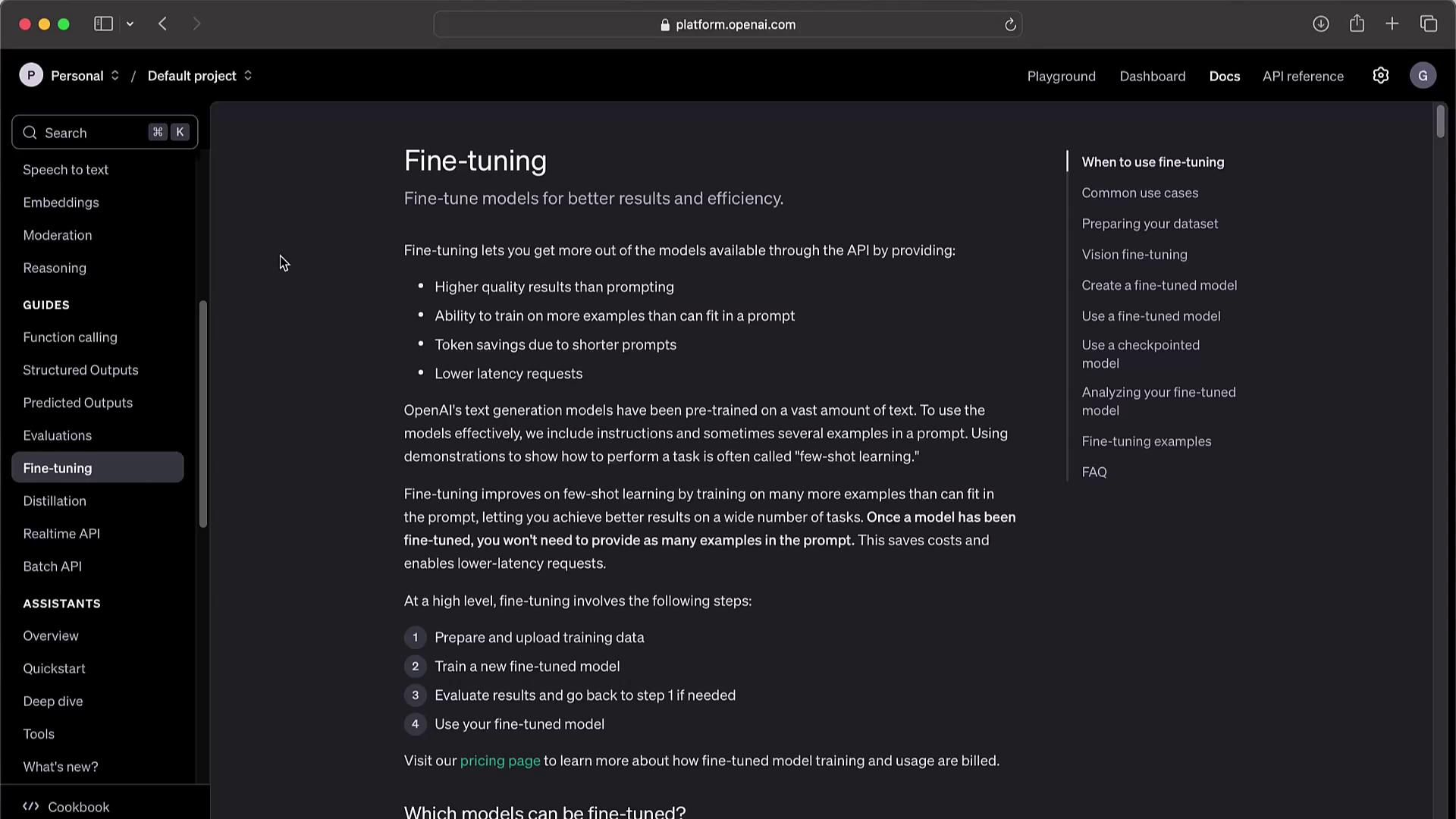
- Prepare and upload training data.
- Create a fine-tuning job.
- Evaluate the fine-tuned model.
- Deploy your custom model in production.
1. Preparing Training Data
High-quality JSONL data is critical for reliable GPT fine-tuning.1.1 Text-Only Tasks
Each JSONL line contains aprompt and a completion. Example:
Ensure each completion begins with a space or newline if you want the model to include that prefix.
1.2 Vision or Chat Tasks
For visual or chat-based fine-tuning, wrap exchanges in amessages array. Example—image classification:
2. Uploading Data & Creating a Fine-Tuning Job
First, upload your JSONL as a file resource:3. Managing Fine-Tuning Jobs
Quick reference for common operations:
1 You must be the organization owner to delete a model.
4. Fine-Tuning Examples
4.1 Style & Tone: Sarcastic “Marv” Chatbot
Upload and start a job for a witty assistant:4.2 Structured JSON Outputs
For tasks requiring strict JSON responses (e.g., sports stats):5. Function-Calling Integration
Fine-tuning can teach the model to invoke your functions. Example payload:6. Advanced Options & Monitoring
Integrate with Weights & Biases, include validation sets, and track metrics:7. Best Practices & Considerations
- Start with representative, high-quality data.
- Monitor for biases, guardrails, and compliance in regulated industries.
- Track token usage and costs to avoid surprises.
- Retrain periodically as requirements evolve.